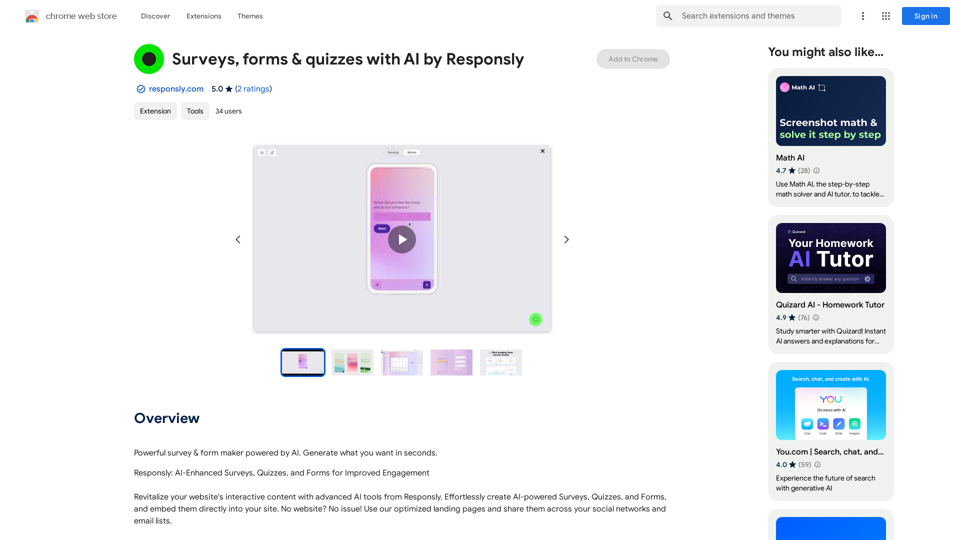
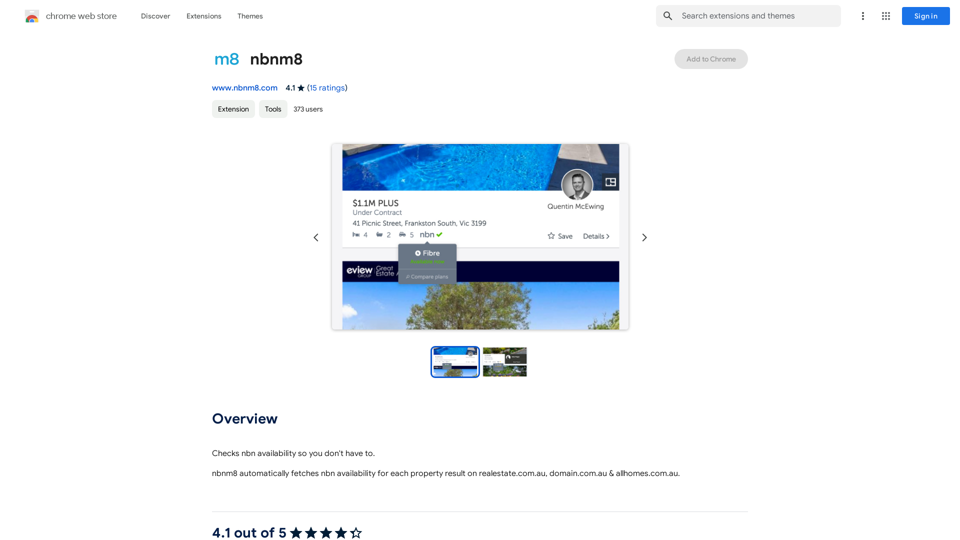
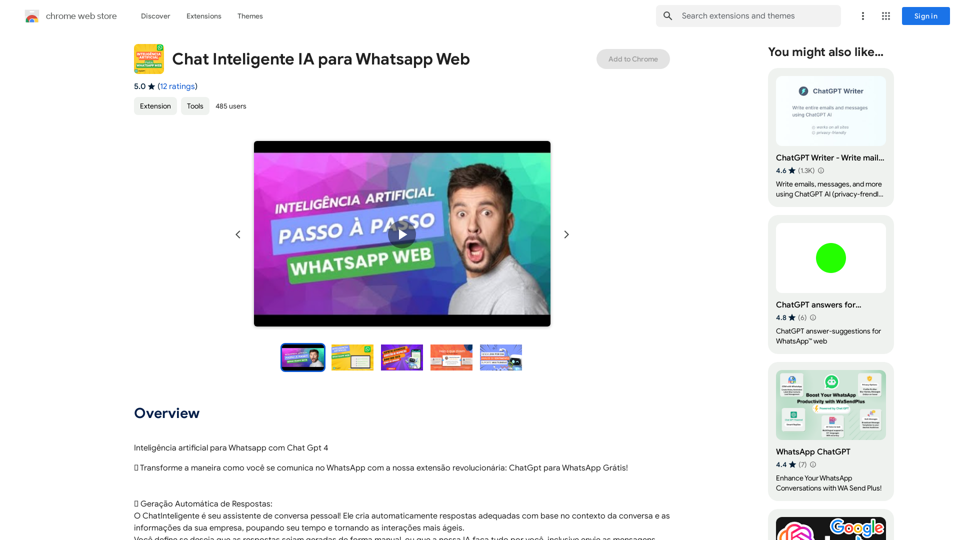
Responsly 是一個由人工智能驅動的平台,用於輕鬆創建引人入勝的調查、測驗和表單。它利用創新的人工智能功能生成相關和互動的內容,是尋求增強網站互動元素的企業和個人的理想解決方案。憑藉可自定義的設計選項和用戶友好的界面,Responsly 簡化了創建和管理互動內容的過程。
Responsly 的人工智能技術快速生成相關且引人入勝的調查、測驗和表單,為用戶節省時間和精力。
用戶可以調整字體、顏色和佈局等元素以匹配其網站風格,確保無縫整合。
直觀的儀表板使內容創建和管理變得容易,讓用戶能夠輕鬆導航和管理他們的內容。
Responsly 提供優化的登陸頁面,以更好地呈現內容並提高參與度。
輕鬆與社交媒體平台整合,讓用戶能夠與更廣泛的受眾分享他們的內容。
Responsly 提供各種定價選項,包括免費計劃和幾個具有額外功能和優勢的付費計劃。
Responsly 是一個由人工智能驅動的平台,使用戶能夠輕鬆創建引人入勝的調查、測驗和表單。
Responsly 使用人工智能技術生成相關和互動的內容,使用戶能夠輕鬆創建和管理他們的調查、測驗和表單。
Responsly 提供免費計劃,以及幾個付費計劃,提供額外的功能和優勢,以滿足不同的需求和預算。
您可以使用 Responsly 的人工智能驅動生成器創建調查、測驗和表單,然後將它們直接嵌入到您的網站中。
是的,Responsly 的可自定義設計功能允許您調整每個元素以匹配您網站的風格,包括字體、顏色和佈局。
193.90 M
56.27%
2.71
115.91
-
-
GenSpark
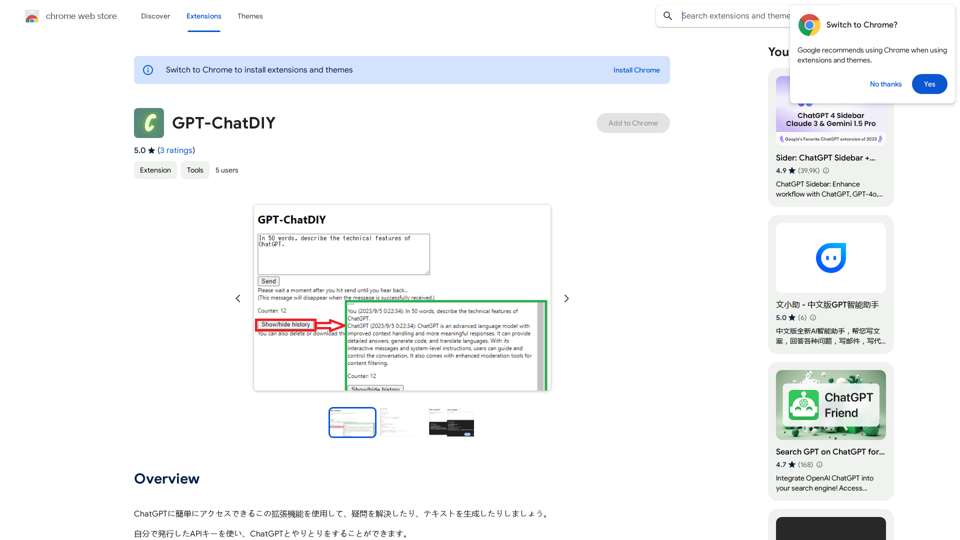
```markdown ChatGPT Chat History You: Export chat history from ChatGPT website to normal format as Markdown, which can be opened via typora exactly. ChatGPT: ```markdown ChatGPT Chat History You: Export chat history from ChatGPT website to normal format as Markdown, which can be opened via typora exactly. ChatGPT: I can help you with that! Unfortunately, there's no direct way to export your chat history from the ChatGPT website in a format that's perfectly compatible with Typora. The website doesn't offer a dedicated download feature for chat logs. However, you can manually copy and paste your conversation into a Markdown file. Here's how: 1. Go to the ChatGPT website and log in to your account. 2. Navigate to the conversation you want to export. 3. Select all the text in the conversation window. 4. Copy the selected text (Ctrl+C or Cmd+C). 5. Open a new Markdown file in Typora. 6. Paste the copied text into the Typora file (Ctrl+V or Cmd+V). Keep in mind that this method might not preserve all formatting elements perfectly, especially if your conversation includes special characters or code blocks. ```