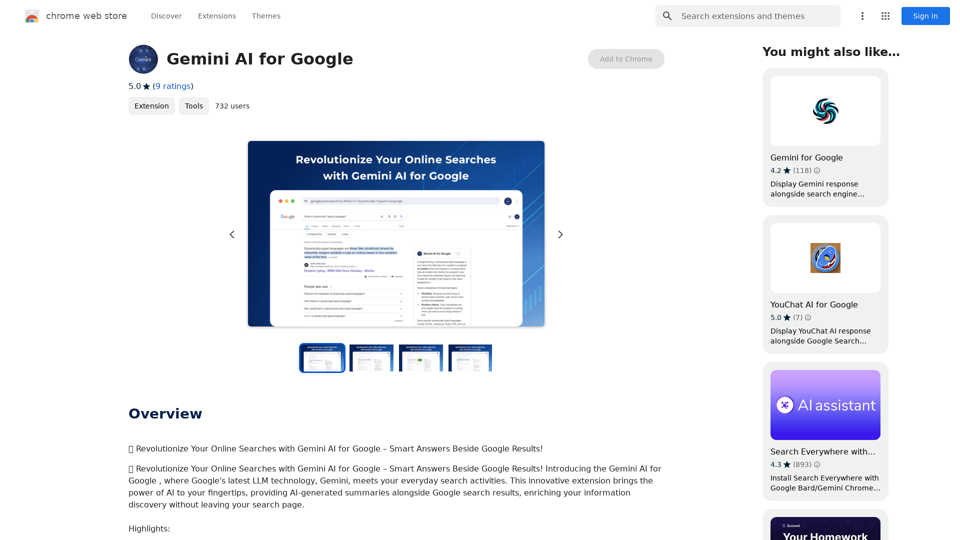
AI Assistant 是一個全面的平台,提供廣泛的人工智能工具和技術。它使用戶能夠與 AI 互動,完成各種任務,包括聊天、圖像生成等。該平台提供訪問流行的 AI 模型,如 ChatGPT、GPT-4o 和 Dalle3,使其成為個人和專業用途的多功能解決方案。
團隊同步
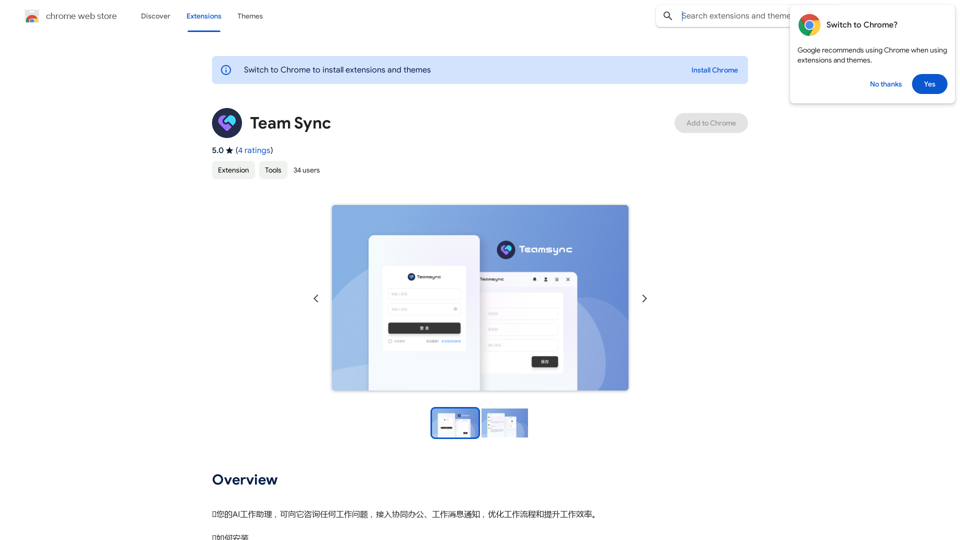
⭐您的AI工作助理,可向它咨询任何工作问题,接入協同辦公、工作消息通知,优化工作流程和提升工作效率。
⭐如何安裝
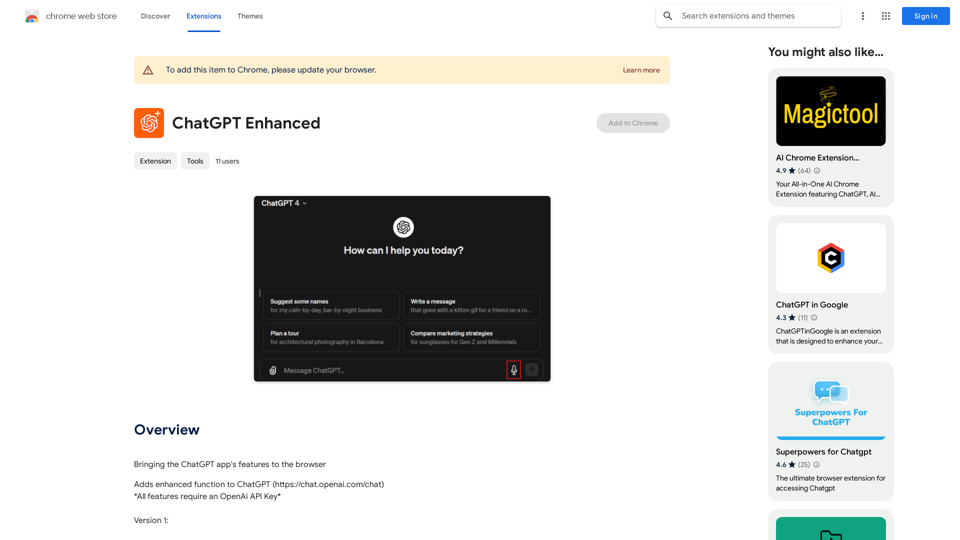
只需進入Chrome網路商店,搜索該擴展,並點擊「添加到Chrome」。一旦安裝完毕,該擴展将在工具欄中可用,便於訪問。
介紹
功能
豐富的 AI 工具庫
AI Assistant 擁有超過 1000 個 AI 工具,涵蓋 200 多個類別,讓用戶能夠發現並使用最適合其特定需求的 AI 技術。
社群驅動平台
用戶可以向平台提交自己的 AI 工具,培養協作環境並擴大可用技術的範圍。
無縫整合
AI Assistant 與各種應用程序順暢整合,確保在不同平台上輕鬆訪問和使用 AI 驅動的工具。
圖像生成功能
利用 Dalle3 的文本到圖像生成技術,用戶可以根據文字描述創建獨特的圖像。
多樣化的 GPT 模型
該平台提供近 200,000 個 GPT 模型的訪問權限,適用於工作、學習和日常生活場景,無需 ChatGPT Plus 訂閱。
每日免費使用
用戶可以每天免費使用 GPT-4o 文檔閱讀和 Dalle 的圖像生成功能。
隱私保護
AI Assistant 優先考慮用戶隱私,不會將個人信息用於訓練數據。用戶可以隨時選擇刪除帳戶並移除所有相關數據。
常見問題
如何開始使用 AI Assistant?
要開始使用 AI Assistant:
- 在平台上註冊帳戶
- 瀏覽並選擇適合您需求的 AI 工具
- 使用所選的 AI 工具完成任務,如聊天或生成圖像
訂閱有哪些好處?
訂閱 AI Assistant 提供:
- 擴展對功能和工具的訪問
- 增加 GPT-4o 對話的使用限制(超過每天免費的 20 次)
- 為高度依賴 GPT-4o 的用戶提供增強功能
我可以不訂閱就使用 AI Assistant 嗎?
是的,AI Assistant 提供各種功能的每日免費使用,包括 GPT-4o 文檔閱讀和 Dalle 的圖像生成。然而,對於需要更廣泛訪問的用戶來說,訂閱可能更有益。
相關網站
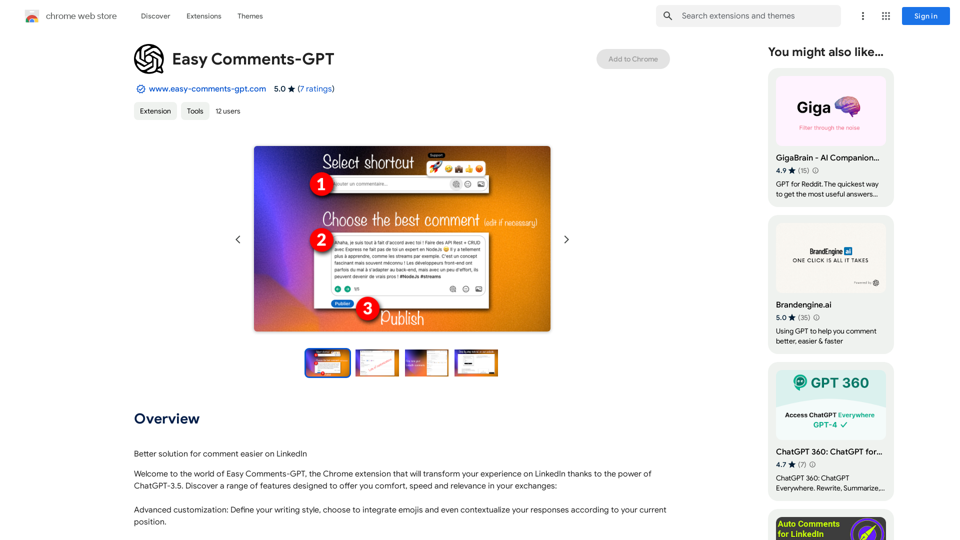
LinkedIn 留言更輕鬆的更好解決方案 * 簡短精煉: 留言時,盡量簡潔明瞭,重點突出。 * 禮貌有禮: 使用禮貌用語,例如「您好」、「謝謝」等,展現尊重。 * 針對性回應: 針對文章或帖子的內容進行回應,避免空泛的讚賞或批評。 * 加入價值: 提供有用的資訊、觀點或建議,讓留言更有意義。 * 適當使用標記: 使用@標記,可以標記相關人士,增加互動。 * 善用表情符號: 適當的表情符號可以增添情感,但不要過度使用。 * 定期互動: 主動回覆其他人的留言,建立良好的互動關係。
193.90 M