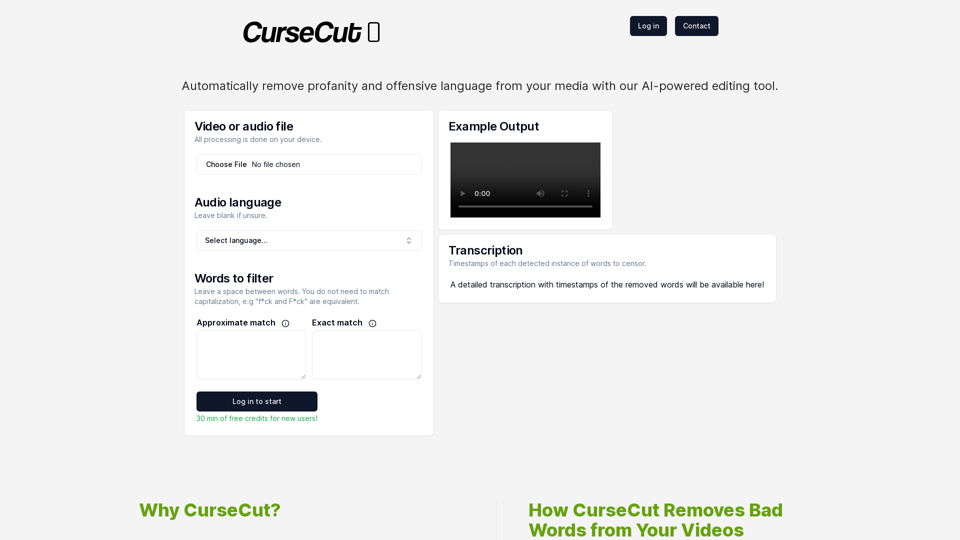
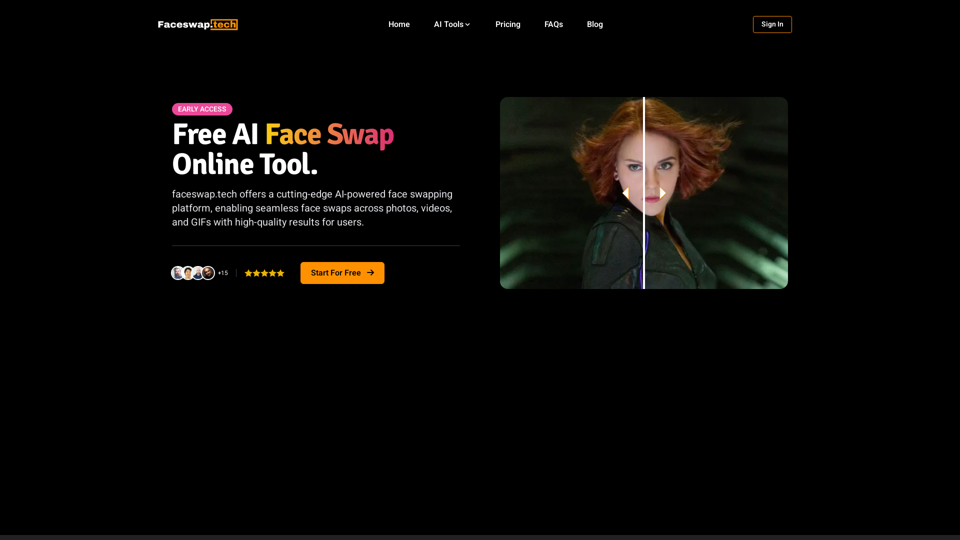
Faceswap.tech 是一個先進的 AI 驅動平台,使用者可以無縫地在照片、影片和 GIF 中交換臉部。它提供高品質的結果、快速處理,並確保用戶隱私和資料安全。該平台專為休閒用戶和內容創作者設計,提供一系列功能來創建逼真有趣的換臉效果。
免費的人工智慧面交換在線工具,適用於影片、GIF 和照片 | Faceswap.tech
嘗試我們免費的線上臉部交換工具,以在照片、視頻和 GIF 中交換臉部。容易、快速,並由 AI 驱動以獲得驚人的結果。現在交換臉部!
介紹
功能
先進的 AI 技術
Faceswap.tech 利用尖端 AI 算法來提供準確高效的換臉,產生逼真詳細的輸出結果。
多媒體支援
該平台支援各種媒體類型的換臉:
- 照片
- 影片
- GIF
快速處理
用戶可以在幾秒鐘內獲得他們的換臉作品,允許快速實驗和創意。
高品質結果
AI 確保換臉看起來自然無縫,非常適合創造有趣逼真的效果。
安全和私密
- 檔案經過加密以確保安全
- 定期自動刪除檔案
- 用戶資料保持私密和受保護
易用的介面
換臉被簡化為 3 個步驟:
- 上傳原始媒體
- 上傳目標臉部照片
- 一鍵開始換臉
靈活的定價選項
- 基本使用的免費額度
- 提供付費方案:
- 更快的處理速度
- 更高品質的結果
- 增加換臉次數
常見問題
什麼是換臉?
換臉是一種在照片、影片和 GIF 中將一個人的臉替換成另一個人的臉的技術。Faceswap.tech 使用先進的 AI 將目標臉部融合到原始媒體上,創造逼真有趣的結果。
我可以免費換臉嗎?
是的,Faceswap.tech 為每位用戶提供免費的額度,用於影片、照片和 GIF 的換臉。付費方案可提供增強功能和更多使用次數。
如何使用 Faceswap.tech?
按照以下三個簡單步驟:
- 上傳你想要換臉的照片、影片或 GIF
- 上傳你想要換入的臉部照片
- 點擊「開始」按鈕,等待你的換臉完成
最新流量資訊
月訪問量
1.81 K
跳出率
40.69%
每次訪問瀏覽頁數
1.22
訪問時長(s)
2.85
全球排名
9597784
國家排名
United States 3631430
最近訪問量
流量來源
- 社交媒體:7.56%
- 付費推薦:1.14%
- 郵件:0.16%
- 推薦:10.54%
- 搜索引擎:23.81%
- 直接訪問:56.23%