RightAI工具目錄
  • 發現AI
  • 提交
  • 启动项目
  • 博客
RightAI工具目錄
發現2025年最佳AI工具,盡在RightAI工具目錄!

友情鏈接

AI Anime GeneratorToolsApp AI

支持

Tap4
隱私政策條款和條件聯繫我們
Loading...
加載中...

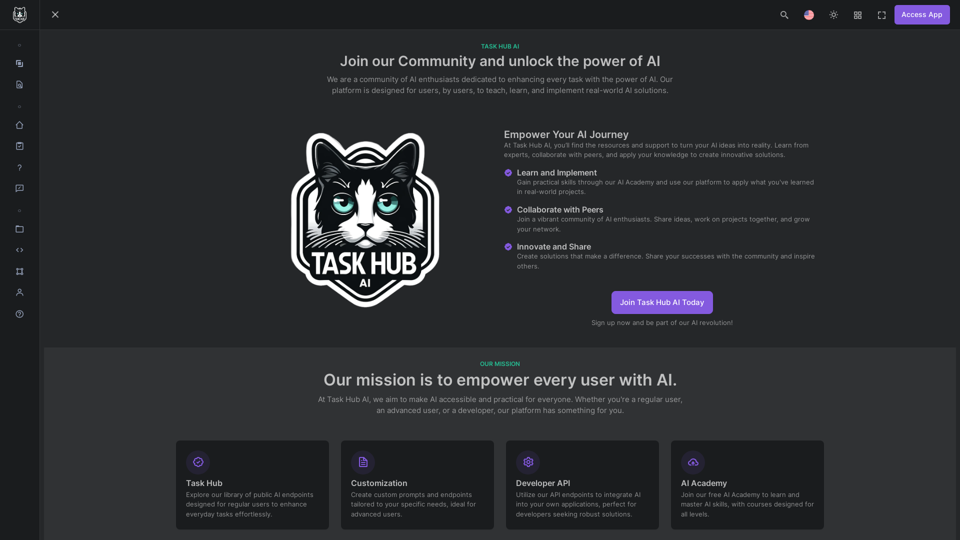
加入 Task Hub AI - 立即開啟您的 AI 之旅!

釋放 AI 潛力,從 Task Hub AI 開始! * 向專家學習 * 與同行合作 * 與我們的 AI 社群創新 立即註冊,將您的 AI 想法變為現實!
訪問網站
加入 Task Hub AI - 立即開啟您的 AI 之旅!
訪問網站

介紹

Task Hub AI 是一個創新平台,利用人工智能來增強用戶任務。它提供全面的 AI 工具和資源套件,適合各種技能水平的用戶。該平台旨在賦予個人和企業學習、實施和創新使用 AI 解決方案的能力,使先進技術為每個人所用。

功能

訪問 AI 端點

Task Hub AI 提供大量公共 AI 端點,旨在幫助普通用戶輕鬆增強日常任務。這些端點提供對強大 AI 功能的輕鬆訪問。

自定義選項

高級用戶可以靈活地創建根據其特定需求定制的自定義提示和端點,從而實現更專業和高效的任務完成。

開發者 API 集成

開發者可以利用 Task Hub AI 的 API 端點將 AI 功能無縫集成到自己的應用程序中,擴展平台的實用性超越其原生界面。

AI 學院技能發展

Task Hub AI 提供免費的 AI 學院,為所有技能水平提供課程。此功能使用戶能夠學習和掌握 AI 技能,提高他們使用平台的熟練程度。

24/7 支持服務

用戶受益於全天候支持,確保平台使用體驗順暢高效。這種持續的協助幫助用戶應對可能遇到的任何挑戰。

常見問題

Task Hub AI 的定價選項是什麼?

Task Hub AI 提供針對該領域各種用戶類別設計的實惠定價計劃。該平台為用戶提供免費計劃以探索 AI 功能,並可選擇升級以獲得額外好處和擴展訪問權限。

我如何開始使用 Task Hub AI?

開始使用:

  1. 從免費計劃開始探索 AI 功能
  2. 根據需要升級計劃以獲得更多功能和資源
  3. 利用 24/7 支持獲得順暢體驗

Task Hub AI 會員的主要好處是什麼?

Task Hub AI 會員提供:

  • 訪問 AI 端點以增強任務
  • 高級用戶的自定義選項
  • 用於應用程序集成的開發者 API
  • 免費 AI 學院進行技能發展
  • 24/7 支持服務

有免費選項學習 AI 技能嗎?

是的,Task Hub AI 提供免費的 AI 學院,用戶可以學習提示工程和其他 AI 相關技能。課程適合所有技能水平。

誰擁有使用 Task Hub AI 生成的結果?

用戶擁有使用 Task Hub AI 平台生成的結果。
相關網站

ChatGPT - Google、Bing、百度、其他更多
查看詳情

ChatGPT - Google、Bing、百度、其他更多

ChatGPT - Google、Bing、百度、其他更多

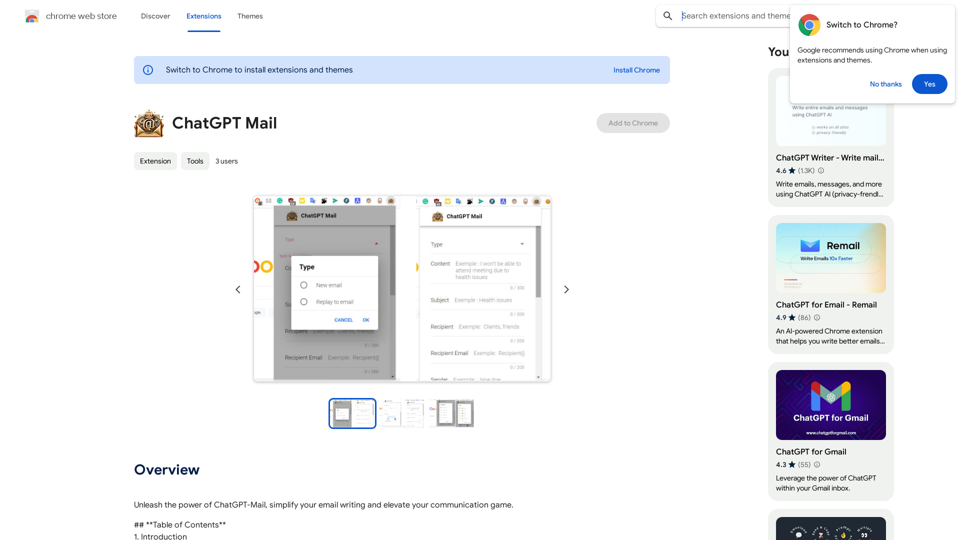
ChatGPT 強化搜尋結果

193.90 M
Searchable ChatGPT: GPT
查看詳情

Searchable ChatGPT: GPT

Searchable ChatGPT: GPT

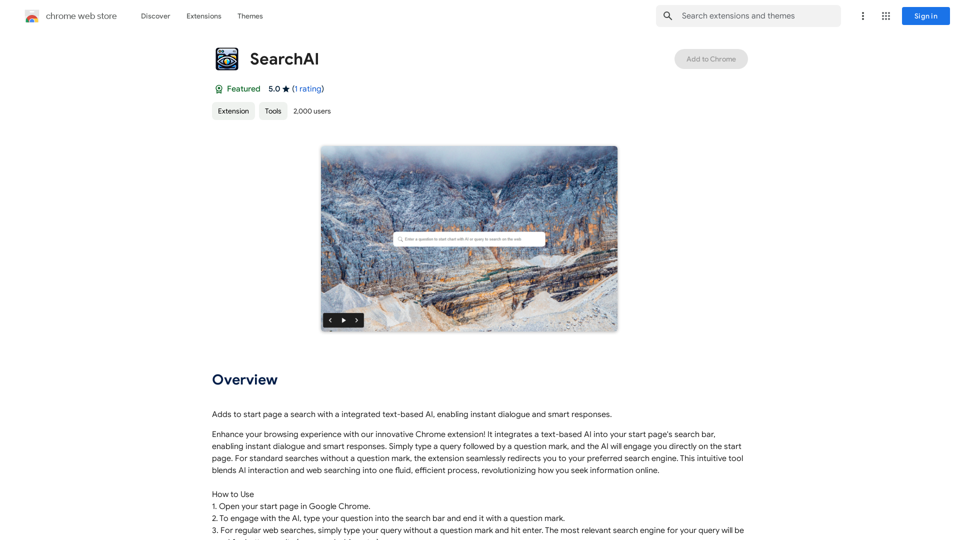
instantly。完全本地和私人。按側邊欄按鈕或熱鍵

193.90 M
lingo連結
查看詳情

lingo連結

lingo連結

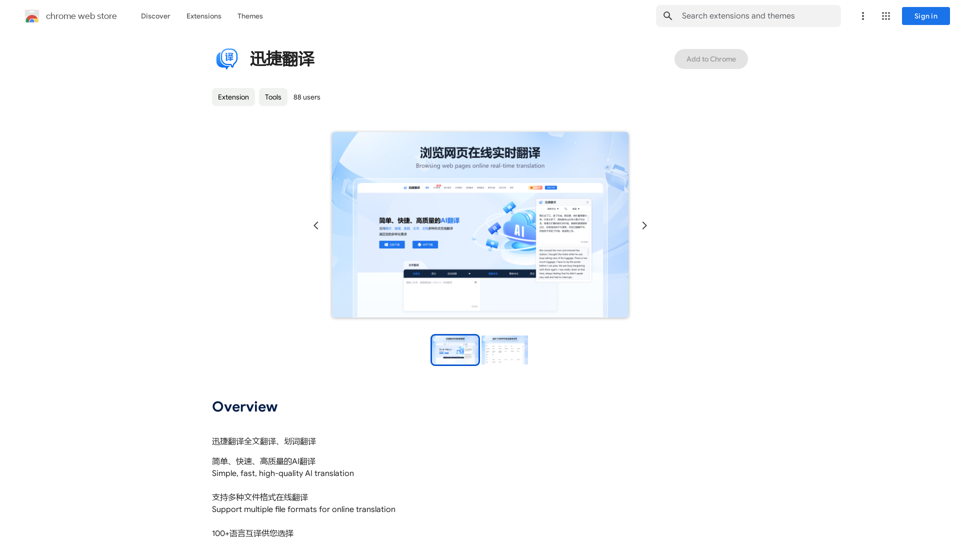
即時翻譯單字,支援多個 AI。儲存單字、添加筆記,並在閱讀時提升您的語言能力。

193.90 M
免費的ChatGPT搜尋引擎
查看詳情

免費的ChatGPT搜尋引擎

免費的ChatGPT搜尋引擎

這是個免費的ChatGPT 擴充功能,它能讓您獲得更優質的搜尋引擎結果,提升您的效率 500%!

193.90 M
ChatGPT 至 Markdown 加
查看詳情

ChatGPT 至 Markdown 加

ChatGPT 至 Markdown 加

```markdown ChatGPT Chat History You: Export chat history from ChatGPT website to normal format as Markdown, which can be opened via typora exactly. ChatGPT: ```markdown ChatGPT Chat History You: Export chat history from ChatGPT website to normal format as Markdown, which can be opened via typora exactly. ChatGPT: I can help you with that! Unfortunately, there's no direct way to export your chat history from the ChatGPT website in a format that's perfectly compatible with Typora. The website doesn't offer a dedicated download feature for chat logs. However, you can manually copy and paste your conversation into a Markdown file. Here's how: 1. Go to the ChatGPT website and log in to your account. 2. Navigate to the conversation you want to export. 3. Select all the text in the conversation window. 4. Copy the selected text (Ctrl+C or Cmd+C). 5. Open a new Markdown file in Typora. 6. Paste the copied text into the Typora file (Ctrl+V or Cmd+V). Keep in mind that this method might not preserve all formatting elements perfectly, especially if your conversation includes special characters or code blocks. ```

193.90 M
SafeGPT
查看詳情

SafeGPT

SafeGPT

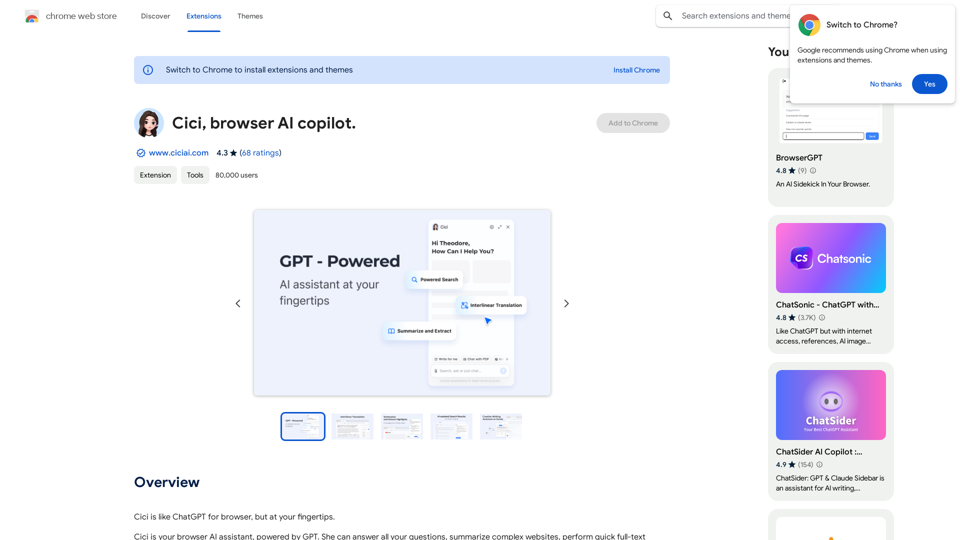
安全網協同駕駛。

193.90 M
取得最佳 AI 工具 | bestaitoolsforthat.com
查看詳情

取得最佳 AI 工具 | bestaitoolsforthat.com

取得最佳 AI 工具 | bestaitoolsforthat.com

探索 2024 年最佳 AI 工具,访问 bestaitoolsforthat.com AI 目錄! 探索人工智慧科技的最新創新。

0
AI
查看詳情

AI

AI

Ace你的下一場工作面試,並更快地獲得聘用。AI工作面試角色扮演。

0