Baidu AI Partner is a versatile personal AI assistant designed to enhance productivity and creativity. It offers features like quick reading, creative inspiration, and question-answering capabilities in chat conversations. This AI-powered tool utilizes advanced technology to assist users with various tasks, including article summarization, idea generation, and providing instant answers.
Baidu AI Partner
Baidu AI Partner is your personal AI assistant on any page, helping you read quickly, providing creative inspiration, and answering your questions in chat conversations.
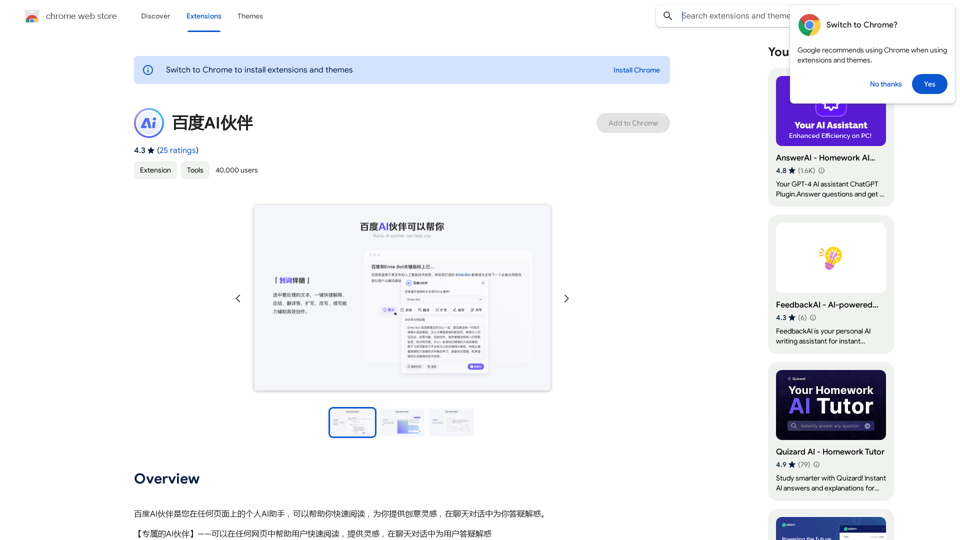
Introduction
Feature
🖌️ Highlight Companion
- Select text for instant processing
- Provides explanations, summaries, and translations
- Enhances reading comprehension and efficiency
💬 Chat Conversation
- Engage in AI-powered conversations
- Get answers to diverse questions
- Receive creative inspiration on demand
📊 Intelligent Summary
- Quickly summarize and condense articles
- Generate key points from content
- Extract essential information efficiently
❓ Recommended Questions
- AI suggests relevant questions based on current page
- Guides users to start meaningful conversations
- Efficiently answers key questions
🔛 Quick Start
- Trigger the plugin from anywhere, anytime
- Seamless assistance in work and creative tasks
- Enhances overall productivity
FAQ
What is Baidu AI Partner?
Baidu AI Partner is a personal AI assistant that helps users quickly read, provides creative inspiration, and answers questions in chat conversations. It utilizes advanced AI technology to assist with various tasks such as summarizing articles, generating ideas, and providing instant answers.
What are the main features of Baidu AI Partner?
The main features include:
- Highlight Companion
- Chat Conversation
- Intelligent Summary
- Recommended Questions
- Quick Start
How do I use Baidu AI Partner?
Using Baidu AI Partner is straightforward:
- Install the plugin
- Start using it for instant assistance in your daily tasks
- Explore features like Highlight Companion, Chat Conversation, and Intelligent Summary
Is Baidu AI Partner free?
Yes, Baidu AI Partner is a free extension. Users can access and utilize all its features without any subscription fees.
Related Websites
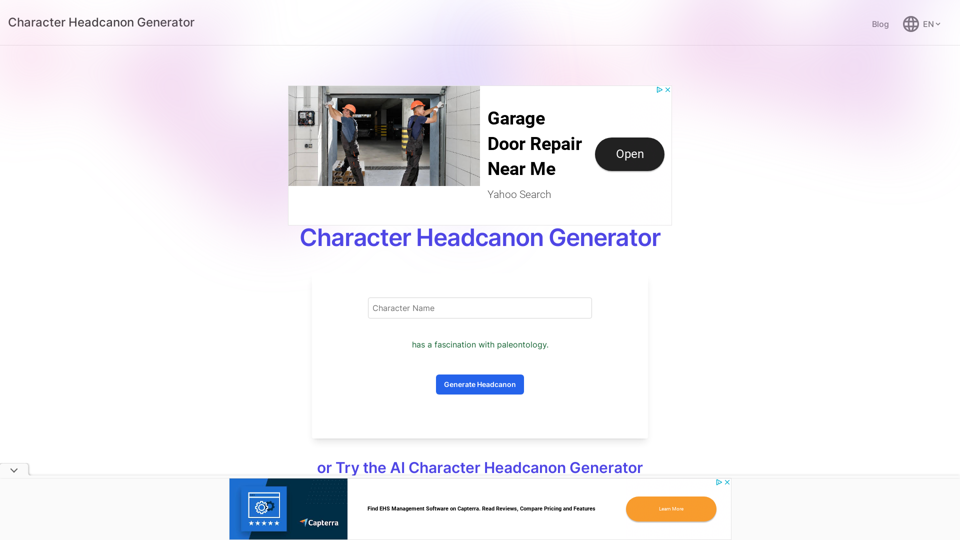
Character Headcanon Generator The Character Headcanon Generator, originating from Perchance, creates unique character headcanons through our headcanon generator.
Character Headcanon Generator The Character Headcanon Generator, originating from Perchance, creates unique character headcanons through our headcanon generator.Discover the Character Headcanon Generator, an innovative tool that originated from the Perchance platform. This powerful character headcanon generator helps you create detailed and engaging character headcanon with ease, allowing fans to explore new interpretations of their favorite characters. Whether you're a writer, role-player, or fan fiction enthusiast, our headcanon generator provides endless creative possibilities by generating unique backgrounds and traits. Enhance your storytelling and bring your characters to life with the Character Headcanon Generator today!
243
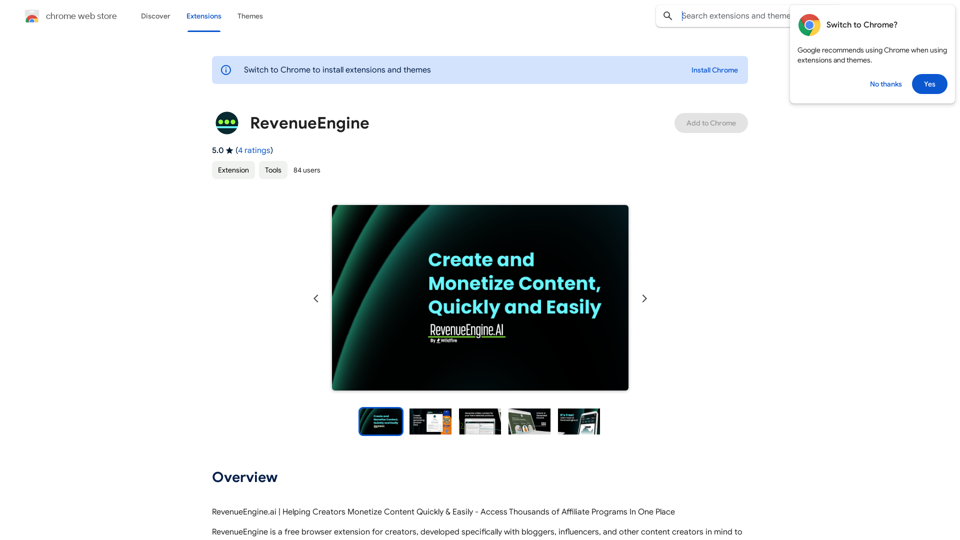
RevenueEngine.ai | Helping Creators Monetize Content Quickly & Easily - Access Thousands of Affiliate Programs In One Place
193.90 M
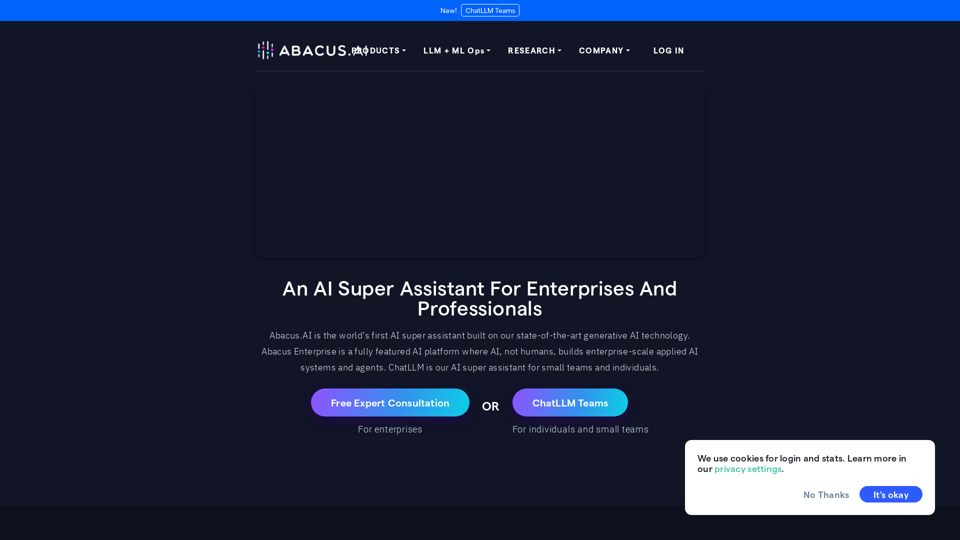
Abacus.AI - Effortlessly Embed Cutting-Edge AI in Your Applications.
Abacus.AI - Effortlessly Embed Cutting-Edge AI in Your Applications.Abacus.AI is the world’s first AI super assistant built on our state-of-the-art generative AI technology. Abacus Enterprise is a fully featured AI platform where AI, not humans, builds enterprise-scale applied AI systems and agents. ChatLLM is our AI super assistant for small teams and individuals.
3.84 M
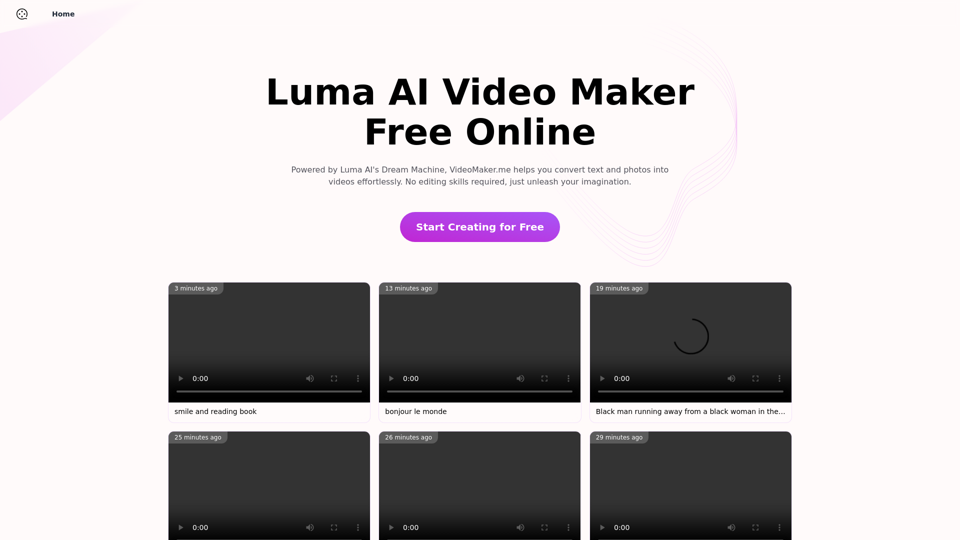
Luma AI Video Generator Free Online - Convert Text and Photos to Video at VideoMaker.me
Luma AI Video Generator Free Online - Convert Text and Photos to Video at VideoMaker.meDiscover the power of Luma AI's Dream Machine, an advanced video generator that transforms text and images into high-quality, dynamic videos. Ideal for creators, marketers, and innovators, videomaker.me brings your visual ideas to life with stunning realism and versatility.
397.91 K
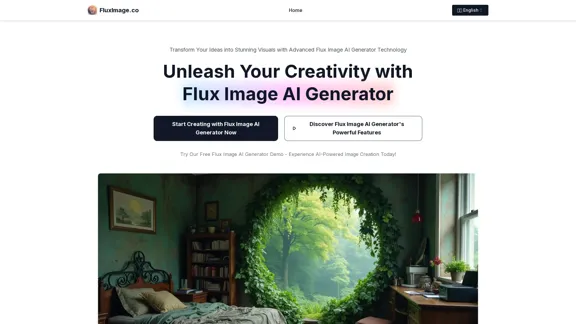
Flux Image AI Generator Online Free | FluxImage.co
Flux Image AI Generator Online Free | FluxImage.coCreate captivating images and videos with Flux Image AI Generator, the state-of-the-art AI image generation tool available for free online
2.35 K
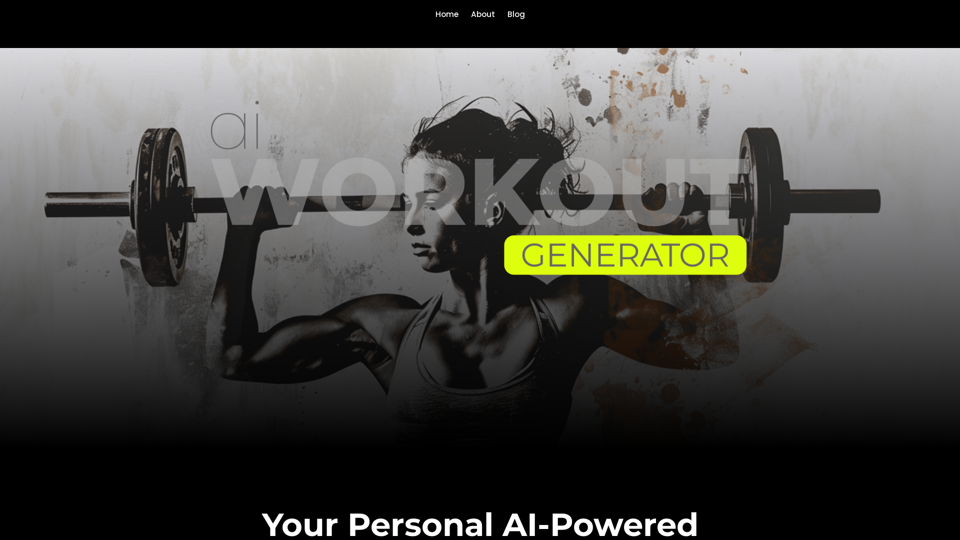
Ai Workout Generator ===================== What is an AI Workout Generator? An AI workout generator is a tool that uses artificial intelligence to create personalized workout plans tailored to an individual's fitness goals, fitness level, and preferences. How does it work? The AI workout generator uses machine learning algorithms to analyze a user's input data, such as their fitness goals, fitness level, and exercise preferences. It then generates a customized workout plan that includes a series of exercises, sets, reps, and weights tailored to the user's specific needs. Benefits of using an AI Workout Generator * Personalized workouts: The AI workout generator creates a workout plan that is tailored to the user's specific fitness goals and fitness level. * Time-saving: The AI workout generator saves time by eliminating the need to research and create a workout plan from scratch. * Increased motivation: The AI workout generator provides a sense of accountability and motivation, as users are more likely to stick to a workout plan that is tailored to their specific needs. * Improved results: The AI workout generator helps users achieve their fitness goals faster and more efficiently, as the workout plan is optimized for their specific needs. How to use an AI Workout Generator 1. Input your data: Enter your fitness goals, fitness level, and exercise preferences into the AI workout generator. 2. Select your workout type: Choose the type of workout you want to do, such as strength training, cardio, or yoga. 3. Generate your workout plan: The AI workout generator will create a customized workout plan tailored to your specific needs. 4. Start your workout: Follow the workout plan and track your progress. Conclusion An AI workout generator is a powerful tool that can help individuals achieve their fitness goals faster and more efficiently. By providing personalized workout plans, the AI workout generator saves time, increases motivation, and improves results. Whether you're a beginner or an experienced athlete, an AI workout generator can help you take your fitness to the next level.
Ai Workout Generator ===================== What is an AI Workout Generator? An AI workout generator is a tool that uses artificial intelligence to create personalized workout plans tailored to an individual's fitness goals, fitness level, and preferences. How does it work? The AI workout generator uses machine learning algorithms to analyze a user's input data, such as their fitness goals, fitness level, and exercise preferences. It then generates a customized workout plan that includes a series of exercises, sets, reps, and weights tailored to the user's specific needs. Benefits of using an AI Workout Generator * Personalized workouts: The AI workout generator creates a workout plan that is tailored to the user's specific fitness goals and fitness level. * Time-saving: The AI workout generator saves time by eliminating the need to research and create a workout plan from scratch. * Increased motivation: The AI workout generator provides a sense of accountability and motivation, as users are more likely to stick to a workout plan that is tailored to their specific needs. * Improved results: The AI workout generator helps users achieve their fitness goals faster and more efficiently, as the workout plan is optimized for their specific needs. How to use an AI Workout Generator 1. Input your data: Enter your fitness goals, fitness level, and exercise preferences into the AI workout generator. 2. Select your workout type: Choose the type of workout you want to do, such as strength training, cardio, or yoga. 3. Generate your workout plan: The AI workout generator will create a customized workout plan tailored to your specific needs. 4. Start your workout: Follow the workout plan and track your progress. Conclusion An AI workout generator is a powerful tool that can help individuals achieve their fitness goals faster and more efficiently. By providing personalized workout plans, the AI workout generator saves time, increases motivation, and improves results. Whether you're a beginner or an experienced athlete, an AI workout generator can help you take your fitness to the next level.AI generated workouts reviewed and Approved by American College of Sports Medicine certified Personal Trainers.
3.30 K