Agent K is an AI-powered job application assistant designed to streamline the job search process. It simplifies profile management, offers single sign-on convenience, and automates job applications. By aggregating job listings from various sources and utilizing advanced automation, Agent K aims to save time and increase job seekers' chances of success.
Agent K
Agent K AI Agent - Job Copilot
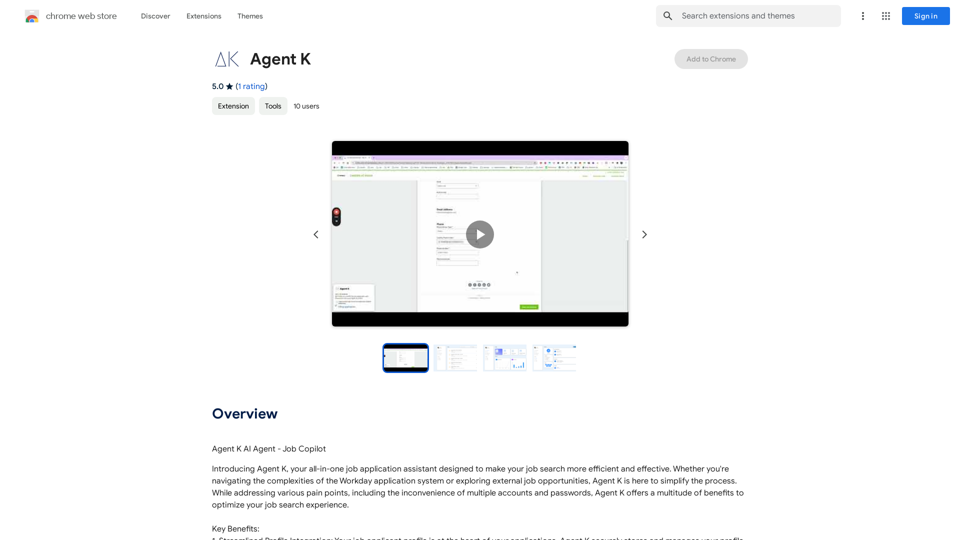
Introduction
Feature
Streamlined Profile Integration
Agent K securely stores and manages your job applicant profile information, eliminating repetitive data entry and ensuring accuracy.
Single Sign-On Convenience
Enjoy a seamless single sign-on experience, eliminating the need for multiple accounts and passwords across job platforms.
Effortless Application Management
AI-powered system auto-fills application forms, reducing errors and saving valuable time in the application process.
Comprehensive Job Discovery
Aggregates job listings from both Workday and external sources, providing a wide selection of opportunities.
Advanced Automation
Powerful bots work tirelessly to apply to thousands of relevant job opportunities, even while you sleep, increasing your chances of success.
Time-Saving Design
Streamlines the entire job application process, allowing users to focus on interview preparation and networking.
User-Centric Approach
Designed with user needs in mind, ensuring a friendly experience throughout the job search journey.
Security and Privacy
Prioritizes data confidentiality and protection, adhering to high security and privacy standards.
FAQ
What is Agent K?
Agent K is an AI-powered job application assistant that simplifies the job search process by streamlining profile management, offering single sign-on convenience, and automating job applications.
Is Agent K free to use?
Agent K offers a free version with limited features. A subscription plan is available for additional benefits and extended access beyond free usage limits.
How does Agent K ensure data security?
Agent K prioritizes data confidentiality and protection, handling user information with the highest level of security and privacy standards.
Can Agent K integrate with existing job search tools?
Yes, Agent K is designed to integrate with existing job search tools and platforms, enhancing the overall job search experience.
What are the key benefits of using Agent K?
Key benefits include time-saving through automation, comprehensive job discovery, streamlined profile management, and increased chances of success through advanced application features.
Related Websites
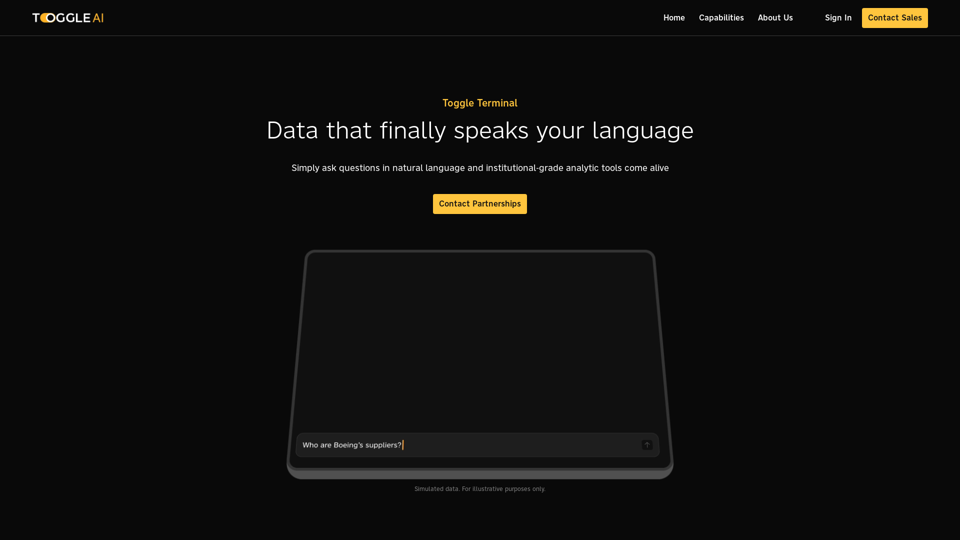
Toggle Terminal – Bring data to life with natural language
Toggle Terminal – Bring data to life with natural languageBid farewell to outdated terminals and cumbersome, antiquated interfaces. Our institutional-grade analytical tools spring into action, ready to serve you, simply by asking questions in everyday language.
0
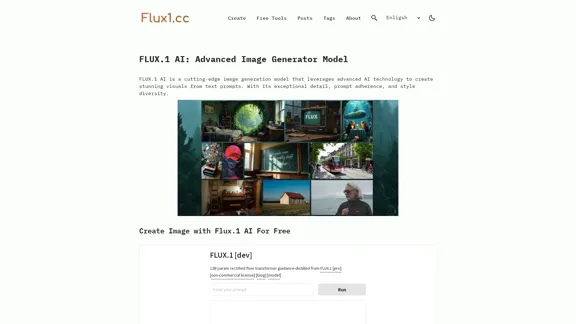
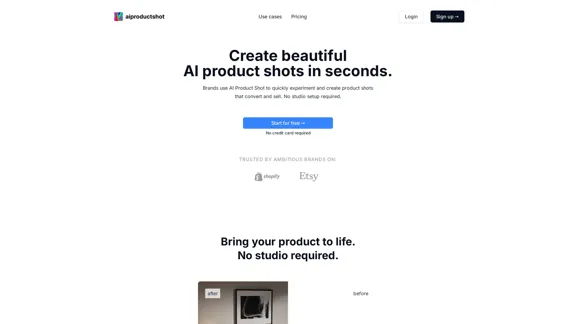
AI Product Shot - Create Beautiful Product Images with AI
AI Product Shot - Create Beautiful Product Images with AIAI Product Shot - Create stunning and professional AI-generated product images that boost your sales. Achieve expert-level product photos using AI technology. Begin your journey for free.
1.69 K
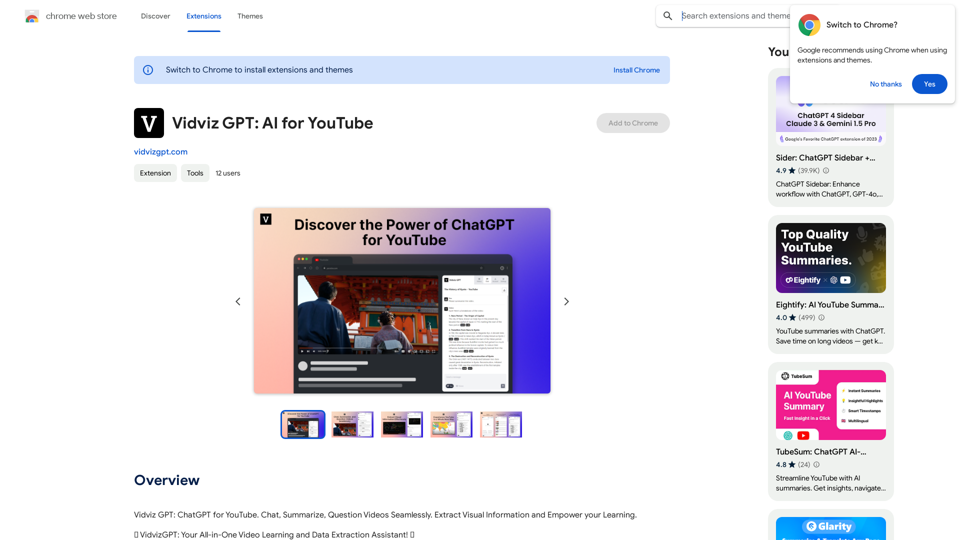
Vidviz GPT: AI for YouTube Vidviz GPT is an AI-powered tool designed to help you create amazing YouTube videos.
Vidviz GPT: AI for YouTube Vidviz GPT is an AI-powered tool designed to help you create amazing YouTube videos.Vidviz GPT: ChatGPT for YouTube. Chat, Summarize, Question Videos Seamlessly. Extract Visual Information and Empower Your Learning.
193.90 M
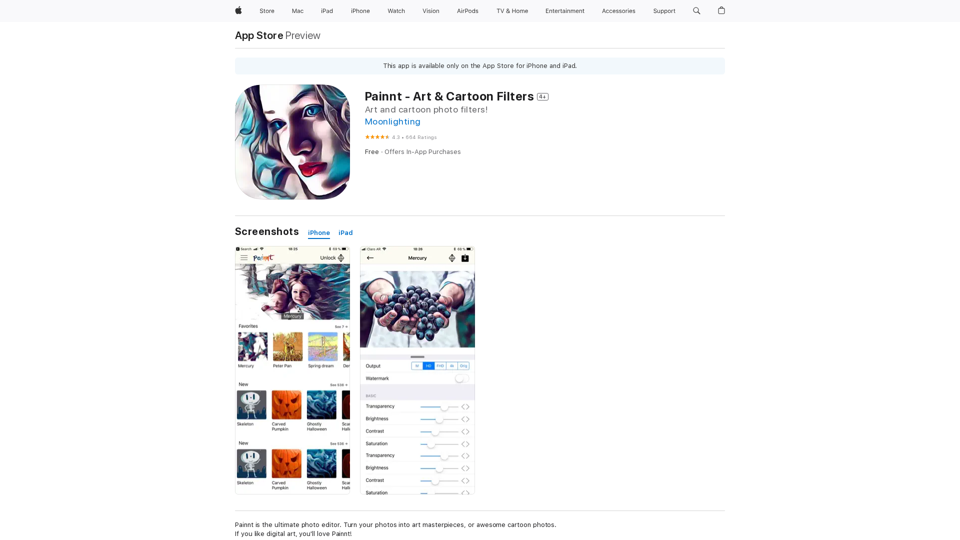
Painnt is the ultimate photo editor. Turn your photos into art masterpieces, or awesome cartoon photos. If you like digital art, you'll love Painnt! Choose fro...
124.77 M
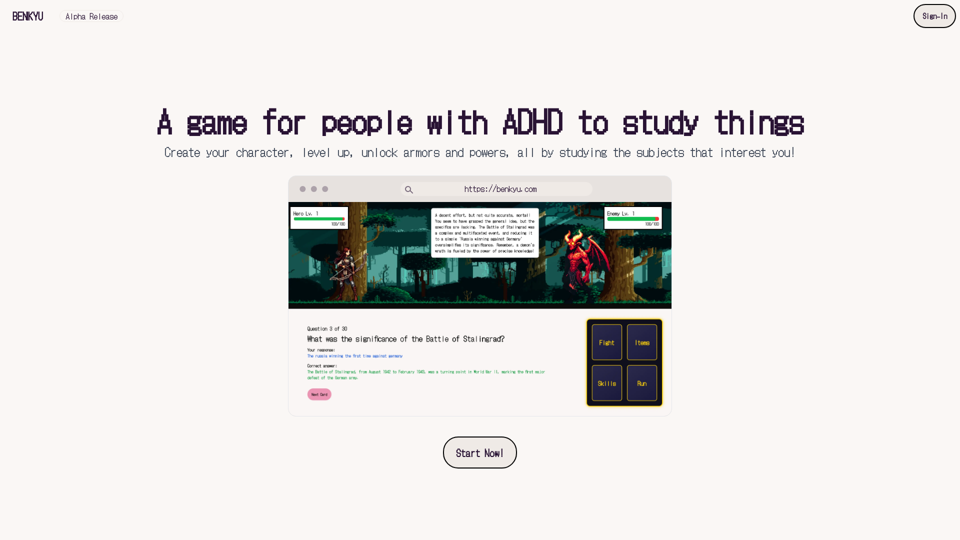
A Learning Game for Individuals with ADHD This innovative game is specifically designed for individuals with Attention Deficit Hyperactivity Disorder (ADHD) to make learning an engaging and enjoyable experience.
0
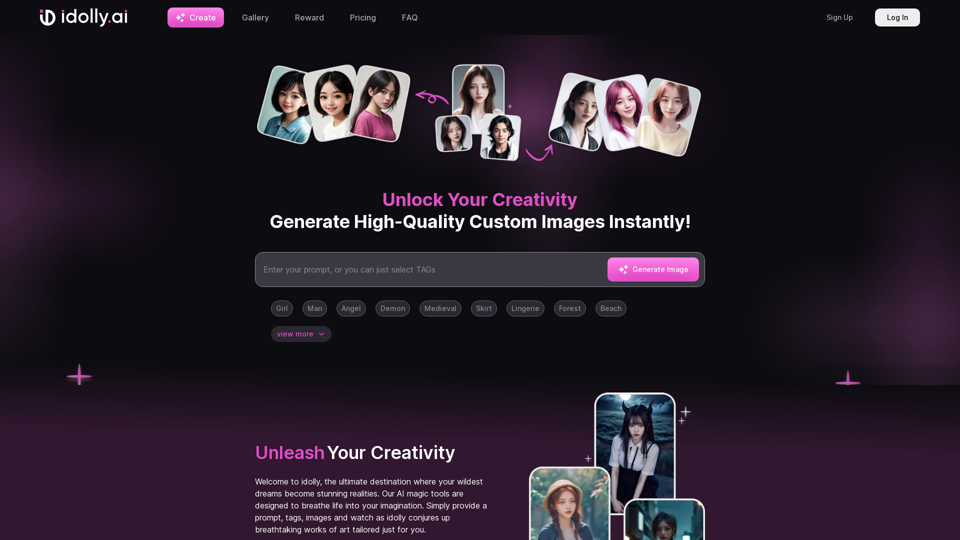
Explore idolly.ai, where imagination meets AI image creation and BlockChain. Create stunning visuals with ease using our Face Transfer and Mood Fusion technology.
9.70 K
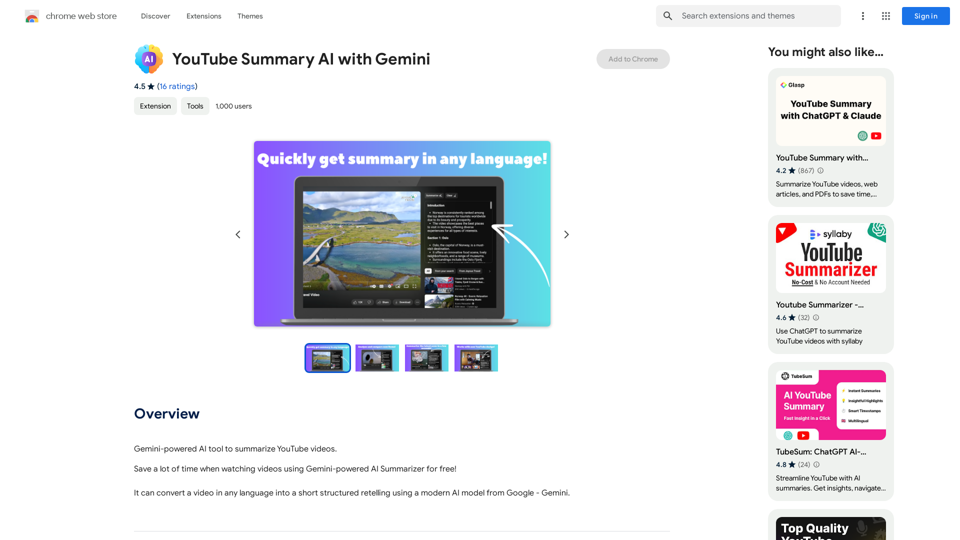
YouTube Summary AI with Gemini Gemini, Google's powerful new AI, is making waves in the world of YouTube. Imagine a future where YouTube videos automatically generate concise and informative summaries. That's exactly what Gemini aims to achieve. By leveraging its advanced language understanding capabilities, Gemini can analyze video content and extract key points, creating summaries that capture the essence of the video. This means viewers can quickly grasp the main ideas without having to watch the entire video. Gemini's potential applications extend beyond simple summaries. It could also be used to: * Generate captions: Automatically create accurate captions for videos, making them accessible to a wider audience. * Translate videos: Break down language barriers by translating videos into different languages. * Create interactive experiences: Enable viewers to engage with videos in new and innovative ways through interactive summaries and quizzes. Gemini's arrival on YouTube promises to revolutionize the way we consume and interact with video content.
YouTube Summary AI with Gemini Gemini, Google's powerful new AI, is making waves in the world of YouTube. Imagine a future where YouTube videos automatically generate concise and informative summaries. That's exactly what Gemini aims to achieve. By leveraging its advanced language understanding capabilities, Gemini can analyze video content and extract key points, creating summaries that capture the essence of the video. This means viewers can quickly grasp the main ideas without having to watch the entire video. Gemini's potential applications extend beyond simple summaries. It could also be used to: * Generate captions: Automatically create accurate captions for videos, making them accessible to a wider audience. * Translate videos: Break down language barriers by translating videos into different languages. * Create interactive experiences: Enable viewers to engage with videos in new and innovative ways through interactive summaries and quizzes. Gemini's arrival on YouTube promises to revolutionize the way we consume and interact with video content.AI tool powered by Gemini that summarizes YouTube videos.
193.90 M