O corrAI é uma extensão de navegador com inteligência artificial projetada para aumentar a eficiência da escrita. Ele oferece serviços de correção e tradução de texto, preservando o significado, estilo e ideias originais. Ao utilizar o Modelo de Linguagem Grande da OpenAI, o corrAI fornece correções e traduções precisas, economizando tempo dos usuários e melhorando a qualidade geral de sua escrita.
corrAI - Corrigir e Traduzir
Permite corrigir ou traduzir texto sem modificar o sentido, o estilo e as ideias originais.
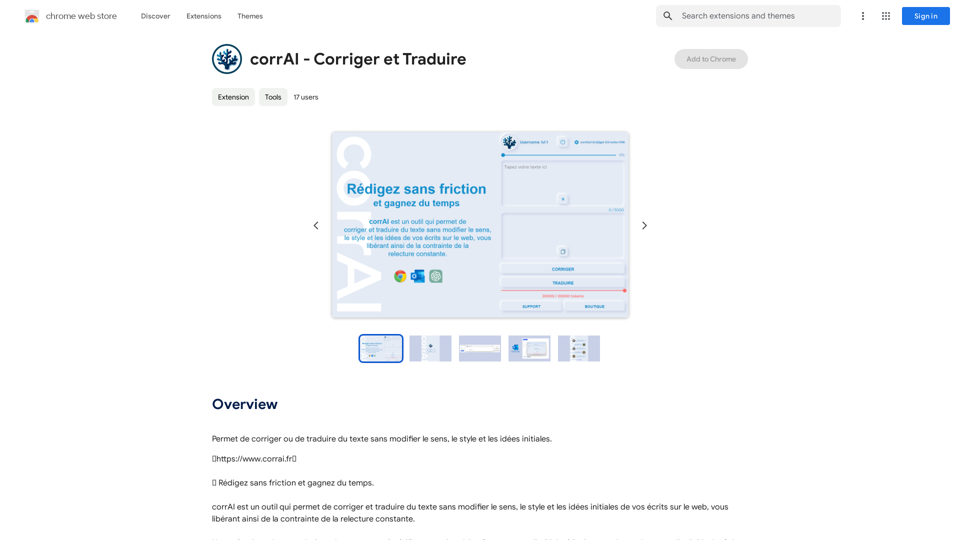
Introdução
Característica
Correção e Tradução
O corrAI utiliza o Modelo de Linguagem Grande da OpenAI para fornecer correções e traduções de texto precisas, garantindo uma escrita sem erros enquanto mantém o estilo e a intenção originais.
Automação que Economiza Tempo
A extensão automatiza o processo de correção e tradução, permitindo que os usuários se concentrem em tarefas mais críticas e melhorem a produtividade.
Aprimoramento da Qualidade
O corrAI garante uma produção escrita de alta qualidade, oferecendo correções e traduções precisas que preservam o estilo de escrita único do usuário.
Sistema Baseado em Tokens
A extensão opera em um sistema baseado em tokens, onde cada correção ou tradução é acionada por um único token.
Sistema de Níveis
Os usuários podem ganhar tokens gratuitos progredindo através de níveis, incentivando o engajamento e fornecendo valor adicional.
Opções de Preços Flexíveis
O corrAI oferece várias faixas de preços para acomodar diferentes necessidades dos usuários:
| Tokens | Preço |
|---|---|
| 25.000 | €0,50 |
| 150.000 | €1,00 |
| 450.000 | €2,00 |
| 1.500.000 | €5,00 |
| 4.000.000 | €10,00 |
FAQ
Como o corrAI corrige e traduz texto?
O corrAI utiliza o Modelo de Linguagem Grande da OpenAI para fornecer correções e traduções precisas para texto gerado pelo usuário.
Como o corrAI economiza tempo?
Ao automatizar o processo de correção e tradução, o corrAI permite que os usuários se concentrem em tarefas mais importantes, economizando tempo e aumentando a produtividade.
Como o corrAI melhora a qualidade da escrita?
A extensão garante uma produção escrita de alta qualidade, oferecendo correções e traduções precisas enquanto mantém o estilo de escrita único do usuário.
Sites relacionados
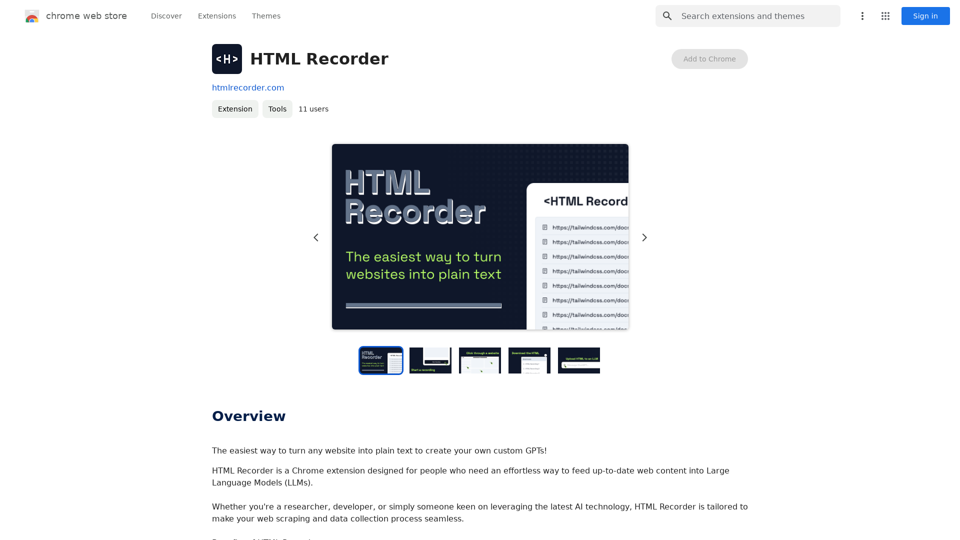
A maneira mais fácil de transformar qualquer site em texto simples para criar seus próprios GPTs personalizados!
193.90 M
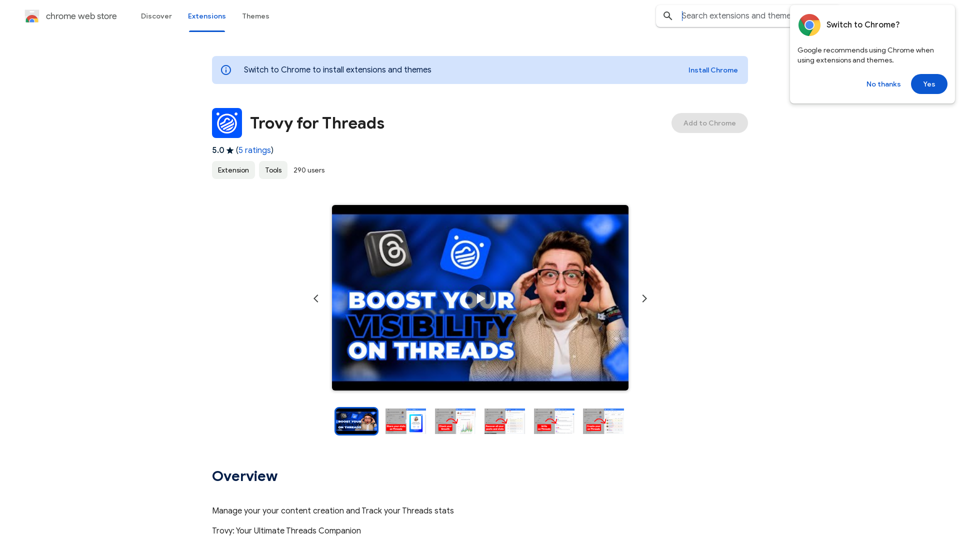
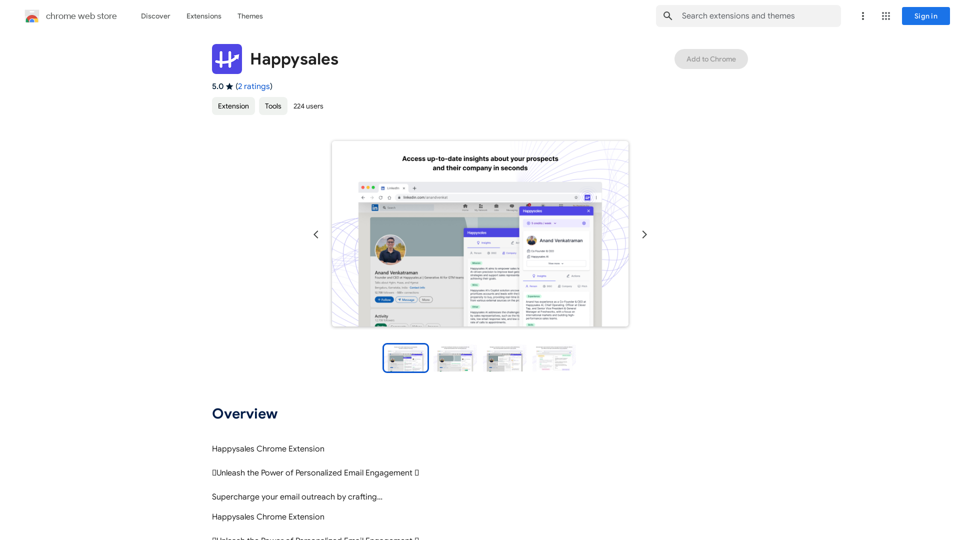
Happysales Extensão do Chrome 🔥 Liberte o Poder do Engajamento de E-mail Personalizado 🔥 Dê um impulso poderoso ao seu contato por e-mail criando...
193.90 M
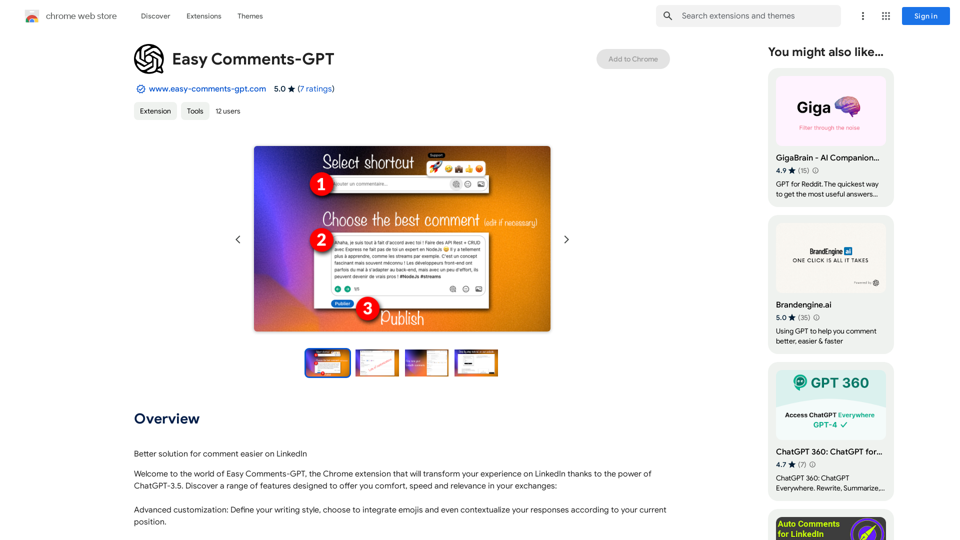
Solução melhor para comentários mais fáceis no LinkedIn Aqui estão algumas dicas para tornar seus comentários no LinkedIn mais eficazes: * Seja conciso e direto: Vá direto ao ponto e evite comentários longos e desnecessários. * Seja relevante: Comente sobre o tópico em questão e evite comentários off-topic. * Seja respeitoso: Trate todos com respeito, mesmo que você não concorde com a opinião deles. * Adicione valor: Ofereça insights, perspectivas ou experiências relevantes que possam ser úteis para outros leitores. * Use hashtags relevantes: Hashtags podem ajudar a tornar seus comentários mais visíveis para pessoas interessadas no tópico. * Faça perguntas: Perguntas podem iniciar uma conversa e engajar outros usuários. * Use emojis com moderação: Emojis podem adicionar personalidade aos seus comentários, mas use-os com moderação para não parecer desrespeitoso. * Revise seus comentários antes de publicar: Certifique-se de que seus comentários estejam bem escritos e livres de erros gramaticais.
193.90 M
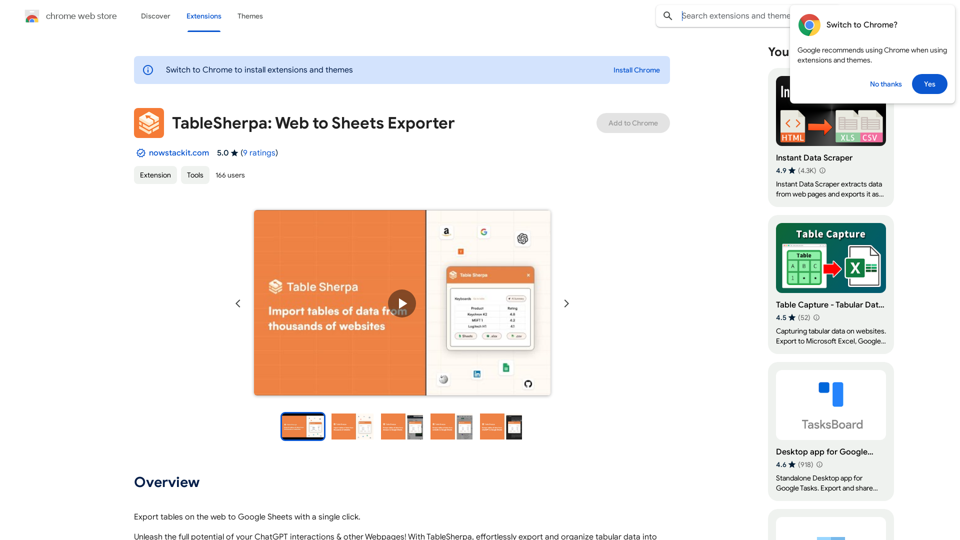
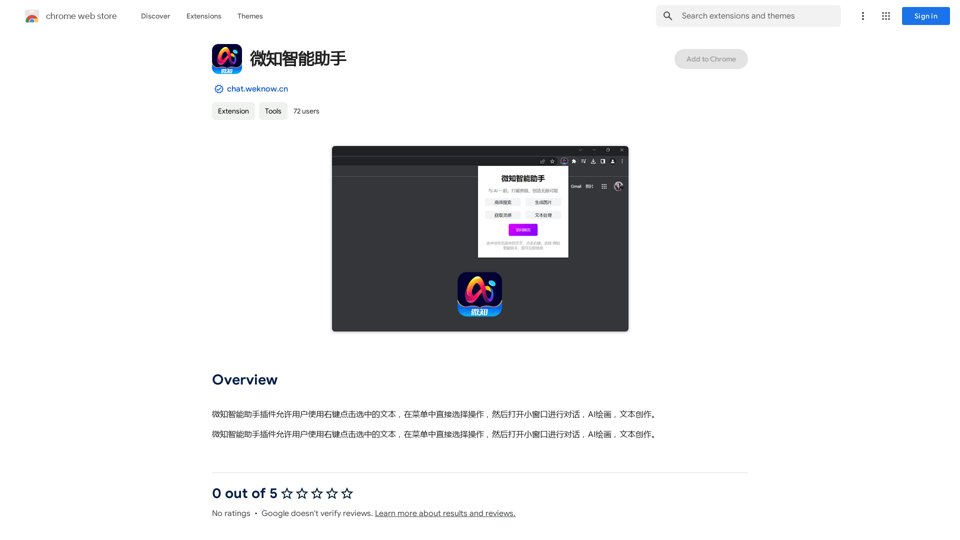
O plugin Assistente Inteligente MicroKnow permite que os usuários usem o botão direito do mouse para selecionar um texto e escolher uma operação no menu, abrindo então uma pequena janela para iniciar uma conversa, criar uma imagem com IA ou escrever texto.
193.90 M
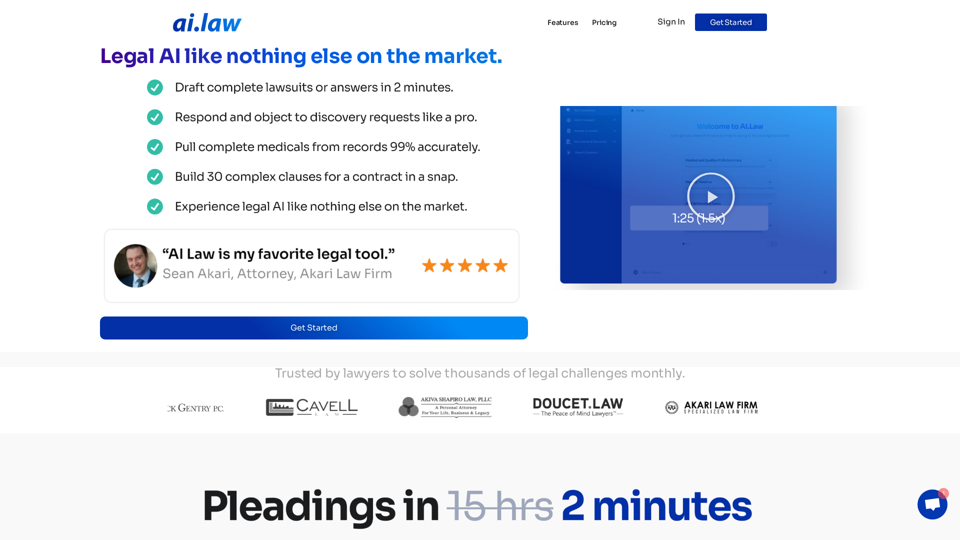
SEO2 - Inteligência Artificial Jurídica Como Nada Mais no Mercado. - AI.Law - ai.law
SEO2 - Inteligência Artificial Jurídica Como Nada Mais no Mercado. - AI.Law - ai.lawInteligência Artificial Jurídica como nada mais no mercado. Comece “>”>Confiado por advogados para resolver milhares de desafios jurídicos mensais. O AI Law lhe fornece trabalho jurídico de alta qualidade sem o incômodo. Nenhum mais rascunho do zero—apenas resultados de alta qualidade. Elaboração de Queixas Elabore peças processuais sem o incômodo de horas de pesquisa. O AI Law irá montar um processo completo […]
15.50 K