LinkedIn to Resume is a Chrome extension designed to simplify the process of creating an ATS-optimized resume. By leveraging your existing LinkedIn profile, this tool allows you to generate a professional resume quickly and effortlessly. It's a free service that bridges the gap between your online professional presence and a tailored, job-ready resume.
Profile to Resume - Rezi.ai
Use your LinkedIn Profile to create an ATS-optimized resume in seconds.
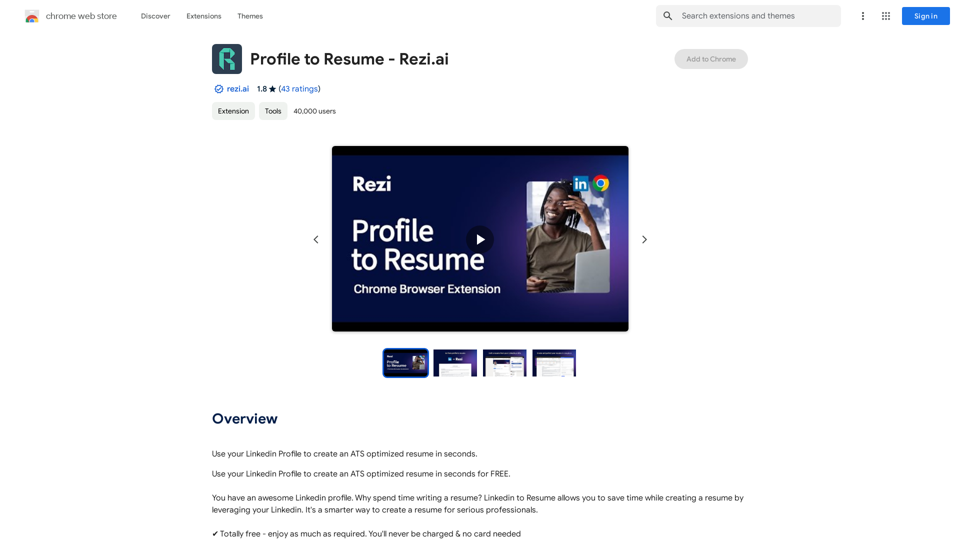
Introduction
Feature
One-Click Resume Generation
Convert your LinkedIn profile into a polished resume with just a few clicks. This feature saves time and ensures consistency between your online presence and job applications.
ATS Optimization
The generated resumes are optimized for Applicant Tracking Systems (ATS), increasing your chances of getting past initial screening processes.
Free and Unlimited Usage
Users can enjoy the service without any charges or credit card requirements, making it accessible to all job seekers.
Integration with Rezi Platform
The extension works seamlessly with Rezi, offering additional resume-building features and tools.
AI-Powered Enhancements
- A.I. Keyword Targeting
- A.I. Cover Letter Generation
- A.I. Bullet Point Writer
- A.I. Resume Summary Writer
Comprehensive Resume Building Tools
- Real-Time Content Analysis
- Unlimited Resumes & Cover Letters
- Multiple Export Options (.DOCX, .PDF, Google Drive)
- Sharable Resume Link
- Section-By-Section Video Guides
- ATS-Optimized Resume Formats
- Cover Letter Builder
FAQ
How do I use the LinkedIn to Resume extension?
- Export your LinkedIn Profile as a .REZI file
- Upload the .REZI file to Rezi platform
- Finalize your resume using Rezi's tools and features
What sets LinkedIn to Resume apart from other resume builders?
LinkedIn to Resume uniquely combines the convenience of using your existing LinkedIn profile with advanced AI-powered features and ATS optimization. It's completely free and integrates with the comprehensive Rezi platform for additional resume-building capabilities.
Are there any limitations to using LinkedIn to Resume?
While the tool is free and offers numerous features, some users have reported difficulties in generating the .REZI file and understanding the exact process. It's recommended to refer to the official guide and support resources for detailed instructions.
Related Websites
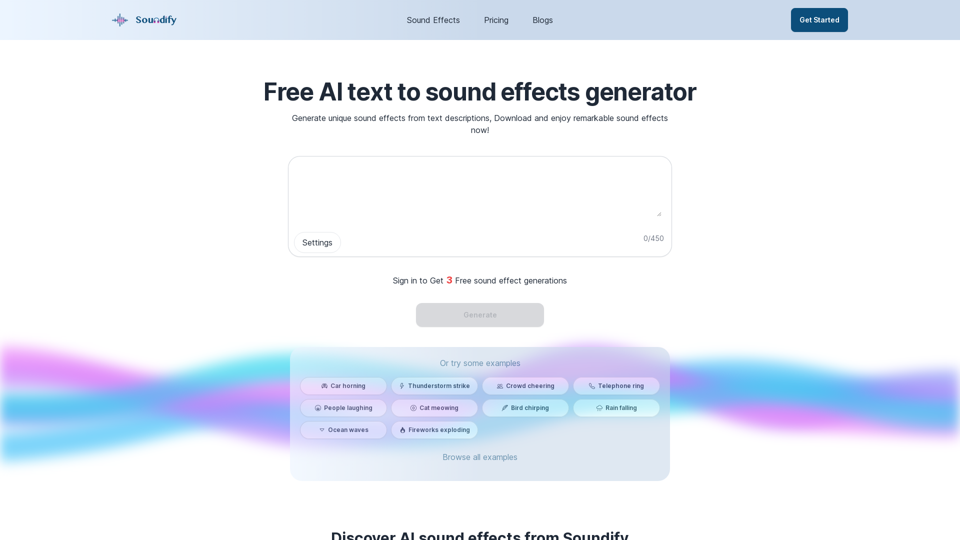
Discover the best AI sound effects generator for free. Generate unique sound effects for your videos and memes effortlessly with our AI tools!
2.37 K
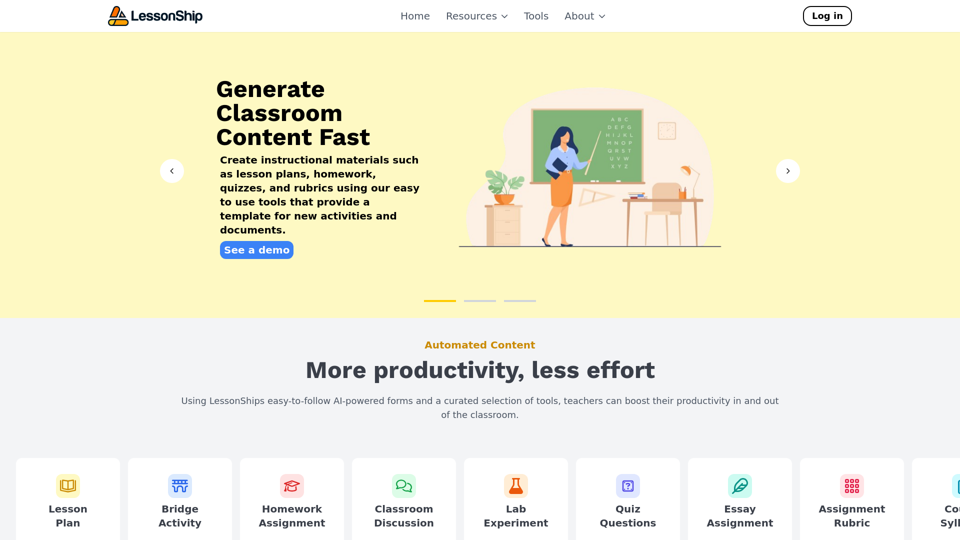
LessonShip is an AI-powered LMS that allows teachers to quickly generate classroom instructional materials with our easy-to-use forms.
0
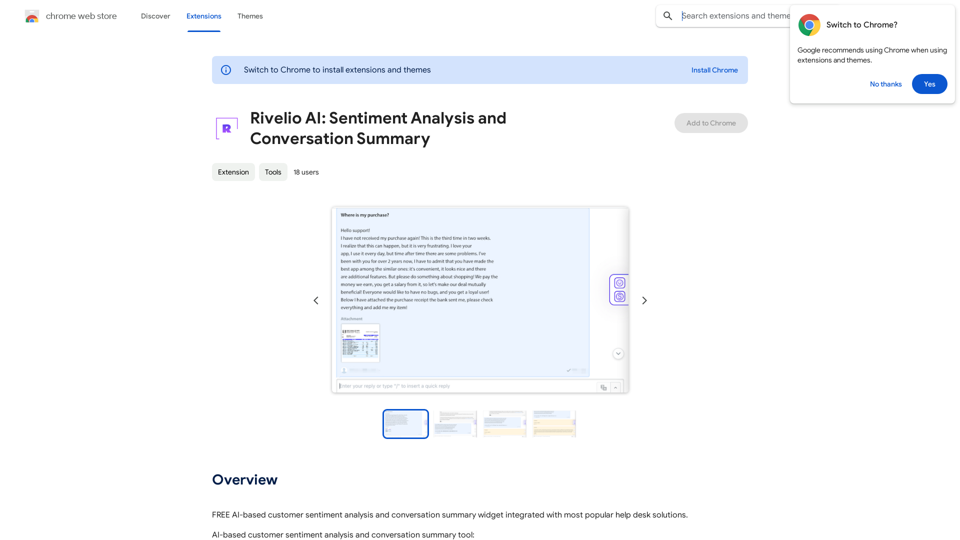
Rivelio AI: Sentiment Analysis and Conversation Summary
Rivelio AI: Sentiment Analysis and Conversation SummaryFREE AI-powered tool that analyzes customer feelings and summarizes conversations. It works with most popular customer service platforms.
193.90 M
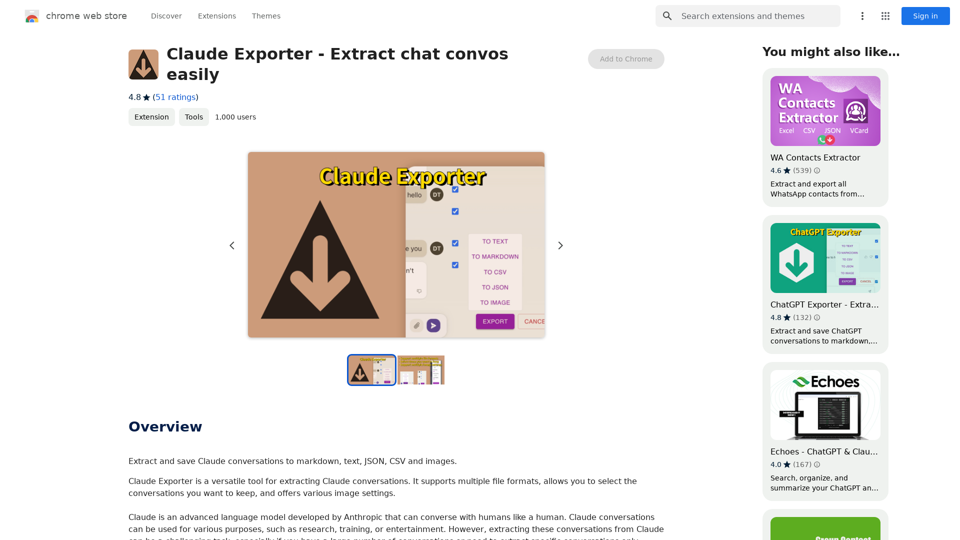
Claude Exporter - Easily Extract Chat Conversations
Claude Exporter - Easily Extract Chat ConversationsExtract and save Claude conversations to markdown, text, JSON, CSV, and images.
193.90 M
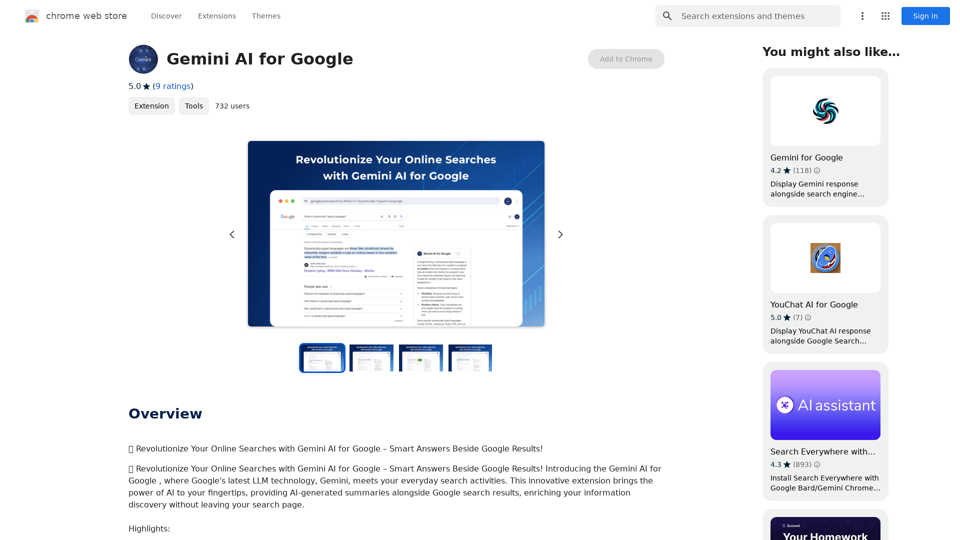
Gemini AI for Google Gemini AI is an innovative artificial intelligence (AI) model designed to revolutionize the way Google interacts with its users. This cutting-edge technology is capable of understanding and responding to natural language inputs, making it an ideal solution for enhancing user experience on Google's platforms. Key Features: * Conversational Interface: Gemini AI enables users to interact with Google using conversational language, making it easier to find information and perform tasks. * Contextual Understanding: The AI model can understand the context of a user's query, providing more accurate and relevant results. * Personalized Experience: Gemini AI can learn a user's preferences and tailor the search results and recommendations to their individual needs. * Multitasking Capability: The AI model can handle multiple tasks simultaneously, allowing users to perform complex queries and tasks with ease. Benefits: * Enhanced User Experience: Gemini AI provides a more intuitive and user-friendly experience, making it easier for users to find what they're looking for on Google. * Improved Accuracy: The AI model's ability to understand context and nuances of language reduces the likelihood of irrelevant search results. * Increased Productivity: Gemini AI's multitasking capability and personalized experience enable users to accomplish more in less time. Potential Applications: * Google Assistant: Gemini AI can be integrated into Google Assistant, enabling users to have more natural and conversational interactions with the virtual assistant. * Google Search: The AI model can be used to improve the search engine's ability to understand complex queries and provide more accurate results. * Google Workspace: Gemini AI can be applied to Google Workspace (formerly G Suite) to enhance the productivity and collaboration capabilities of the platform.
Gemini AI for Google Gemini AI is an innovative artificial intelligence (AI) model designed to revolutionize the way Google interacts with its users. This cutting-edge technology is capable of understanding and responding to natural language inputs, making it an ideal solution for enhancing user experience on Google's platforms. Key Features: * Conversational Interface: Gemini AI enables users to interact with Google using conversational language, making it easier to find information and perform tasks. * Contextual Understanding: The AI model can understand the context of a user's query, providing more accurate and relevant results. * Personalized Experience: Gemini AI can learn a user's preferences and tailor the search results and recommendations to their individual needs. * Multitasking Capability: The AI model can handle multiple tasks simultaneously, allowing users to perform complex queries and tasks with ease. Benefits: * Enhanced User Experience: Gemini AI provides a more intuitive and user-friendly experience, making it easier for users to find what they're looking for on Google. * Improved Accuracy: The AI model's ability to understand context and nuances of language reduces the likelihood of irrelevant search results. * Increased Productivity: Gemini AI's multitasking capability and personalized experience enable users to accomplish more in less time. Potential Applications: * Google Assistant: Gemini AI can be integrated into Google Assistant, enabling users to have more natural and conversational interactions with the virtual assistant. * Google Search: The AI model can be used to improve the search engine's ability to understand complex queries and provide more accurate results. * Google Workspace: Gemini AI can be applied to Google Workspace (formerly G Suite) to enhance the productivity and collaboration capabilities of the platform.🗨️ Revolutionize Your Online Searches with Gemini AI for Google – Get Smart Answers Right Beside Google Results!
193.90 M
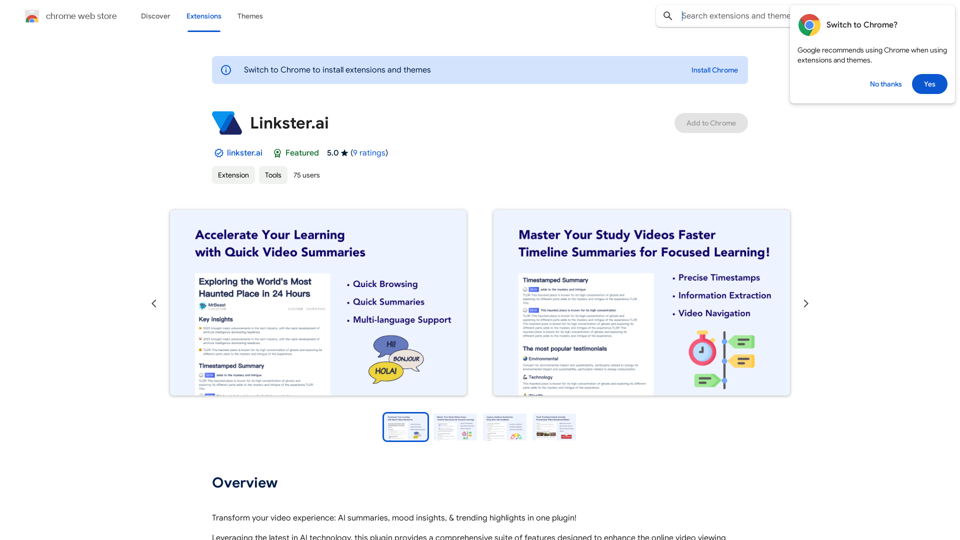
Transform your video experience: AI summaries, mood insights, & trending highlights in one plugin!
193.90 M
Please provide the text you want to translate into English.
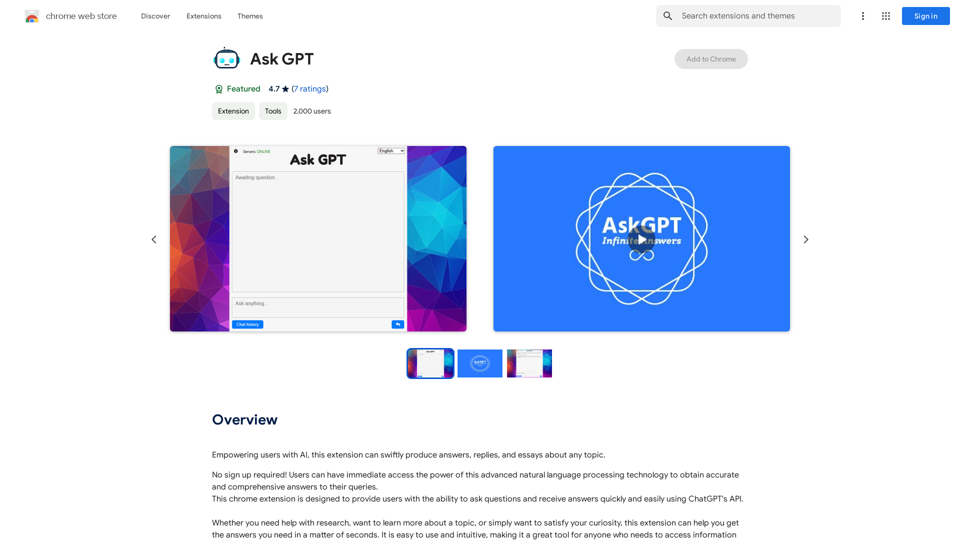
Please provide the text you want to translate into English.This extension empowers users with AI, swiftly producing answers, replies, and essays on any topic.
193.90 M