Tudongchat is an innovative extension tool that leverages ChatGPT artificial intelligence to enhance customer consulting. It enables seamless integration of AI Chatbot functionality into websites and fanpages, automating customer inquiries, providing product and service information, and optimizing time and labor resources.
Tu Dong Chat
The Tudongchat extension is a tool that supports customer consulting using ChatGPT artificial intelligence. Last updated on June 27, 2024.
Introduction
Feature
Automatic Chat Extension
Tudongchat harnesses ChatGPT's AI capabilities to offer automated customer consulting. This feature allows for effortless integration of AI Chatbot into websites and fanpages, enabling automatic responses to customer queries and dissemination of product and service information.
Easy Integration
The extension boasts a user-friendly design, allowing for quick and simple integration into existing websites or fanpages. This feature ensures that businesses can swiftly implement AI-powered customer consulting without extensive technical knowledge.
Free Trial
Tudongchat offers a risk-free experience through its free trial option. This feature allows users to explore and evaluate the extension's capabilities before committing to a subscription, ensuring it meets their specific needs.
24/7 Customer Support
By leveraging AI technology, Tudongchat enables round-the-clock customer support. This feature significantly enhances customer satisfaction by providing immediate assistance at any time of day.
Data Analysis
Tudongchat goes beyond simple chat functionality by offering data analysis capabilities. This feature allows businesses to gain valuable insights from customer interactions, facilitating informed decision-making and strategy improvements.
Flexible Pricing
To cater to diverse business needs, Tudongchat offers a range of pricing plans. This feature ensures that businesses of all sizes can access AI-powered customer consulting solutions that fit their budget.
FAQ
What is Tudongchat?
Tudongchat is an extension tool that integrates ChatGPT artificial intelligence to support customer consulting. It allows businesses to incorporate AI Chatbot functionality into their websites or fanpages, automating customer inquiries and providing product and service information.
How do I use Tudongchat?
Using Tudongchat involves three simple steps:
- Installation: Download and install the extension from the Chrome Web Store.
- Configuration: Set up the extension by selecting your preferred AI Chatbot and configuring it for your website or fanpage.
- Start Chatting: Once configured, you can immediately begin using the AI Chatbot to interact with your customers.
Is Tudongchat free?
Tudongchat offers a free trial period, allowing users to test its features and functionality. After the trial, users can choose from various subscription-based pricing plans to continue using the extension.
Related Websites
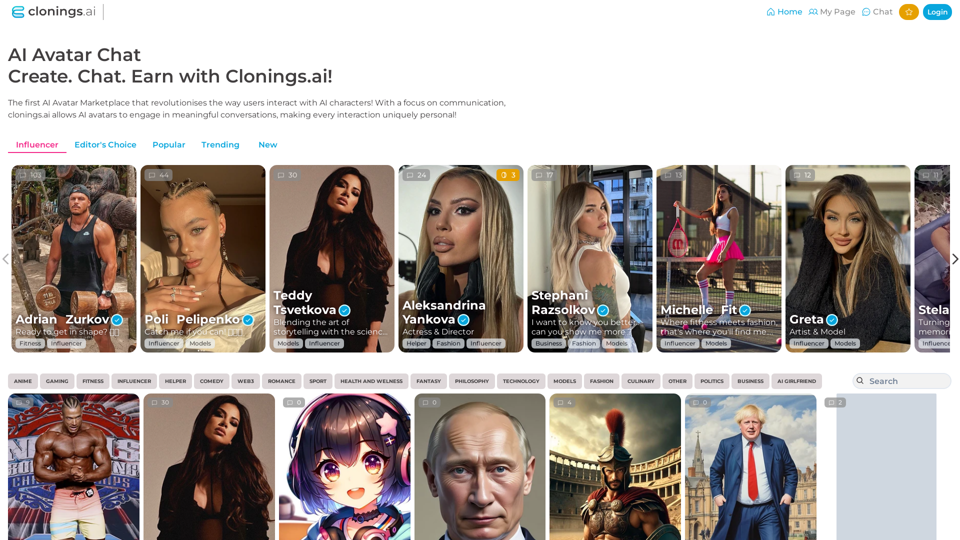
Join http://Clonings.ai to create and interact with your own custom AI character. This innovative platform combines chat with personality. Connect, talk, and explore a one-of-a-kind chatbot experience designed just for you. Perfect for fans and influencers!
0
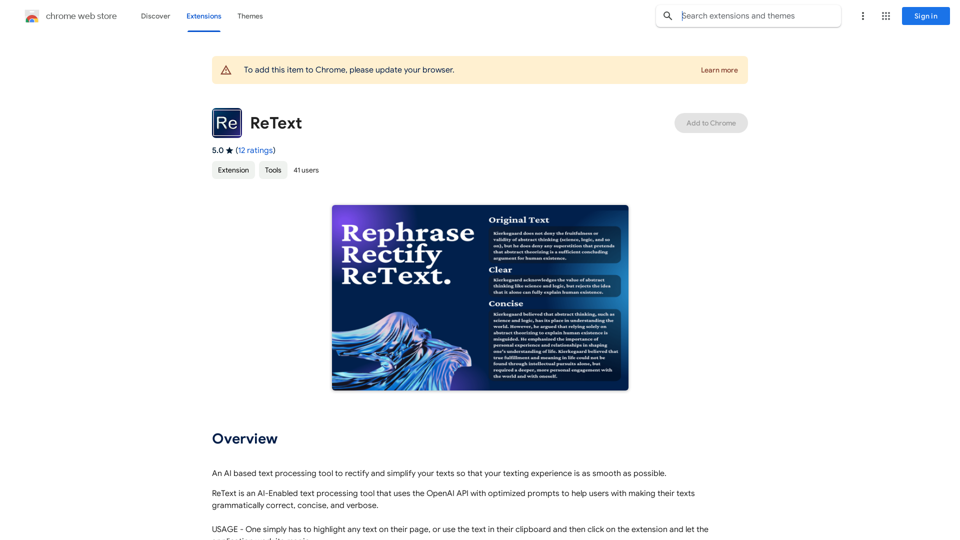
An AI-powered text processing tool to fix and simplify your text, making your texting experience as easy as possible.
193.90 M
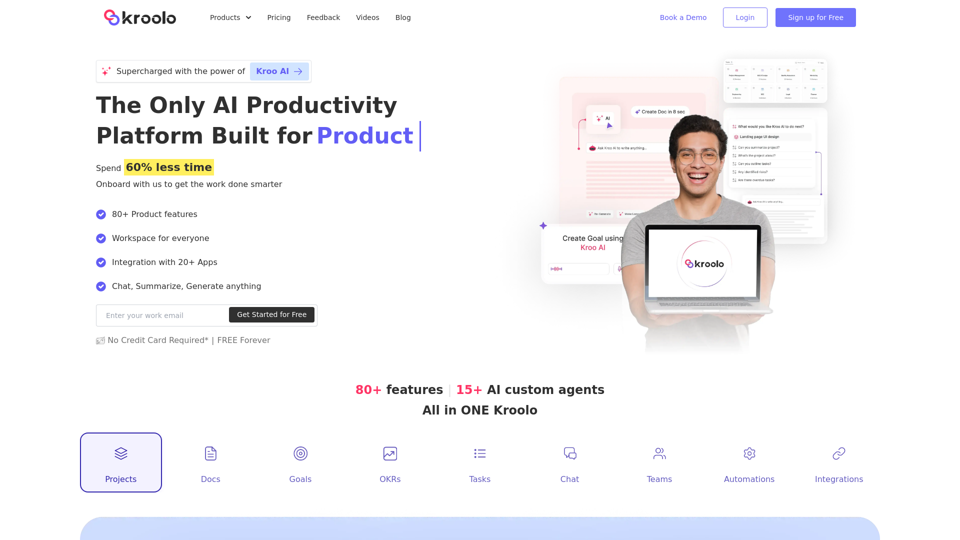
AI Powered Productivity Management Software | Kroolo
AI Powered Productivity Management Software | KrooloManage projects, tasks, goals, and documents with easy collaboration through Kroolo's All in One AI powered Productivity Management Software. Sign up now!
98.62 K
WriteFastAI-ChatGPT on Demand, on Any Website This is a powerful idea! Imagine being able to seamlessly integrate the capabilities of both FastAI and ChatGPT directly into any website. Here's a breakdown of what this could mean: * On-Demand AI Assistance: Users could access powerful AI tools like text generation, summarization, question answering, and more, right from the website they're already using. * Personalized Experiences: Websites could leverage AI to tailor content and interactions to individual user preferences, creating a more engaging and relevant experience. * Increased Efficiency: Businesses could automate tasks, generate reports, and analyze data faster and more accurately with the help of AI. Making it a Reality: This vision requires a combination of: * API Integration: FastAI and ChatGPT both offer APIs that allow developers to integrate their functionalities into applications. * Web Development Expertise: Developers would need to build the necessary infrastructure to connect the APIs to the website and handle user interactions. * Data Management: Websites would need to manage and secure the data used by the AI models. Potential Applications: The possibilities are endless! Here are just a few examples: * E-commerce: AI-powered chatbots could provide personalized product recommendations and customer support. * Education: Websites could offer interactive learning experiences with AI-powered tutors and personalized feedback. * News and Media: AI could be used to generate summaries of articles, create personalized news feeds, and even write original content. Let me know if you'd like to explore any of these applications in more detail!
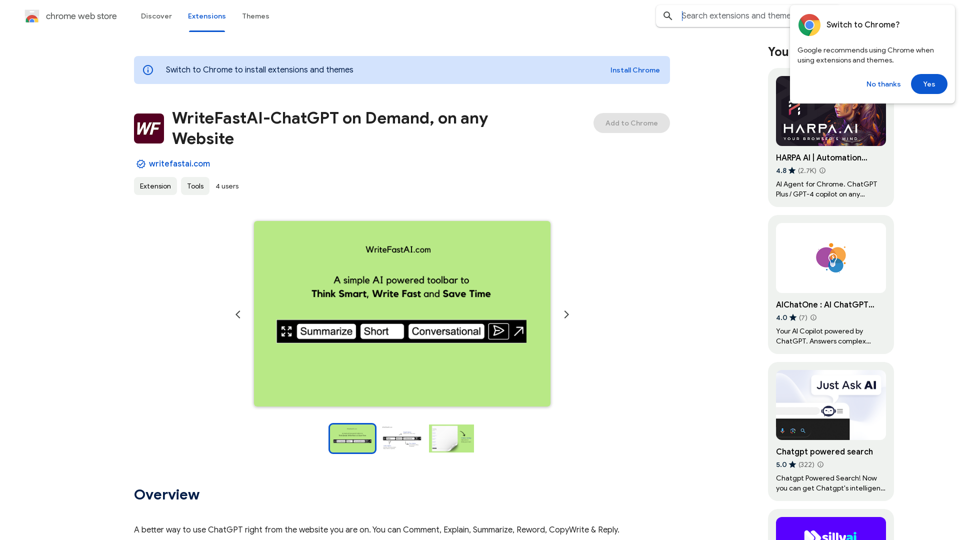
WriteFastAI-ChatGPT on Demand, on Any Website This is a powerful idea! Imagine being able to seamlessly integrate the capabilities of both FastAI and ChatGPT directly into any website. Here's a breakdown of what this could mean: * On-Demand AI Assistance: Users could access powerful AI tools like text generation, summarization, question answering, and more, right from the website they're already using. * Personalized Experiences: Websites could leverage AI to tailor content and interactions to individual user preferences, creating a more engaging and relevant experience. * Increased Efficiency: Businesses could automate tasks, generate reports, and analyze data faster and more accurately with the help of AI. Making it a Reality: This vision requires a combination of: * API Integration: FastAI and ChatGPT both offer APIs that allow developers to integrate their functionalities into applications. * Web Development Expertise: Developers would need to build the necessary infrastructure to connect the APIs to the website and handle user interactions. * Data Management: Websites would need to manage and secure the data used by the AI models. Potential Applications: The possibilities are endless! Here are just a few examples: * E-commerce: AI-powered chatbots could provide personalized product recommendations and customer support. * Education: Websites could offer interactive learning experiences with AI-powered tutors and personalized feedback. * News and Media: AI could be used to generate summaries of articles, create personalized news feeds, and even write original content. Let me know if you'd like to explore any of these applications in more detail!A better way to use ChatGPT right from the website you are on. You can comment, explain, summarize, reword, copywrite, and reply.
193.90 M