Power Query is a powerful data transformation and preparation engine developed by Microsoft. It provides a user-friendly graphical interface for connecting to various data sources, applying transformations, and loading the processed data into different destinations. Power Query simplifies the extract, transform, and load (ETL) process, making it accessible to both novice users and experienced data professionals.
What is Power Query? - Power Query | Microsoft Learn
Learn about Power Query and its capabilities for data acquisition and transformation
Power Query is a powerful data preparation tool that enables you to:
- Extract data from various sources
- Transform and clean data efficiently
- Combine data from multiple sources
Key benefits of Power Query:
1. User-friendly interface for data manipulation
2. Supports a wide range of data sources
3. Automates repetitive data tasks
4. Enhances data quality and consistency
5. Integrates seamlessly with other Microsoft tools
Power Query helps streamline your data processes, saving time and improving accuracy in data analysis.
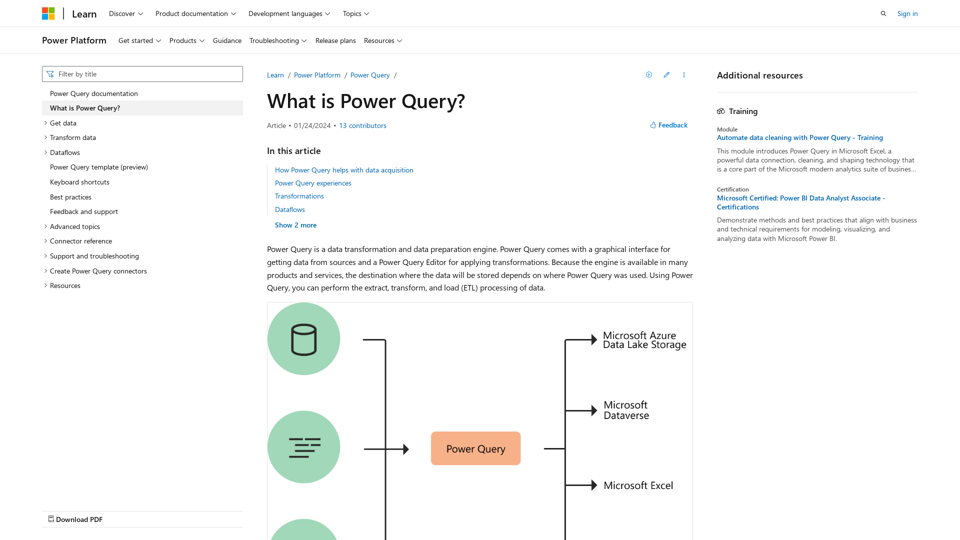
Introduction
Feature
Connectivity and Data Sources
- Connects to a wide range of data sources
- Supports Microsoft Azure Data Lake Storage, Dataverse, Excel, and Power BI
- Offers consistent experience across different data sources
Power Query Editor
- Interactive and intuitive interface for building queries
- Provides hundreds of prebuilt transformation functions
- Enables creation of repeatable data preparation processes
- Handles data of any size, velocity, and variety
Transformation Capabilities
- Simple transformations: Remove columns, filter rows
- Common transformations: Use first row as header
- Advanced transformations: Merge, append, group by, pivot, unpivot
- Automatically generates M code for transformations
Power Query Experiences
- Power Query Online: Available in Power BI dataflows, Microsoft Power Platform dataflows, Azure Data Factory
- Power Query for Desktop: Found in Excel and Power BI Desktop
Dataflows
- Product-agnostic cloud version of Power Query
- Stores transformed data in Dataverse or Azure Data Lake Storage
- Enables use of transformed data across multiple products and services
Power Query M Formula Language
- Underlying scripting language for advanced transformations
- Accessible through the Advanced Editor
- Allows fine-tuning of functions and transformations
Availability in Microsoft Products
| Product | M engine | Power Query Desktop | Power Query Online | Dataflows |
|---|---|---|---|---|
| Excel for Windows | Yes | Yes | No | No |
| Excel for Mac | Yes | Yes | No | No |
| Power BI | Yes | Yes | Yes | Yes |
| Power Apps | Yes | No | Yes | Yes |
| Power Automate | Yes | No | Yes | No |
| Azure Data Factory | Yes | No | Yes | Yes |
| SQL Server Integration Services | Yes | No | No | No |
| Dynamics 365 Customer Insights | Yes | No | Yes | Yes |
FAQ
Do I need to know how to code to use Power Query?
No, the graphical interface allows you to perform most transformations without coding. However, knowledge of M language can be helpful for advanced scenarios.
Can Power Query handle large datasets?
Yes, Power Query is designed to work with data of any size and offers options to filter and transform data to manageable sizes.
Is Power Query available in all versions of Excel?
Power Query is available in Excel for Windows and Mac, but features may vary between versions.
Can I share my Power Query transformations with others?
Yes, you can share queries in various ways depending on the product you're using. For example, in Power BI, you can share dataflows.
How often are new features added to Power Query?
Microsoft regularly updates Power Query with new features and improvements. Check the official documentation or release notes for the latest updates.
Related Websites
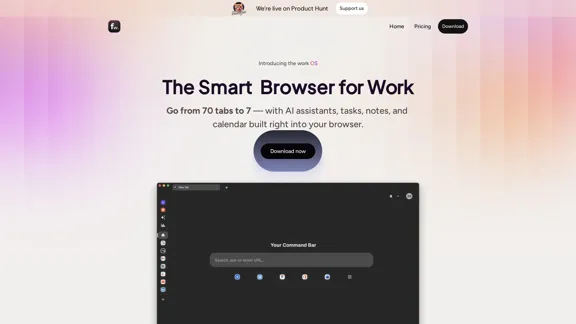
Floutwork – The AI-Enhanced Browser for Work and Efficiency
Floutwork – The AI-Enhanced Browser for Work and EfficiencyFloutwork is an AI-powered productivity browser that brings together workspaces, organizes your tabs, and integrates AI assistants directly into your workflow. It is designed to help you stay focused, streamline tasks, and accomplish more without distractions.
0

Experience email the way you want with 0 - the first open-source email app that prioritizes your privacy and safety.
49.87 K
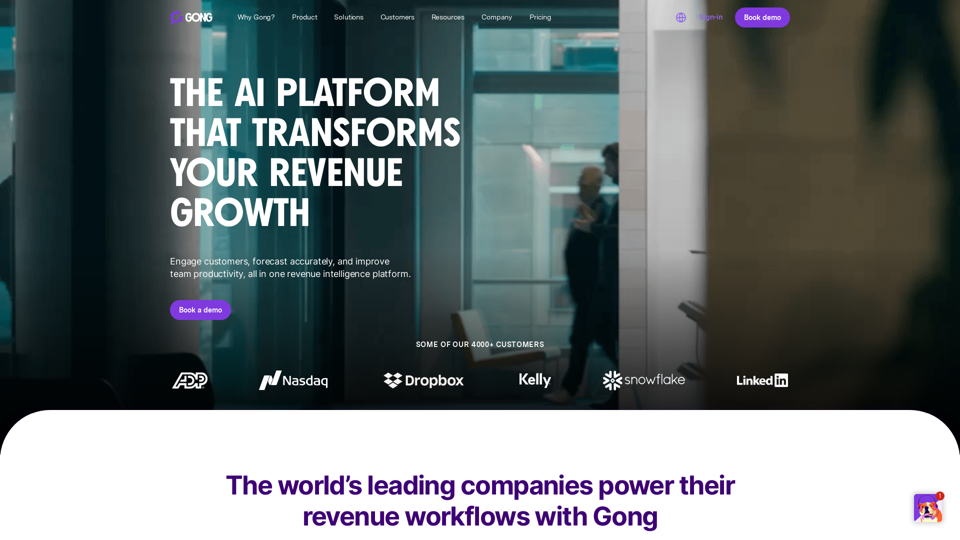
Gong captures customer interactions and then delivers insights at scale, enabling teams to make decisions based on data rather than opinions.
1.95 M

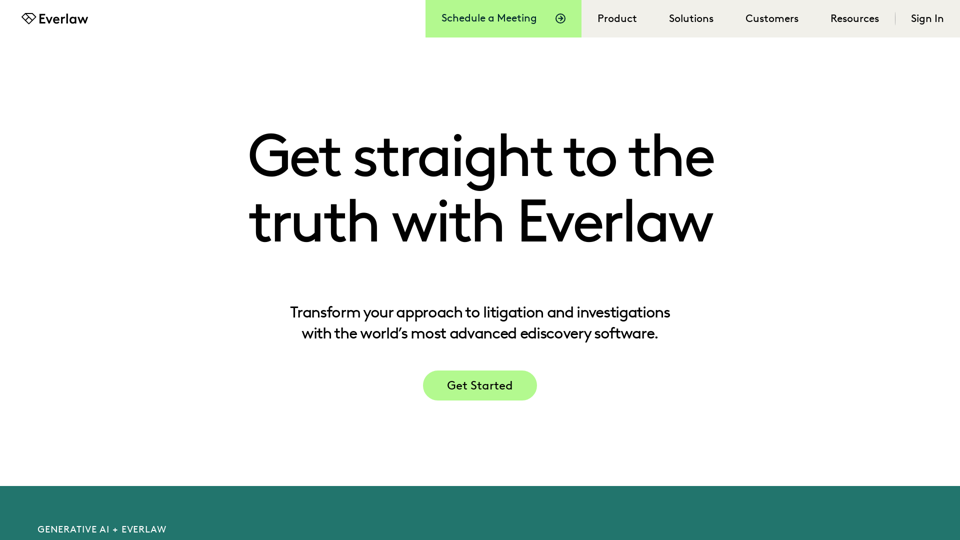
Everlaw Cloud-Native Ediscovery Software | Electronic Discovery | Cloud-Native Ediscovery Software | Everlaw
Everlaw Cloud-Native Ediscovery Software | Electronic Discovery | Cloud-Native Ediscovery Software | EverlawTransform your approach to litigation and investigations with the world's most advanced e-discovery software.
139.03 K

Manus is a general AI agent that transforms your thoughts into actions. It excels at a variety of tasks in both work and life, accomplishing everything while you relax.
13.88 M
AI assistant and enterprise search for teams | Findr
AI assistant and enterprise search for teams | FindrAI assistant to search and chat with information, documents, and insights from multiple apps. Get answers to all your questions with AI search.
12.47 K