Best AI Tools Directory is a comprehensive platform offering access to a wide range of AI technologies. Updated daily by GPT-4o, it provides tools for various needs including text generation and image understanding. The directory is designed to be user-friendly, allowing free exploration and submission of AI tools, making it an invaluable resource for both AI enthusiasts and developers.
Get Your Best AI Tools | bestaitoolsforthat.com
Discover the top AI tools of 2024 with the bestaitoolsforthat.com AI Directory! Explore the best and latest innovations in artificial intelligence technology.
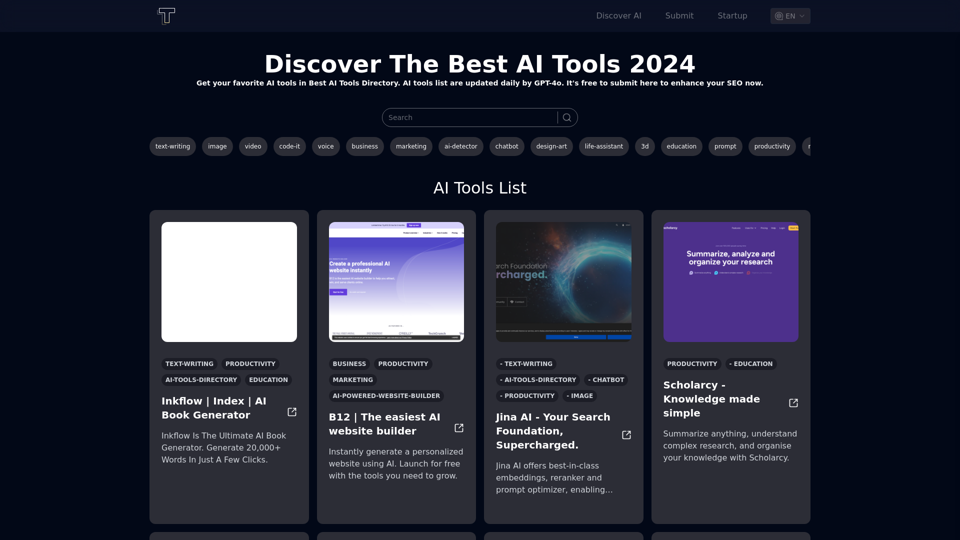
Introduction
Feature
Free AI Tools Directory
- Free to submit favorite AI tools
- Explore a vast array of available tools at no cost
- Updated daily with new AI technologies
Startup List
- Provides a free startup list for AI tools developers
- Supports the growth of the AI development community
Extensive GPT Models
- Offers nearly 200,000 GPT models
- Covers a wide variety of applications in work, study, and everyday life
Daily Free Uses
- Leverages GPT-4o for document reading
- Utilizes Dalle for image generation
- Provides 20 free GPT-4o conversations per day
User Privacy Protection
- User data not used for training purposes
- Option to delete account and remove all data
Subscription Option
- Available for users who require more than 20 GPT-4o conversations per day
- Affordable products for heavy users
FAQ
How to use Best AI Tools Directory?
- Open bestaitoolsforthat.com
- Explore the AI tools in the directory
- Click on desired AI tools for details and to visit the tool's website
What types of AI tools are supported?
The directory aims to support all kinds of AI tools. Categories will be expanded in the near future.
How often is the AI tools list updated?
The list of AI tools is updated daily.
Is GPT-4o or Sora AI available?
Yes, users can find information and links to GPT-4o and Sora AI tools on the directory.
What should I do if content isn't appearing?
Try the following troubleshooting steps:
- Use a different browser
- Clear your cache
- If issues persist, contact support at [email protected]
How is the content for AI tools descriptions generated?
The descriptions are generated by GPT-4o from OpenAI.
What are the usage rights for the AI tools?
Best AI Tools Directory is solely a directory. Usage rights for individual AI tools are determined by each tool's respective website.
Related Websites
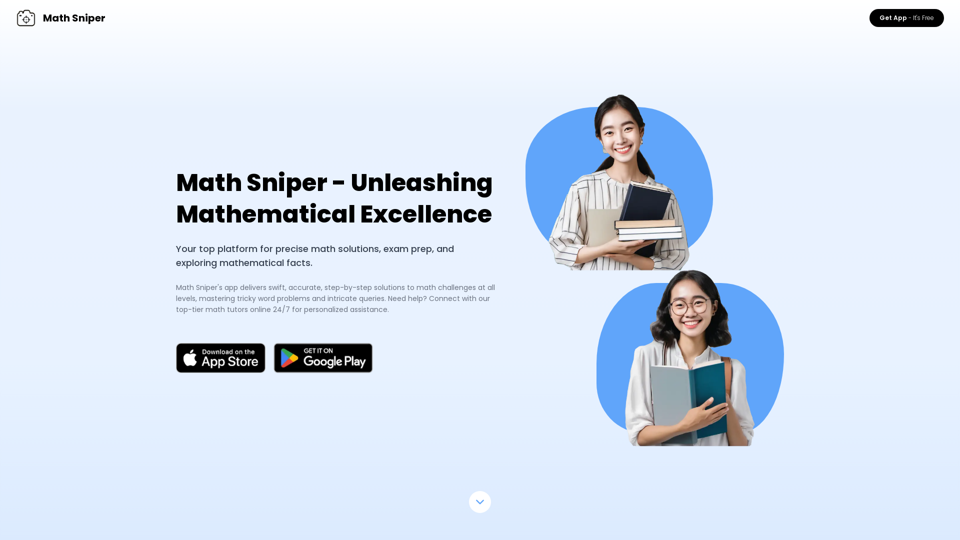
Master math effortlessly! Step-by-step solutions for arithmetic, algebra, trigonometry, and geometry. Instant Snap & Ask, rich materials, diverse practice. Simplify math with Math Sniper – where precision meets simplicity!
0
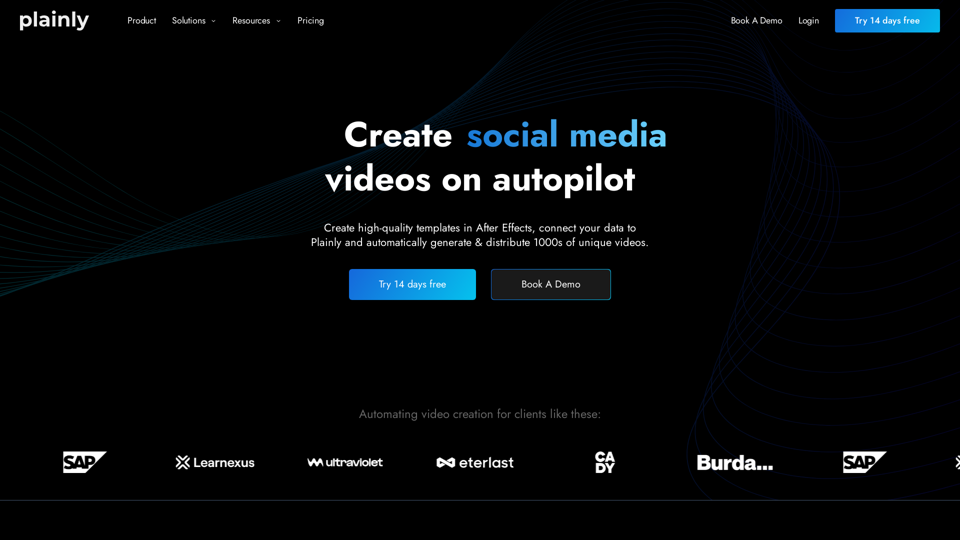
Plainly is a simple-to-use video automation software. Create automated video creation workflows and generate 1000s of videos in clicks
81.82 K
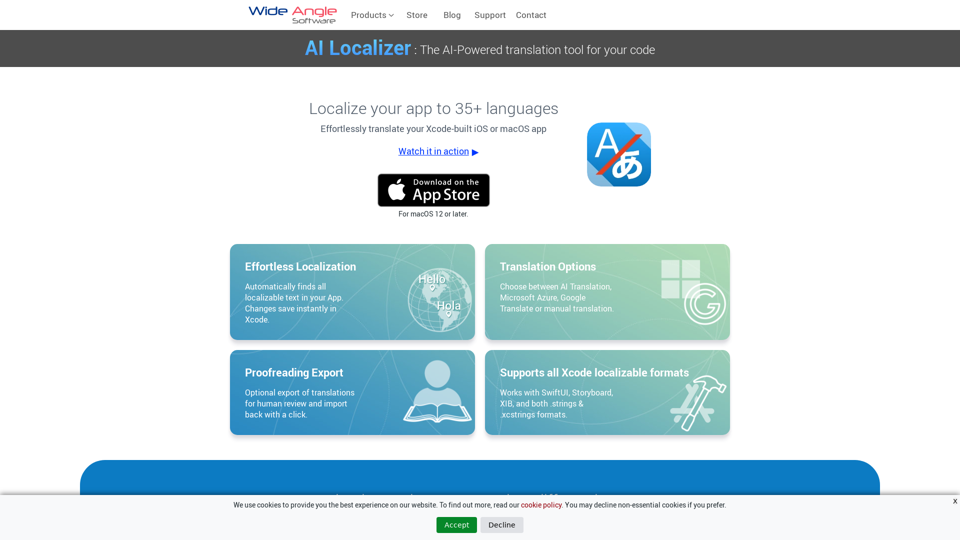
Seamlessly add localized translations to your Xcode projects. Add up to 37 languages to your app automatically, using the power of AI.
210.21 K
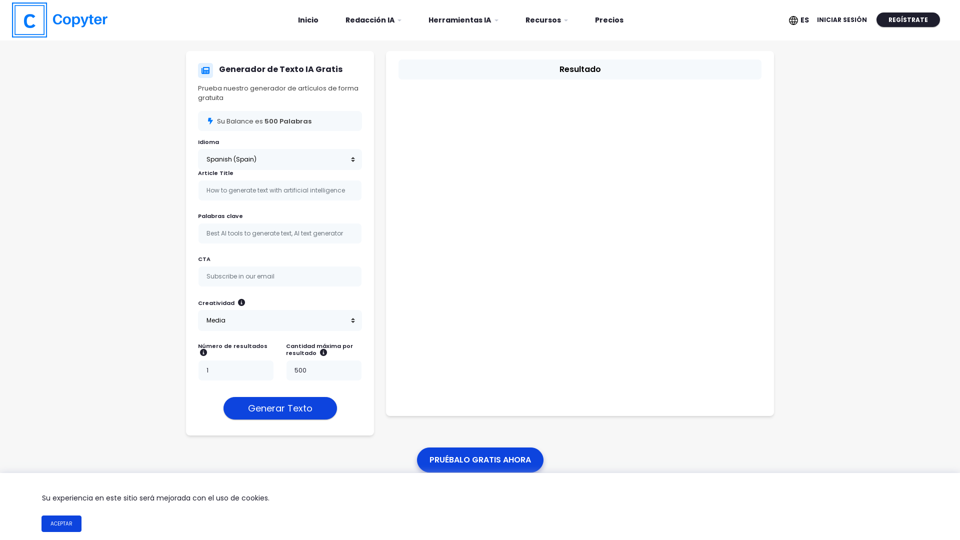
The High-Quality AI Text Generator. Writes texts with artificial intelligence for articles, essays, ecommerce, social media, blogs, and much more 🤖
38.49 K
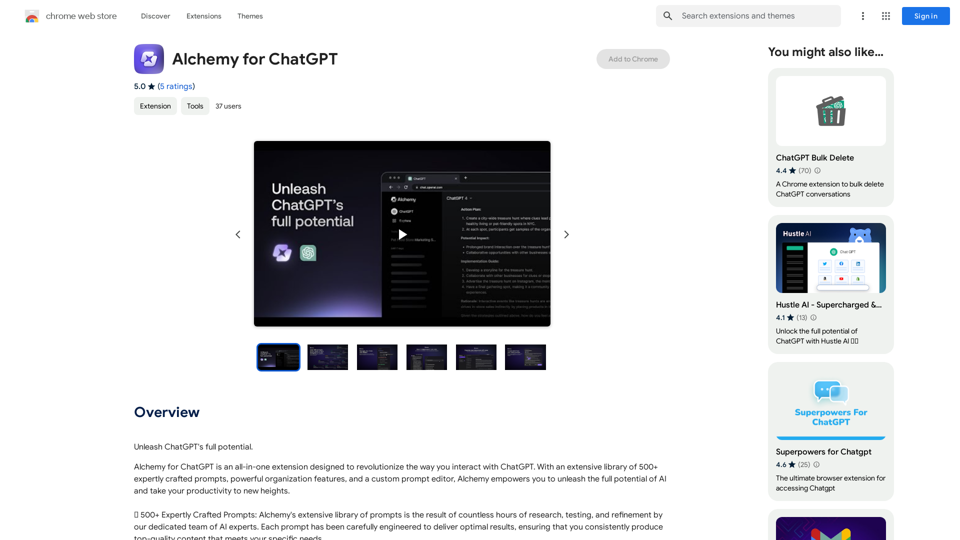
Alchemy for ChatGPT Introduction Alchemy is a powerful framework for building and deploying large language models (LLMs) like ChatGPT. It provides a comprehensive set of tools and resources to streamline the entire LLM development lifecycle, from training to deployment and monitoring. Key Features * Modular Design: Alchemy is built with a modular architecture, allowing developers to easily customize and extend its functionality. * Fine-Tuning Capabilities: Alchemy offers robust fine-tuning capabilities, enabling users to adapt pre-trained LLMs to specific tasks and domains. * Deployment Flexibility: Alchemy supports deployment across various platforms, including cloud, on-premise, and edge devices. * Monitoring and Evaluation: Alchemy provides tools for monitoring LLM performance and evaluating their effectiveness. Benefits * Accelerated Development: Alchemy's modularity and pre-built components significantly reduce development time and effort. * Improved Accuracy: Fine-tuning capabilities allow for higher accuracy and performance on specific tasks. * Scalability and Reliability: Alchemy's deployment flexibility ensures scalability and reliability for diverse applications. * Cost-Effectiveness: Alchemy's efficient resource utilization and streamlined workflows contribute to cost savings. Use Cases Alchemy can be used in a wide range of applications, including: * Chatbots and Conversational AI: * Text Generation and Summarization: * Code Generation and Debugging: * Data Analysis and Insights: * Personalized Learning and Education: Conclusion Alchemy is a powerful and versatile framework that empowers developers to build, deploy, and manage LLMs effectively. Its comprehensive features, benefits, and diverse use cases make it an ideal choice for organizations looking to leverage the transformative potential of LLMs.
Alchemy for ChatGPT Introduction Alchemy is a powerful framework for building and deploying large language models (LLMs) like ChatGPT. It provides a comprehensive set of tools and resources to streamline the entire LLM development lifecycle, from training to deployment and monitoring. Key Features * Modular Design: Alchemy is built with a modular architecture, allowing developers to easily customize and extend its functionality. * Fine-Tuning Capabilities: Alchemy offers robust fine-tuning capabilities, enabling users to adapt pre-trained LLMs to specific tasks and domains. * Deployment Flexibility: Alchemy supports deployment across various platforms, including cloud, on-premise, and edge devices. * Monitoring and Evaluation: Alchemy provides tools for monitoring LLM performance and evaluating their effectiveness. Benefits * Accelerated Development: Alchemy's modularity and pre-built components significantly reduce development time and effort. * Improved Accuracy: Fine-tuning capabilities allow for higher accuracy and performance on specific tasks. * Scalability and Reliability: Alchemy's deployment flexibility ensures scalability and reliability for diverse applications. * Cost-Effectiveness: Alchemy's efficient resource utilization and streamlined workflows contribute to cost savings. Use Cases Alchemy can be used in a wide range of applications, including: * Chatbots and Conversational AI: * Text Generation and Summarization: * Code Generation and Debugging: * Data Analysis and Insights: * Personalized Learning and Education: Conclusion Alchemy is a powerful and versatile framework that empowers developers to build, deploy, and manage LLMs effectively. Its comprehensive features, benefits, and diverse use cases make it an ideal choice for organizations looking to leverage the transformative potential of LLMs.Unlock the full capabilities of ChatGPT.
193.90 M