Satellite AI is an innovative AI-powered platform designed to streamline the process of creating meeting notes for popular video conferencing tools like Google Meet, Microsoft Teams, and Zoom. This user-friendly solution offers automatic transcription, note creation, and various features to enhance meeting productivity and documentation.
Satellite AI. Minutes Creation AI
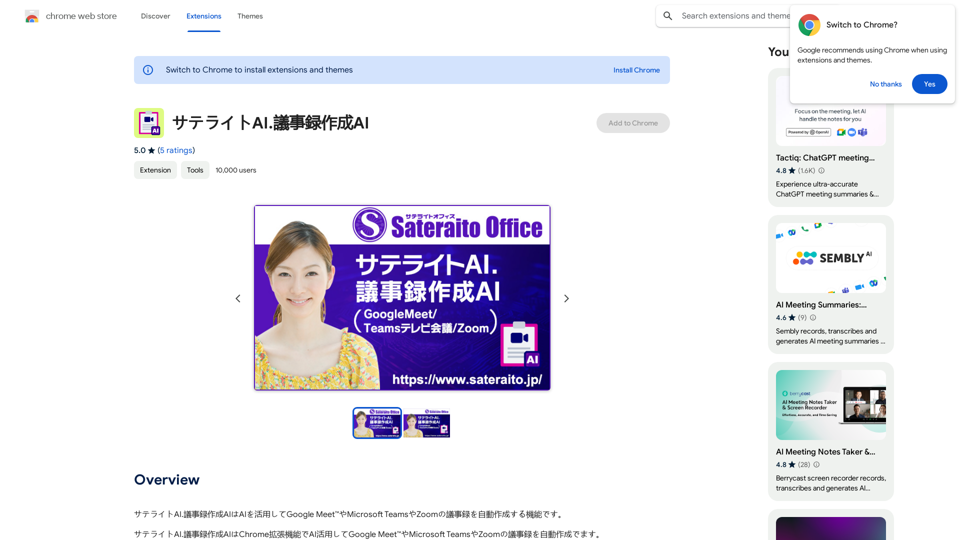
Satellite AI. The minutes creation AI is a function that utilizes AI to automatically create minutes of meetings on Google Meet™, Microsoft Teams, and Zoom.
Introduction
Feature
Automatic Transcription
Satellite AI employs advanced AI technology to automatically transcribe conversations during meetings. Users can easily edit and review the generated transcript for accuracy and completeness.
Meeting Note Creation
The platform intelligently analyzes the transcript to create comprehensive meeting notes. These notes include:
- Topic summaries
- Member opinions
- Current issues
- Future tasks
PDF Download
Users can conveniently download the created meeting notes in PDF format, facilitating easy sharing and reference for all participants.
Dictionary Function
Satellite AI incorporates a built-in dictionary function, allowing users to quickly look up unfamiliar terms and phrases encountered during meetings.
Screen Capture Function
The platform offers a screen capture feature, enabling users to capture and save important visual information presented during meetings.
Multi-Platform Support
Satellite AI is compatible with major video conferencing platforms:
- Google Meet
- Microsoft Teams
- Zoom
Easy Installation and Usage
Users can quickly get started by installing the Chrome extension and following a simple process:
- Start a meeting on a supported platform
- Allow automatic transcription
- Review and edit the transcript
- Create meeting notes and summaries
- Download notes in PDF format
Flexible Pricing Options
Satellite AI offers:
- A free version with limited features
- Paid subscription with additional features and benefits
FAQ
Can I use Satellite AI with other video conferencing platforms?
Yes, Satellite AI supports Google Meet, Microsoft Teams, and Zoom.
How do I create meeting notes with Satellite AI?
Simply start a meeting, and the extension will automatically transcribe the conversation. You can then review and edit the transcript to create meeting notes and summaries.
Can I download the meeting notes in PDF format?
Yes, you can download the created meeting notes in PDF format for easy sharing and reference.
Related Websites
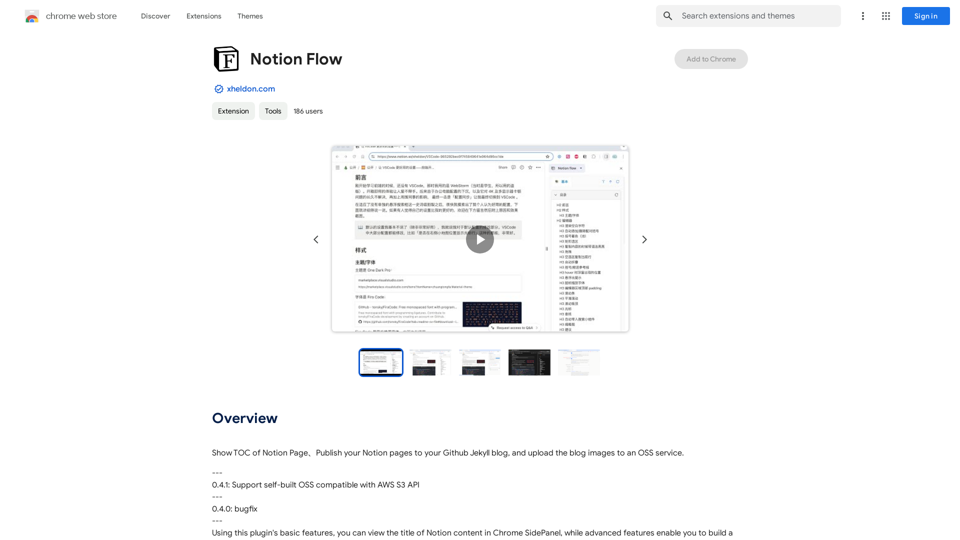
Show Notion Page Table of Contents Publish Notion Pages to a GitHub Jekyll Blog Upload Blog Images to an OSS Service
193.90 M
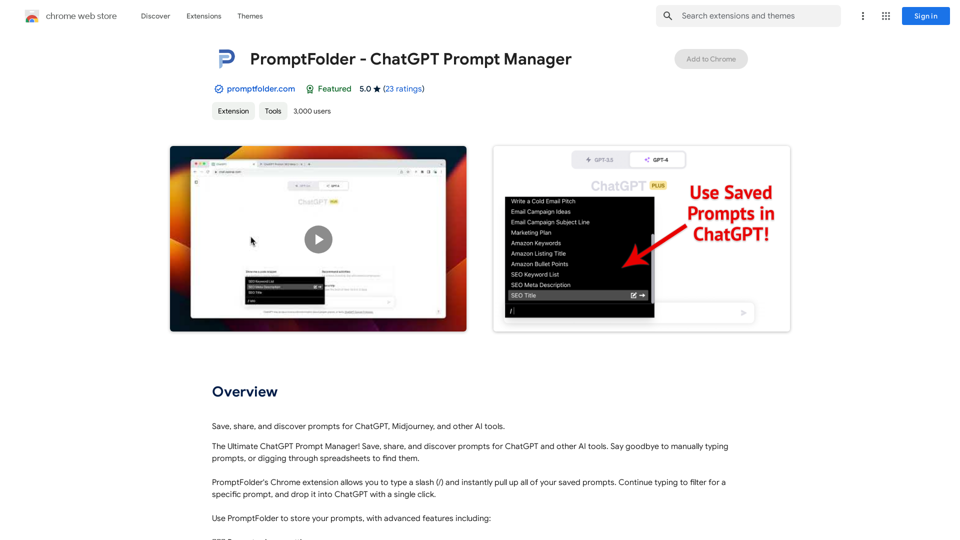
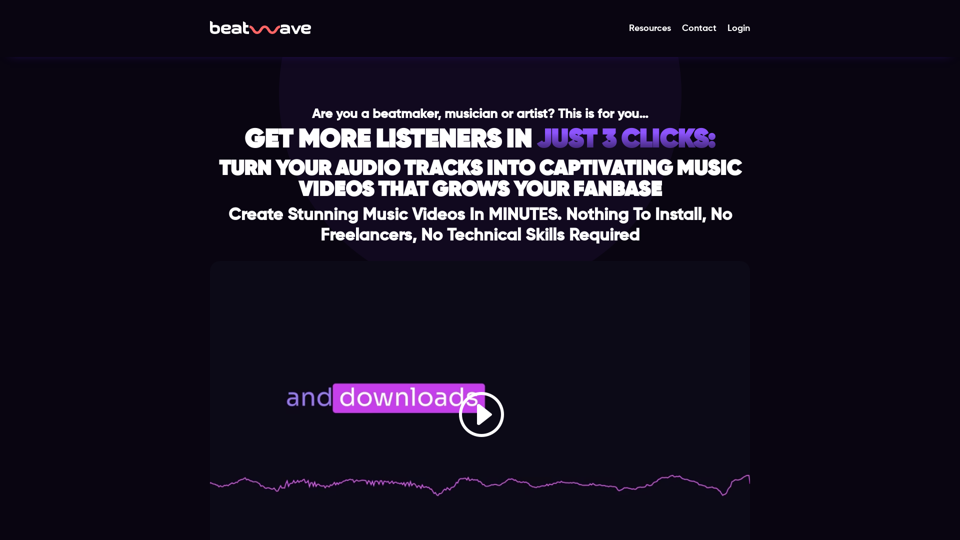
Beatwave: Create Audio & Music Visualizers in Just a Few Clicks
Beatwave: Create Audio & Music Visualizers in Just a Few ClicksCreate engaging audio & music visualizers in seconds with Beatwave. Turn your tracks, beats, audio and podcasts into engaging videos easily.
7.54 K
Searchable ChatGPT: Search GPT Conversation History With the rapid development of artificial intelligence technology, ChatGPT has become an essential tool for people to communicate and interact with AI. However, as the conversation history grows, it becomes increasingly difficult to find specific conversations or topics. To address this issue, we propose the concept of Searchable ChatGPT, which enables users to search their GPT conversation history efficiently. Key Features 1. Keyword Search Users can input specific keywords or phrases to search for relevant conversations in their chat history. The system will then display a list of conversations that match the search criteria, allowing users to quickly find the information they need. 2. Contextual Search In addition to keyword search, users can also search for conversations based on context. For example, they can search for conversations related to a specific topic, such as "travel" or "cooking." The system will then display a list of conversations that are relevant to the specified context. 3. Conversation Filtering To further refine the search results, users can apply filters to narrow down the list of conversations. For instance, they can filter conversations by date, time, or even the emotions expressed during the conversation. 4. Conversation Analytics Searchable ChatGPT also provides users with conversation analytics, which offer insights into their conversation patterns and preferences. This feature can help users identify areas for improvement and optimize their communication with ChatGPT. Benefits 1. Improved Productivity Searchable ChatGPT saves users time and effort by allowing them to quickly find specific conversations or topics in their chat history. 2. Enhanced User Experience By providing users with a more efficient way to search and analyze their conversations, Searchable ChatGPT enhances the overall user experience and encourages more effective communication with ChatGPT. 3. Better Decision Making With access to conversation analytics, users can make more informed decisions by identifying patterns and trends in their conversations with ChatGPT. Conclusion Searchable ChatGPT is a powerful tool that revolutionizes the way users interact with ChatGPT. By providing a robust search function, contextual search, conversation filtering, and conversation analytics, Searchable ChatGPT improves productivity, enhances the user experience, and enables better decision making.
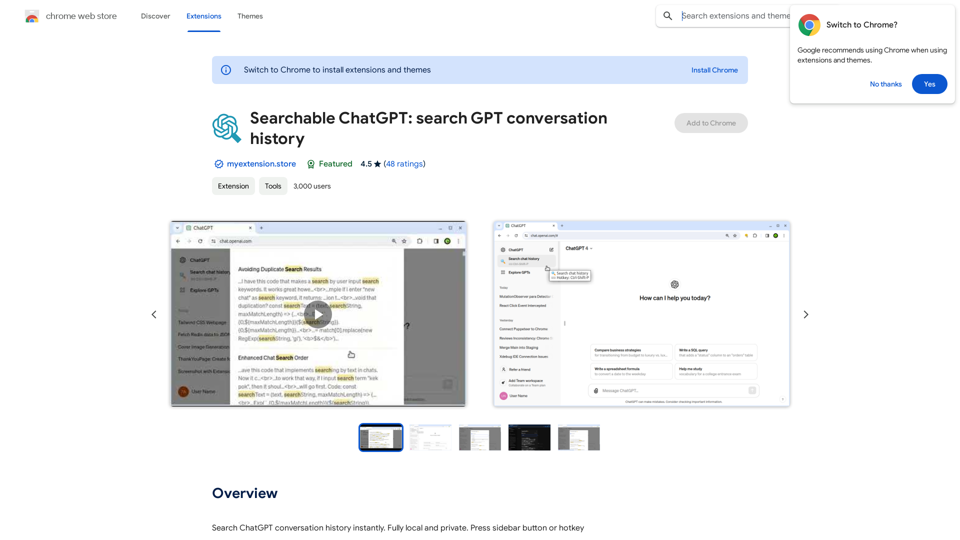
Searchable ChatGPT: Search GPT Conversation History With the rapid development of artificial intelligence technology, ChatGPT has become an essential tool for people to communicate and interact with AI. However, as the conversation history grows, it becomes increasingly difficult to find specific conversations or topics. To address this issue, we propose the concept of Searchable ChatGPT, which enables users to search their GPT conversation history efficiently. Key Features 1. Keyword Search Users can input specific keywords or phrases to search for relevant conversations in their chat history. The system will then display a list of conversations that match the search criteria, allowing users to quickly find the information they need. 2. Contextual Search In addition to keyword search, users can also search for conversations based on context. For example, they can search for conversations related to a specific topic, such as "travel" or "cooking." The system will then display a list of conversations that are relevant to the specified context. 3. Conversation Filtering To further refine the search results, users can apply filters to narrow down the list of conversations. For instance, they can filter conversations by date, time, or even the emotions expressed during the conversation. 4. Conversation Analytics Searchable ChatGPT also provides users with conversation analytics, which offer insights into their conversation patterns and preferences. This feature can help users identify areas for improvement and optimize their communication with ChatGPT. Benefits 1. Improved Productivity Searchable ChatGPT saves users time and effort by allowing them to quickly find specific conversations or topics in their chat history. 2. Enhanced User Experience By providing users with a more efficient way to search and analyze their conversations, Searchable ChatGPT enhances the overall user experience and encourages more effective communication with ChatGPT. 3. Better Decision Making With access to conversation analytics, users can make more informed decisions by identifying patterns and trends in their conversations with ChatGPT. Conclusion Searchable ChatGPT is a powerful tool that revolutionizes the way users interact with ChatGPT. By providing a robust search function, contextual search, conversation filtering, and conversation analytics, Searchable ChatGPT improves productivity, enhances the user experience, and enables better decision making.Search ChatGPT conversation history instantly. Fully local and private. Press sidebar button or hotkey
193.90 M