Winston AI is a powerful AI detection tool designed to identify AI-generated content and images with exceptional accuracy. This innovative solution offers a Chrome extension that seamlessly integrates into users' browsing experience, allowing them to scan and analyze text and images directly on web pages. With multilingual support and a user-friendly interface, Winston AI caters to a diverse range of users seeking to distinguish between human-created and AI-generated content.
AI Detector for Text and Images - Winston AI
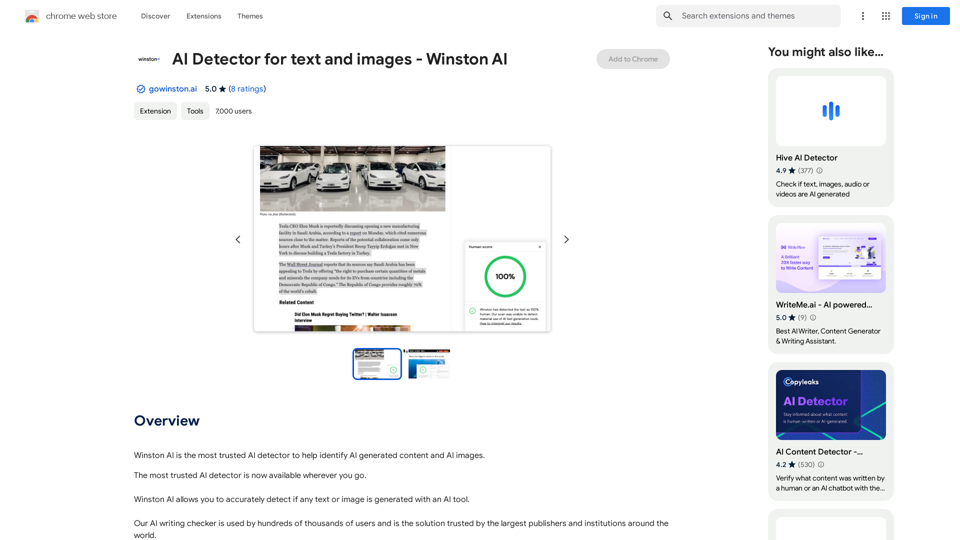
Winston AI is the most trusted AI detector to help identify AI-generated content and AI images.
Introduction
Feature
Industry-Leading Accuracy
Winston AI boasts an impressive 99.98% accuracy rate in detecting AI-generated content, making it the most trusted AI detector available in the market.
Comprehensive AI Detection
The tool is capable of identifying AI-generated content from all known AI writing tools, including popular platforms like ChatGPT and Midjourney.
In-Browser Scanning
Users can conveniently scan content directly on web pages without leaving their current browsing session, enhancing efficiency and user experience.
Multilingual Support
Winston AI supports multiple languages, including English, French, Spanish, German, Portuguese, and Dutch, catering to a global user base.
Free Account Option
Users can start with a free account without requiring a credit card, allowing them to explore the tool's capabilities before committing to a paid plan.
Chrome Extension Integration
The tool is available as a Chrome extension, enabling easy installation and quick access to AI detection features while browsing.
Credit-Based System
Winston AI utilizes a credit system for scanning content, with one credit required per word for text analysis and 300 credits for image scans.
Detailed Analysis
The tool provides comprehensive forensics analysis for images, including metadata when applicable, offering users in-depth insights into the content's origin.
FAQ
What is the accuracy rate of Winston AI?
Winston AI boasts an industry-leading accuracy rate of 99.98% in detecting AI-generated content and images.
Which AI writing tools can Winston AI detect?
Winston AI can detect AI writing from all known AI writing tools, including popular platforms like ChatGPT and Midjourney.
How do I use Winston AI?
To use Winston AI:
- Add the Chrome extension to your browser
- Pin the extension
- Create a free account
- Click the Winston AI logo to view credits
- Highlight content or images on any website
- Right-click and select "scan for AI content" or "Scan image for AI"
- View your score and assessment in the bottom right corner of your browser
Is there a cost associated with using Winston AI?
Winston AI offers a free account option to start with, and users can upgrade to paid plans for additional features and credits. The extension provides in-app purchases for those who require more advanced capabilities.
Latest Traffic Insights
Monthly Visits
193.90 M
Bounce Rate
56.27%
Pages Per Visit
2.71
Time on Site(s)
115.91
Global Rank
-
Country Rank
-
Recent Visits
Traffic Sources
- Social Media:0.48%
- Paid Referrals:0.55%
- Email:0.15%
- Referrals:12.81%
- Search Engines:16.21%
- Direct:69.81%
Related Websites
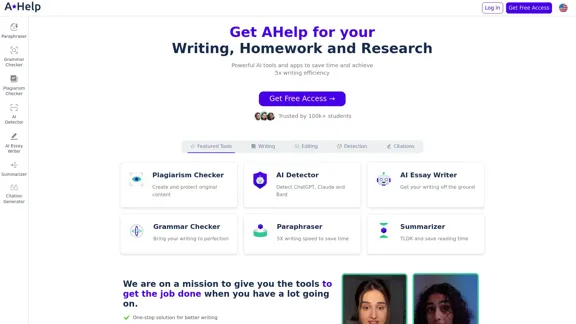
AHelp: Ultimate Hub of Educational and AI Writing Tools
AHelp: Ultimate Hub of Educational and AI Writing ToolsAHelp: Your essential toolkit for study, homework and research. Our platform offers various tools to make homework, assignments and essay writing easier.
99.04 K
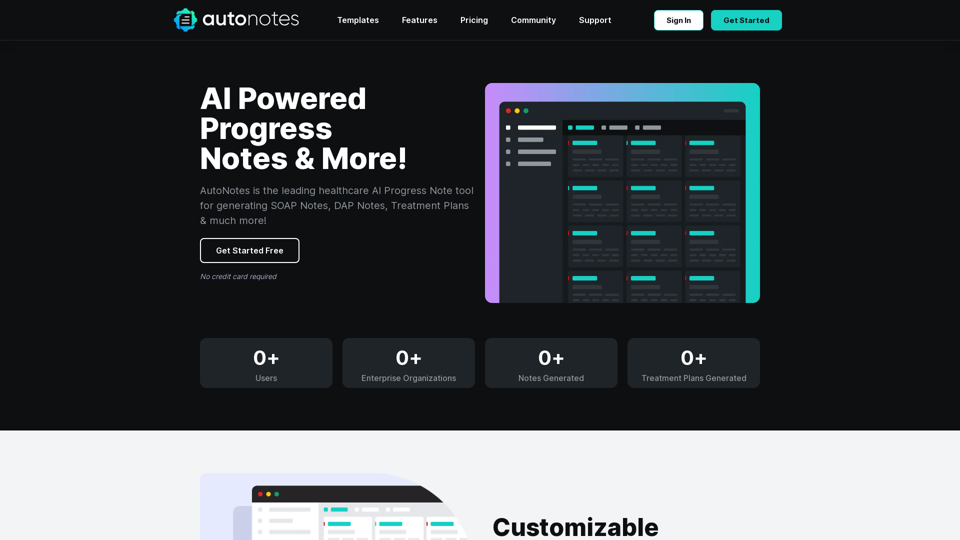
AutoNotes | AI Progress Notes, Assessments & More!
AutoNotes | AI Progress Notes, Assessments & More!AutoNotes is the top AI Progress Notes tool for Mental Health, Speech, and Occupational Therapy. Try AutoNotes for Free Now!
82.19 K
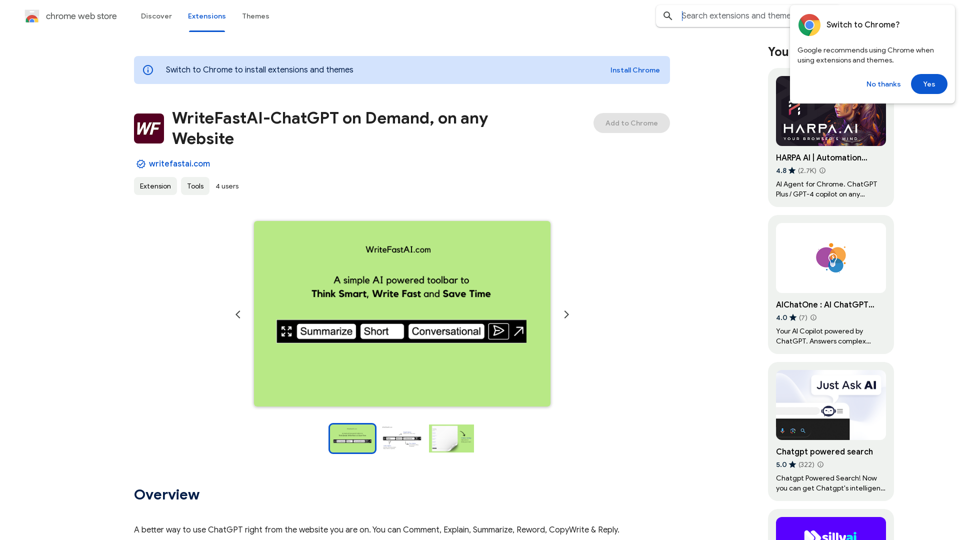
WriteFastAI-ChatGPT on Demand, on Any Website This is a powerful idea! Imagine being able to seamlessly integrate the capabilities of both FastAI and ChatGPT directly into any website. Here's a breakdown of what this could mean: * On-Demand AI Assistance: Users could access powerful AI tools like text generation, summarization, question answering, and more, right from the website they're already using. * Personalized Experiences: Websites could leverage AI to tailor content and interactions to individual user preferences, creating a more engaging and relevant experience. * Increased Efficiency: Businesses could automate tasks, generate reports, and analyze data faster and more accurately with the help of AI. Making it a Reality: This vision requires a combination of: * API Integration: FastAI and ChatGPT both offer APIs that allow developers to integrate their functionalities into applications. * Web Development Expertise: Developers would need to build the necessary infrastructure to connect the APIs to the website and handle user interactions. * Data Management: Websites would need to manage and secure the data used by the AI models. Potential Applications: The possibilities are endless! Here are just a few examples: * E-commerce: AI-powered chatbots could provide personalized product recommendations and customer support. * Education: Websites could offer interactive learning experiences with AI-powered tutors and personalized feedback. * News and Media: AI could be used to generate summaries of articles, create personalized news feeds, and even write original content. Let me know if you'd like to explore any of these applications in more detail!
WriteFastAI-ChatGPT on Demand, on Any Website This is a powerful idea! Imagine being able to seamlessly integrate the capabilities of both FastAI and ChatGPT directly into any website. Here's a breakdown of what this could mean: * On-Demand AI Assistance: Users could access powerful AI tools like text generation, summarization, question answering, and more, right from the website they're already using. * Personalized Experiences: Websites could leverage AI to tailor content and interactions to individual user preferences, creating a more engaging and relevant experience. * Increased Efficiency: Businesses could automate tasks, generate reports, and analyze data faster and more accurately with the help of AI. Making it a Reality: This vision requires a combination of: * API Integration: FastAI and ChatGPT both offer APIs that allow developers to integrate their functionalities into applications. * Web Development Expertise: Developers would need to build the necessary infrastructure to connect the APIs to the website and handle user interactions. * Data Management: Websites would need to manage and secure the data used by the AI models. Potential Applications: The possibilities are endless! Here are just a few examples: * E-commerce: AI-powered chatbots could provide personalized product recommendations and customer support. * Education: Websites could offer interactive learning experiences with AI-powered tutors and personalized feedback. * News and Media: AI could be used to generate summaries of articles, create personalized news feeds, and even write original content. Let me know if you'd like to explore any of these applications in more detail!A better way to use ChatGPT right from the website you are on. You can comment, explain, summarize, reword, copywrite, and reply.
193.90 M
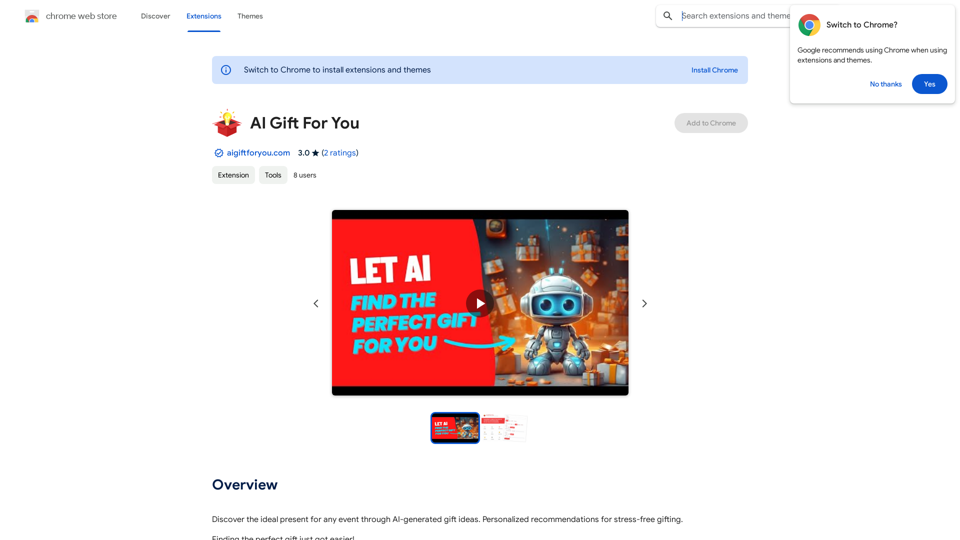
Find the perfect gift for any occasion with AI-powered gift suggestions. Get personalized recommendations for easy and stress-free gift giving.
193.90 M
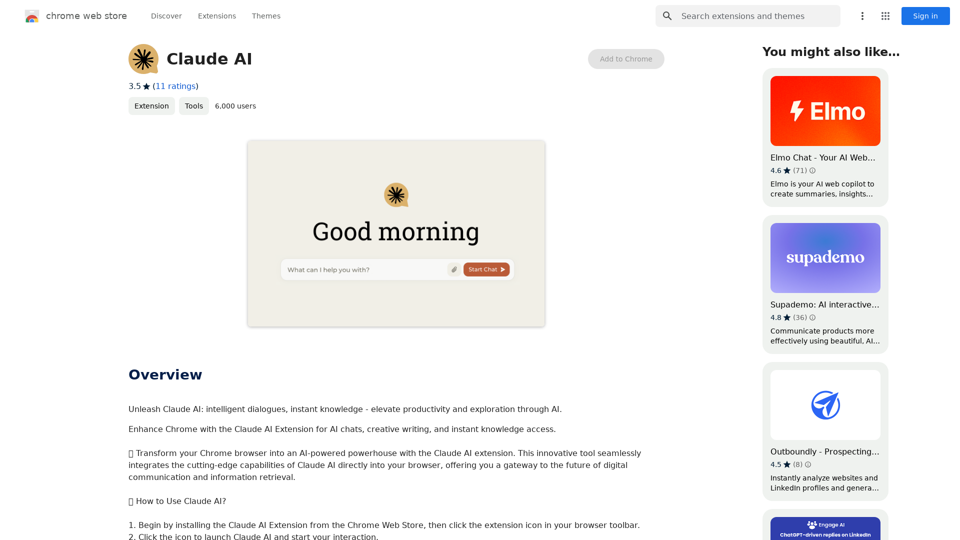
Claude AI Claude AI is an artificial intelligence model that can understand and respond to human input in a conversational manner. It is trained on a massive dataset of text from the internet and can generate human-like responses to a wide range of topics and questions. Claude AI is designed to be highly engaging and can even exhibit a sense of humor, making it a popular choice for chatbots and virtual assistants.
Claude AI Claude AI is an artificial intelligence model that can understand and respond to human input in a conversational manner. It is trained on a massive dataset of text from the internet and can generate human-like responses to a wide range of topics and questions. Claude AI is designed to be highly engaging and can even exhibit a sense of humor, making it a popular choice for chatbots and virtual assistants.Unleash Claude AI: Intelligent Dialogues, Instant Knowledge - Elevate Productivity and Exploration through AI.
193.90 M
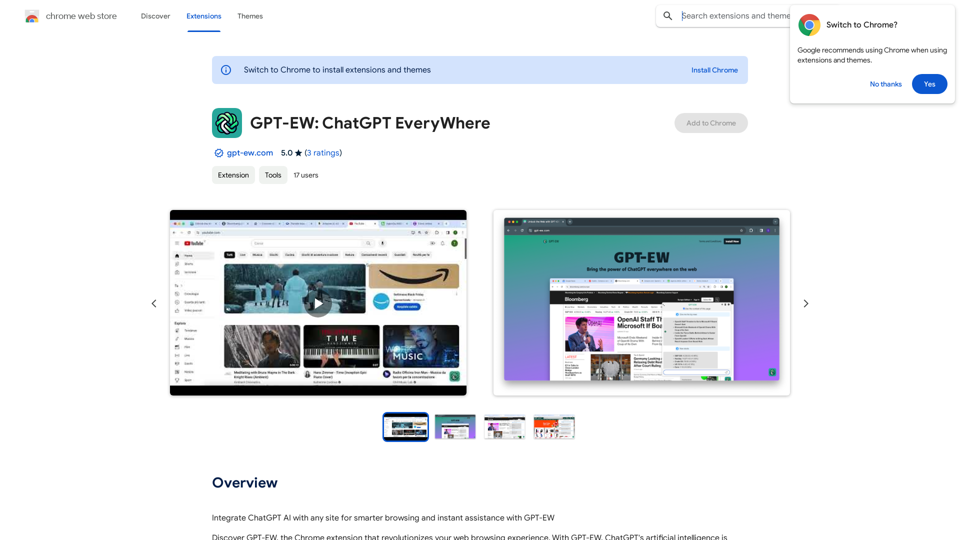
Add ChatGPT AI to Any Website for Smarter Browsing and Instant Help with GPT-EW Imagine having ChatGPT's powerful AI right there on any website you visit. That's what GPT-EW makes possible! It lets you seamlessly integrate ChatGPT into your favorite sites, giving you: * Smarter Browsing: Get instant answers to your questions about the content on the page. * Instant Assistance: Have ChatGPT help you summarize articles, translate text, or even write emails based on the information you're reading. GPT-EW unlocks a whole new level of interactivity and intelligence for your online experience.
193.90 M