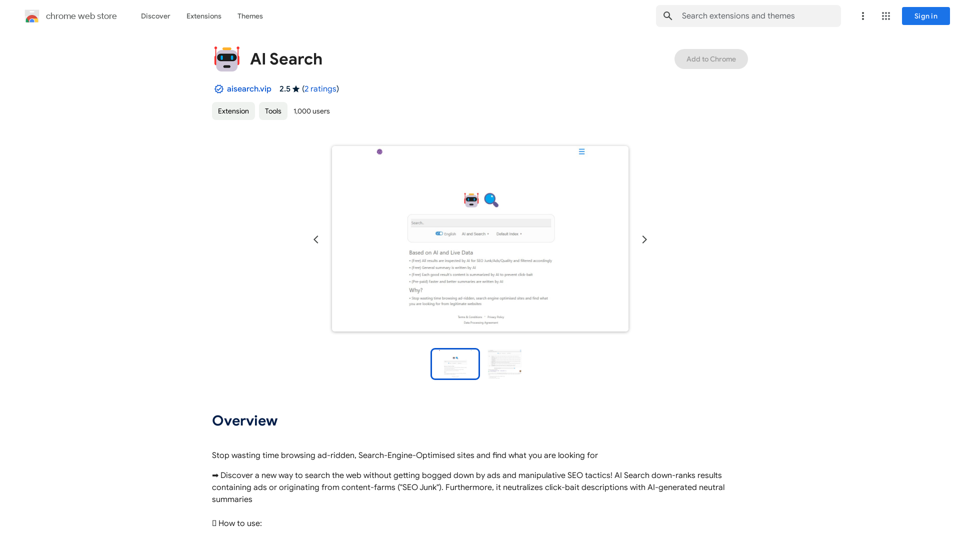
AI Search is an innovative browser extension designed to enhance web searching by filtering out ads and manipulative SEO content. It utilizes AI technology to prioritize high-quality results and provide neutral summaries of web pages, effectively combating click-bait tactics. This tool aims to streamline the search process and deliver more relevant, unbiased information to users.
AI Search
Stop wasting time browsing ad-ridden, Search-Engine-Optimised sites and find what you are looking for
Introduction
Feature
AI-Powered Search Redirection
AI Search automatically redirects users to its platform when they type "ai" followed by their search query in the navigation bar. This feature allows for seamless integration into users' browsing habits.
Customizable Keyword Trigger
Users can personalize their experience by changing the default "ai" keyword to any preferred term through the Extensions menu. This customization enhances user convenience and flexibility.
Content Filtering and Ranking
The extension employs advanced algorithms to down-rank results containing advertisements or originating from content farms, often referred to as "SEO Junk". This feature ensures that users receive more authentic and valuable search results.
Neutral Summary Generation
AI Search neutralizes click-bait descriptions by generating AI-powered, unbiased summaries of web pages. This feature helps users quickly assess the relevance and quality of search results without being misled by sensationalized content.
Free Accessibility
AI Search is offered as a free extension, requiring no subscription or payment. This ensures that all users can benefit from its advanced search capabilities without financial barriers.
FAQ
How do I start using AI Search?
To use AI Search, simply type "ai" (or your customized keyword) in your browser's navigation bar, followed by your search query. The extension will automatically redirect you to the AI Search results page.
Can I customize the trigger keyword for AI Search?
Yes, you can customize the default "ai" keyword to any other preferred term. This can be done through the Extensions menu in your browser, allowing you to personalize your search experience.
Is there a cost associated with using AI Search?
No, AI Search is completely free to use. There are no subscriptions or payments required to access its features and benefits.
How does AI Search improve search results?
AI Search improves results by:
- Down-ranking pages with excessive ads
- Filtering out content from known SEO farms
- Providing AI-generated neutral summaries to combat click-bait
- Prioritizing high-quality, relevant content
Can AI Search be used alongside my regular search engine?
Yes, AI Search can be used in conjunction with your regular search engine. It activates only when you use the specific trigger keyword, allowing you to switch between AI Search and your standard search engine as needed.
Related Websites
Claude Exporter - Easily Extract Chat Conversations
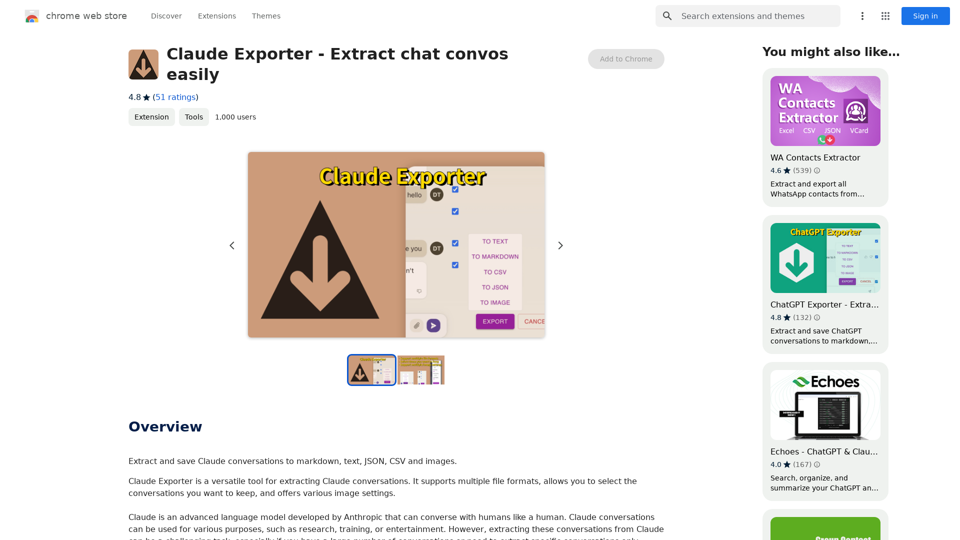
Claude Exporter - Easily Extract Chat ConversationsExtract and save Claude conversations to markdown, text, JSON, CSV, and images.
193.90 M

AI Sentence | Free Online AI Sentence Rewriter Tool 2024
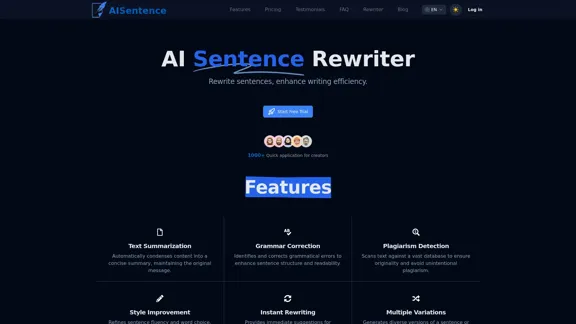
AI Sentence | Free Online AI Sentence Rewriter Tool 2024Transform your writing instantly with AI Sentence Rewriter. Our free AI-powered tool helps you rewrite sentences, paragraphs, and articles to be more engaging, professional, and natural-sounding. Perfect for content creators, students, and professionals.
0
Liner | AI Copilot on Your Workspace, Powered by ChatGPT
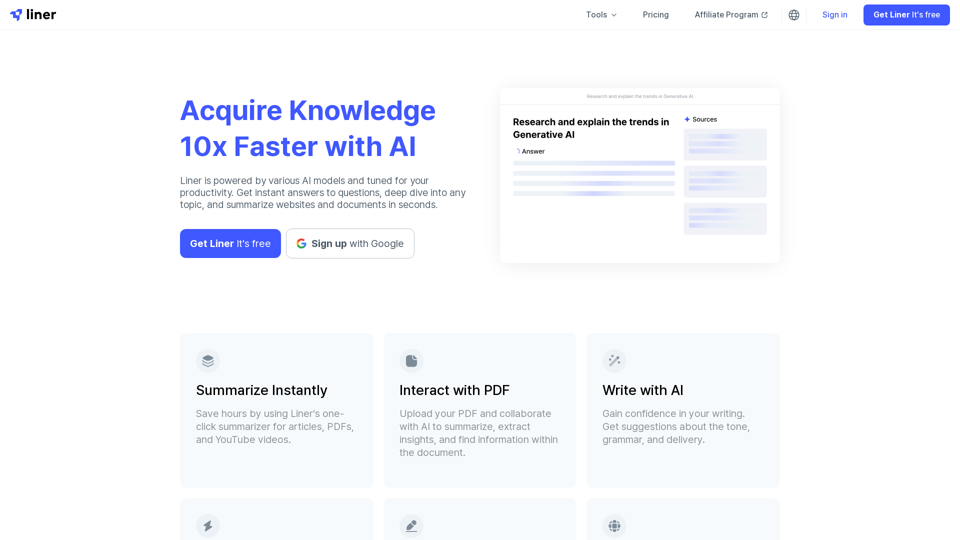
Liner | AI Copilot on Your Workspace, Powered by ChatGPTTry Liner. Boost productivity and optimize your workflow with AI Copilot by summarizing articles, generating code, and composing emails.
6.20 M
Claude to Notion This is a guide on how to connect Claude, an AI assistant, with Notion, a note-taking and workspace app. Why connect Claude and Notion? * Boost your productivity: Use Claude to generate content, summarize information, and automate tasks directly within Notion. * Enhance your research: Ask Claude questions about your Notion notes and get insightful answers. * Unlock new creative possibilities: Leverage Claude's generative capabilities to brainstorm ideas, write stories, or compose emails within your Notion workspace. How to connect Claude and Notion: 1. API Keys: Obtain an API key for both Claude and Notion. 2. Integration Tool: Explore integration tools like Zapier or Integromat to connect Claude and Notion. These platforms allow you to create workflows that trigger actions in one app based on events in the other. 3. Custom Development: For advanced users, you can develop your own custom integration using the Claude and Notion APIs. This gives you the most flexibility but requires coding knowledge. Example Use Cases: * Meeting Summarization: After a meeting, paste the transcript into Notion and use Claude to generate a concise summary. * Content Creation: Use Claude to write blog posts, articles, or social media captions directly within your Notion pages. * Idea Generation: Brainstorm new ideas for projects or tasks by prompting Claude with specific questions within your Notion workspace. Remember to review the documentation and terms of service for both Claude and Notion to ensure proper usage and security.
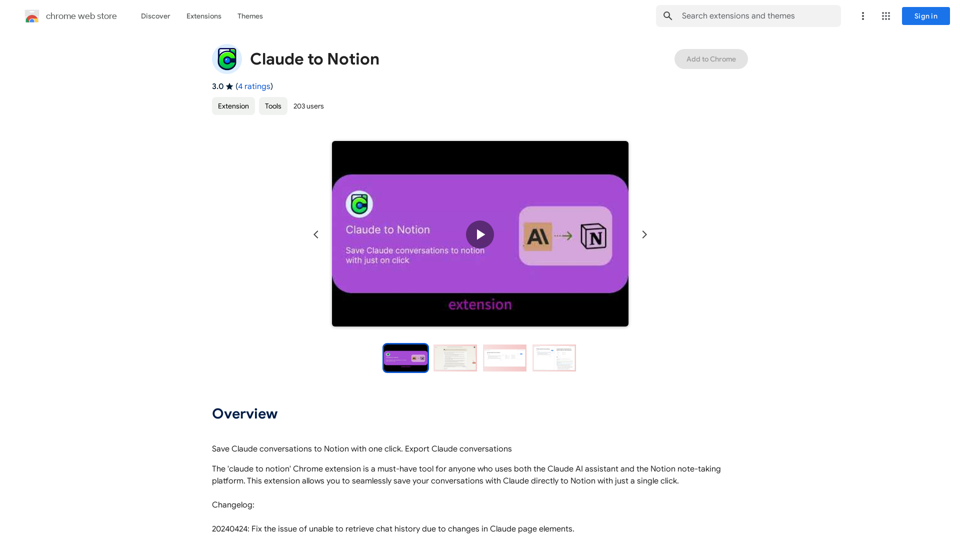
Claude to Notion This is a guide on how to connect Claude, an AI assistant, with Notion, a note-taking and workspace app. Why connect Claude and Notion? * Boost your productivity: Use Claude to generate content, summarize information, and automate tasks directly within Notion. * Enhance your research: Ask Claude questions about your Notion notes and get insightful answers. * Unlock new creative possibilities: Leverage Claude's generative capabilities to brainstorm ideas, write stories, or compose emails within your Notion workspace. How to connect Claude and Notion: 1. API Keys: Obtain an API key for both Claude and Notion. 2. Integration Tool: Explore integration tools like Zapier or Integromat to connect Claude and Notion. These platforms allow you to create workflows that trigger actions in one app based on events in the other. 3. Custom Development: For advanced users, you can develop your own custom integration using the Claude and Notion APIs. This gives you the most flexibility but requires coding knowledge. Example Use Cases: * Meeting Summarization: After a meeting, paste the transcript into Notion and use Claude to generate a concise summary. * Content Creation: Use Claude to write blog posts, articles, or social media captions directly within your Notion pages. * Idea Generation: Brainstorm new ideas for projects or tasks by prompting Claude with specific questions within your Notion workspace. Remember to review the documentation and terms of service for both Claude and Notion to ensure proper usage and security.Save Claude conversations to Notion with one click. Export Claude conversations.
193.90 M