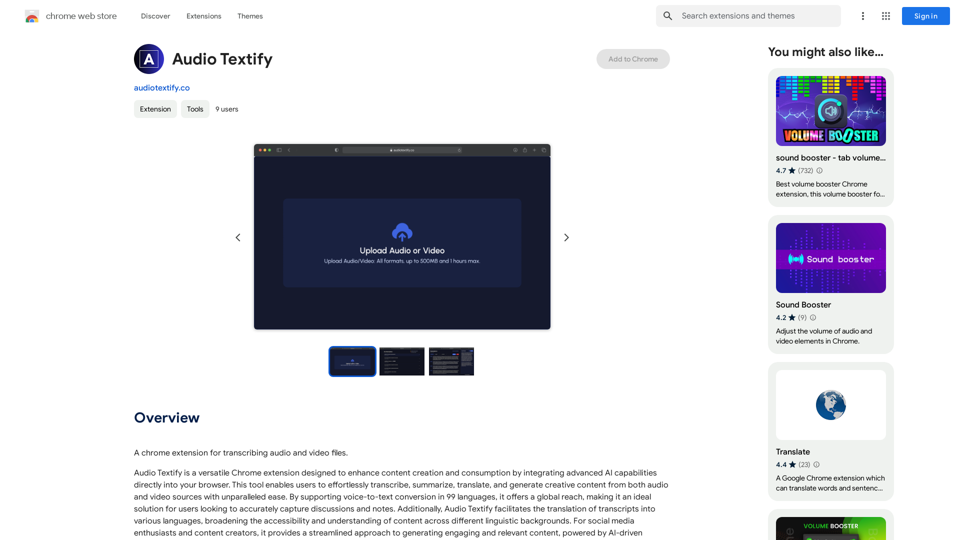
Audio Textify is a Chrome extension that revolutionizes content creation and consumption by integrating advanced AI capabilities directly into your browser. It allows users to effortlessly transcribe, summarize, translate, and generate creative content from both audio and video sources. With support for 99 languages and a range of powerful features, Audio Textify enhances productivity and accessibility across various linguistic backgrounds.
Audio to Text
A Chrome extension for transcribing audio and video files.
Introduction
Feature
Transcription
Audio Textify offers voice-to-text conversion in 99 languages, making it an ideal solution for accurately capturing discussions and notes.
Translation
The platform enables translation of transcripts into various languages, broadening content accessibility and understanding across different linguistic backgrounds.
Content Generation
Audio Textify streamlines the process of generating engaging and relevant content, powered by AI-driven creativity.
Analysis
The tool provides insightful analysis of transcripts by:
- Summarizing content
- Identifying major themes
- Extracting keywords
This aids in quick understanding and organization of key information.
Multi-language Support
Audio Textify supports voice-to-text conversion in 99 languages, catering to a global user base.
Privacy Protection
User data is handled in accordance with the platform's privacy policy, ensuring that information is not used for training purposes.
Flexible Usage
Users can access basic features for free, with the option to subscribe for additional benefits and extended access beyond free usage limits.
FAQ
What is Audio Textify?
Audio Textify is a Chrome extension that enables users to transcribe, summarize, translate, and generate creative content from audio and video sources using advanced AI capabilities.
How many languages does Audio Textify support?
Audio Textify supports voice-to-text conversion in 99 languages.
Can I use Audio Textify for free?
Yes, every user can utilize Audio Textify's basic features for free, subject to usage limits. Subscription options are available for extended access.
Does Audio Textify generate images?
No, Audio Textify is primarily designed for text-based content creation and analysis, not image generation.
How does Audio Textify handle user data?
Audio Textify handles user data in accordance with its privacy policy, ensuring that your data will not be used for any training purposes.
Related Websites
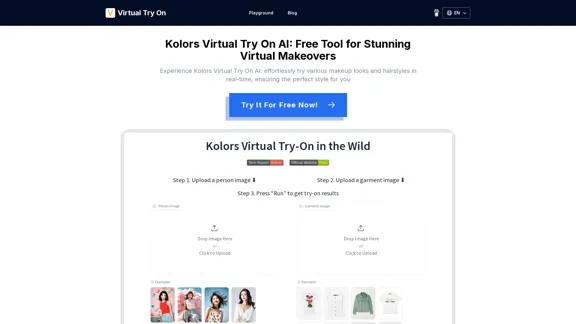
Kolors Virtual Try On AI: Free Tool for Stunning Virtual
Kolors Virtual Try On AI: Free Tool for Stunning VirtualExperience Kolors Virtual Try On AI: effortlessly try various makeup looks and hairstyles in real-time, ensuring the perfect style for you
0
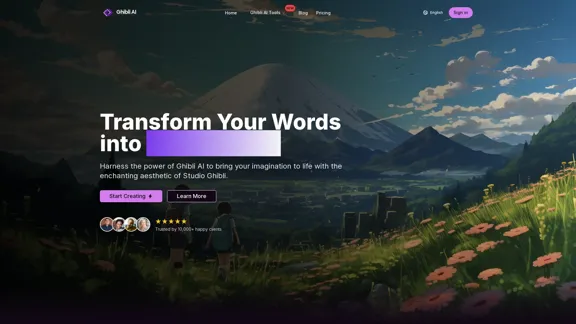
Create stunning Studio Ghibli style artwork using AI. Our text-to-image generator brings your imagination to life with the magical aesthetic of Ghibli animation.
0
![Simplified Chrome Extension
This is a basic Chrome extension designed to be easy to understand and modify.
Manifest File (manifest.json):
```json
{
"manifest_version": 3,
"name": "Simplified Extension",
"version": "1.0",
"description": "A simple Chrome extension example.",
"permissions": [
"activeTab"
],
"action": {
"default_popup": "popup.html"
}
}
```
Popup HTML (popup.html):
```html
<!DOCTYPE html>
<html>
<head>
<title>Simplified Extension</title>
</head>
<body>
<h1>Hello from the extension!</h1>
<p>This is a simple popup.</p>
</body>
</html>
```
Explanation:
* manifest.json: This file tells Chrome what your extension does.
* `manifest_version`: Specifies the version of the manifest file format.
* `name`: The name of your extension.
* `version`: The current version of your extension.
* `description`: A brief description of your extension.
* `permissions`: Lists the permissions your extension needs to function. Here, it needs access to the active tab.
* `action`: Defines the popup that appears when the extension icon is clicked.
* popup.html: This file contains the HTML code for the popup window.
How it works:
1. When you install the extension, Chrome reads the `manifest.json` file.
2. When you click the extension icon, Chrome opens the `popup.html` file in a new window.
3. The popup displays the "Hello from the extension!" message.](https://static.right-ai.com/tools/2024/7/4/chromewebstore-google-com-detail-simplified-chrome-extensi-hibfheifkaehlpnfggmfimfbhhffcmla-thumbnail-1720057553.png "Simplified Chrome Extension
This is a basic Chrome extension designed to be easy to understand and modify.
Manifest File (manifest.json):
```json
{
\"manifest_version\": 3,
\"name\": \"Simplified Extension\",
\"version\": \"1.0\",
\"description\": \"A simple Chrome extension example.\",
\"permissions\": [
\"activeTab\"
],
\"action\": {
\"default_popup\": \"popup.html\"
}
}
```
Popup HTML (popup.html):
```html
<!DOCTYPE html>
<html>
<head>
<title>Simplified Extension</title>
</head>
<body>
<h1>Hello from the extension!</h1>
<p>This is a simple popup.</p>
</body>
</html>
```
Explanation:
* manifest.json: This file tells Chrome what your extension does.
* `manifest_version`: Specifies the version of the manifest file format.
* `name`: The name of your extension.
* `version`: The current version of your extension.
* `description`: A brief description of your extension.
* `permissions`: Lists the permissions your extension needs to function. Here, it needs access to the active tab.
* `action`: Defines the popup that appears when the extension icon is clicked.
* popup.html: This file contains the HTML code for the popup window.
How it works:
1. When you install the extension, Chrome reads the `manifest.json` file.
2. When you click the extension icon, Chrome opens the `popup.html` file in a new window.
3. The popup displays the \"Hello from the extension!\" message.")
Simplified Chrome Extension This is a basic Chrome extension designed to be easy to understand and modify. Manifest File (manifest.json): ```json { "manifest_version": 3, "name": "Simplified Extension", "version": "1.0", "description": "A simple Chrome extension example.", "permissions": [ "activeTab" ], "action": { "default_popup": "popup.html" } } ``` Popup HTML (popup.html): ```html <!DOCTYPE html> <html> <head> <title>Simplified Extension</title> </head> <body> <h1>Hello from the extension!</h1> <p>This is a simple popup.</p> </body> </html> ``` Explanation: * manifest.json: This file tells Chrome what your extension does. * `manifest_version`: Specifies the version of the manifest file format. * `name`: The name of your extension. * `version`: The current version of your extension. * `description`: A brief description of your extension. * `permissions`: Lists the permissions your extension needs to function. Here, it needs access to the active tab. * `action`: Defines the popup that appears when the extension icon is clicked. * popup.html: This file contains the HTML code for the popup window. How it works: 1. When you install the extension, Chrome reads the `manifest.json` file. 2. When you click the extension icon, Chrome opens the `popup.html` file in a new window. 3. The popup displays the "Hello from the extension!" message.
Simplified Chrome Extension This is a basic Chrome extension designed to be easy to understand and modify. Manifest File (manifest.json): ```json { "manifest_version": 3, "name": "Simplified Extension", "version": "1.0", "description": "A simple Chrome extension example.", "permissions": [ "activeTab" ], "action": { "default_popup": "popup.html" } } ``` Popup HTML (popup.html): ```html <!DOCTYPE html> <html> <head> <title>Simplified Extension</title> </head> <body> <h1>Hello from the extension!</h1> <p>This is a simple popup.</p> </body> </html> ``` Explanation: * manifest.json: This file tells Chrome what your extension does. * `manifest_version`: Specifies the version of the manifest file format. * `name`: The name of your extension. * `version`: The current version of your extension. * `description`: A brief description of your extension. * `permissions`: Lists the permissions your extension needs to function. Here, it needs access to the active tab. * `action`: Defines the popup that appears when the extension icon is clicked. * popup.html: This file contains the HTML code for the popup window. How it works: 1. When you install the extension, Chrome reads the `manifest.json` file. 2. When you click the extension icon, Chrome opens the `popup.html` file in a new window. 3. The popup displays the "Hello from the extension!" message.Design & Collaborate Marketing made easy #Simplified
193.90 M
ilikeimg - AI-Powered Image Tools | Free Online Photo Editor
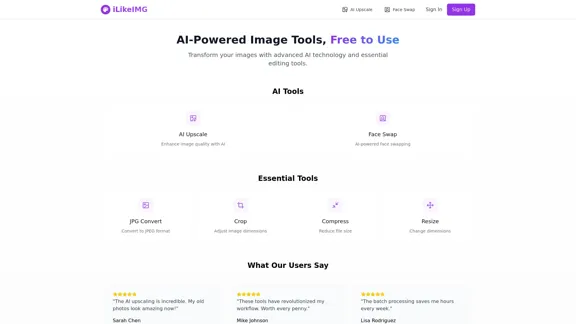
ilikeimg - AI-Powered Image Tools | Free Online Photo EditorFree online tools to convert, crop, compress, resize, and enhance your images. No registration required for basic features.
0