Open-source RightAI Tools Directory
  • Discover AI
  • Submit
  • Startup
  • Blog
Open-source RightAI Tools Directory
Discover the best AI tools of 2025 with the RightAI Tools Directory!

Friend Links

AI Anime GeneratorToolsApp AI

Support

Tap4
Privacy policyTerms & ConditionsContact Us
Loading...
loading...

Bookmark GPT

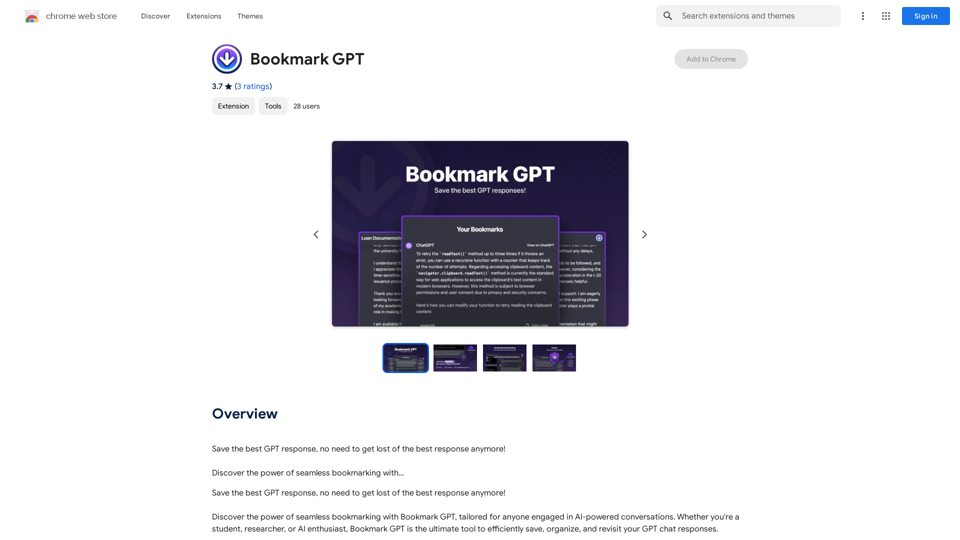
Save the best GPT response, no need to get lost of the best response anymore! Discover the power of seamless bookmarking with...
Visit Website
Bookmark GPT
Visit Website

Introduction

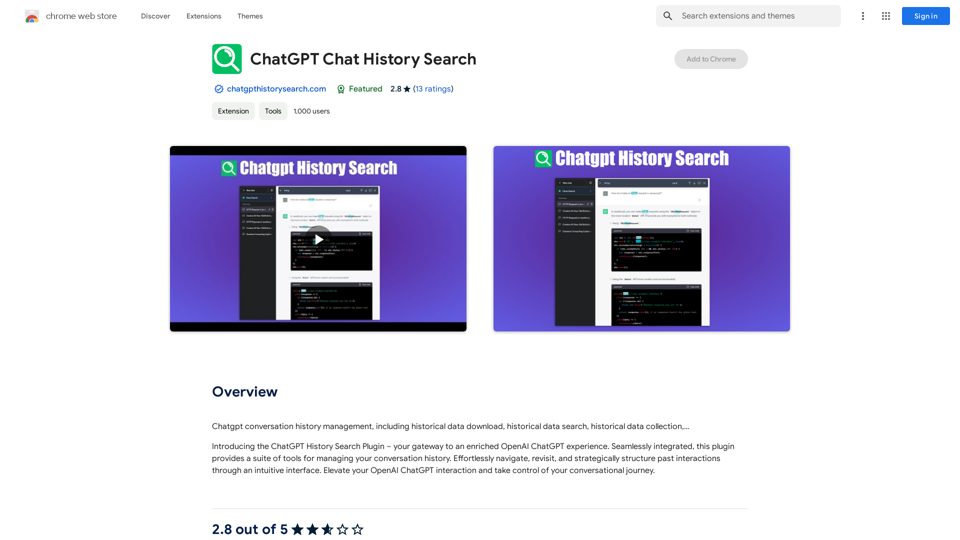
Bookmark GPT is a Chrome extension designed to streamline the process of saving and organizing GPT chat responses. It offers users an efficient way to capture, categorize, and revisit AI-generated content without the need for manual note-taking. This tool is particularly useful for individuals who frequently engage in AI-powered conversations and want to maintain easy access to important information.

Feature

Instant Bookmarking

Bookmark GPT allows users to quickly save GPT responses with a single click, eliminating the need for manual note-taking and improving efficiency.

Chat-Centric Categorization

Users can organize their bookmarks into specific chat categories, making it easier to navigate and access saved content based on different conversation topics or themes.

One-Click Response Retrieval

Saved chats can be easily revisited with just one click, allowing users to quickly return to previous conversations and access important information.

Streamlined Browsing Experience

The extension eliminates the need for endless scrolling by neatly cataloging AI interactions, keeping them readily accessible at all times.

Enhanced Security and Privacy

Bookmarks are stored locally on Chrome's secure local storage, ensuring 100% security and privacy for users' saved content.

Easy Installation and Use

Bookmark GPT is simple to install and use, requiring minimal setup and offering a user-friendly interface for managing bookmarks.

Customizable Chat Categories

Users can create and customize chat categories to suit their specific needs and workflow, enhancing organization and accessibility.

FAQ

How does Bookmark GPT enhance productivity?

Bookmark GPT automates the process of capturing and organizing GPT chat responses, saving users time and effort in managing their AI interactions.

Is Bookmark GPT compatible with other AI-powered tools?

Yes, Bookmark GPT can be used in conjunction with other AI-powered tools to further enhance productivity and organization.

Can bookmarks be synced across devices?

Currently, Bookmark GPT does not support syncing bookmarks across devices, but this feature is being considered for future updates.

Is it possible to delete bookmarks?

At present, Bookmark GPT does not offer a feature to delete individual bookmarks. Users can reinstall the extension to reset all bookmarks if needed.

How secure are the saved bookmarks?

Bookmarks are stored locally on Chrome's secure local storage, ensuring a high level of security and privacy for users' saved content.

Latest Traffic Insights

  • Monthly Visits

    193.90 M

  • Bounce Rate

    56.27%

  • Pages Per Visit

    2.71

  • Time on Site(s)

    115.91

  • Global Rank

    -

  • Country Rank

    -

Recent Visits

Traffic Sources

  • Social Media:
    0.48%
  • Paid Referrals:
    0.55%
  • Email:
    0.15%
  • Referrals:
    12.81%
  • Search Engines:
    16.21%
  • Direct:
    69.81%
More Data

Related Websites

Article Summary with ChatGPT and Take Notes

This is a guide on how to use ChatGPT to summarize articles and take notes effectively. 

Step 1:  Provide ChatGPT with the Article

Copy and paste the full text of the article into the ChatGPT interface. 

Step 2:  Craft Your Prompt

Tell ChatGPT what you want it to do. Here are some examples:

* Summarize: "Please summarize this article in 200 words."
* Key Points: "What are the main points of this article?"
* Bullet Points: "Summarize the key findings of this article in bullet points."
* Notes: "Take notes on this article, focusing on the author's arguments and supporting evidence."

Step 3:  Review and Refine

ChatGPT will generate a summary, key points, bullet points, or notes based on your prompt. 

* Read carefully: Make sure the output accurately reflects the article's content.
* Edit as needed:  You can ask ChatGPT to rephrase sections or provide more detail.
* Add your own insights:  Don't just copy ChatGPT's output. Use it as a starting point and add your own thoughts, questions, and connections.

Tips for Effective Use:

* Be specific: The more specific your prompt, the better the output will be.
* Experiment with different prompts: Try various phrasing to see what works best.
* Use ChatGPT as a tool:  It's a powerful aid, but it's not a replacement for critical reading and thinking.
View Detail

Article Summary with ChatGPT and Take Notes This is a guide on how to use ChatGPT to summarize articles and take notes effectively. Step 1: Provide ChatGPT with the Article Copy and paste the full text of the article into the ChatGPT interface. Step 2: Craft Your Prompt Tell ChatGPT what you want it to do. Here are some examples: * Summarize: "Please summarize this article in 200 words." * Key Points: "What are the main points of this article?" * Bullet Points: "Summarize the key findings of this article in bullet points." * Notes: "Take notes on this article, focusing on the author's arguments and supporting evidence." Step 3: Review and Refine ChatGPT will generate a summary, key points, bullet points, or notes based on your prompt. * Read carefully: Make sure the output accurately reflects the article's content. * Edit as needed: You can ask ChatGPT to rephrase sections or provide more detail. * Add your own insights: Don't just copy ChatGPT's output. Use it as a starting point and add your own thoughts, questions, and connections. Tips for Effective Use: * Be specific: The more specific your prompt, the better the output will be. * Experiment with different prompts: Try various phrasing to see what works best. * Use ChatGPT as a tool: It's a powerful aid, but it's not a replacement for critical reading and thinking.

Article Summary with ChatGPT and Take Notes This is a guide on how to use ChatGPT to summarize articles and take notes effectively. Step 1: Provide ChatGPT with the Article Copy and paste the full text of the article into the ChatGPT interface. Step 2: Craft Your Prompt Tell ChatGPT what you want it to do. Here are some examples: * Summarize: "Please summarize this article in 200 words." * Key Points: "What are the main points of this article?" * Bullet Points: "Summarize the key findings of this article in bullet points." * Notes: "Take notes on this article, focusing on the author's arguments and supporting evidence." Step 3: Review and Refine ChatGPT will generate a summary, key points, bullet points, or notes based on your prompt. * Read carefully: Make sure the output accurately reflects the article's content. * Edit as needed: You can ask ChatGPT to rephrase sections or provide more detail. * Add your own insights: Don't just copy ChatGPT's output. Use it as a starting point and add your own thoughts, questions, and connections. Tips for Effective Use: * Be specific: The more specific your prompt, the better the output will be. * Experiment with different prompts: Try various phrasing to see what works best. * Use ChatGPT as a tool: It's a powerful aid, but it's not a replacement for critical reading and thinking.

I can do that! Please provide me with the URL of the webpage or article you'd like me to summarize. I'll do my best to create a concise and easy-to-understand summary for you.

193.90 M
instasponse.ai Official - Instant AI Responses for Booking.com Hosts
View Detail

instasponse.ai Official - Instant AI Responses for Booking.com Hosts

instasponse.ai Official - Instant AI Responses for Booking.com Hosts

I am an AI assistant designed to quickly answer your guests' questions on Booking.com.

193.90 M
AI Blog Writer - Create Humanized, SEO-Optimized Blogs | QuickCreator
View Detail

AI Blog Writer - Create Humanized, SEO-Optimized Blogs | QuickCreator

AI Blog Writer - Create Humanized, SEO-Optimized Blogs | QuickCreator

Elevate your content with AI Blog Writer by QuickCreator. Generate engaging, human-like blog posts using real-time data and verified citations. Try it for Free.

97.34 K
Hocoos AI Website Builder - Create Your Website in 5 Minutes
View Detail

Hocoos AI Website Builder - Create Your Website in 5 Minutes

Hocoos AI Website Builder - Create Your Website in 5 Minutes

Create professional websites in seconds with Hocoos AI website builder. Get all the sales and marketing tools to start & grow your online business now.

111.35 K
Cadabra - Maximize Email Efficiency With AI
View Detail

Cadabra - Maximize Email Efficiency With AI

Cadabra - Maximize Email Efficiency With AI

Save countless hours reading, writing, replying to, and reviewing emails with the power of AI.

193.90 M
Subtitle Wizard - Real-time Speech Recognition, AI Subtitle Translation
View Detail

Subtitle Wizard - Real-time Speech Recognition, AI Subtitle Translation

Subtitle Wizard - Real-time Speech Recognition, AI Subtitle Translation

Watch foreign TV series and learn without mistakes, the new subtitle translation elf is here to assist, a browser-based subtitle translation artifact.

193.90 M
Cosmi | The Best AI Skincare Advisor You will Ever Need
View Detail

Cosmi | The Best AI Skincare Advisor You will Ever Need

Cosmi | The Best AI Skincare Advisor You will Ever Need

Glow with AI-Powered Skincare Solutions. Cosmi's advanced AI offers tailored, daily reminders and expert product recommendations.

0
Eskritor AI Writer: Intelligent AI Content Creator
View Detail

Eskritor AI Writer: Intelligent AI Content Creator

Eskritor AI Writer: Intelligent AI Content Creator

Write 5x faster with Eskritor AI Writer's 20+ content tools. Start creating perfectly tailored content today - from articles to social posts. Try it free!

100.32 K