Open-source RightAI Tools Directory
  • Discover AI
  • Submit
  • Startup
  • Blog
Open-source RightAI Tools Directory
Discover the best AI tools of 2025 with the RightAI Tools Directory!

Friend Links

AI Anime GeneratorToolsApp AI

Support

Tap4
Privacy policyTerms & ConditionsContact Us
Loading...
loading...

Integrating Copilot (Bing Chat)

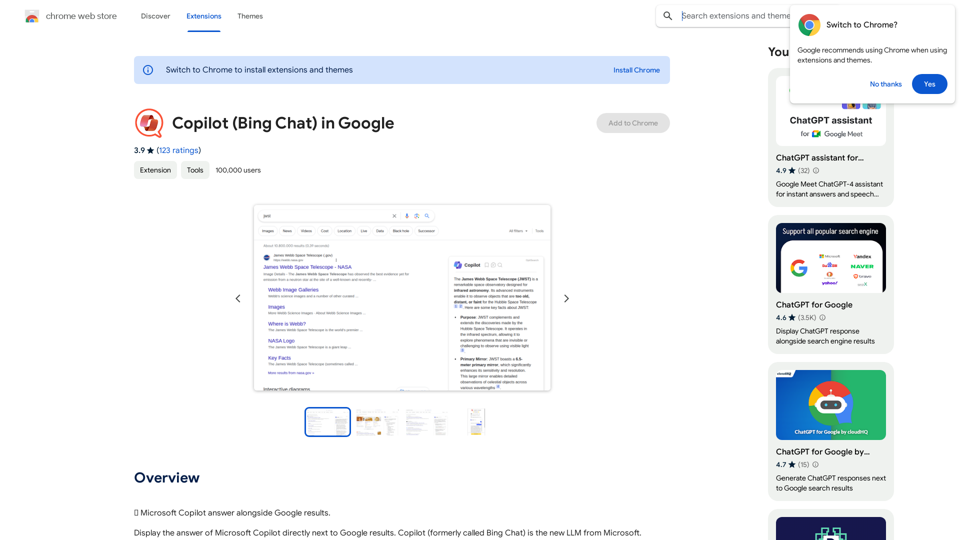
🗨️ Microsoft Copilot provides answers alongside Google search results.
Visit Website
Integrating Copilot (Bing Chat)
Visit Website

Introduction

Copilot is an AI-powered browser extension that integrates Microsoft's Large Language Model (LLM) technology into search results. It provides users with AI-generated summaries alongside traditional search engine results, enhancing the search experience across major platforms like Google, Bing, DuckDuckGo, Ecosia, and Brave Search.

Feature

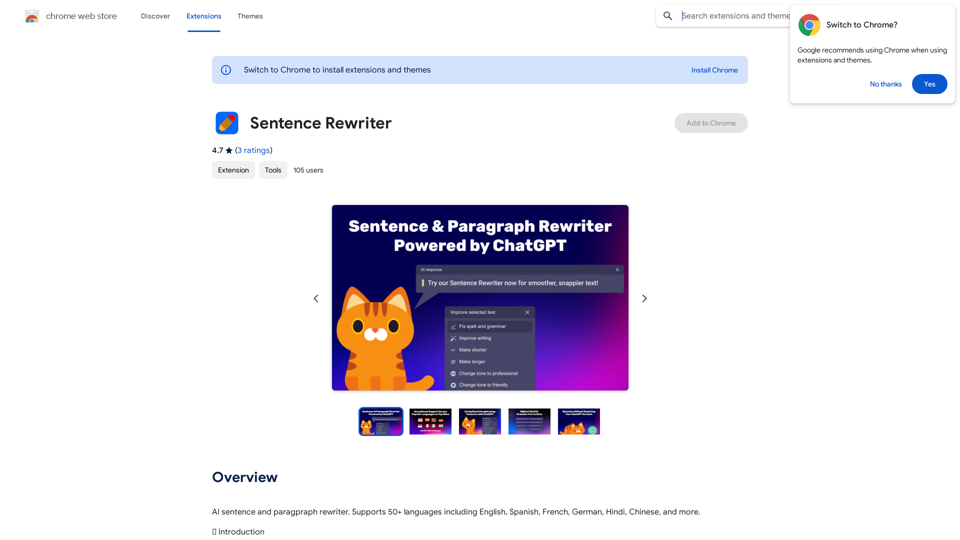
AI-Enhanced Search Results

Copilot generates smart, AI-crafted summaries of search results, making it easier for users to find relevant information quickly.

Multi-Engine Compatibility

The extension works seamlessly with various search engines, including:

  • Google
  • Bing
  • DuckDuckGo
  • Ecosia
  • Brave Search

Customizable Conversation Styles

Users can choose from three AI conversation styles:

  • Balanced
  • Precise
  • Creative (powered by GPT-4)

Flexible Activation Options

Copilot can be set to:

  • Generate answers instantly upon searching
  • Trigger only when manually activated by the user

Premium Features

Continuous Conversations

Users can continue their AI interactions directly within the search results page.

Conversation Saving

Save and revisit conversations later on the Copilot web page.

Internal Search Control

Option to disable Copilot's internal search to save time.

FAQ

How does Copilot work?

Copilot utilizes Microsoft's LLM technology to analyze search queries and generate AI-crafted summaries of search results, providing users with concise and relevant information.

Can I customize Copilot's conversation style?

Yes, Copilot offers three customizable conversation styles: "Balanced", "Precise", and "Creative" (which uses GPT-4). Users can select the style that best suits their needs.

What are some tips for getting the most out of Copilot?

  • Experiment with different conversation styles to find the one that works best for you
  • If you encounter issues, try restarting the extension or checking for updates
  • Explore the premium features for an enhanced search experience

Latest Traffic Insights

  • Monthly Visits

    193.90 M

  • Bounce Rate

    56.27%

  • Pages Per Visit

    2.71

  • Time on Site(s)

    115.91

  • Global Rank

    -

  • Country Rank

    -

Recent Visits

Traffic Sources

  • Social Media:
    0.48%
  • Paid Referrals:
    0.55%
  • Email:
    0.15%
  • Referrals:
    12.81%
  • Search Engines:
    16.21%
  • Direct:
    69.81%
More Data

Related Websites

Sloth Search
View Detail

Sloth Search

Sloth Search

A browser extension that uses artificial intelligence to perform a deeper understanding search of web pages.

193.90 M
AIChatOne: AI ChatGPT Copilot, Web Summary, Twitter Writer, ChatHub, ChatBot
View Detail

AIChatOne: AI ChatGPT Copilot, Web Summary, Twitter Writer, ChatHub, ChatBot

AIChatOne: AI ChatGPT Copilot, Web Summary, Twitter Writer, ChatHub, ChatBot

Your AI Copilot powered by ChatGPT. Answers complex questions. Writes emails. Reads articles. Searches smartly. Usable everywhere.

193.90 M
Converting JPG Images to Text

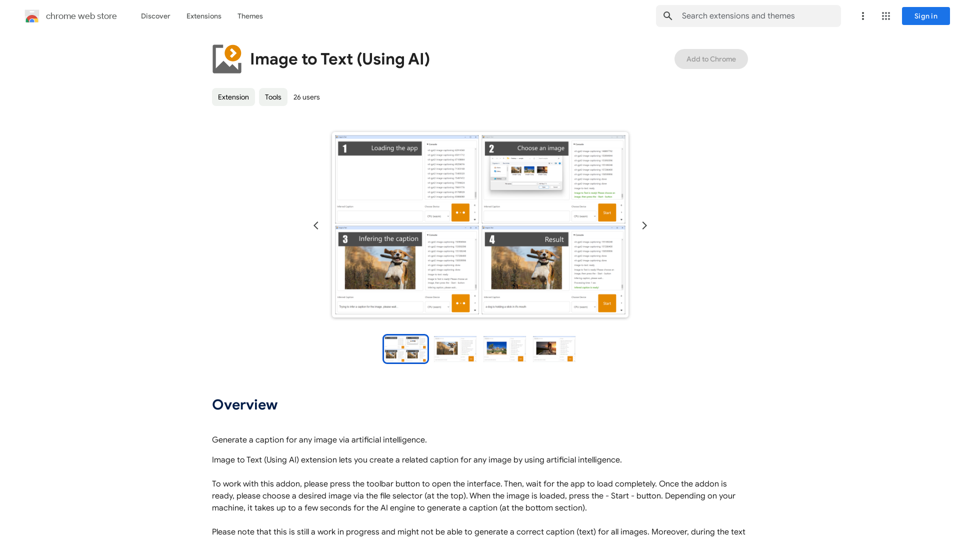
Converting a JPG image to text is a process known as Optical Character Recognition (OCR). This technology enables you to extract text from images, scanned documents, and photos. Here's how to do it:

Method 1: Online OCR Tools

You can use online OCR tools to convert JPG images to text. Here are the steps:

1. Upload your JPG image: Go to an online OCR tool website, such as Online OCR Tools or OCR.space, and upload your JPG image.
2. Select the language: Choose the language of the text in your image.
3. Click on "Convert": The tool will convert the image to text.
4. Download the text: You can download the extracted text as a Word document, PDF, or plain text file.

Method 2: Google Drive

You can also use Google Drive to convert JPG images to text. Here's how:

1. Upload your JPG image: Upload your JPG image to Google Drive.
2. Right-click on the image: Right-click on the uploaded image and select "Open with" > "Google Docs".
3. The image will be converted: Google Docs will automatically convert the image to text.
4. Edit and download: You can edit the extracted text and download it as a Word document or PDF.

Method 3: Adobe Acrobat

If you have Adobe Acrobat installed on your computer, you can use it to convert JPG images to text. Here's how:

1. Open Adobe Acrobat: Open Adobe Acrobat on your computer.
2. Create a new document: Create a new document and click on "Tools" > "Recognize Text".
3. Select the image: Select the JPG image you want to convert.
4. Click on "Recognize": Adobe Acrobat will convert the image to text.
5. Edit and save: You can edit the extracted text and save it as a Word document or PDF.

These are the three methods to convert JPG images to text. Choose the method that works best for you!
View Detail

Converting JPG Images to Text Converting a JPG image to text is a process known as Optical Character Recognition (OCR). This technology enables you to extract text from images, scanned documents, and photos. Here's how to do it: Method 1: Online OCR Tools You can use online OCR tools to convert JPG images to text. Here are the steps: 1. Upload your JPG image: Go to an online OCR tool website, such as Online OCR Tools or OCR.space, and upload your JPG image. 2. Select the language: Choose the language of the text in your image. 3. Click on "Convert": The tool will convert the image to text. 4. Download the text: You can download the extracted text as a Word document, PDF, or plain text file. Method 2: Google Drive You can also use Google Drive to convert JPG images to text. Here's how: 1. Upload your JPG image: Upload your JPG image to Google Drive. 2. Right-click on the image: Right-click on the uploaded image and select "Open with" > "Google Docs". 3. The image will be converted: Google Docs will automatically convert the image to text. 4. Edit and download: You can edit the extracted text and download it as a Word document or PDF. Method 3: Adobe Acrobat If you have Adobe Acrobat installed on your computer, you can use it to convert JPG images to text. Here's how: 1. Open Adobe Acrobat: Open Adobe Acrobat on your computer. 2. Create a new document: Create a new document and click on "Tools" > "Recognize Text". 3. Select the image: Select the JPG image you want to convert. 4. Click on "Recognize": Adobe Acrobat will convert the image to text. 5. Edit and save: You can edit the extracted text and save it as a Word document or PDF. These are the three methods to convert JPG images to text. Choose the method that works best for you!

Converting JPG Images to Text Converting a JPG image to text is a process known as Optical Character Recognition (OCR). This technology enables you to extract text from images, scanned documents, and photos. Here's how to do it: Method 1: Online OCR Tools You can use online OCR tools to convert JPG images to text. Here are the steps: 1. Upload your JPG image: Go to an online OCR tool website, such as Online OCR Tools or OCR.space, and upload your JPG image. 2. Select the language: Choose the language of the text in your image. 3. Click on "Convert": The tool will convert the image to text. 4. Download the text: You can download the extracted text as a Word document, PDF, or plain text file. Method 2: Google Drive You can also use Google Drive to convert JPG images to text. Here's how: 1. Upload your JPG image: Upload your JPG image to Google Drive. 2. Right-click on the image: Right-click on the uploaded image and select "Open with" > "Google Docs". 3. The image will be converted: Google Docs will automatically convert the image to text. 4. Edit and download: You can edit the extracted text and download it as a Word document or PDF. Method 3: Adobe Acrobat If you have Adobe Acrobat installed on your computer, you can use it to convert JPG images to text. Here's how: 1. Open Adobe Acrobat: Open Adobe Acrobat on your computer. 2. Create a new document: Create a new document and click on "Tools" > "Recognize Text". 3. Select the image: Select the JPG image you want to convert. 4. Click on "Recognize": Adobe Acrobat will convert the image to text. 5. Edit and save: You can edit the extracted text and save it as a Word document or PDF. These are the three methods to convert JPG images to text. Choose the method that works best for you!

It is an online tool that uses Optical Character Recognition (OCR) to make it possible to extract text from images in JPG format.

193.90 M
Soca
View Detail

Soca

Soca

Soca Chrome Extension

193.90 M
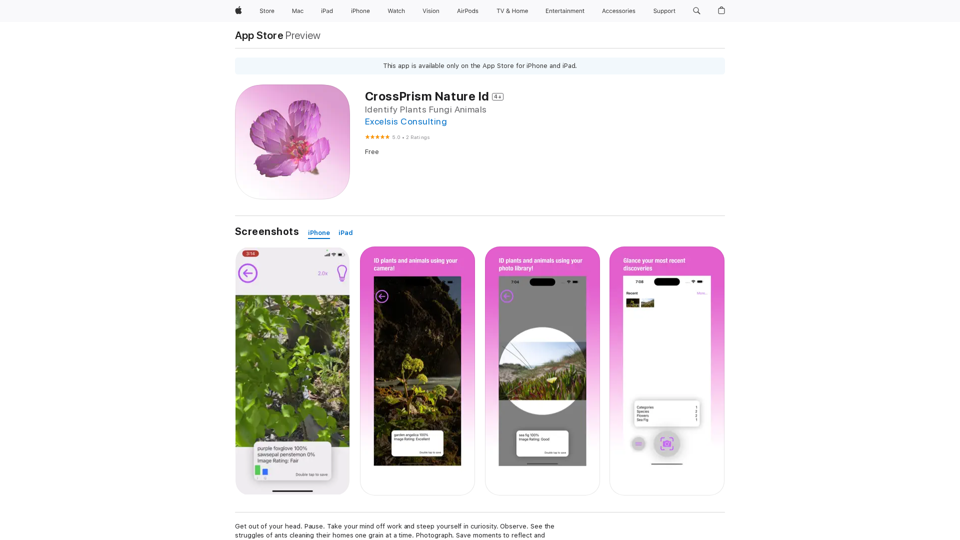
Plant Identifier: Free Scan on the App Store
View Detail

Plant Identifier: Free Scan on the App Store

Plant Identifier: Free Scan on the App Store

Use your camera or a picture to quickly identify plants with AI. Perfect for gardeners, nature lovers, and anyone curious about the plants around them. Features: * Instantly identify plants using AI-powered image recognition technology * Browse a vast database of plants from around the world * Learn about plant care, habitat, and other interesting facts * Snap a photo or upload an image to identify plants in seconds * Explore plant families, genera, and species to expand your knowledge * Create a personalized plant journal to track your discoveries

124.77 M
YouTube Chat
View Detail

YouTube Chat

YouTube Chat

Talk to a chatbot, ask questions, and get the exact information you need from YouTube videos, all without leaving YouTube!

193.90 M
Conveyor
View Detail

Conveyor

Conveyor

Precise and customized responses to each customer's security inquiries.

193.90 M
Page Assist - A Web UI for Local AI Models
View Detail

Page Assist - A Web UI for Local AI Models

Page Assist - A Web UI for Local AI Models

Use your computer's own AI programs to help you explore the internet.

193.90 M