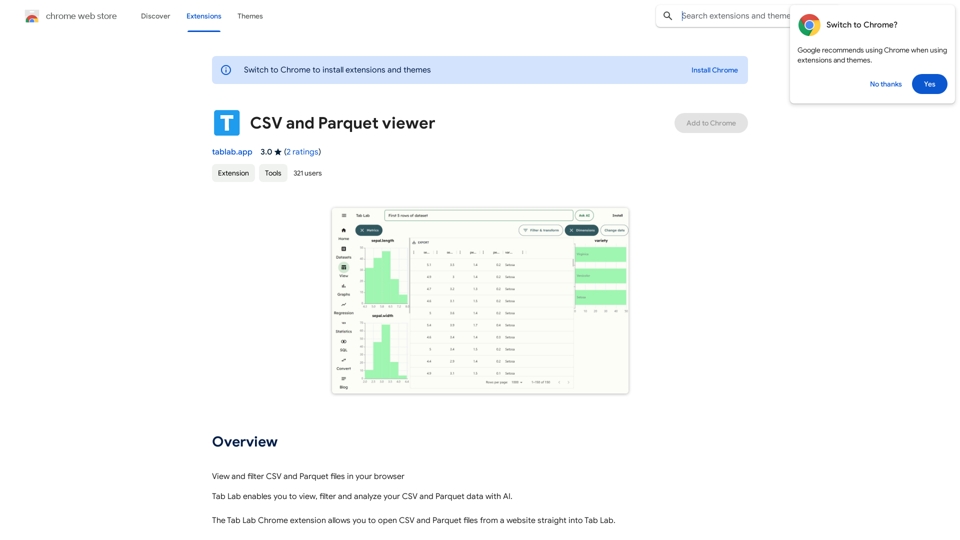
Tab Lab is a Chrome extension designed to enhance data analysis capabilities for CSV and Parquet files. It offers AI-powered viewing, filtering, and analysis tools, allowing users to open and examine data directly from websites. This extension simplifies the process of working with large datasets and provides valuable insights through its AI-driven features.
CSV and Parquet Viewer
View and filter CSV and Parquet files in your browser.
Introduction
Feature
CSV and Parquet Viewer
Tab Lab provides a user-friendly interface for viewing and filtering CSV and Parquet data. The AI-powered filtering capabilities make it easy to navigate through large datasets and find specific information quickly.
AI-Powered Analysis
The extension leverages artificial intelligence to analyze data, uncovering insights and patterns that might be difficult to detect manually. This feature helps users gain a deeper understanding of their data and make more informed decisions.
Easy Data Import
Tab Lab allows users to import CSV and Parquet files directly from websites into the extension. This seamless integration streamlines the data analysis workflow and saves time by eliminating the need for manual file downloads and uploads.
Multiple File Import
Users can import multiple CSV and Parquet files simultaneously, making it convenient to work with large datasets or compare information from various sources.
Free to Use
Tab Lab is available as a free Chrome extension, with no subscription fees or hidden costs. This accessibility ensures that users can benefit from its powerful features without financial constraints.
FAQ
Is Tab Lab free to use?
Yes, Tab Lab is a completely free Chrome extension. There are no subscription fees or costs associated with using the tool.
Can I import multiple CSV and Parquet files at once?
Yes, Tab Lab supports importing multiple CSV and Parquet files simultaneously, making it convenient to work with large datasets or compare information from various sources.
Does Tab Lab use AI to analyze data?
Yes, Tab Lab utilizes AI technology to analyze data, providing insights and patterns that may not be immediately visible through manual examination. This AI-powered analysis helps users gain deeper insights into their datasets.
Related Websites
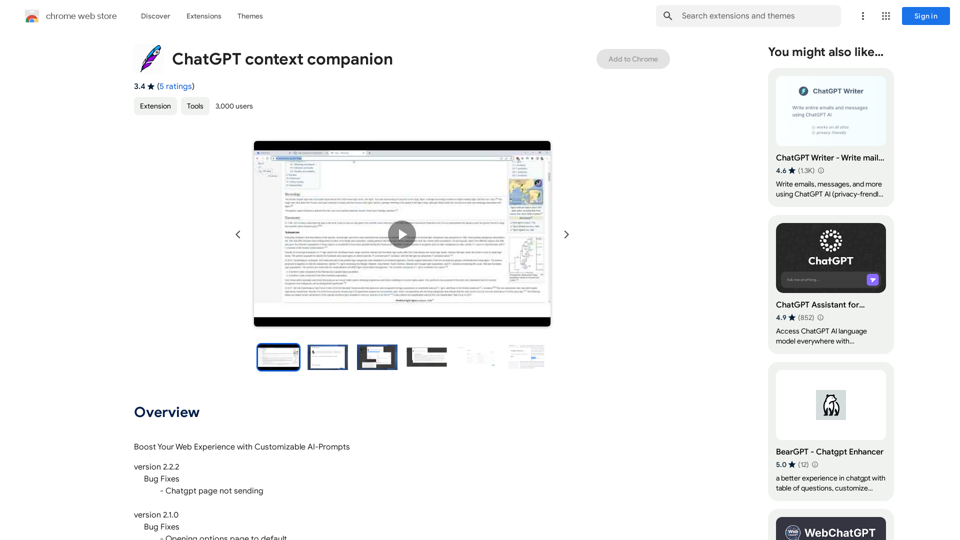
ChatGPT Context Companion The ChatGPT Context Companion is an innovative tool designed to enhance the conversational experience with ChatGPT, a cutting-edge language model. This companion tool provides users with a more comprehensive and engaging interaction by offering real-time suggestions, relevant information, and personalized responses. Key Features * Real-time Suggestions: The Context Companion provides users with relevant suggestions based on the conversation, enabling them to explore new topics, ask follow-up questions, or delve deeper into a subject. * Relevant Information: The tool offers users access to a vast knowledge base, providing them with accurate and up-to-date information on a wide range of topics, from science and history to entertainment and culture. * Personalized Responses: By analyzing the conversation context, the Context Companion generates personalized responses that cater to the user's interests, preferences, and communication style. Benefits * Enhanced Engagement: The ChatGPT Context Companion fosters a more engaging and interactive conversation, encouraging users to explore new ideas, ask questions, and learn from the conversation. * Improved Understanding: By providing users with relevant information and suggestions, the tool helps to clarify complex topics, resolve misunderstandings, and promote a deeper understanding of the subject matter. * Increased Productivity: The Context Companion saves users time and effort by offering quick access to relevant information, enabling them to focus on the conversation and achieve their goals more efficiently. Applications * Education: The ChatGPT Context Companion is an invaluable resource for students, teachers, and researchers, providing them with a wealth of information, suggestions, and insights to support their learning and research endeavors. * Business: The tool is an excellent communication aid for professionals, enabling them to access relevant information, generate ideas, and respond to customer inquiries more effectively. * Entertainment: The Context Companion adds a new dimension to online conversations, making them more engaging, informative, and enjoyable for users.
ChatGPT Context Companion The ChatGPT Context Companion is an innovative tool designed to enhance the conversational experience with ChatGPT, a cutting-edge language model. This companion tool provides users with a more comprehensive and engaging interaction by offering real-time suggestions, relevant information, and personalized responses. Key Features * Real-time Suggestions: The Context Companion provides users with relevant suggestions based on the conversation, enabling them to explore new topics, ask follow-up questions, or delve deeper into a subject. * Relevant Information: The tool offers users access to a vast knowledge base, providing them with accurate and up-to-date information on a wide range of topics, from science and history to entertainment and culture. * Personalized Responses: By analyzing the conversation context, the Context Companion generates personalized responses that cater to the user's interests, preferences, and communication style. Benefits * Enhanced Engagement: The ChatGPT Context Companion fosters a more engaging and interactive conversation, encouraging users to explore new ideas, ask questions, and learn from the conversation. * Improved Understanding: By providing users with relevant information and suggestions, the tool helps to clarify complex topics, resolve misunderstandings, and promote a deeper understanding of the subject matter. * Increased Productivity: The Context Companion saves users time and effort by offering quick access to relevant information, enabling them to focus on the conversation and achieve their goals more efficiently. Applications * Education: The ChatGPT Context Companion is an invaluable resource for students, teachers, and researchers, providing them with a wealth of information, suggestions, and insights to support their learning and research endeavors. * Business: The tool is an excellent communication aid for professionals, enabling them to access relevant information, generate ideas, and respond to customer inquiries more effectively. * Entertainment: The Context Companion adds a new dimension to online conversations, making them more engaging, informative, and enjoyable for users.Boost Your Web Experience with Customizable AI-Prompts
193.90 M
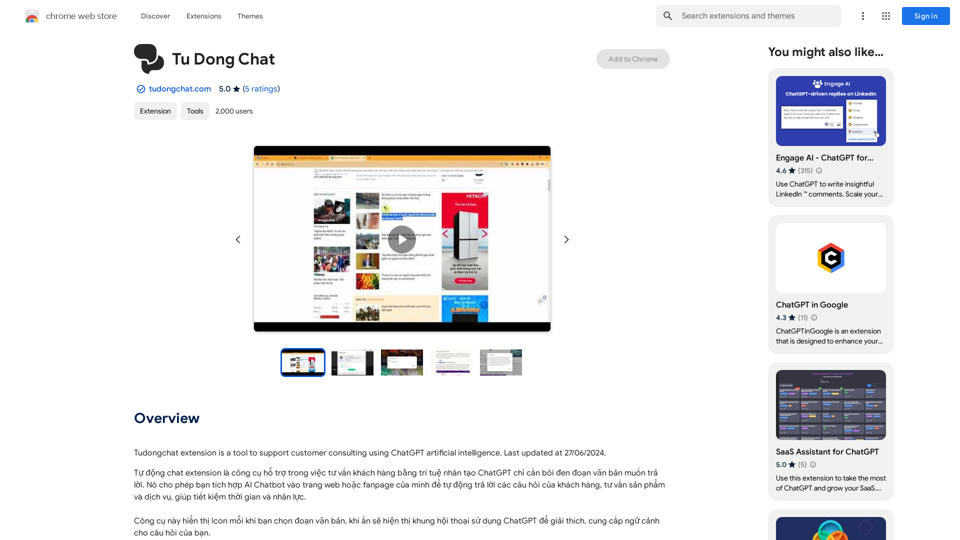
The Tudongchat extension is a tool that supports customer consulting using ChatGPT artificial intelligence. Last updated on June 27, 2024.
193.90 M
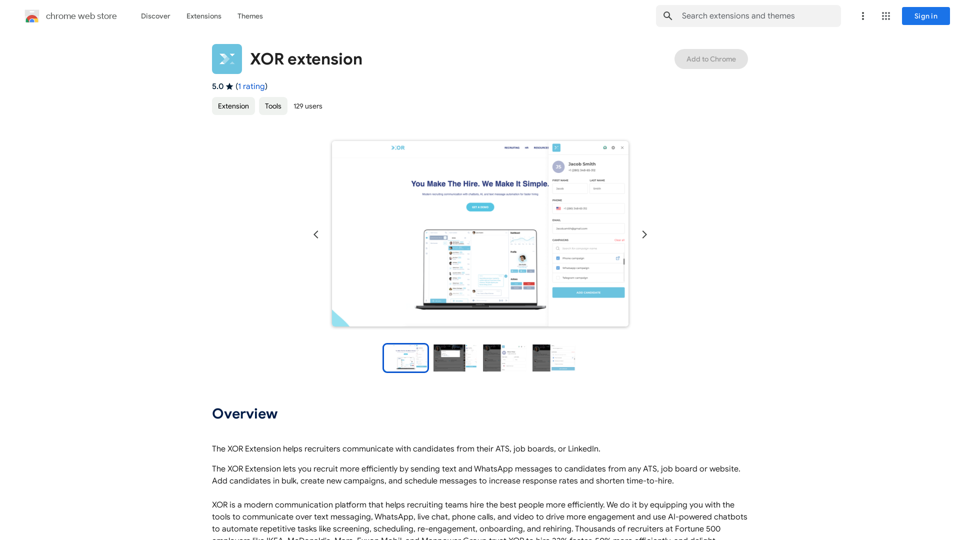
The XOR Extension lets recruiters talk to candidates from their Applicant Tracking System (ATS), job boards, or LinkedIn.
193.90 M
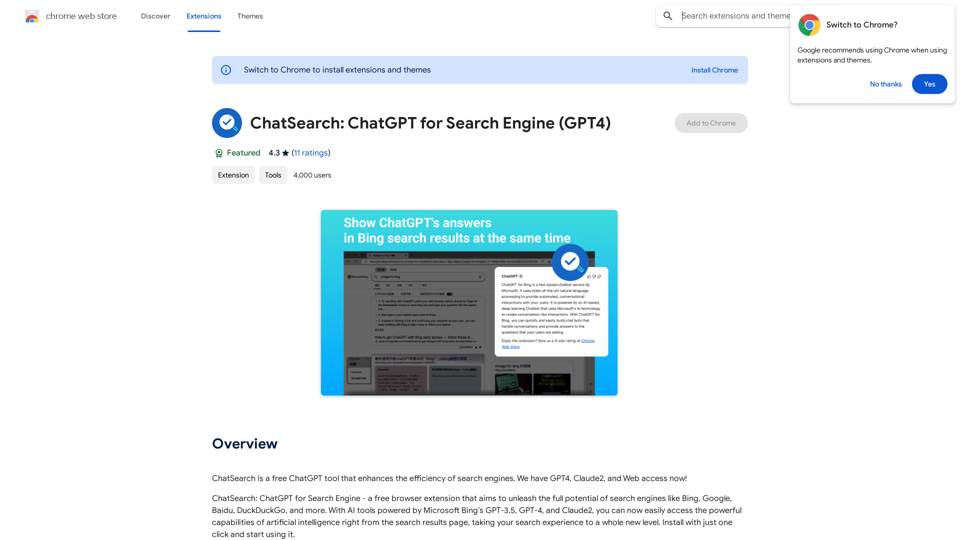
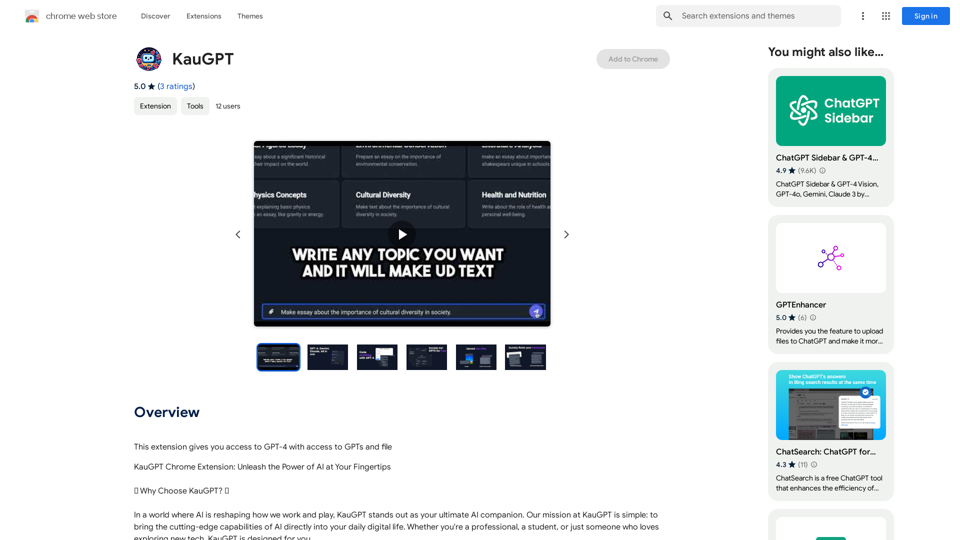
ChatSearch is a free ChatGPT tool that makes search engines more efficient. It now has GPT4, Claude2, and access to the web!
193.90 M