DecEptioner is a Chrome extension designed to humanize AI-generated text and bypass AI content detection. It addresses the issue of false positives in AI content detectors by rewriting text to appear more human-like. This free tool is particularly useful for writers and content creators who want to ensure their AI-assisted work passes through content detection systems.
DecEptioner - Humanize AI Text Like A Pro!
Helps to make false-positive cases of specific AI content detectors seem less like mistakes.
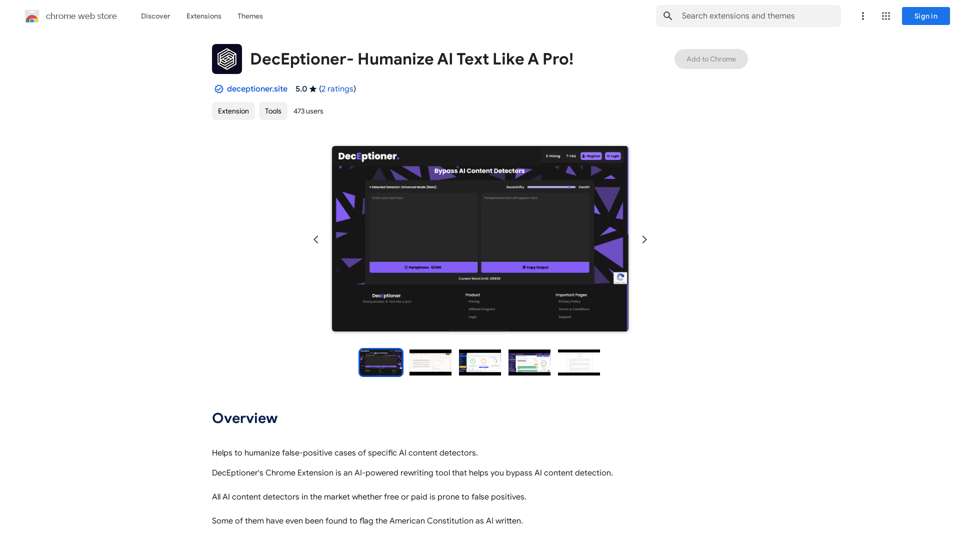
Introduction
Feature
AI-Powered Text Humanization
DecEptioner uses advanced AI technology to rewrite text, making it more human-like and less likely to be flagged as AI-generated content.
Bypass AI Content Detectors
The extension effectively evades various AI content detection systems, including:
- Turnitin
- Originality.ai
- GPTZero.me
- ZeroGPT.com
- And more
User-Friendly Chrome Extension
DecEptioner is easily accessible as a Chrome extension, allowing users to quickly rewrite their text without leaving their browser.
Free to Use
The extension is completely free, with no subscription or payment required, making it accessible to all users.
FAQ
Is DecEptioner a plagiarism detector?
No, DecEptioner is not a plagiarism detector. It's specifically designed to humanize AI-generated text and bypass AI content detection systems.
Can I use DecEptioner on text I've already written?
Yes, you can use DecEptioner to rewrite any text, including content you've already written, to make it appear more human-like.
How do I use DecEptioner?
To use DecEptioner, simply install the Chrome extension and start rewriting your text. The AI will automatically process your content to make it more human-like and less detectable by AI content detection systems.
Related Websites
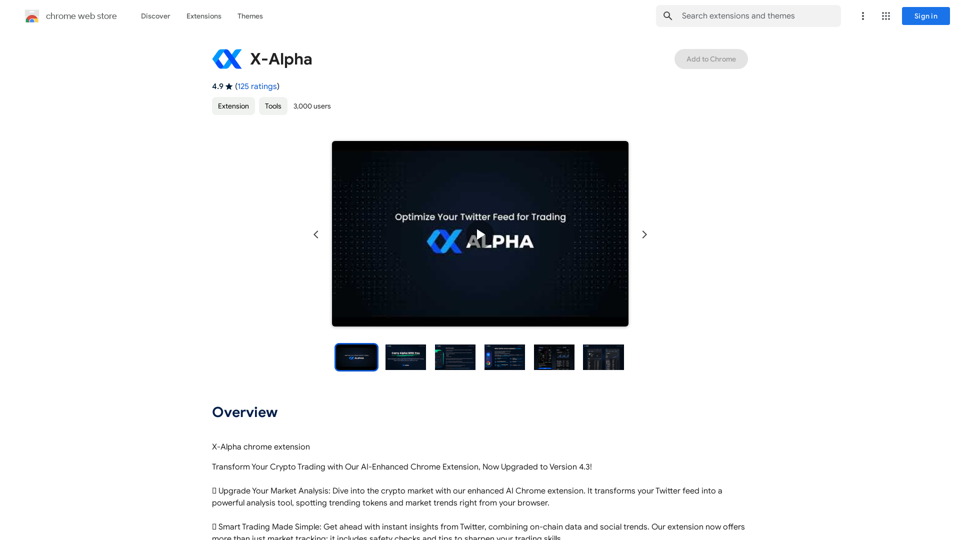
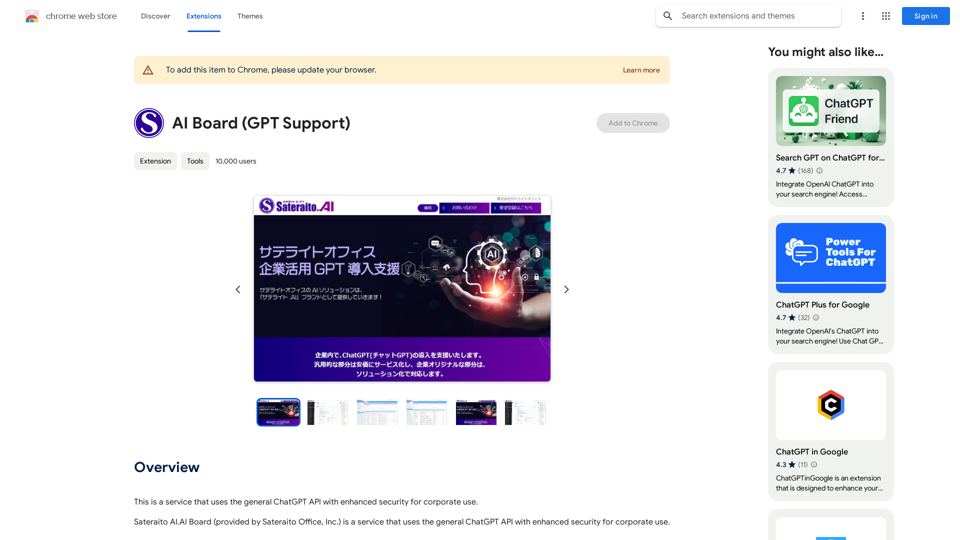
This is a service that uses the general ChatGPT API with enhanced security for corporate use.
193.90 M
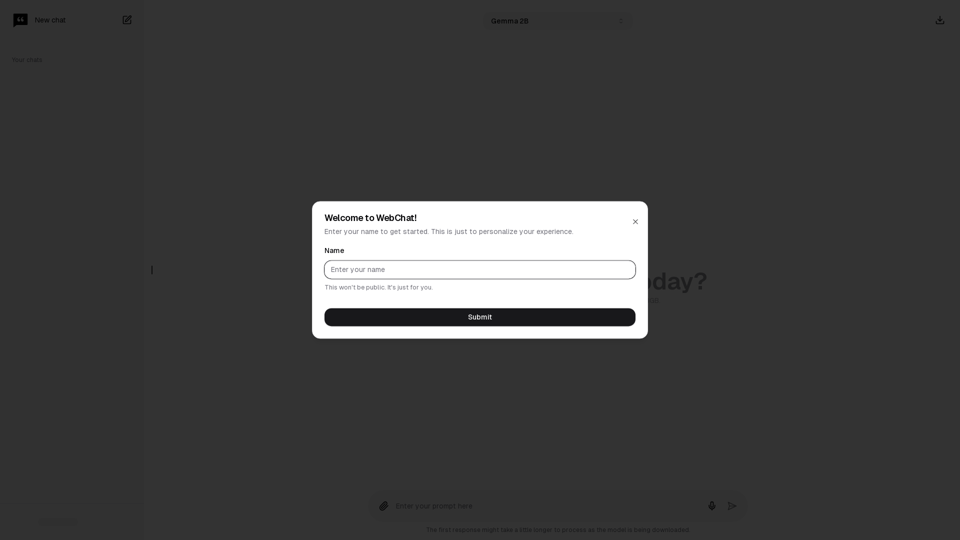
Chat with Web-LLM Models in the Browser You can interact with Web-LLM models directly in your web browser without requiring any additional setup or installation. This allows you to easily experiment with and explore the capabilities of these models. Getting Started To get started, simply open a web browser and navigate to the Web-LLM model's website or platform. Once you're on the website, you can usually find a chat interface or text input field where you can enter your prompts or questions. How it Works When you enter a prompt or question, the Web-LLM model processes your input and generates a response. This response is then displayed in the chat interface or output field, allowing you to read and interact with the model's output. Benefits The benefits of chatting with Web-LLM models in the browser include: * Convenience: No need to install any software or set up any development environments. * Accessibility: Anyone with a web browser can interact with the model, regardless of their technical expertise. * Ease of use: The chat interface provides a user-friendly way to interact with the model, making it easy to experiment and explore its capabilities. Use Cases Some potential use cases for chatting with Web-LLM models in the browser include: * Research and development: Quickly experiment with different models and prompts to explore their capabilities and limitations. * Education and learning: Use the chat interface to teach students about AI and language models, or to provide interactive learning experiences. * Creative writing and ideation: Use the model as a tool to generate ideas, write stories, or create poetry. Overall, chatting with Web-LLM models in the browser provides a convenient and accessible way to interact with these powerful language models, and can be a valuable tool for a wide range of applications.
2.59 K
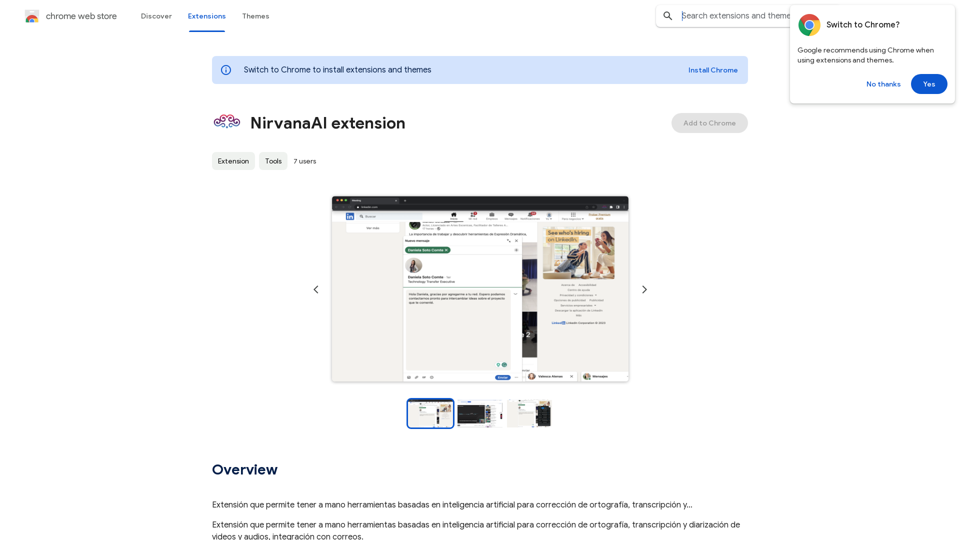
Extension that allows you to have AI-powered tools for grammar correction, transcription, and...
193.90 M

Octane AI | Intelligent Quizzes That Boost Sales for Shopify Stores
Octane AI | Intelligent Quizzes That Boost Sales for Shopify StoresYou can't afford to have leaks in your customer journey. Plug the leak with product quizzes that sell like crazy. No coding required (unless you want to!).
136.30 K
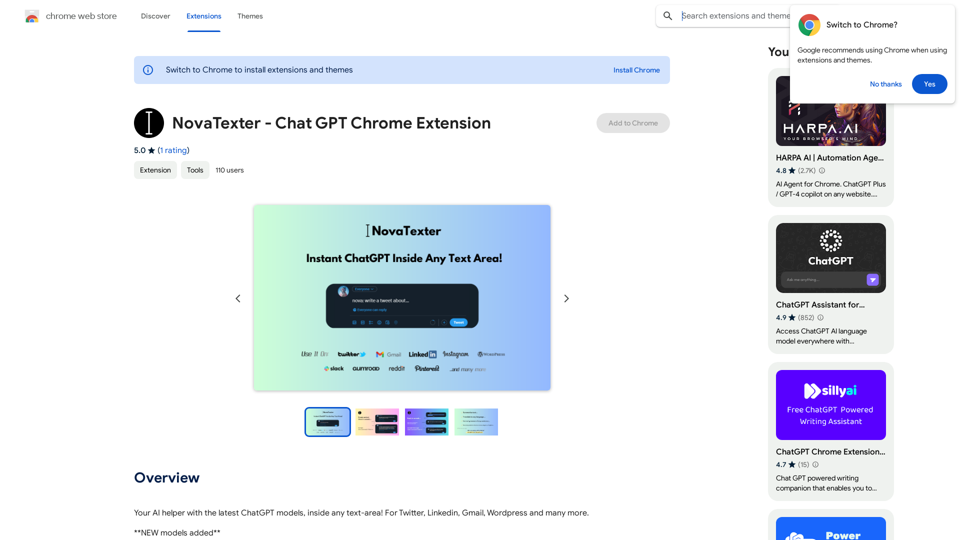
Your AI assistant powered by the latest ChatGPT models, right inside any text box! For Twitter, LinkedIn, Gmail, WordPress, and many other platforms.
193.90 M
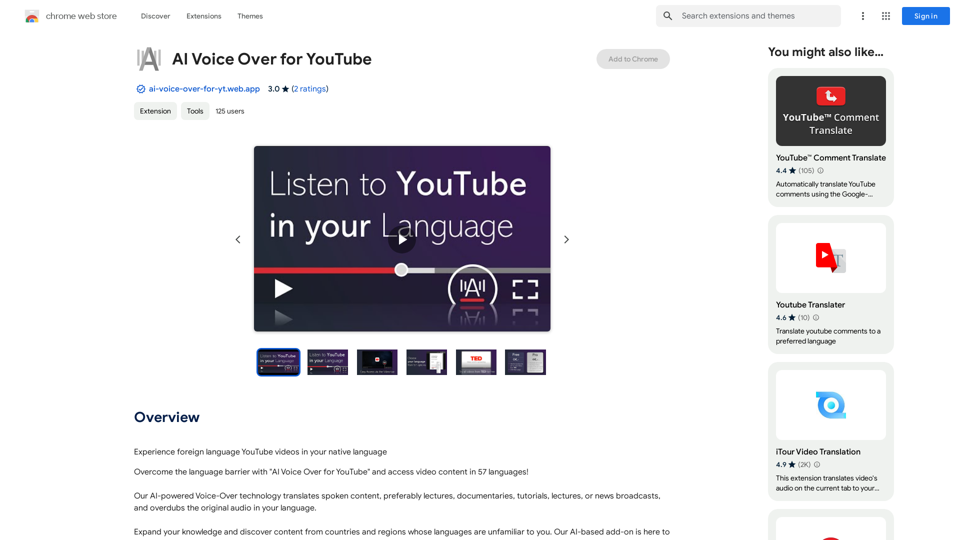
AI Voice Over for YouTube This is a guide to using AI voice over for your YouTube videos. Why Use AI Voice Over? * Cost-Effective: AI voice over is much cheaper than hiring a professional voice actor. * Time-Saving: You can generate voice over quickly and easily, without needing to schedule recording sessions. * Variety of Voices: Choose from a wide range of AI voices, including male, female, and even robotic voices. * Accessibility: Make your videos accessible to viewers who are deaf or hard of hearing by adding captions generated by AI. How to Use AI Voice Over 1. Choose a Platform: There are many different platforms that offer AI voice over services, such as: * Google Cloud Text-to-Speech * Amazon Polly * Microsoft Azure Text to Speech * Murf.ai * NaturalReader 2. Write Your Script: Write a clear and concise script for your video. 3. Upload Your Script: Upload your script to the chosen platform. 4. Select a Voice: Choose the voice that best suits your video. 5. Adjust Settings: Adjust settings such as speed, pitch, and volume. 6. Generate Voice Over: Click the "Generate" button to create your voice over. 7. Download and Edit: Download the generated voice over file and edit it as needed. 8. Add to Your Video: Add the voice over to your YouTube video. Tips for Using AI Voice Over * Use Natural Language: Write your script as if you were speaking naturally. * Vary Your Tone: Use different tones of voice to keep your viewers engaged. * Add Pauses: Include pauses in your script to allow viewers to process information. * Proofread Carefully: Always proofread your script before generating the voice over. * Experiment: Try different voices, settings, and styles to find what works best for you.
AI Voice Over for YouTube This is a guide to using AI voice over for your YouTube videos. Why Use AI Voice Over? * Cost-Effective: AI voice over is much cheaper than hiring a professional voice actor. * Time-Saving: You can generate voice over quickly and easily, without needing to schedule recording sessions. * Variety of Voices: Choose from a wide range of AI voices, including male, female, and even robotic voices. * Accessibility: Make your videos accessible to viewers who are deaf or hard of hearing by adding captions generated by AI. How to Use AI Voice Over 1. Choose a Platform: There are many different platforms that offer AI voice over services, such as: * Google Cloud Text-to-Speech * Amazon Polly * Microsoft Azure Text to Speech * Murf.ai * NaturalReader 2. Write Your Script: Write a clear and concise script for your video. 3. Upload Your Script: Upload your script to the chosen platform. 4. Select a Voice: Choose the voice that best suits your video. 5. Adjust Settings: Adjust settings such as speed, pitch, and volume. 6. Generate Voice Over: Click the "Generate" button to create your voice over. 7. Download and Edit: Download the generated voice over file and edit it as needed. 8. Add to Your Video: Add the voice over to your YouTube video. Tips for Using AI Voice Over * Use Natural Language: Write your script as if you were speaking naturally. * Vary Your Tone: Use different tones of voice to keep your viewers engaged. * Add Pauses: Include pauses in your script to allow viewers to process information. * Proofread Carefully: Always proofread your script before generating the voice over. * Experiment: Try different voices, settings, and styles to find what works best for you.Watch foreign language YouTube videos in your own language.
193.90 M