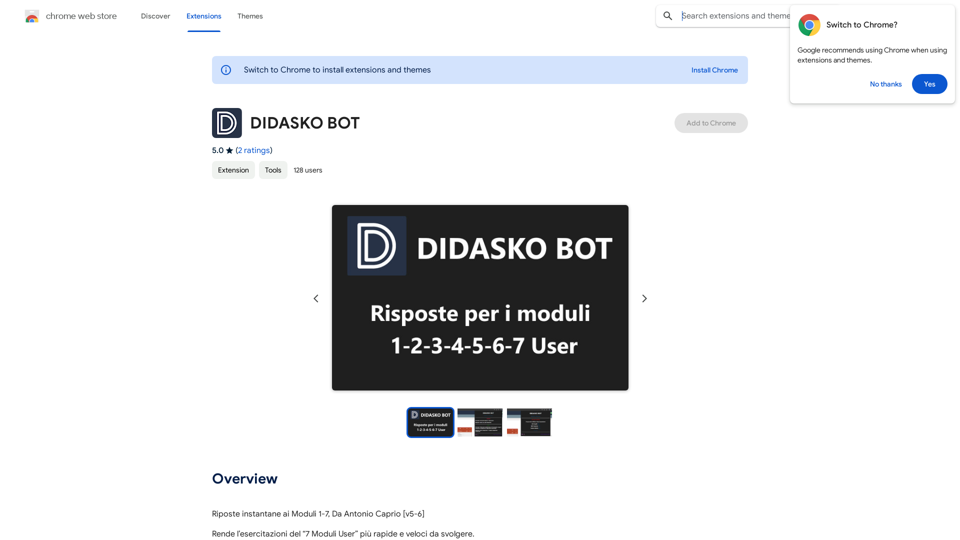
Riposte instantane ai Moduli 1-7 is an innovative browser extension designed to streamline the process of completing exercises and quizzes for "7 Moduli User" exercises. This tool automates question-answering, adapts to different modules, and offers customizable settings to enhance efficiency and user experience.
DIDASKO BOT
Instantaneous Responses to Modules 1-7, by Antonio Caprio [v5-6]
Introduction
Feature
Intelligent Module Recognition
The extension automatically identifies which of the 7 modules is being used, optimizing its performance for each specific module.
Adaptive Resource Management
Adjusts resource consumption based on the active module, ensuring efficient operation while automatically responding to questions.
Customizable Settings
Users can personalize their experience with additional features:
- GIF/Image display during loading or errors (primarily cat-themed)
- Module indicator showing which of the 7 modules is currently active
- "NEXT Question" functionality to reveal hidden questions and answers
- "Incognito" mode for discreet solution viewing without opening the app menu
Automated Question Answering
Streamlines the exercise completion process by automatically providing answers to questions.
User-Friendly Interface
Easy installation and configuration process, making it accessible for all users.
Free of Charge
Available at no cost, making it accessible to all users.
FAQ
How do I get started with Riposte instantane ai Moduli 1-7?
To begin using Riposte instantane ai Moduli 1-7:
- Install the extension in your browser
- Follow the configuration prompts to set up according to your preferences
- The extension will then automatically start responding to questions and providing answers
What are some tips for maximizing the use of this extension?
To get the most out of Riposte instantane ai Moduli 1-7:
- Customize the settings to align with your specific needs
- Utilize the "NEXT Question" feature to access additional questions and answers
- Leverage the "Incognito" mode for quick, discreet access to answers
Is Riposte instantane ai Moduli 1-7 compatible with all "7 Moduli User" exercises?
Yes, the extension is designed to work with all "7 Moduli User" exercises, adapting its functionality to each specific module for optimal performance.
Related Websites
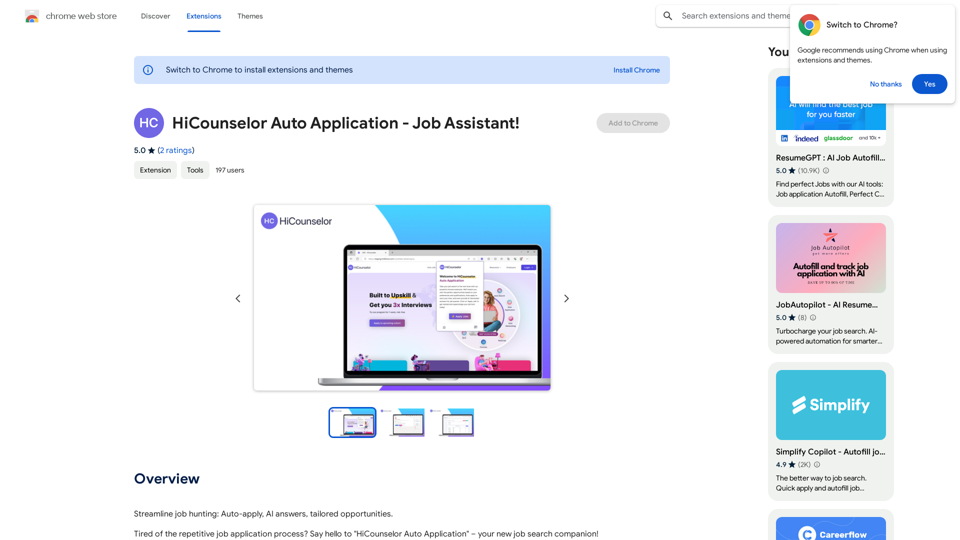
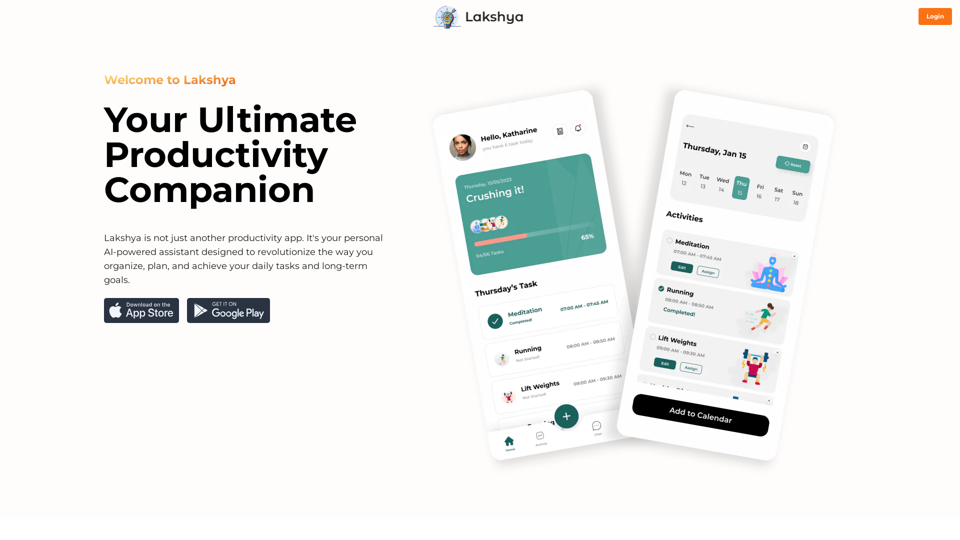
Find your dream job faster: Apply automatically, get AI-powered answers, and discover personalized opportunities.
193.90 M
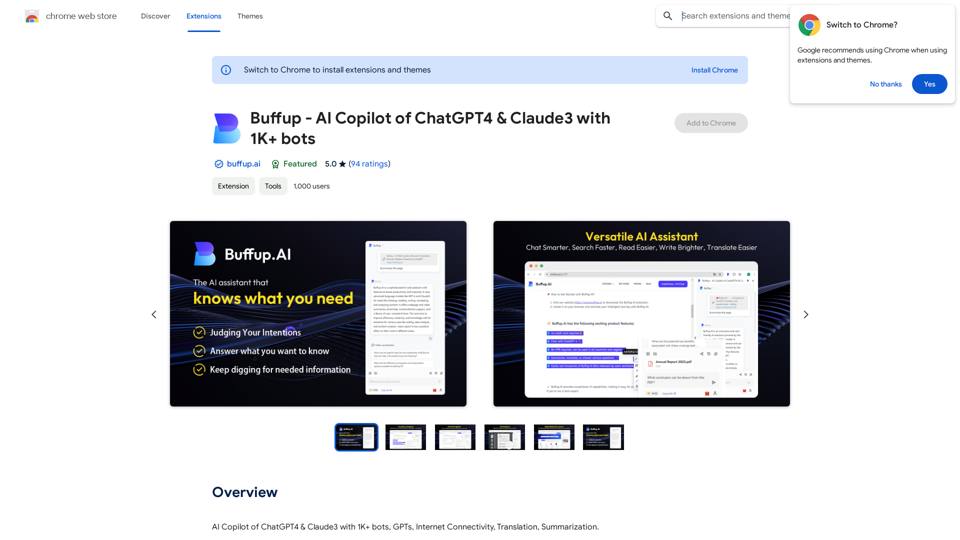
Buffup - AI Copilot of ChatGPT4 & Claude3 with 1,000+ bots
Buffup - AI Copilot of ChatGPT4 & Claude3 with 1,000+ botsAI Copilot of ChatGPT4 & Claude3 with 1K+ bots, GPTs, Internet Connectivity, Translation, Summarization This AI copilot combines the power of ChatGPT4 and Claude3, along with over 1,000 bots, GPTs, and internet connectivity, to provide advanced features such as translation and summarization.
193.90 M
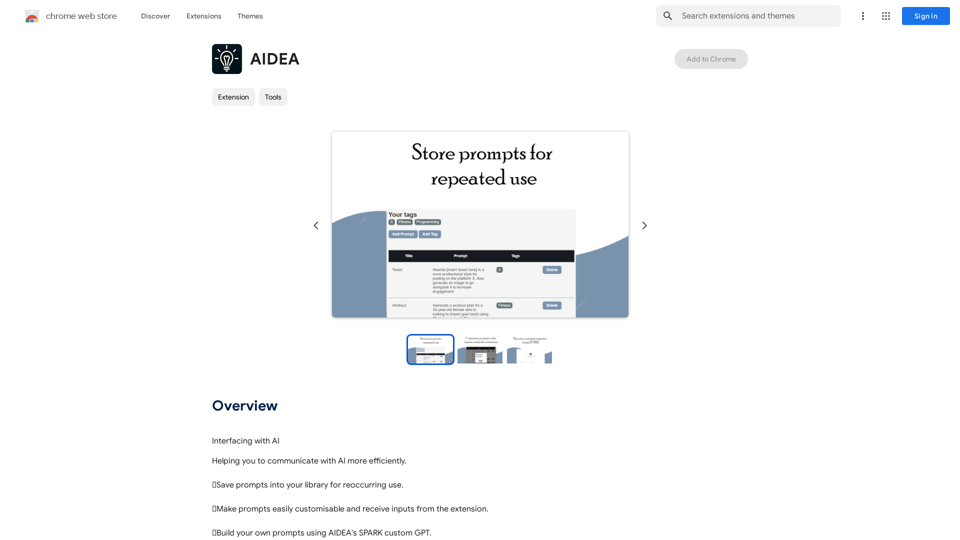
Interfacing with AI This document explores the various ways humans interact with artificial intelligence (AI). Types of Interfaces * Text-based Interfaces: These interfaces allow users to communicate with AI systems through written language. * Examples include chatbots, command-line interfaces, and search engines. * Voice-based Interfaces: Users interact with AI using spoken words. * Examples include virtual assistants like Siri, Alexa, and Google Assistant. * Graphical User Interfaces (GUIs): These interfaces use visual elements like icons, buttons, and menus to enable interaction with AI. * Examples include AI-powered image editing software and virtual reality experiences. * Gesture-based Interfaces: Users control AI systems through physical movements. * Examples include motion-controlled gaming and sign language recognition. Challenges of AI Interfacing * Natural Language Understanding (NLU): AI systems struggle to fully understand the nuances of human language. * Contextual Awareness: AI often lacks the ability to understand the broader context of a conversation or interaction. * Personalization: Creating AI interfaces that are tailored to individual user preferences and needs can be complex. * Ethical Considerations: * Bias in AI algorithms can lead to unfair or discriminatory outcomes. * Privacy concerns arise when AI systems collect and process personal data. Future of AI Interfacing * More Natural and Intuitive Interactions: Advancements in NLU and machine learning will lead to AI systems that can understand and respond to human input more naturally. * Multi-modal Interfaces: Future interfaces will likely combine multiple input methods (e.g., text, voice, gesture) for a richer and more immersive experience. * Personalized AI Assistants: AI assistants will become increasingly personalized, anticipating user needs and providing customized support. * Ethical AI Development: * Researchers and developers will continue to work on mitigating bias and ensuring responsible use of AI.
193.90 M
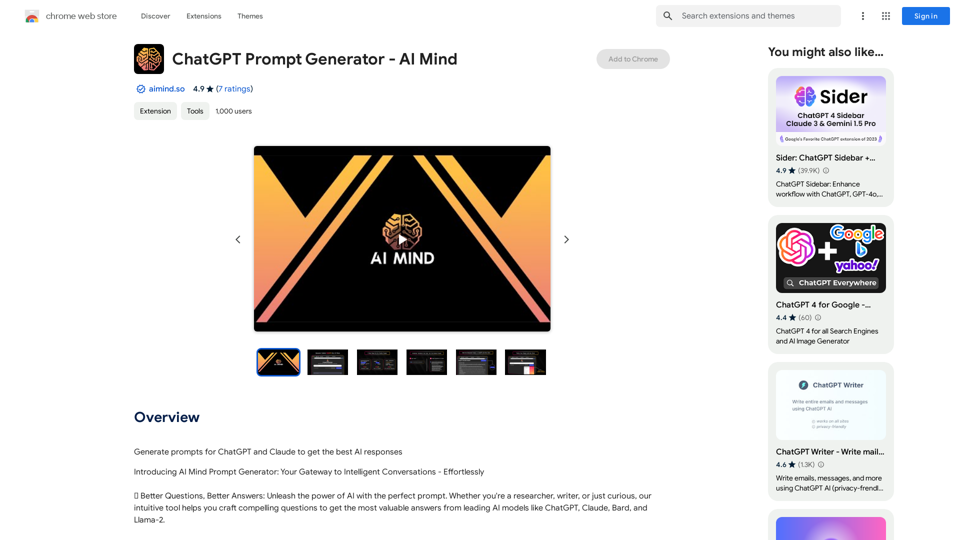
ChatGPT Prompt Generator - AI Mind This is a tool to help you generate creative and effective prompts for ChatGPT. Features: * Diverse Prompt Types: Explore various prompt categories like story writing, dialogue, code generation, and more. * Customization Options: Tailor your prompts with specific details, tone, style, and length preferences. * Inspiration & Examples: Discover a library of pre-made prompts and examples to spark your imagination. * AI-Powered Suggestions: Get intelligent suggestions and refinements for your prompts based on your input. How it Works: 1. Choose a Prompt Type: Select the type of output you desire from ChatGPT. 2. Provide Input: Enter your desired keywords, themes, or specific instructions. 3. Customize Settings: Adjust parameters like tone, style, length, and format. 4. Generate Prompt: Click "Generate" to receive a unique and optimized prompt tailored to your needs. Start Creating! Let your imagination run wild and explore the possibilities of ChatGPT with our AI-powered prompt generator.
ChatGPT Prompt Generator - AI Mind This is a tool to help you generate creative and effective prompts for ChatGPT. Features: * Diverse Prompt Types: Explore various prompt categories like story writing, dialogue, code generation, and more. * Customization Options: Tailor your prompts with specific details, tone, style, and length preferences. * Inspiration & Examples: Discover a library of pre-made prompts and examples to spark your imagination. * AI-Powered Suggestions: Get intelligent suggestions and refinements for your prompts based on your input. How it Works: 1. Choose a Prompt Type: Select the type of output you desire from ChatGPT. 2. Provide Input: Enter your desired keywords, themes, or specific instructions. 3. Customize Settings: Adjust parameters like tone, style, length, and format. 4. Generate Prompt: Click "Generate" to receive a unique and optimized prompt tailored to your needs. Start Creating! Let your imagination run wild and explore the possibilities of ChatGPT with our AI-powered prompt generator.Generate prompts for ChatGPT and Claude to get the best AI responses
193.90 M
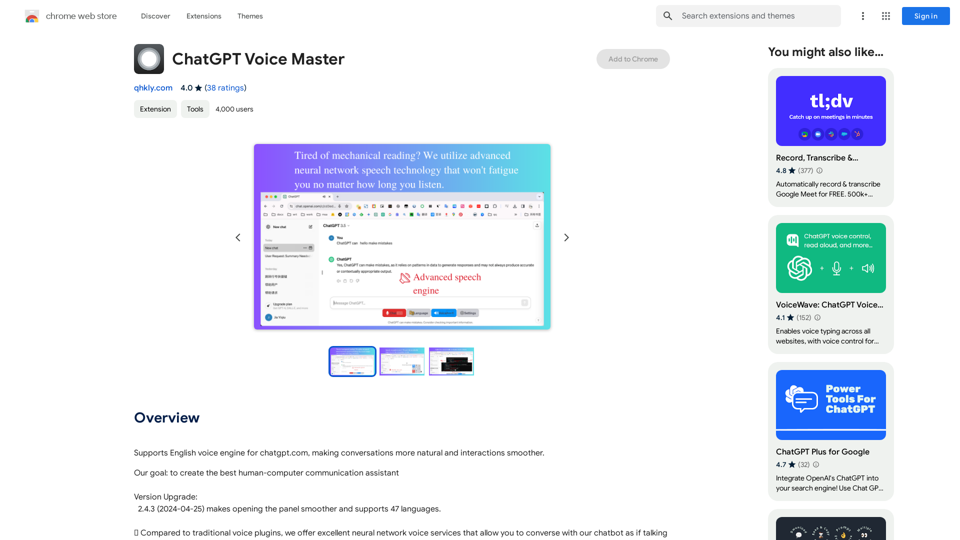
Supports English voice engine for chatgpt.com, making conversations more natural and interactions smoother.
193.90 M