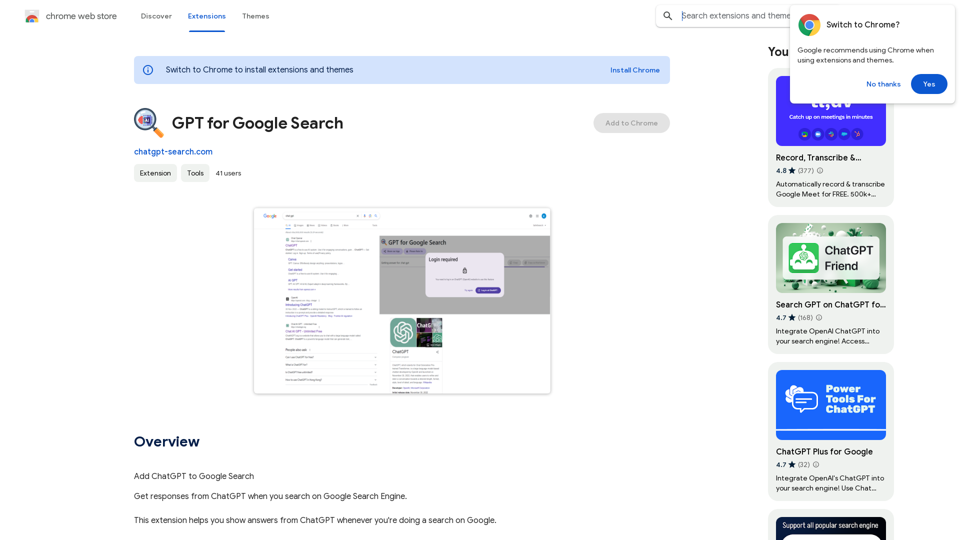
GPT for Google Search is a browser extension that integrates ChatGPT's responses directly into Google search results. This tool enhances the search experience by providing AI-generated answers alongside traditional search results, saving time and offering quick summaries for various queries.
GPT for Google Search * What is GPT? GPT stands for Generative Pre-trained Transformer. It's a type of artificial intelligence (AI) that can understand and generate human-like text. * How could GPT improve Google Search? GPT could help Google Search in several ways: * Better understanding of natural language: GPT is trained on massive amounts of text data, allowing it to understand complex and nuanced search queries. * More conversational search experience: GPT could enable users to interact with Google Search in a more natural, conversational way. * Summarizing search results: GPT could condense large amounts of information from search results into concise summaries. * Generating different creative text formats: GPT could help users find information in new and interesting ways, such as generating poems, code, scripts, musical pieces, email, letters, etc., based on their search queries. * Challenges and Considerations: While GPT offers exciting possibilities, there are also challenges to consider: * Accuracy and bias: GPT models can sometimes generate inaccurate or biased information. It's crucial to ensure that GPT-powered search results are reliable and unbiased. * Transparency and explainability: It can be difficult to understand how GPT arrives at its results. Making GPT's decision-making process more transparent is important for building trust. * Ethical implications: The use of GPT in search raises ethical questions about the potential for misuse, such as generating harmful content or manipulating search results.
Add ChatGPT to Google Search
This is a popular idea! Many people think it would be amazing to have the power of ChatGPT directly integrated into Google Search.
Imagine being able to ask Google a complex question and getting a clear, concise, and human-like response generated by ChatGPT.
It could revolutionize how we search for information and interact with the web.
Introduction
Feature
Seamless Integration with Google Search
The extension displays ChatGPT responses directly on the Google search results page, providing instant AI-generated answers to user queries.
Personalized API Usage
Users must log in to their OpenAI account, as the extension utilizes the user's own API key for generating responses.
Time-Saving Research Tool
By providing quick summaries and overviews, the extension acts as a personal assistant, helping users filter and summarize information efficiently.
Free to Use
The extension is offered free of charge, leveraging OpenAI's daily API query limits for each user.
Privacy-Focused
Search queries are only sent to OpenAI for generating responses, with no data collection or sharing with third parties.
Google Search Exclusive
Currently, the extension only supports Google Search, with potential future expansions to other search engines and language models.
FAQ
Do I need an OpenAI account to use this extension?
Yes, you need to have your own OpenAI account as the extension uses your personal API key to generate responses.
Why does the extension require host permissions for Google.com?
The extension needs to run on Google.com domains to send your search queries to OpenAI servers and display the ChatGPT responses alongside your Google Search results.
How can I maximize the use of GPT for Google Search?
- Utilize the extension to get quick answers from ChatGPT during Google searches
- Take advantage of the free daily API queries provided by OpenAI
- Consider subscribing to OpenAI's services for advanced features and increased API query limits
Is my search data shared with third parties?
No, your search queries are only sent to OpenAI to generate responses. The extension does not collect or sell any of your search query data.
Related Websites
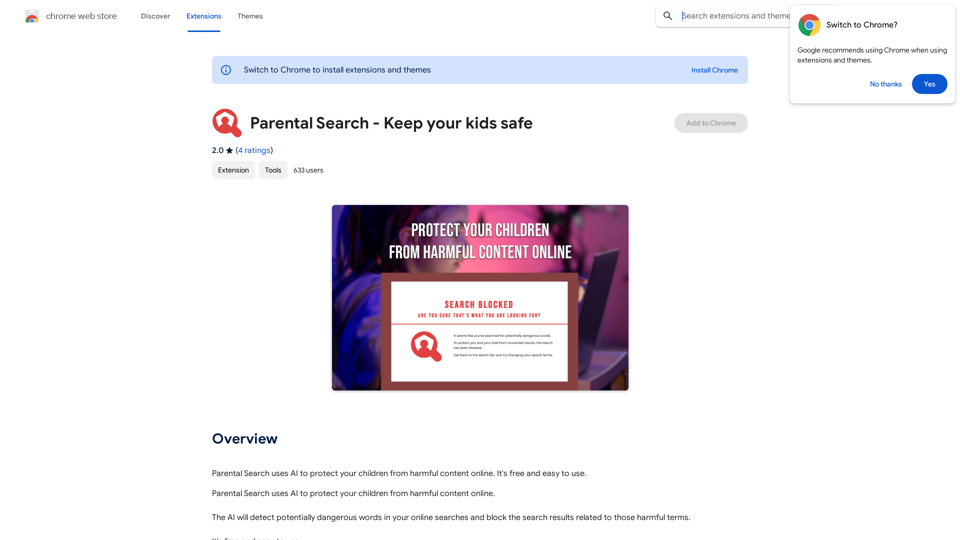
Parental Search uses AI to protect your children from harmful content online. It's free and easy to use.
193.90 M
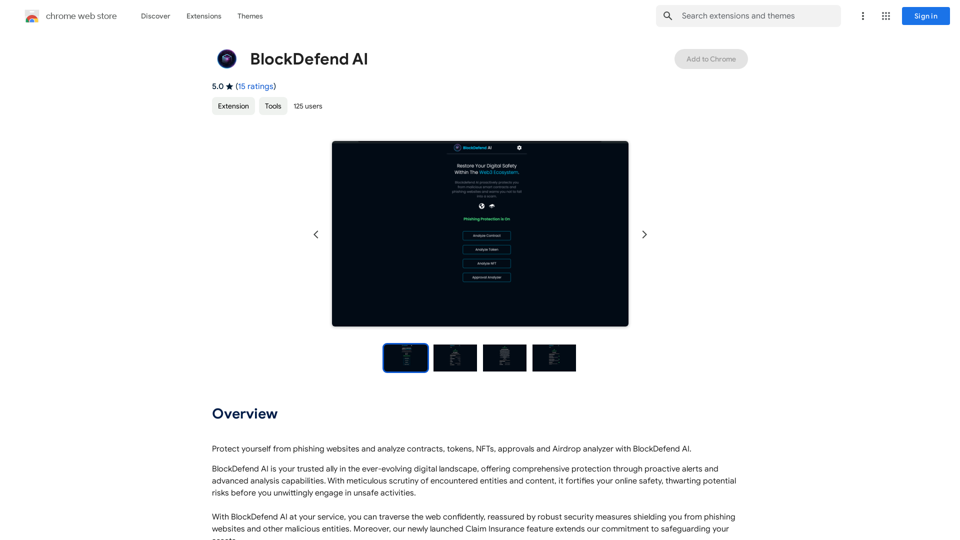
Protect yourself from phishing websites and analyze contracts, tokens, NFTs, approvals, and airdrops with BlockDefend AI.
193.90 M
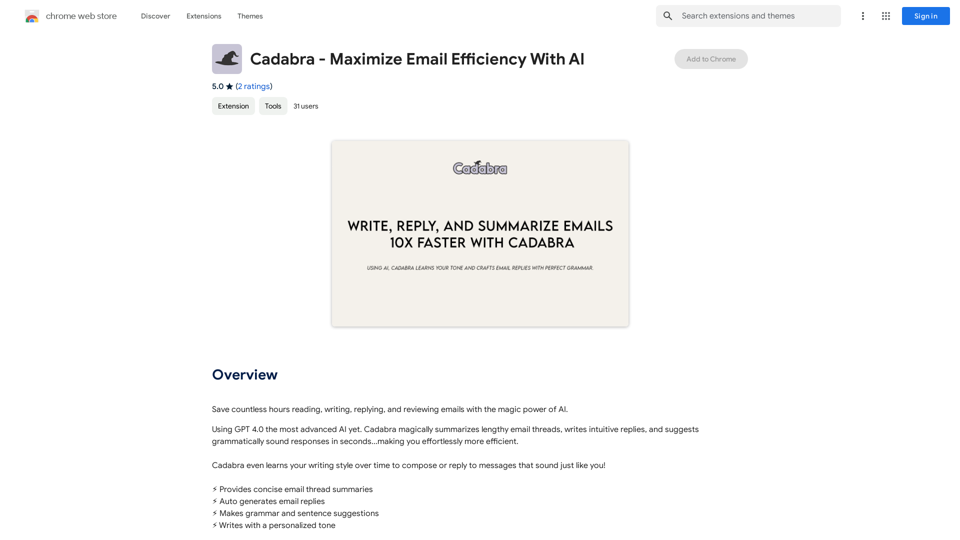
Save countless hours reading, writing, replying to, and reviewing emails with the power of AI.
193.90 M
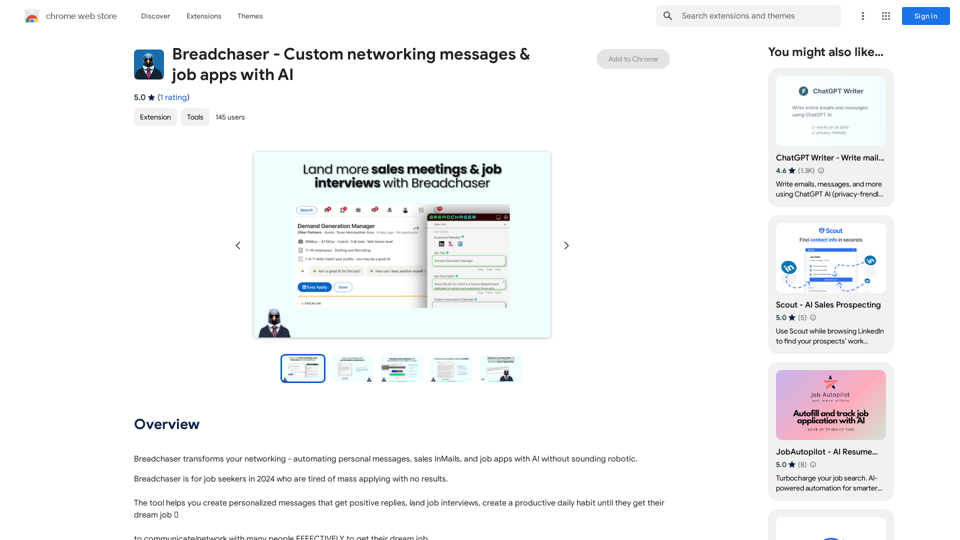
Breadchaser - Custom networking messages & job applications with AI
Breadchaser - Custom networking messages & job applications with AIBreadchaser transforms your networking by automating personal messages, sales InMails, and job applications with AI, all while sounding natural and human.
193.90 M

AI Writing Tool - YanbiAI | yanbiai.com | Generate Quality Copy with One Click
AI Writing Tool - YanbiAI | yanbiai.com | Generate Quality Copy with One ClickYanBi AI (yanbiai.com) is a leading AI writing tool that provides intelligent article creation, continuation, rewriting, and polishing services. Use our AI writing software to quickly generate high-quality content, including papers, presentations, official documents, and more, unleashing your creative potential.
13.43 K
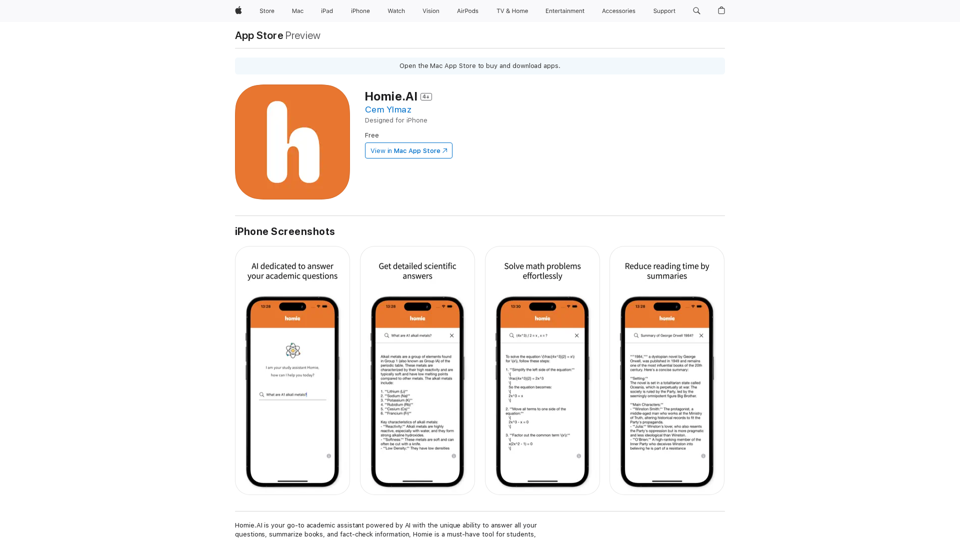
Homie.AI is your go-to academic assistant powered by AI with the unique ability to answer all your questions, summarize books, and fact-check information, Homie is always here to help you with your academic needs.
124.77 M