Open-source RightAI Tools Directory
  • Discover AI
  • Submit
  • Startup
  • Blog
Open-source RightAI Tools Directory
Discover the best AI tools of 2025 with the RightAI Tools Directory!

Friend Links

AI Anime GeneratorToolsApp AI

Support

Tap4
Privacy policyTerms & ConditionsContact Us
Loading...
loading...

JourneyTracker

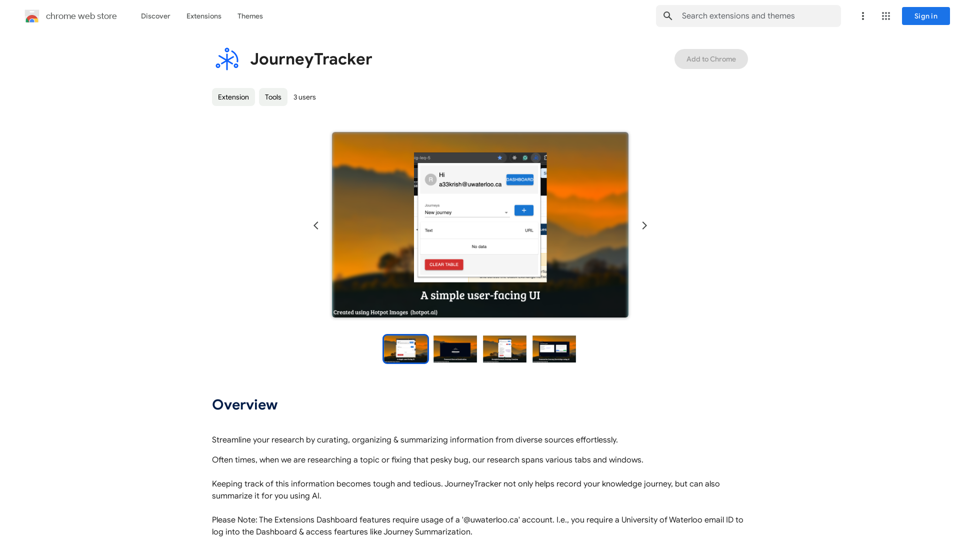
Make your research easier by collecting, organizing, and summarizing information from many different sources with no hassle.
Visit Website
JourneyTracker
Visit Website

Introduction

JourneyTracker is an AI-powered browser extension designed to revolutionize the way users conduct and organize their research. This innovative tool streamlines the process of curating, organizing, and summarizing information from various online sources. By allowing users to record their knowledge journey, summarize content using AI, and track information across multiple tabs and windows, JourneyTracker enhances productivity and efficiency in research tasks.

Feature

AI-Powered Summarization

JourneyTracker utilizes advanced AI technology to summarize collected information, significantly reducing the time and effort required to process large volumes of data. This feature enables users to quickly grasp key points and insights from their research.

Curation and Organization Tools

The extension provides robust curation and organization capabilities, allowing users to efficiently manage information from diverse sources. This feature ensures easy access and reference to collected data, enhancing the overall research experience.

Grouping and Tagging System

JourneyTracker incorporates a comprehensive grouping and tagging system, enabling users to categorize and label their research effectively. This functionality facilitates quick retrieval of specific information and maintains a well-organized research structure.

Cross-Tab Information Tracking

The extension offers seamless tracking of information across multiple tabs and windows, ensuring that no valuable data is lost during extensive research sessions. This feature is particularly useful for users who often work with numerous sources simultaneously.

User-Friendly Installation and Configuration

JourneyTracker boasts a straightforward installation process through the Chrome Web Store, followed by an easy account setup and preference configuration. This simplicity allows users to quickly start benefiting from the extension's features.

Free Access

As a free extension, JourneyTracker provides all its powerful features without any subscription fees or usage limitations, making it accessible to a wide range of users.

FAQ

What are the primary use cases for JourneyTracker?

JourneyTracker is ideal for various research purposes, including:

  • Academic paper writing
  • Article composition
  • Blog post creation
  • General information gathering and organization

How can users maximize the benefits of JourneyTracker?

To get the most out of JourneyTracker:

  1. Utilize the grouping and tagging features to maintain a well-organized research structure
  2. Leverage the AI-powered summarization tool to quickly process large amounts of information
  3. Use the extension consistently across different research projects to build a comprehensive knowledge base

What sets JourneyTracker apart from other research tools?

JourneyTracker distinguishes itself through:

  • AI-driven summarization capabilities
  • Seamless cross-tab information tracking
  • Comprehensive organization and tagging system
  • Free access to all features without limitations

Is JourneyTracker compatible with browsers other than Chrome?

The provided information only mentions installation through the Chrome Web Store. For compatibility with other browsers, users should check the official JourneyTracker website or contact their support team for the most up-to-date information.

Latest Traffic Insights

  • Monthly Visits

    193.90 M

  • Bounce Rate

    56.27%

  • Pages Per Visit

    2.71

  • Time on Site(s)

    115.91

  • Global Rank

    -

  • Country Rank

    -

Recent Visits

Traffic Sources

  • Social Media:
    0.48%
  • Paid Referrals:
    0.55%
  • Email:
    0.15%
  • Referrals:
    12.81%
  • Search Engines:
    16.21%
  • Direct:
    69.81%
More Data

Related Websites

Flash Sale Picks - TemuFilter
View Detail

Flash Sale Picks - TemuFilter

Flash Sale Picks - TemuFilter

TemuFilter is an intelligent product selection tool designed specifically for Temu platform merchants. It uses big data analysis and artificial intelligence technology to provide merchants with accurate market trend predictions, popular product recommendations, and competitor analysis, helping merchants seize the opportunity in the fierce market competition and achieve continuous improvement in sales performance.

193.90 M
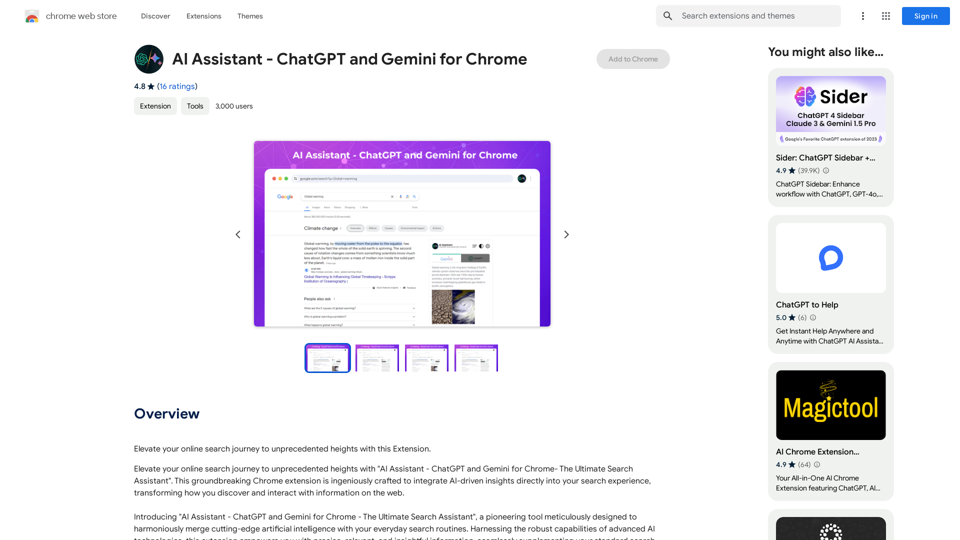
AI Copilot for Writing, Summarizing, and Chatting with PDF, WORD, and TXT Files Anywhere
View Detail

AI Copilot for Writing, Summarizing, and Chatting with PDF, WORD, and TXT Files Anywhere

AI Copilot for Writing, Summarizing, and Chatting with PDF, WORD, and TXT Files Anywhere

Duang AI Tab, Use 1-Click AI Anywhere, All AI in One Page, All Prompts in One Page.

193.90 M
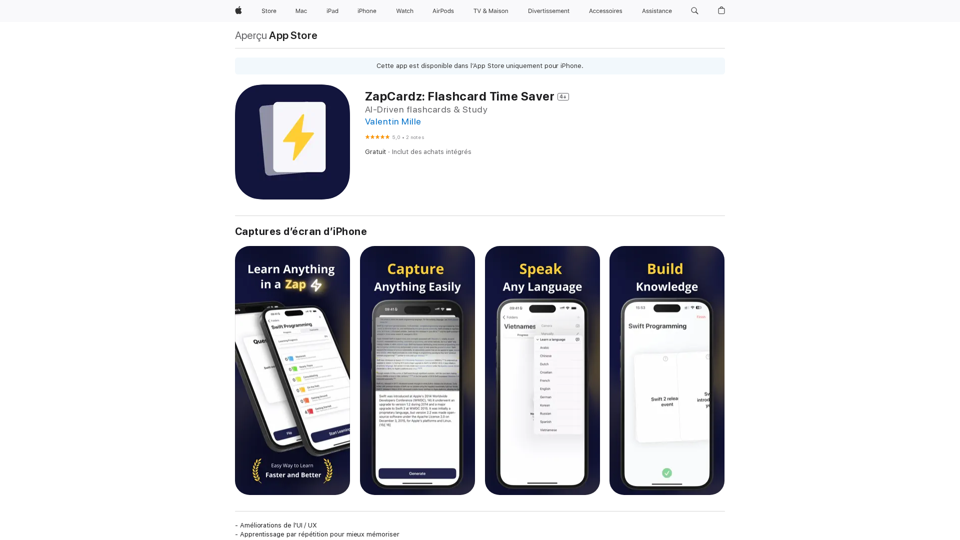
Calorielens: Calorie Counter in the App Store
View Detail

Calorielens: Calorie Counter in the App Store

Calorielens: Calorie Counter in the App Store

CalorieLens is your ultimate companion for calorie tracking. With just a simple snapshot, this AI-powered app accurately analyzes the calories inโ€ฆ

124.77 M
Simple TODOs from Customer Feedback 

- Improve search functionality: Customers are having trouble finding specific products.
- Add more product filters:  Allow users to narrow down search results by category, price, etc.
- Implement a wishlist feature: Let customers save items they are interested in for later.
- Enhance mobile responsiveness:  The website is not displaying correctly on all mobile devices.
- Provide clearer product descriptions:  Some descriptions are too vague or lack important details.
- Offer more payment options:  Expand the list of accepted payment methods.
- Simplify the checkout process:  Reduce the number of steps required to complete a purchase.
- Improve customer support:  Make it easier for customers to contact support and get timely responses.
View Detail

Simple TODOs from Customer Feedback - Improve search functionality: Customers are having trouble finding specific products. - Add more product filters: Allow users to narrow down search results by category, price, etc. - Implement a wishlist feature: Let customers save items they are interested in for later. - Enhance mobile responsiveness: The website is not displaying correctly on all mobile devices. - Provide clearer product descriptions: Some descriptions are too vague or lack important details. - Offer more payment options: Expand the list of accepted payment methods. - Simplify the checkout process: Reduce the number of steps required to complete a purchase. - Improve customer support: Make it easier for customers to contact support and get timely responses.

Simple TODOs from Customer Feedback - Improve search functionality: Customers are having trouble finding specific products. - Add more product filters: Allow users to narrow down search results by category, price, etc. - Implement a wishlist feature: Let customers save items they are interested in for later. - Enhance mobile responsiveness: The website is not displaying correctly on all mobile devices. - Provide clearer product descriptions: Some descriptions are too vague or lack important details. - Offer more payment options: Expand the list of accepted payment methods. - Simplify the checkout process: Reduce the number of steps required to complete a purchase. - Improve customer support: Make it easier for customers to contact support and get timely responses.

FeedMonky.com creates simple to-do lists from lengthy customer reviews. It uses a state-of-the-art language model that has been specially trained.

0
Rizz Baby - AI Dating Tools on the App Store
View Detail

Rizz Baby - AI Dating Tools on the App Store

Rizz Baby - AI Dating Tools on the App Store

Want to take your social interactions to the next level? Rizz Baby is your perfect partner! Powered by cutting-edge AI, our app creates customized responses and icebreakers that will help you shine in any social situation.

124.77 M
Arvin: 1-Click to Use AI Copilot Anywhere
View Detail

Arvin: 1-Click to Use AI Copilot Anywhere

Arvin: 1-Click to Use AI Copilot Anywhere

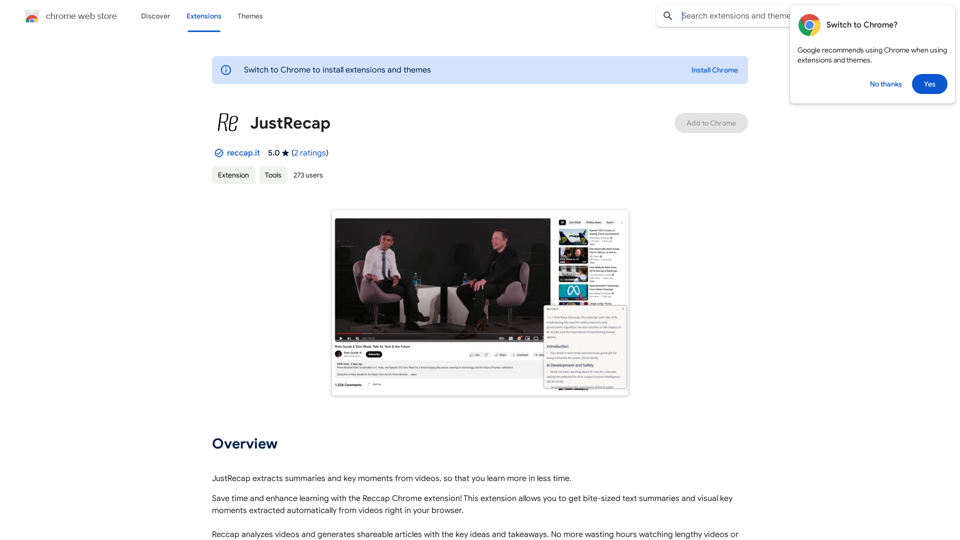
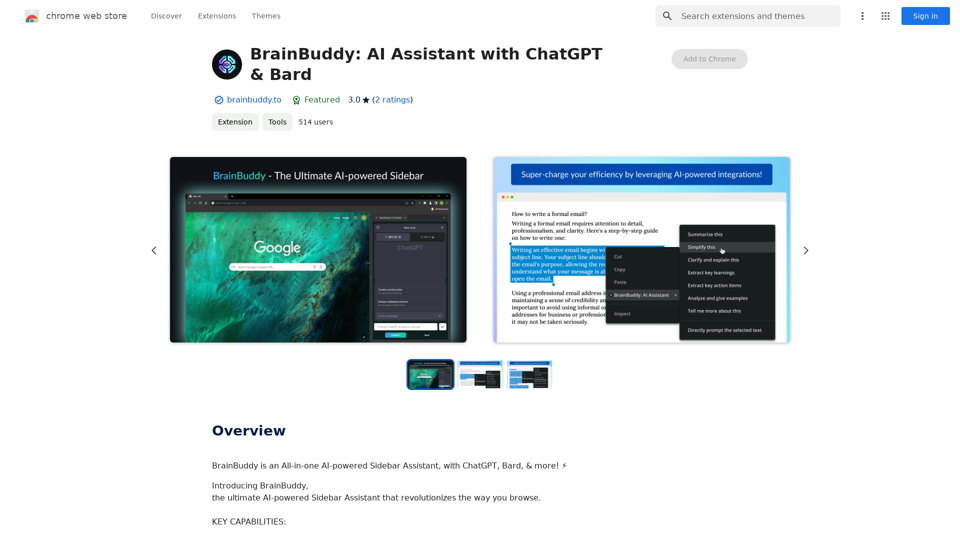
The Arvin ChatGPT extension is a versatile tool that can be used on any website, offering a range of features to enhance your online experience. These features include an AI writer for crafting emails, Twitter posts, and LinkedIn updates, as well as a summarizer for blogs and YouTube videos.

193.90 M
Search Engine  
AI Chat  
Web  
Video  
Image  
Social
View Detail

Search Engine AI Chat Web Video Image Social

Search Engine AI Chat Web Video Image Social

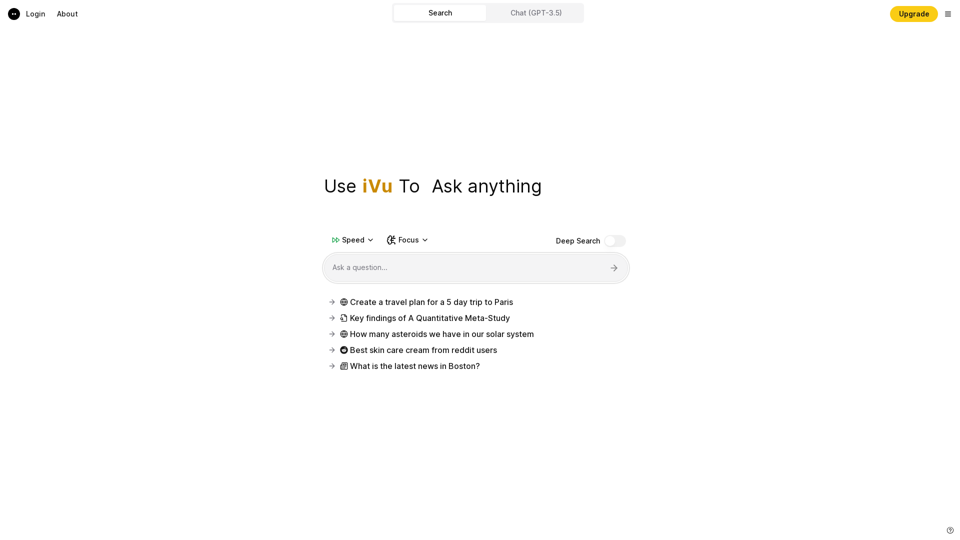
Quickly search the entire Internet, including websites, search engines, AI chatbots, videos, photos, social media, radio, PDFs, images, online shopping platforms, and AI-powered search chatbots.

193.90 M
Midjourney SREF Codes Library for Style Reference

What are SREF Codes?

SREF codes are special text strings used in Midjourney to quickly and easily apply specific artistic styles to your image generations. 

How to Use SREF Codes:

Simply add an SREF code to your Midjourney prompt. For example:

`/imagine a majestic dragon, SREF:cyberpunk`

SREF Code Library:

This library contains a collection of SREF codes categorized by style. 

* Art Styles:
    * `photorealistic`: Creates images with high levels of realism.
    * `impressionistic`:  Captures the essence of a scene with loose brushstrokes and vibrant colors.
    * `cubist`:  Breaks down objects into geometric shapes.
    * `surrealist`:  Creates dreamlike and fantastical images.
    * `abstract`:  Focuses on form, color, and composition rather than representational imagery.

* Visual Effects:
    * `cinematic`:  Gives images a cinematic look and feel.
    * `HDR`:  Creates images with high dynamic range, resulting in greater detail and contrast.
    * `neon`:  Adds vibrant neon lights to the image.
    * `pixel art`:  Generates images in a retro pixel art style.

* Other Styles:
    * `anime`:  Creates images in the style of Japanese animation.
    * `manga`:  Similar to anime, but with a more comic book aesthetic.
    * `sketch`:  Generates images that resemble pencil sketches.
    * `watercolor`:  Creates images with the look and feel of watercolor paintings.

Note: This is just a small sample of the many SREF codes available. 

Explore and Experiment:

The best way to learn about SREF codes is to experiment with them! Try combining different codes to create unique and interesting styles.
View Detail

Midjourney SREF Codes Library for Style Reference What are SREF Codes? SREF codes are special text strings used in Midjourney to quickly and easily apply specific artistic styles to your image generations. How to Use SREF Codes: Simply add an SREF code to your Midjourney prompt. For example: `/imagine a majestic dragon, SREF:cyberpunk` SREF Code Library: This library contains a collection of SREF codes categorized by style. * Art Styles: * `photorealistic`: Creates images with high levels of realism. * `impressionistic`: Captures the essence of a scene with loose brushstrokes and vibrant colors. * `cubist`: Breaks down objects into geometric shapes. * `surrealist`: Creates dreamlike and fantastical images. * `abstract`: Focuses on form, color, and composition rather than representational imagery. * Visual Effects: * `cinematic`: Gives images a cinematic look and feel. * `HDR`: Creates images with high dynamic range, resulting in greater detail and contrast. * `neon`: Adds vibrant neon lights to the image. * `pixel art`: Generates images in a retro pixel art style. * Other Styles: * `anime`: Creates images in the style of Japanese animation. * `manga`: Similar to anime, but with a more comic book aesthetic. * `sketch`: Generates images that resemble pencil sketches. * `watercolor`: Creates images with the look and feel of watercolor paintings. Note: This is just a small sample of the many SREF codes available. Explore and Experiment: The best way to learn about SREF codes is to experiment with them! Try combining different codes to create unique and interesting styles.

Midjourney SREF Codes Library for Style Reference What are SREF Codes? SREF codes are special text strings used in Midjourney to quickly and easily apply specific artistic styles to your image generations. How to Use SREF Codes: Simply add an SREF code to your Midjourney prompt. For example: `/imagine a majestic dragon, SREF:cyberpunk` SREF Code Library: This library contains a collection of SREF codes categorized by style. * Art Styles: * `photorealistic`: Creates images with high levels of realism. * `impressionistic`: Captures the essence of a scene with loose brushstrokes and vibrant colors. * `cubist`: Breaks down objects into geometric shapes. * `surrealist`: Creates dreamlike and fantastical images. * `abstract`: Focuses on form, color, and composition rather than representational imagery. * Visual Effects: * `cinematic`: Gives images a cinematic look and feel. * `HDR`: Creates images with high dynamic range, resulting in greater detail and contrast. * `neon`: Adds vibrant neon lights to the image. * `pixel art`: Generates images in a retro pixel art style. * Other Styles: * `anime`: Creates images in the style of Japanese animation. * `manga`: Similar to anime, but with a more comic book aesthetic. * `sketch`: Generates images that resemble pencil sketches. * `watercolor`: Creates images with the look and feel of watercolor paintings. Note: This is just a small sample of the many SREF codes available. Explore and Experiment: The best way to learn about SREF codes is to experiment with them! Try combining different codes to create unique and interesting styles.

Explore a list of 177 unique Midjourney sref codes and style references to find your perfect Midjourney sref code effect.

149.96 K