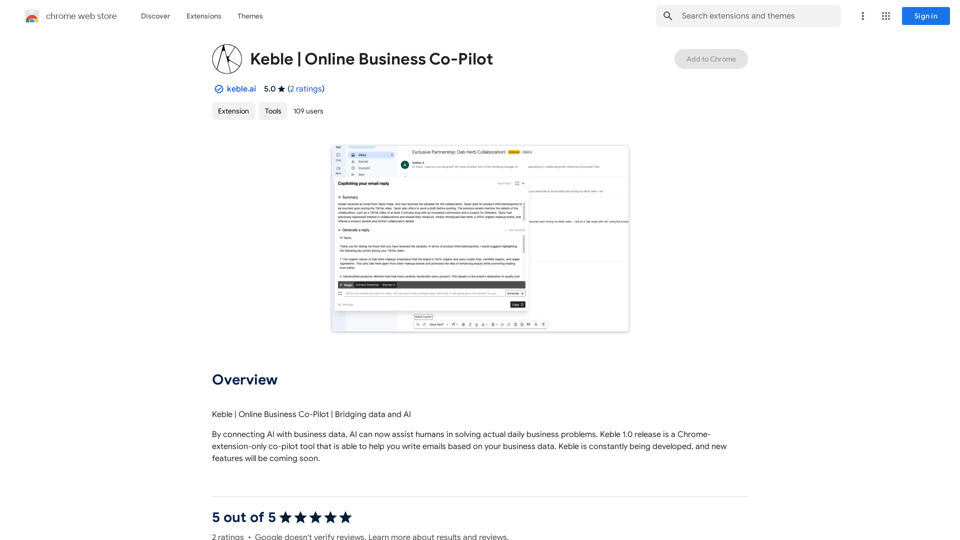
Keble is a Chrome extension that integrates AI with business data to assist users in solving daily business problems. The current version, Keble 1.0, functions as a co-pilot tool specifically designed to help users write emails based on their business data. This innovative extension bridges the gap between AI technology and practical business applications, making it easier for professionals to streamline their email communication processes.
Keble | Online Business Co-Pilot
Keble | Online Business Co-Pilot | Bridging data and AI
Introduction
Feature
AI-Powered Email Writing
Keble utilizes advanced AI technology to assist users in composing emails based on their business data. This feature helps to create more relevant and data-driven email content.
Chrome Extension Integration
As a Chrome extension, Keble seamlessly integrates with your browser, providing easy access to its features without the need for additional software installations.
Business Data Connection
Users can connect their business data to the Keble extension, allowing the AI to generate more accurate and personalized email content.
User-Friendly Interface
Keble is designed to be easy to use, requiring no technical expertise. This makes it accessible to a wide range of users, regardless of their technical background.
Continuous Development
The Keble team is committed to constantly updating the extension with new features and improvements, ensuring that users always have access to the latest AI-powered tools.
Time-Saving Automation
By automating the email writing process, Keble helps users save valuable time that can be redirected to other important tasks.
Improved Accuracy and Precision
The AI-powered email writing tool ensures a high level of accuracy and precision in email composition, reducing the risk of errors or miscommunication.
Productivity Enhancement
Keble streamlines the email writing process, contributing to increased overall productivity for its users.
Customization Options
Users can customize Keble to fit their specific business needs, making it a versatile tool for various industries and use cases.
FAQ
How do I get started with Keble?
To start using Keble, follow these steps:
- Install the Keble extension from the Chrome Web Store
- Connect your business data to the Keble extension
- Use the AI-powered email writing tool to compose emails based on your business data
Is Keble free to use?
Yes, Keble is free to use. However, there are optional paid upgrades available for users who require additional features or capabilities.
Which browsers are compatible with Keble?
Currently, Keble is compatible with Google Chrome. It is designed as a Chrome extension to integrate seamlessly with this popular browser.
Can I use Keble with my own business data?
Yes, Keble is designed to work with your business data. You can connect your data to the extension, allowing the AI to generate emails tailored to your specific business needs and information.
How can I maximize the benefits of using Keble?
To get the most out of Keble:
- Use it to automate repetitive email writing tasks
- Customize the extension to fit your specific business requirements
- Take advantage of Keble's AI-powered features to improve your email writing skills and efficiency
Related Websites
Stable Diffusion 3 Free Online Access - Powered By SD3 API
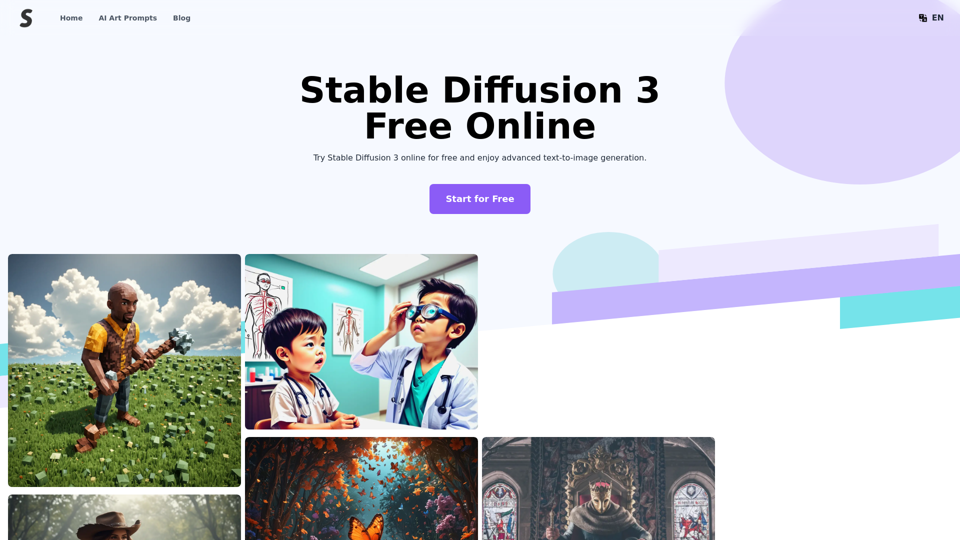
Stable Diffusion 3 Free Online Access - Powered By SD3 APIDiscover Stable Diffusion 3, the advanced text-to-image model by Stability AI. Learn about the stable diffusion 3 release date, how to download stable diffusion 3, stable diffusion 3 API, and how to access stable diffusion 3 for free online.
105.22 K
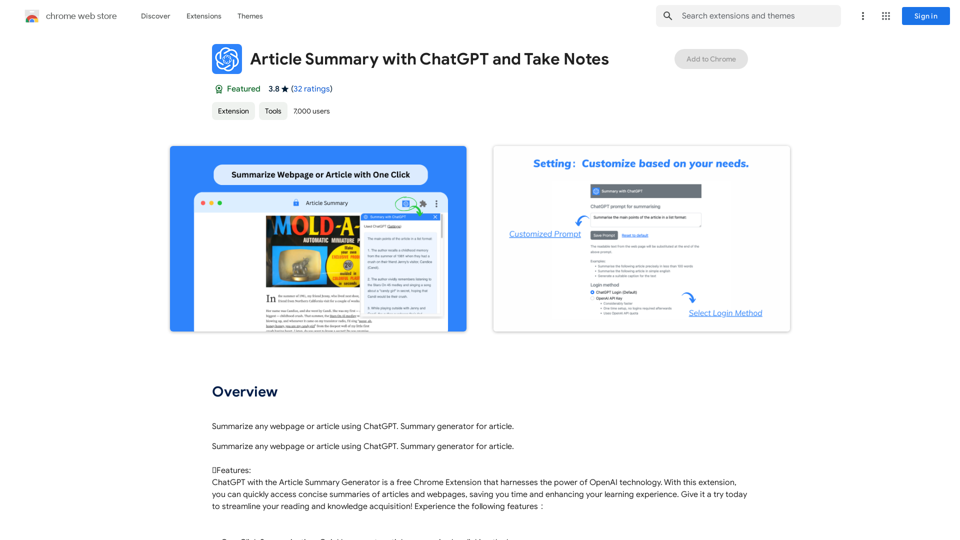
Article Summary with ChatGPT and Take Notes This is a guide on how to use ChatGPT to summarize articles and take notes effectively. Step 1: Provide ChatGPT with the Article Copy and paste the full text of the article into the ChatGPT interface. Step 2: Craft Your Prompt Tell ChatGPT what you want it to do. Here are some examples: * Summarize: "Please summarize this article in 200 words." * Key Points: "What are the main points of this article?" * Bullet Points: "Summarize the key findings of this article in bullet points." * Notes: "Take notes on this article, focusing on the author's arguments and supporting evidence." Step 3: Review and Refine ChatGPT will generate a summary, key points, bullet points, or notes based on your prompt. * Read carefully: Make sure the output accurately reflects the article's content. * Edit as needed: You can ask ChatGPT to rephrase sections or provide more detail. * Add your own insights: Don't just copy ChatGPT's output. Use it as a starting point and add your own thoughts, questions, and connections. Tips for Effective Use: * Be specific: The more specific your prompt, the better the output will be. * Experiment with different prompts: Try various phrasing to see what works best. * Use ChatGPT as a tool: It's a powerful aid, but it's not a replacement for critical reading and thinking.
Article Summary with ChatGPT and Take Notes This is a guide on how to use ChatGPT to summarize articles and take notes effectively. Step 1: Provide ChatGPT with the Article Copy and paste the full text of the article into the ChatGPT interface. Step 2: Craft Your Prompt Tell ChatGPT what you want it to do. Here are some examples: * Summarize: "Please summarize this article in 200 words." * Key Points: "What are the main points of this article?" * Bullet Points: "Summarize the key findings of this article in bullet points." * Notes: "Take notes on this article, focusing on the author's arguments and supporting evidence." Step 3: Review and Refine ChatGPT will generate a summary, key points, bullet points, or notes based on your prompt. * Read carefully: Make sure the output accurately reflects the article's content. * Edit as needed: You can ask ChatGPT to rephrase sections or provide more detail. * Add your own insights: Don't just copy ChatGPT's output. Use it as a starting point and add your own thoughts, questions, and connections. Tips for Effective Use: * Be specific: The more specific your prompt, the better the output will be. * Experiment with different prompts: Try various phrasing to see what works best. * Use ChatGPT as a tool: It's a powerful aid, but it's not a replacement for critical reading and thinking.I can do that! Please provide me with the URL of the webpage or article you'd like me to summarize. I'll do my best to create a concise and easy-to-understand summary for you.
193.90 M
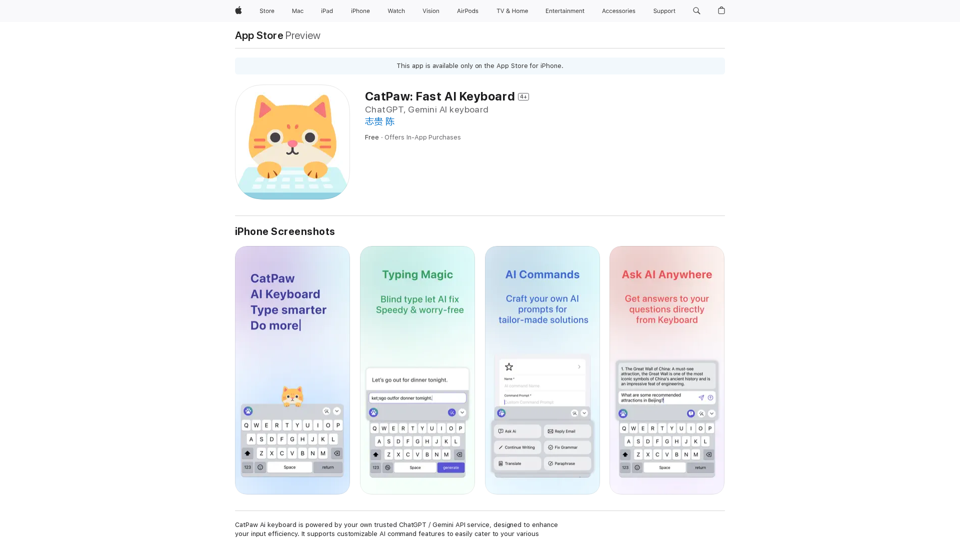
The CatPaw Ai keyboard is powered by your own trusted ChatGPT / Gemini API service, designed to enhance your input efficiency. It supports customizable AI commands for a more personalized experience.
124.77 M
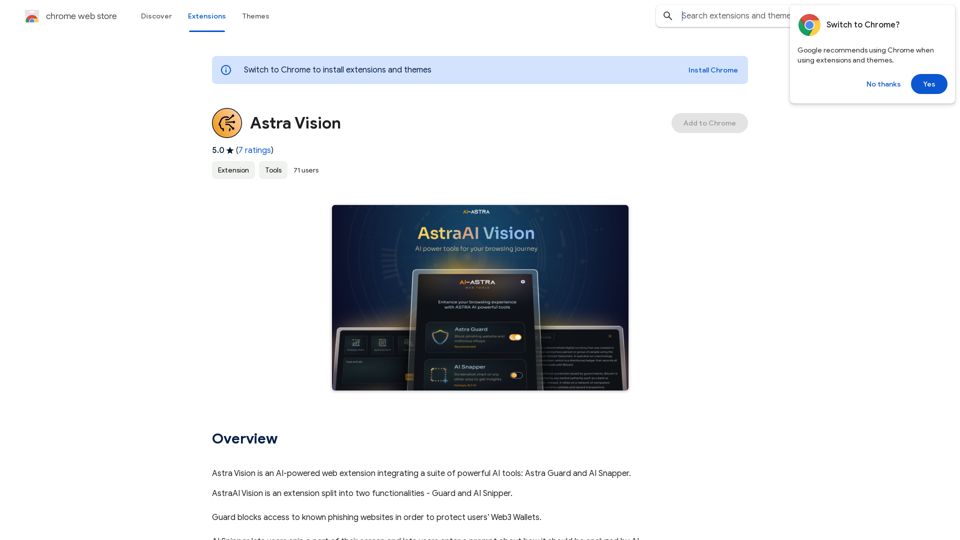
Astra Vision is an AI-powered web extension that includes a set of powerful AI tools: Astra Guard and AI Snapper.
193.90 M

Sign up for Kinky Chat's early access! Be the first to meet the world's most intense chatbot. Don't miss out!
17.07 K
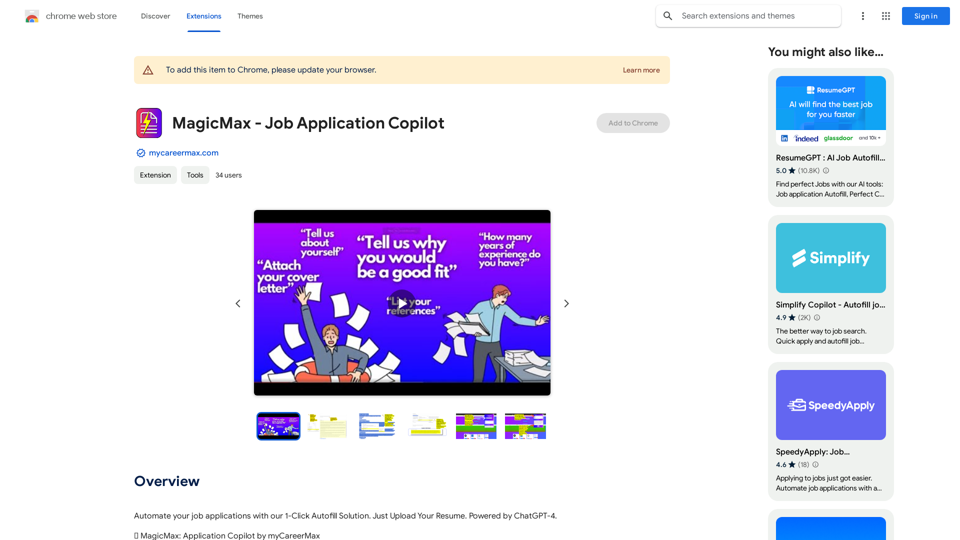
Automate your job applications with our 1-Click Autofill Solution. Just upload your resume. Powered by ChatGPT-4.
193.90 M
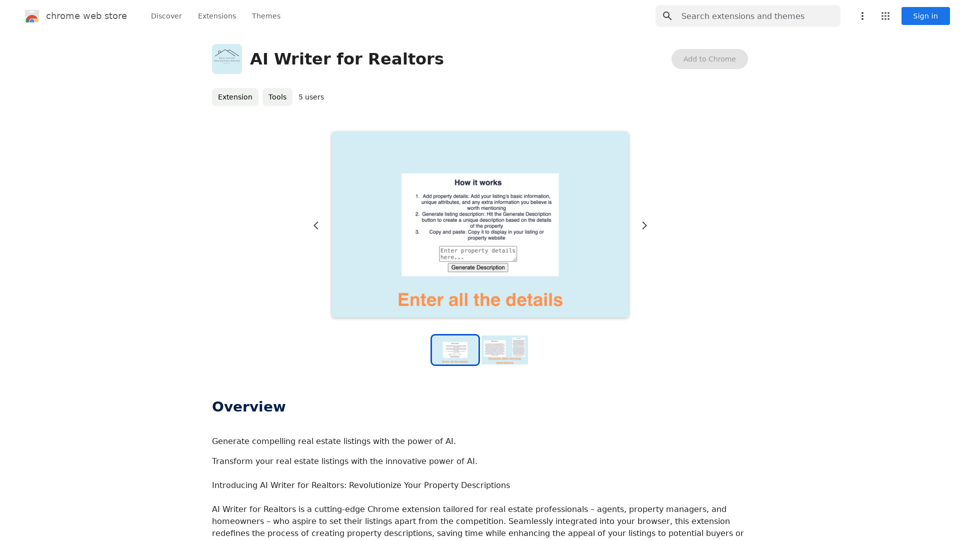
AI Writer for Realtors This AI-powered writing tool is designed to help real estate agents save time and create compelling content. Here's what it can do: * Generate property descriptions: Craft engaging and informative descriptions that highlight key features and benefits. * Write listing headlines: Create attention-grabbing headlines that attract potential buyers. * Compose social media posts: Share property updates, market insights, and client testimonials in a concise and engaging way. * Draft email campaigns: Automate email marketing efforts with personalized messages to potential clients. * Summarize property reports: Quickly understand key information from property reports and market analyses. Benefits for Realtors: * Save time and effort: Automate repetitive writing tasks and focus on client interactions. * Improve content quality: Generate high-quality, engaging content that resonates with target audiences. * Boost marketing effectiveness: Create compelling content that drives leads and increases sales. * Stay ahead of the competition: Leverage AI technology to streamline your workflow and deliver exceptional service.
AI Writer for Realtors This AI-powered writing tool is designed to help real estate agents save time and create compelling content. Here's what it can do: * Generate property descriptions: Craft engaging and informative descriptions that highlight key features and benefits. * Write listing headlines: Create attention-grabbing headlines that attract potential buyers. * Compose social media posts: Share property updates, market insights, and client testimonials in a concise and engaging way. * Draft email campaigns: Automate email marketing efforts with personalized messages to potential clients. * Summarize property reports: Quickly understand key information from property reports and market analyses. Benefits for Realtors: * Save time and effort: Automate repetitive writing tasks and focus on client interactions. * Improve content quality: Generate high-quality, engaging content that resonates with target audiences. * Boost marketing effectiveness: Create compelling content that drives leads and increases sales. * Stay ahead of the competition: Leverage AI technology to streamline your workflow and deliver exceptional service.Unlock the Power of AI for Captivating Real Estate Listings Tired of crafting bland, forgettable property descriptions? Let AI revolutionize your listings and attract more potential buyers! Here's how AI can elevate your real estate game: * Craft Compelling Narratives: AI can weave engaging stories around your properties, highlighting their unique features and benefits in a way that resonates with buyers. * Optimize for Search Engines: AI-powered tools can analyze market trends and keywords to ensure your listings rank higher in search results, boosting visibility and attracting more clicks. * Personalize the Experience: AI can tailor descriptions to specific buyer demographics, creating a more personalized and impactful connection. * Generate Stunning Visuals: From virtual tours to 3D floor plans, AI can enhance your listings with captivating visuals that showcase your properties in their best light. Stop settling for ordinary listings. Embrace the future of real estate with AI-powered descriptions that captivate, convert, and close deals.
193.90 M
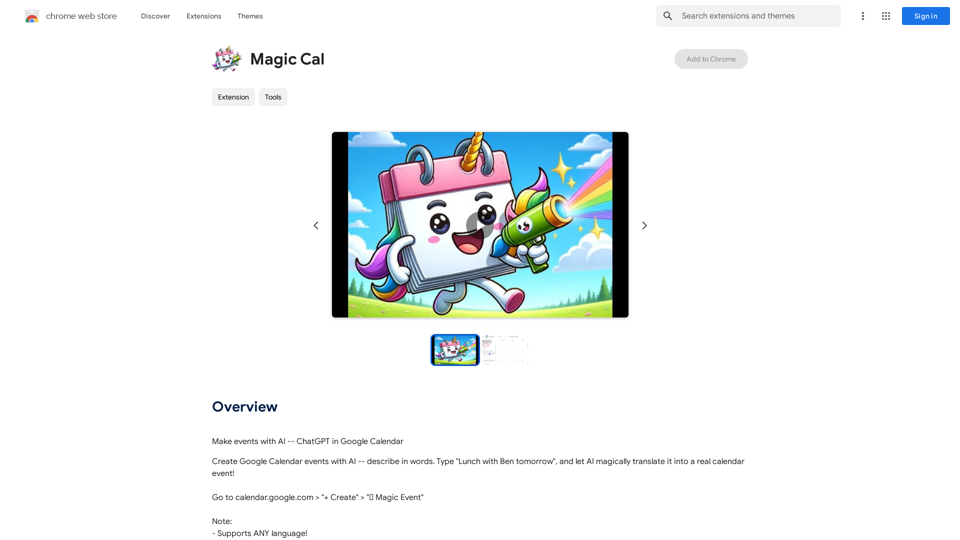
Make events with AI -- ChatGPT in Google Calendar This is a guide on how to use ChatGPT to create events in your Google Calendar. 1. Open ChatGPT and Google Calendar: * Start a new conversation in ChatGPT. * Open your Google Calendar in a separate tab or window. 2. Tell ChatGPT what you want to schedule: * Be specific about the event details, including: * Event name: (e.g., "Team Meeting") * Date and time: (e.g., "Next Tuesday at 2:00 PM") * Duration: (e.g., "1 hour") * Location: (e.g., "Conference Room") * Description: (optional, add any relevant details) 3. ChatGPT will generate a calendar event string: * ChatGPT will provide you with a text string that includes all the event details in a format suitable for Google Calendar. 4. Copy and paste the event string into Google Calendar: * Click on the "Create" button in Google Calendar. * Paste the event string generated by ChatGPT into the event details field. * Adjust any details if needed. 5. Save the event: * Click "Save" to add the event to your Google Calendar. Let me know if you have any other questions.
193.90 M