Open-source RightAI Tools Directory
  • Discover AI
  • Submit
  • Startup
  • Blog
Open-source RightAI Tools Directory
Discover the best AI tools of 2025 with the RightAI Tools Directory!

Friend Links

AI Anime GeneratorToolsApp AI

Support

Tap4
Privacy policyTerms & ConditionsContact Us
Loading...
loading...

popup

An assistant powered by ChatGPT
Visit Website
popup
Visit Website

Introduction

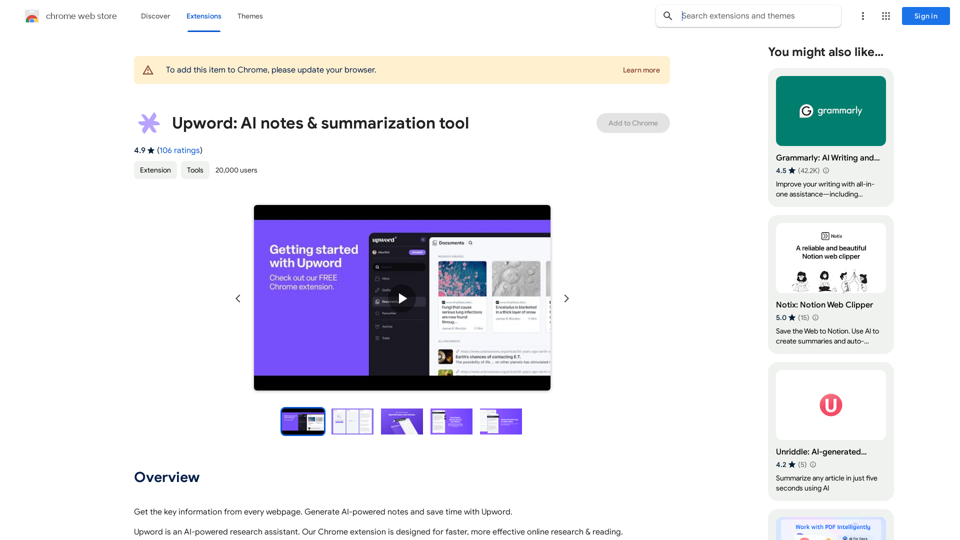
Popup is a versatile AI assistant powered by ChatGPT that enhances web browsing experiences. It allows users to interact with an AI assistant directly on any webpage, providing context-aware responses based on selected content. With its agent marketplace and customizable context menus, Popup offers a flexible and powerful tool for various AI-assisted tasks while browsing.

Feature

AI Assistant Integration

Popup seamlessly integrates an AI assistant into your web browsing experience, allowing you to interact with selected content on any webpage.

Agent Marketplace

Access a diverse range of AI agents through Popup's marketplace, enabling users to customize their AI assistance based on specific needs and preferences.

Contextual Interaction

Right-click on selected text to access AI agents through context menus, providing a smooth and intuitive way to interact with web content.

Customizable Context Menus

Tailor your Popup experience by adding or removing AI agents from the context menus, ensuring quick access to your most-used tools.

Flexible Invocation

Easily summon the AI assistant at any location on a webpage by clicking the Popup icon, offering seamless integration with your browsing workflow.

In-App Purchases

Enhance your Popup experience with additional features and functionality through in-app purchases, allowing for a more personalized and powerful tool.

FAQ

How does Popup enhance web browsing?

Popup integrates an AI assistant directly into web pages, allowing users to interact with selected content and receive context-aware responses, streamlining information processing and task completion while browsing.

What types of information does Popup handle?

Popup handles several types of sensitive information:

Information TypeDescription
Personally Identifiable InformationUser data that can be used to identify individuals
Financial and Payment InformationData related to financial transactions and payment methods
Authentication InformationCredentials and data used for user authentication

How can I customize my Popup experience?

You can customize Popup by:

  1. Exploring the agent marketplace to find AI agents that suit your needs
  2. Enabling or disabling agents as required
  3. Customizing context menus to add or remove agents for quick access

Is Popup free to use?

While Popup offers basic functionality, it also provides in-app purchases for additional features and enhanced capabilities, allowing users to tailor the tool to their specific requirements.

Latest Traffic Insights

  • Monthly Visits

    193.90 M

  • Bounce Rate

    56.27%

  • Pages Per Visit

    2.71

  • Time on Site(s)

    115.91

  • Global Rank

    -

  • Country Rank

    -

Recent Visits

Traffic Sources

  • Social Media:
    0.48%
  • Paid Referrals:
    0.55%
  • Email:
    0.15%
  • Referrals:
    12.81%
  • Search Engines:
    16.21%
  • Direct:
    69.81%
More Data

Related Websites

The intelligent notebook for world creators - Notebook.ai
View Detail

The intelligent notebook for world creators - Notebook.ai

The intelligent notebook for world creators - Notebook.ai

Notebook.ai is a collection of tools designed for writers and roleplayers to create magnificent universes β€” and everything within them.

149.28 K
At a Glance
View Detail

At a Glance

At a Glance

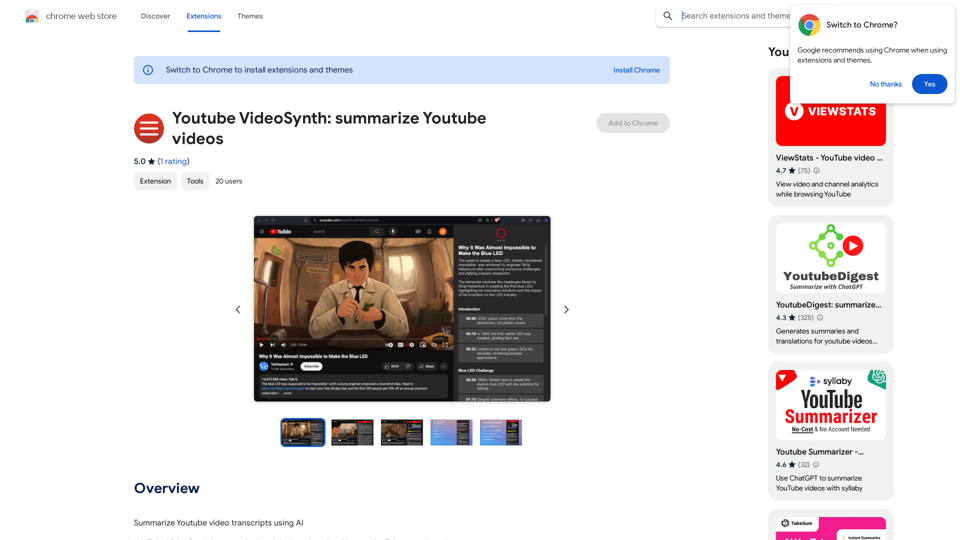
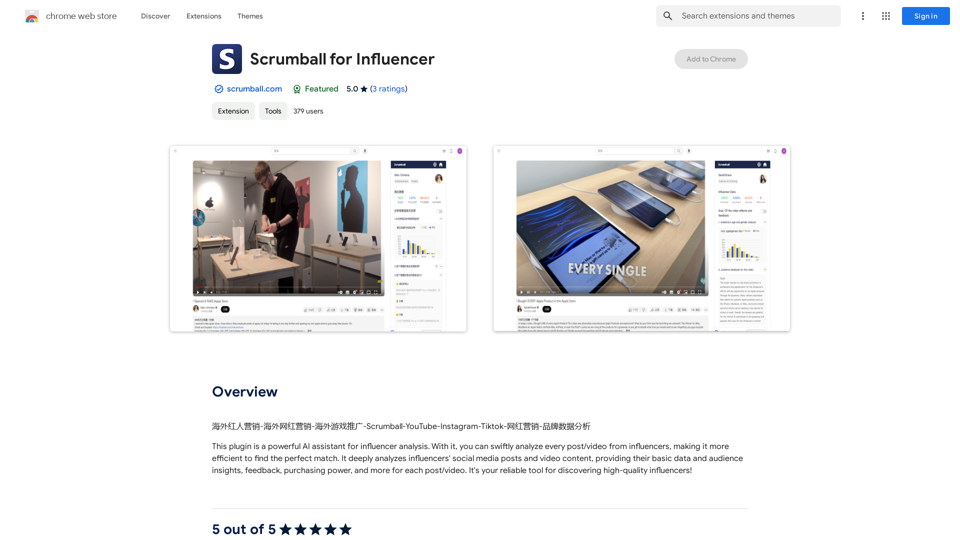
Use an AI like ChatGPT to condense and translate articles into short, ready-to-publish paragraphs directly on the webpage.

193.90 M
AI Group Tabs
View Detail

AI Group Tabs

AI Group Tabs

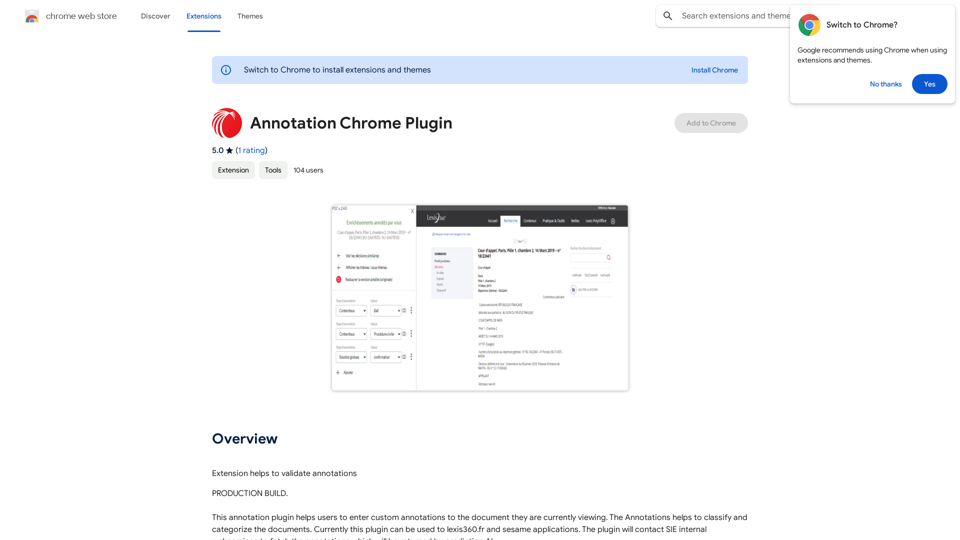
Group your tabs with AI This is a simple and effective way to organize your browser tabs using artificial intelligence. Here's how it works: * Select multiple tabs: Choose the tabs you want to group together. * AI grouping: Our AI will analyze the content of the selected tabs and suggest relevant groups. * Customize groups: You can adjust the suggested groups or create your own. * Save and access: Save your grouped tabs for easy access later. Let AI help you stay organized and productive!

193.90 M
Linkboost - LinkedIn with AI-powered Chat GPT
View Detail

Linkboost - LinkedIn with AI-powered Chat GPT

Linkboost - LinkedIn with AI-powered Chat GPT

Easily Skyrocket Your LinkedIn Reach with the Power of AI - ChatGPT Let's face it, standing out on LinkedIn can be tough. But what if you could leverage the incredible power of AI to supercharge your profile and connections? That's where ChatGPT comes in. This revolutionary AI tool can help you: * Craft compelling content: Say goodbye to writer's block! ChatGPT can help you generate engaging posts, articles, and even personalized messages that resonate with your audience. * Optimize your profile: Make sure your LinkedIn profile shines! ChatGPT can suggest improvements to your headline, summary, and experience descriptions, helping you attract more views and connections. * Automate your outreach: Spend less time manually sending messages and more time building relationships. ChatGPT can help you draft personalized connection requests and follow-up messages that get results. * Unlock valuable insights: Gain a deeper understanding of your network and industry trends. ChatGPT can analyze your connections and content performance, providing actionable insights to improve your strategy. Ready to take your LinkedIn game to the next level? ChatGPT is your secret weapon.

193.90 M
AiReelGenerator.com | Faceless Videos on Autopilot.
View Detail

AiReelGenerator.com | Faceless Videos on Autopilot.

AiReelGenerator.com | Faceless Videos on Autopilot.

Discover AiReelGenerator, the newest app that automatically makes videos without faces. Just pick a subject, and our AI will make and upload fresh videos to your YouTube, TikTok, Instagram, or Facebook account every day.

196
File Zen, a tool for AI-powered intelligent file organization and classification.
View Detail

File Zen, a tool for AI-powered intelligent file organization and classification.

File Zen, a tool for AI-powered intelligent file organization and classification.

FileNeatAI is a professional AI-powered file organization tool designed to streamline the process of categorizing and organizing text files on your computer. By leveraging advanced AI capabilities, FileNeatAI reads the content of each file within a specified folder and intelligently categorizes these files into different folders based on their content.

2.42 K
PI Prompts for ChatGPT, Gemini, Claude, Mistral, Groq & PI

General Instructions:

* Be specific: Clearly state what you want the AI to do.
* Provide context: Give the AI enough information to understand your request.
* Experiment: Try different prompts and see what works best.

Creative Writing:

* ChatGPT: Write a short story about a robot who learns to feel emotions.
* Gemini: Compose a poem in the style of Emily Dickinson about the nature of time.
* Claude: Create a fictional news article about a discovery on Mars.
* Mistral: Generate a song lyric about the feeling of falling in love.
* Groq: Write a screenplay for a 5-minute film about a lost dog finding its way home.
* PI: Design a worldbuilding document for a fantasy novel, including its history, geography, and magic system.

Informative Tasks:

* ChatGPT: Summarize the main points of the article on climate change.
* Gemini: Explain the concept of quantum mechanics in simple terms.
* Claude: Compare and contrast the philosophies of Socrates and Plato.
* Mistral: Create a list of 10 interesting facts about the human brain.
* Groq: Write a code snippet to scrape data from a website.
* PI: Generate a research proposal on the impact of social media on mental health.

Code Generation:

* ChatGPT: Write a Python function to calculate the factorial of a number.
* Gemini: Generate HTML code for a simple webpage with a heading and a paragraph.
* Claude: Create a SQL query to retrieve all customers from a database.
* Mistral: Write a JavaScript function to validate an email address.
* Groq: Generate code to create a new user account in a web application.
* PI: Design a machine learning model to classify images of cats and dogs.
View Detail

PI Prompts for ChatGPT, Gemini, Claude, Mistral, Groq & PI General Instructions: * Be specific: Clearly state what you want the AI to do. * Provide context: Give the AI enough information to understand your request. * Experiment: Try different prompts and see what works best. Creative Writing: * ChatGPT: Write a short story about a robot who learns to feel emotions. * Gemini: Compose a poem in the style of Emily Dickinson about the nature of time. * Claude: Create a fictional news article about a discovery on Mars. * Mistral: Generate a song lyric about the feeling of falling in love. * Groq: Write a screenplay for a 5-minute film about a lost dog finding its way home. * PI: Design a worldbuilding document for a fantasy novel, including its history, geography, and magic system. Informative Tasks: * ChatGPT: Summarize the main points of the article on climate change. * Gemini: Explain the concept of quantum mechanics in simple terms. * Claude: Compare and contrast the philosophies of Socrates and Plato. * Mistral: Create a list of 10 interesting facts about the human brain. * Groq: Write a code snippet to scrape data from a website. * PI: Generate a research proposal on the impact of social media on mental health. Code Generation: * ChatGPT: Write a Python function to calculate the factorial of a number. * Gemini: Generate HTML code for a simple webpage with a heading and a paragraph. * Claude: Create a SQL query to retrieve all customers from a database. * Mistral: Write a JavaScript function to validate an email address. * Groq: Generate code to create a new user account in a web application. * PI: Design a machine learning model to classify images of cats and dogs.

PI Prompts for ChatGPT, Gemini, Claude, Mistral, Groq & PI General Instructions: * Be specific: Clearly state what you want the AI to do. * Provide context: Give the AI enough information to understand your request. * Experiment: Try different prompts and see what works best. Creative Writing: * ChatGPT: Write a short story about a robot who learns to feel emotions. * Gemini: Compose a poem in the style of Emily Dickinson about the nature of time. * Claude: Create a fictional news article about a discovery on Mars. * Mistral: Generate a song lyric about the feeling of falling in love. * Groq: Write a screenplay for a 5-minute film about a lost dog finding its way home. * PI: Design a worldbuilding document for a fantasy novel, including its history, geography, and magic system. Informative Tasks: * ChatGPT: Summarize the main points of the article on climate change. * Gemini: Explain the concept of quantum mechanics in simple terms. * Claude: Compare and contrast the philosophies of Socrates and Plato. * Mistral: Create a list of 10 interesting facts about the human brain. * Groq: Write a code snippet to scrape data from a website. * PI: Generate a research proposal on the impact of social media on mental health. Code Generation: * ChatGPT: Write a Python function to calculate the factorial of a number. * Gemini: Generate HTML code for a simple webpage with a heading and a paragraph. * Claude: Create a SQL query to retrieve all customers from a database. * Mistral: Write a JavaScript function to validate an email address. * Groq: Generate code to create a new user account in a web application. * PI: Design a machine learning model to classify images of cats and dogs.

An intuitive right-hand side panel for ChatGPT, Google Gemini, Claude.ai, Mistral, Groq, and Pi.ai. Reach your prompt library with a...

193.90 M
ChatGPT Keyboard Shortcuts

#Navigation

* Ctrl + β†’: Move to the next message
* Ctrl + ←: Move to the previous message
* Home: Move to the beginning of the conversation
* End: Move to the end of the conversation

#Editing

* Ctrl + A: Select all text
* Ctrl + C: Copy selected text
* Ctrl + X: Cut selected text
* Ctrl + V: Paste copied or cut text
* Ctrl + Z: Undo
* Ctrl + Y: Redo
* Ctrl + Shift + F: Format text as code

#Actions

* Enter: Send the message
* Shift + Enter: Insert a new line
* Ctrl + Shift + Enter: Send the message and insert a new line
* Esc: Cancel editing and close the message input field
* Ctrl + Shift + Space: Open the emoji picker
* Ctrl + Shift + /: Open the help menu

#Accessibility

* Ctrl + +: Increase font size
* Ctrl + -: Decrease font size
* Ctrl + 0: Reset font size to default
View Detail

ChatGPT Keyboard Shortcuts #Navigation * Ctrl + β†’: Move to the next message * Ctrl + ←: Move to the previous message * Home: Move to the beginning of the conversation * End: Move to the end of the conversation #Editing * Ctrl + A: Select all text * Ctrl + C: Copy selected text * Ctrl + X: Cut selected text * Ctrl + V: Paste copied or cut text * Ctrl + Z: Undo * Ctrl + Y: Redo * Ctrl + Shift + F: Format text as code #Actions * Enter: Send the message * Shift + Enter: Insert a new line * Ctrl + Shift + Enter: Send the message and insert a new line * Esc: Cancel editing and close the message input field * Ctrl + Shift + Space: Open the emoji picker * Ctrl + Shift + /: Open the help menu #Accessibility * Ctrl + +: Increase font size * Ctrl + -: Decrease font size * Ctrl + 0: Reset font size to default

ChatGPT Keyboard Shortcuts #Navigation * Ctrl + β†’: Move to the next message * Ctrl + ←: Move to the previous message * Home: Move to the beginning of the conversation * End: Move to the end of the conversation #Editing * Ctrl + A: Select all text * Ctrl + C: Copy selected text * Ctrl + X: Cut selected text * Ctrl + V: Paste copied or cut text * Ctrl + Z: Undo * Ctrl + Y: Redo * Ctrl + Shift + F: Format text as code #Actions * Enter: Send the message * Shift + Enter: Insert a new line * Ctrl + Shift + Enter: Send the message and insert a new line * Esc: Cancel editing and close the message input field * Ctrl + Shift + Space: Open the emoji picker * Ctrl + Shift + /: Open the help menu #Accessibility * Ctrl + +: Increase font size * Ctrl + -: Decrease font size * Ctrl + 0: Reset font size to default

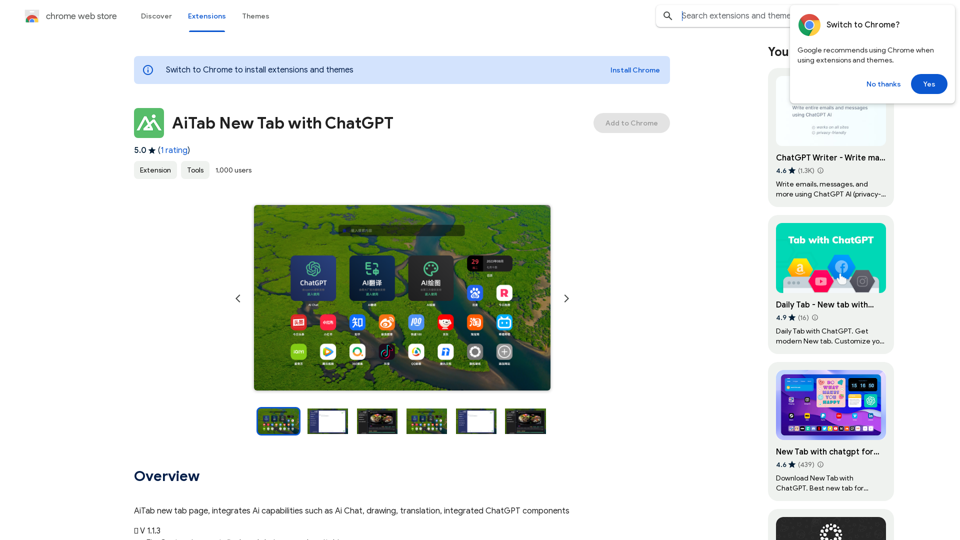
Enhance your ChatGPT experience with easy-to-use keyboard shortcuts.

193.90 M