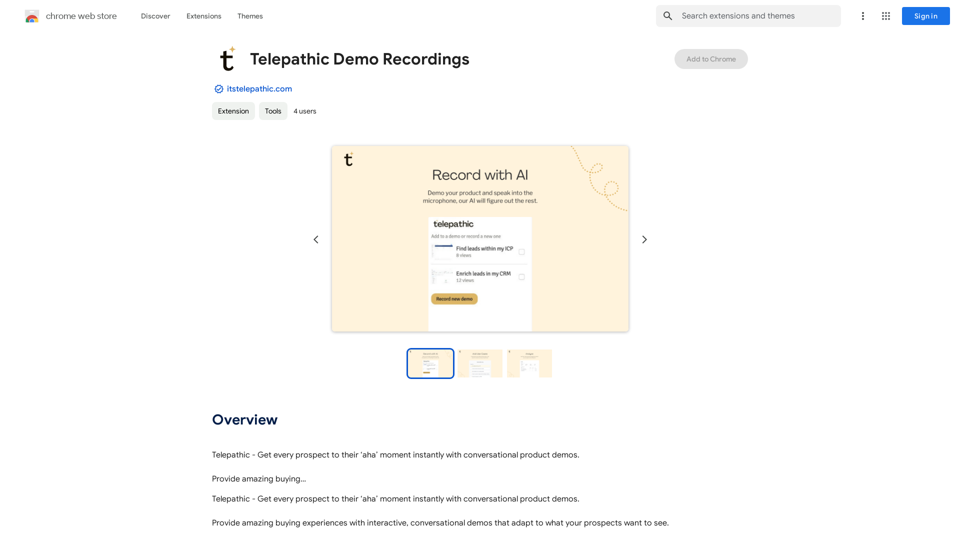
Telepathic Demo Recordings is a Chrome extension designed to revolutionize sales demonstrations. It utilizes AI technology to create interactive, conversational demos that adapt to prospects' interests. This tool allows users to easily record product walkthroughs, capturing both screen activity and voice explanations to train an AI system that can then provide automated sales demos.
Telepathic Demo Recordings
Telepathic - Instantly help every prospect reach their "aha" moment with conversational product demos.
Provide an amazing buying…
Introduction
Feature
AI-Powered Sales Demos
Telepathic Demo Recordings uses advanced AI to learn how your product works, enabling it to give sales demos on autopilot anytime, anywhere.
Easy Recording Process
Install the Chrome extension and start recording by clicking through your product while explaining its features into the microphone, just as you would to a prospect.
Screen and Voice Capture
The tool captures both your screen activity and voice explanations, using this data to train the AI on your product's functionality.
Interactive and Adaptive Demos
Generate amazing buying experiences with demos that adapt to what your prospects want to see, creating a personalized and engaging presentation.
Automated 24/7 Demos
Once trained, the AI can provide sales demos at any time, increasing your reach and efficiency in sales processes.
FAQ
What is Telepathic Demo Recordings?
Telepathic Demo Recordings is a Chrome extension created to provide interactive, AI-powered sales demos. It learns how your product works through user recordings and can then give automated demonstrations.
How do I use Telepathic Demo Recordings?
To use Telepathic Demo Recordings:
- Install the Chrome extension
- Start recording
- Click through your product
- Explain features by speaking into the microphone
- Let Telepathic capture screens and record your voice to train the AI
Does Telepathic Demo Recordings generate images or use GPTs?
No, Telepathic Demo Recordings does not have image generation capabilities or GPTs available. Its primary function is to create and deliver interactive product demos.
Is my information used for training data?
No, Telepathic Demo Recordings values user privacy. Your data is not used for any training purposes beyond teaching the AI about your specific product. You can delete your account at any time, which will remove all your data.
Related Websites
Access ChatGPT from the Chrome toolbar and get transcripts and summaries of YouTube videos. Powered by ChatGPT & Claude.
193.90 M
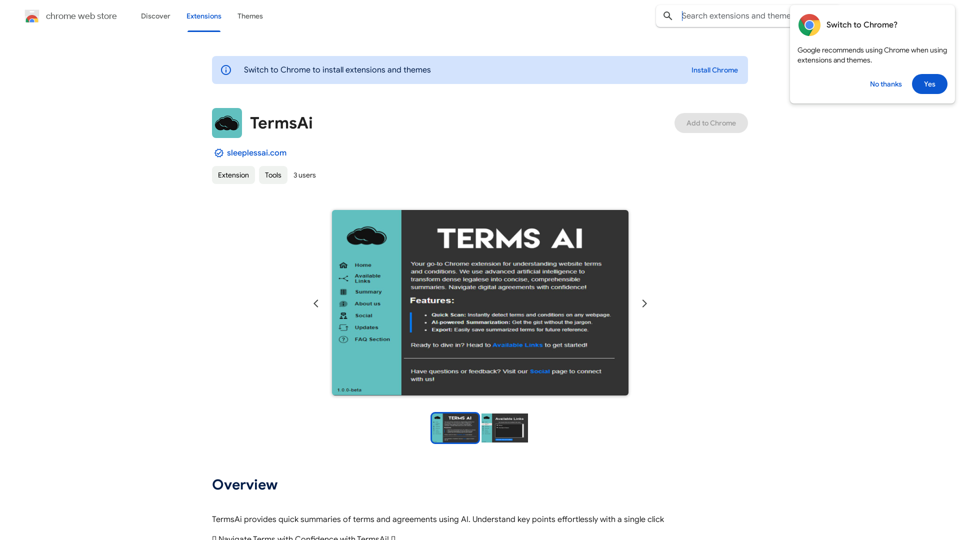
TermsAi provides quick summaries of terms and agreements using AI. Understand key points effortlessly with a single click.
193.90 M
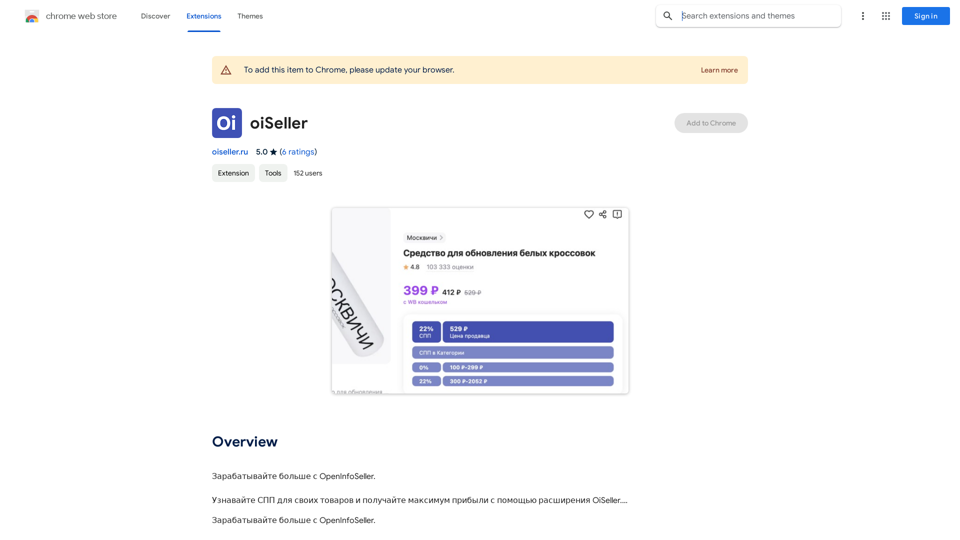
Earn more with OpenInfoSeller. Find SPP for your products and maximize your profits with the OiSeller extension...
193.90 M
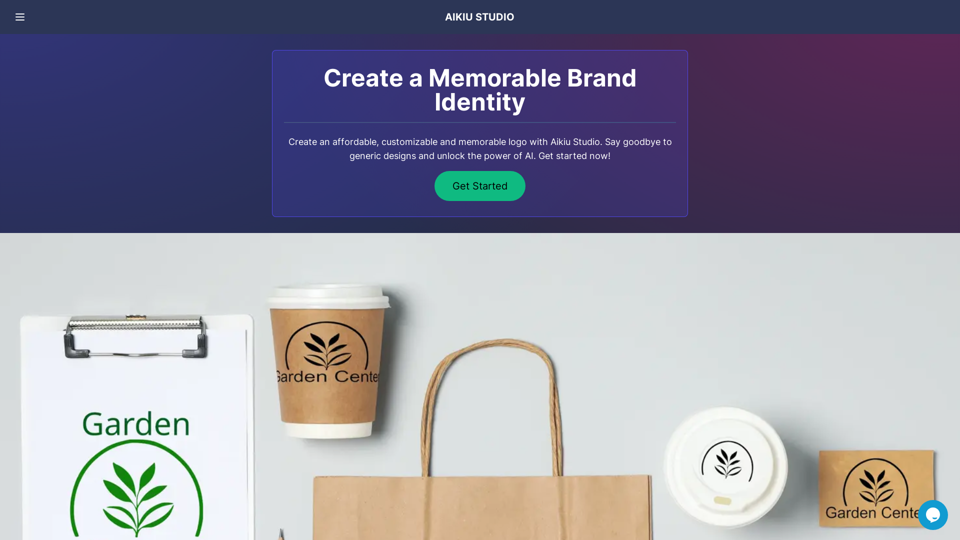
Fast and Affordable Logo Generator for Small Businesses
Fast and Affordable Logo Generator for Small BusinessesGenerate unique logos quickly and affordably with Aikiu Studio. Create professional designs for small businesses and solopreneurs in minutes. Get high-quality, hassle-free logo creation.
0
I can do that! Just paste the web article text here, and I'll generate a professional and concise summary using OpenAI's powerful GPT-4 model.
193.90 M
Eskritor AI Writer: Intelligent AI Content Creator
Eskritor AI Writer: Intelligent AI Content CreatorWrite 5x faster with Eskritor AI Writer's 20+ content tools. Start creating perfectly tailored content today - from articles to social posts. Try it free!
100.32 K