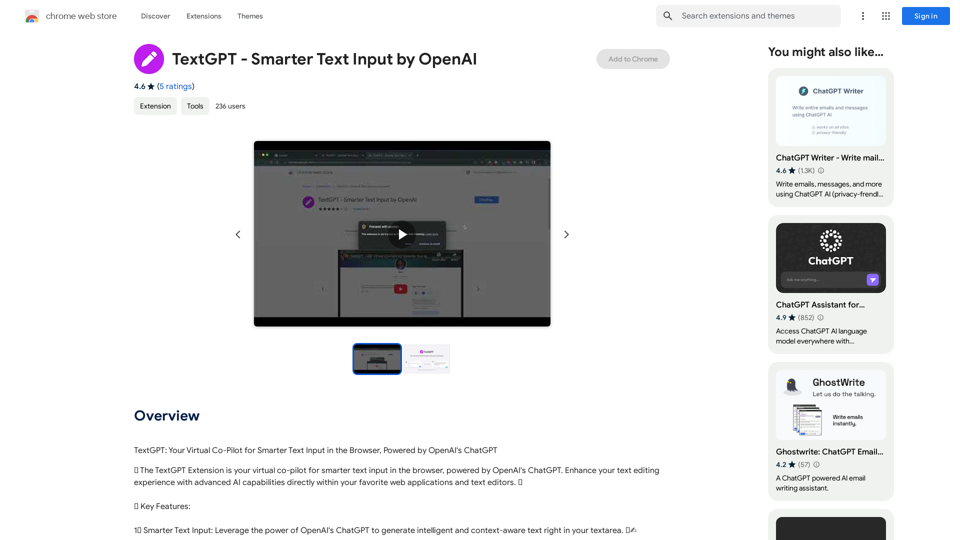
TextGPT is an AI-powered browser extension that enhances text editing across web applications and text editors. It integrates OpenAI's ChatGPT to provide intelligent text input, customizable activation, and seamless OpenAI API integration. This tool aims to revolutionize the way users interact with text input fields, offering advanced AI capabilities at their fingertips.
TextGPT - Smarter Text Input by OpenAI
TextGPT: Your Virtual Co-Pilot for Smarter Text Input in the Browser, Powered by OpenAI's ChatGPT
Introduction
Feature
Smarter Text Input
TextGPT utilizes OpenAI's ChatGPT to generate intelligent and context-aware text directly within textareas, enhancing the user's writing experience.
Customizable Activation
Users can set a unique keyword to activate TextGPT, allowing for controlled engagement with AI assistance and unleashing creativity on demand.
OpenAI API Integration
Seamlessly integrate your OpenAI API key to unlock the full potential of TextGPT, ensuring a smooth connection between the extension and OpenAI's powerful language model.
Automatic Key Generation
Generate an OpenAI API key with a single click, simplifying the setup process and making it accessible to users of all technical levels.
User-Friendly Settings
Customize TextGPT's behavior and preferences through an intuitive options page, allowing users to tailor the extension to their specific needs.
Save and Sync Options
TextGPT saves and syncs extension settings across devices using Chrome's storage, ensuring a consistent experience across multiple platforms.
FAQ
What is TextGPT?
TextGPT is an AI-driven browser extension that enhances text editing experiences by integrating OpenAI's ChatGPT directly into web applications and text editors. It offers smart text input, customizable activation, and seamless OpenAI API integration.
How do I use TextGPT?
To use TextGPT, install the extension, set up your OpenAI API key, and start using the advanced AI capabilities in your favorite web applications. Remember to refresh the webpage after installation to ensure proper functionality.
Is TextGPT free to use?
TextGPT is free to use, with optional premium features available for subscription. However, an OpenAI API key is required to access the ChatGPT model.
Can I customize TextGPT's behavior?
Yes, TextGPT offers a user-friendly options page where you can customize the extension's behavior and preferences to suit your needs.
Are there any limitations to using TextGPT?
For security reasons, TextGPT will not work on any pages within the Google Store. Additionally, you need to have an OpenAI API key to use the extension's features.
Related Websites
Recally - The Best Screenshot Management App for macOS
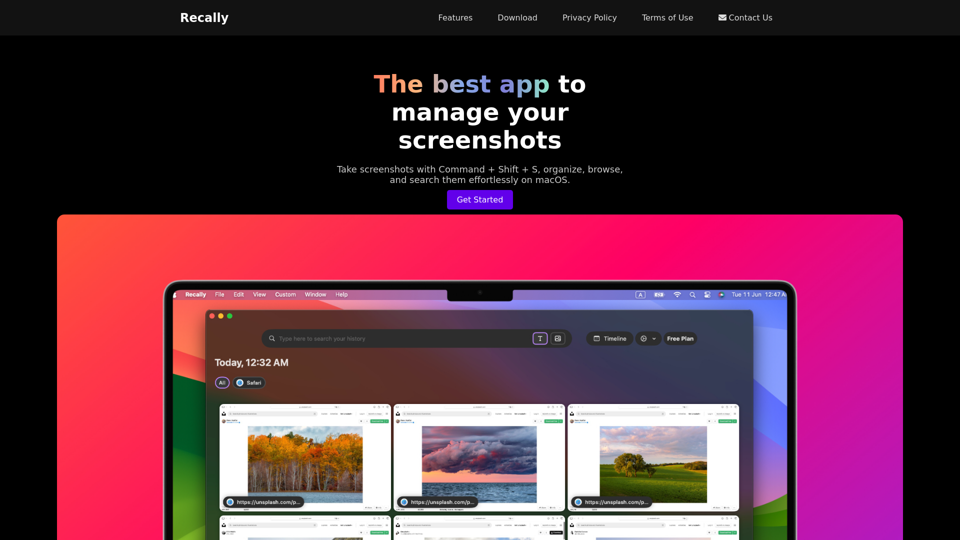
Recally - The Best Screenshot Management App for macOSRecally is the best app to manage your screenshots on macOS. Organize, browse, and search your screenshots with ease. Available on macOS.
0
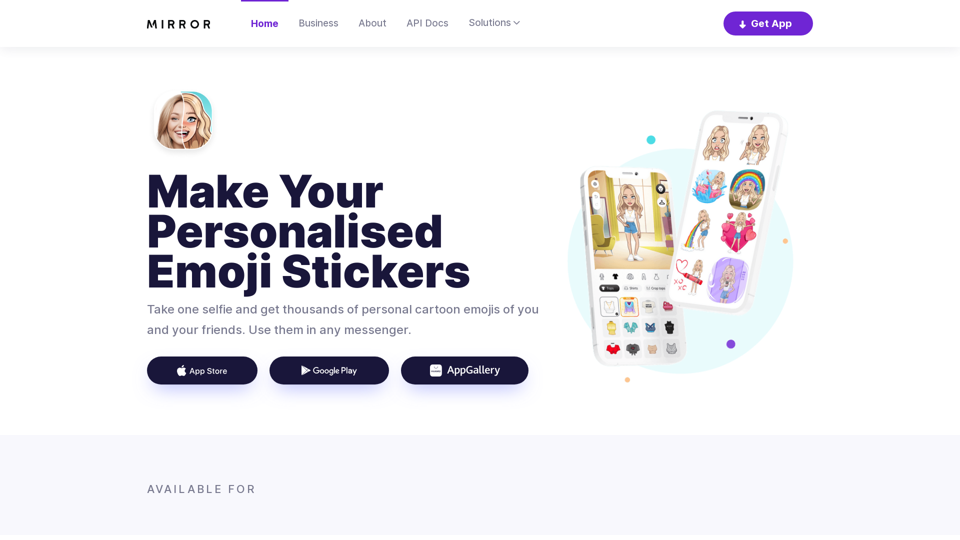
Mirror AI - Emoji Maker and Free AI Avatar Creator
Mirror AI - Emoji Maker and Free AI Avatar CreatorMirror is your personal sticker creator! Take a single selfie and receive thousands of personalized emojis and stickers featuring you and your friends. Use them in WhatsApp, Facebook, iMessage, Telegram, and other messaging apps!
33.59 K
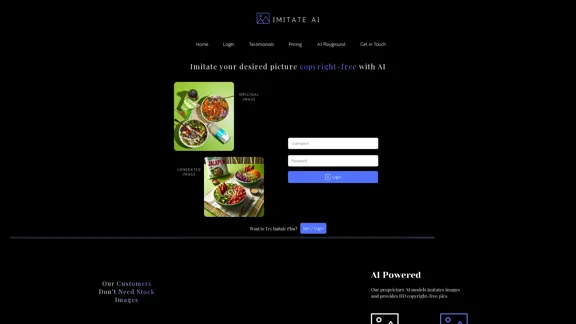
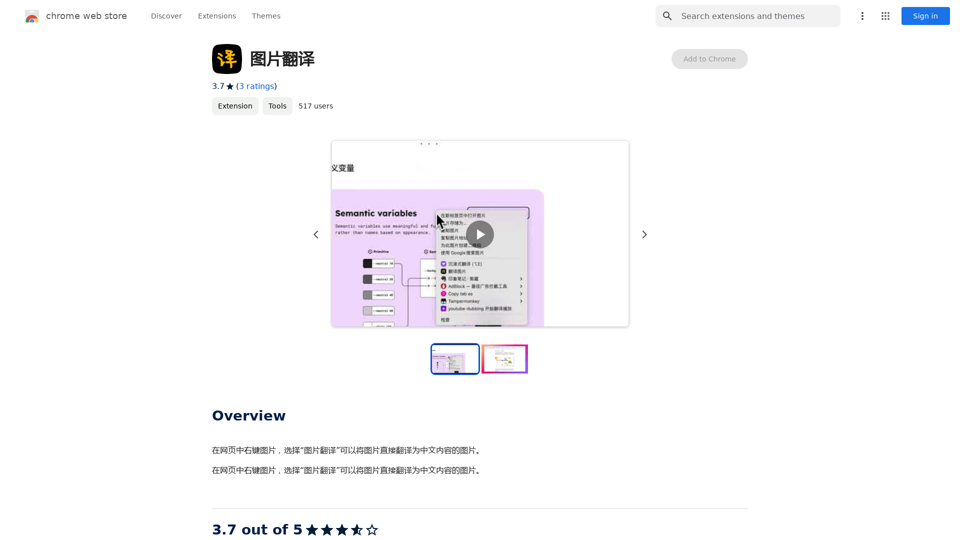
Right-click on an image on a webpage and select "Image Translation" to translate the image directly into Chinese content.
193.90 M
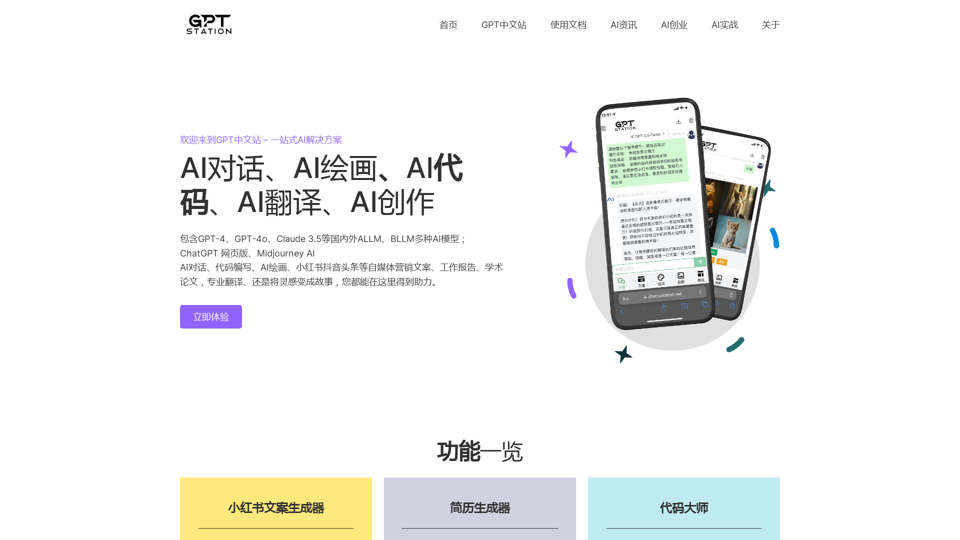
GPT Chinese Station - Experience the Official Chinese Website of ChatGPT, GPT-4, Midjourney AI Painting, AI Programming, AI Translation, and AI Creation.
GPT Chinese Station - Experience the Official Chinese Website of ChatGPT, GPT-4, Midjourney AI Painting, AI Programming, AI Translation, and AI Creation.Experience the Chinese official website of ChatGPT, GPT-4, Midjourney AI painting, AI programming, AI translation, and AI creation.
1.25 K
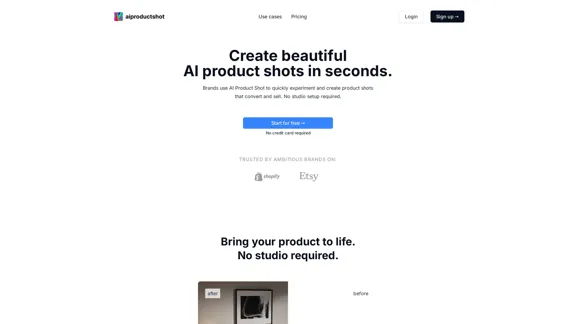
AI Product Shot - Create Beautiful Product Images with AI
AI Product Shot - Create Beautiful Product Images with AIAI Product Shot - Create stunning and professional AI-generated product images that boost your sales. Achieve expert-level product photos using AI technology. Begin your journey for free.
1.69 K