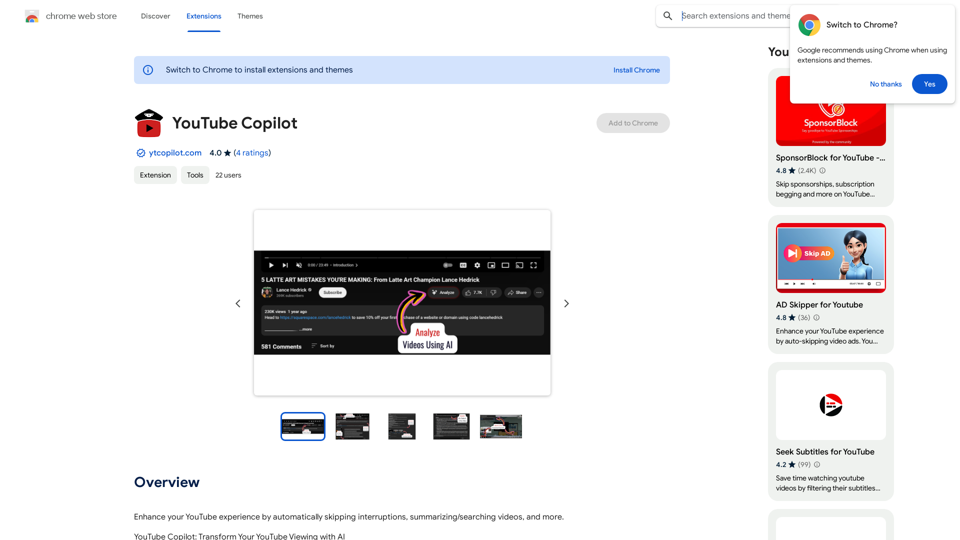
YouTube Copilot is a Chrome extension that enhances the YouTube viewing experience. It uses advanced OpenAI technology to automatically skip promotional content, intros, and outros in videos. The extension also provides video summaries and allows users to search within video content, making information access more efficient and saving time for viewers.
YouTube Copilot
Improve your YouTube viewing by automatically skipping ads, summarizing videos, and searching within them.
Introduction
Feature
Intelligent Content Skipping
YouTube Copilot automatically identifies and skips sponsored segments, intros, and outros in videos, providing an uninterrupted viewing experience.
Video Summarization
The extension generates concise summaries of videos, allowing users to quickly grasp the main points without watching the entire content.
In-Video Search
Users can search for specific content within videos, making it easier to find relevant information quickly.
Privacy-Focused Design
YouTube Copilot operates without collecting or sharing personal data, ensuring user privacy.
Free with Optional Upgrades
The extension is available for free, with the option to purchase additional features through in-app purchases.
Easy Installation
Users can quickly install YouTube Copilot by clicking the "Add to Chrome" button and following the installation instructions.
FAQ
How does YouTube Copilot work?
YouTube Copilot uses advanced OpenAI technology to identify and skip promotional content, intros, and outros in videos. It also provides video summaries and allows in-video content searching.
Is YouTube Copilot free to use?
Yes, YouTube Copilot is a free Chrome extension. However, there are optional in-app purchases for additional features.
Does YouTube Copilot collect personal data?
No, YouTube Copilot operates without collecting or sharing users' personal data, prioritizing privacy.
How can I get the most out of YouTube Copilot?
To maximize your experience with YouTube Copilot:
- Use the search feature to find specific content within videos
- Utilize the summary feature for quick video overviews
- Provide feedback to help improve the AI's performance over time
Related Websites

S32 | Your Personal AI Conveyancer for Section 32 and Rental Agreements
S32 | Your Personal AI Conveyancer for Section 32 and Rental AgreementsThe Closest Thing to a Human Conveyancer
69
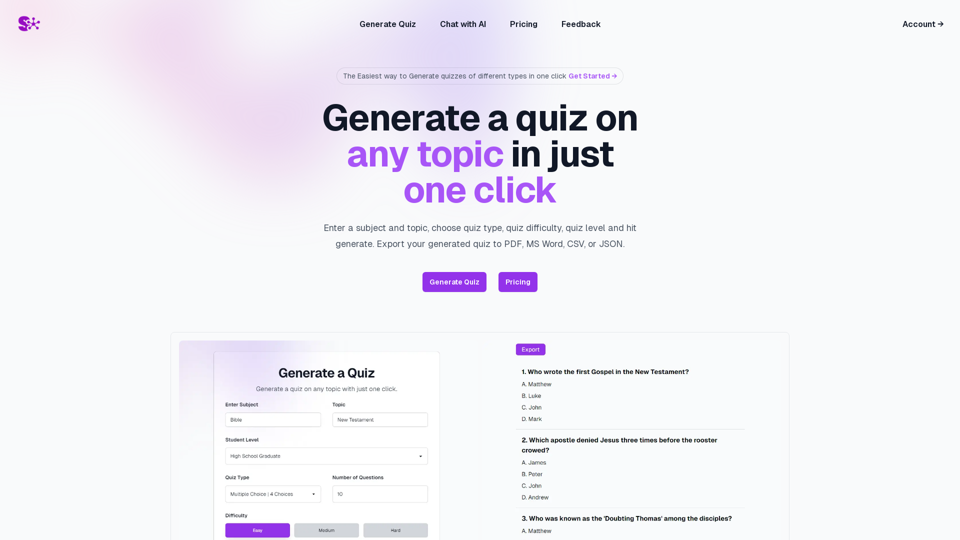
Quiz Generation Made Easy! ============================= With just one click, you can generate a quiz on any topic you want! Whether you're a teacher, student, or just a curious learner, this feature is perfect for you. How it Works --------------- 1. Choose Your Topic: Select the topic you want to generate a quiz on. It can be anything from history to science, literature to music, or even pop culture! 2. Click the Button: Simply click the "Generate Quiz" button, and our AI-powered algorithm will do the rest. 3. Get Your Quiz: In an instant, you'll receive a comprehensive quiz with multiple-choice questions, true/false questions, and short-answer questions. Features ------------ * Customizable: You can adjust the difficulty level, question type, and even add your own questions to make the quiz more personalized. * Instant Feedback: Get instant feedback on your answers, so you can track your progress and identify areas for improvement. * Shareable: Share your quiz with friends, classmates, or even on social media to spark a fun competition! Try it Out! -------------- Click the "Generate Quiz" button below to get started! [Generate Quiz Button] Happy quizzing!
0
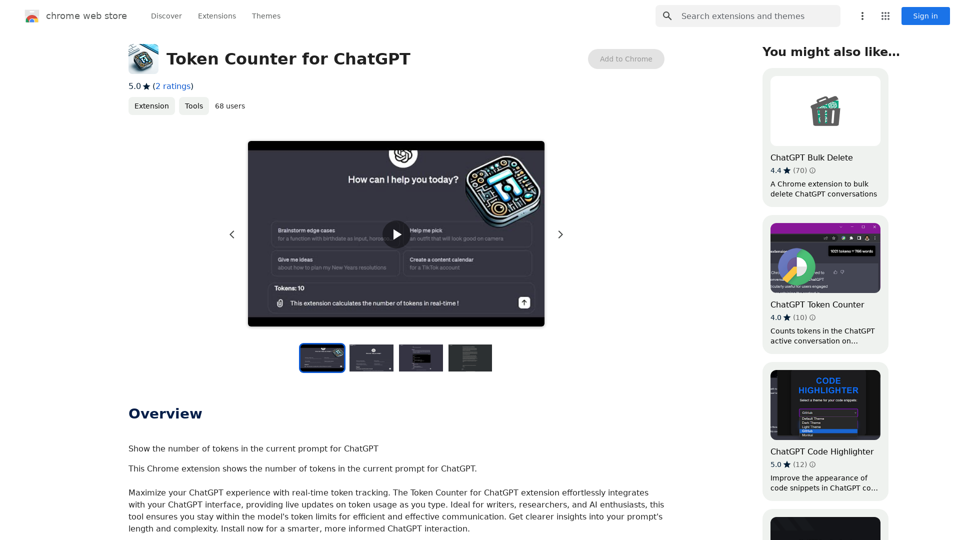
Token Counter for ChatGPT This tool helps you count the number of tokens in your text input. How to Use: 1. Paste your text into the input box. 2. Click the "Count Tokens" button. 3. The number of tokens will be displayed below the input box. What is a Token? A token is the basic unit of text that ChatGPT processes. It can be a word, part of a word, or a punctuation mark. Example: Input Text: Hello, world! Token Count: 4
Token Counter for ChatGPT This tool helps you count the number of tokens in your text input. How to Use: 1. Paste your text into the input box. 2. Click the "Count Tokens" button. 3. The number of tokens will be displayed below the input box. What is a Token? A token is the basic unit of text that ChatGPT processes. It can be a word, part of a word, or a punctuation mark. Example: Input Text: Hello, world! Token Count: 4110
193.90 M

Kartiv: Automated Visual Content for eCommerce & Marketing Agencies
Kartiv: Automated Visual Content for eCommerce & Marketing AgenciesElevate your brand with Kartiv's AI-powered design solutions. Perfect for eCommerce businesses and marketing agencies.
440