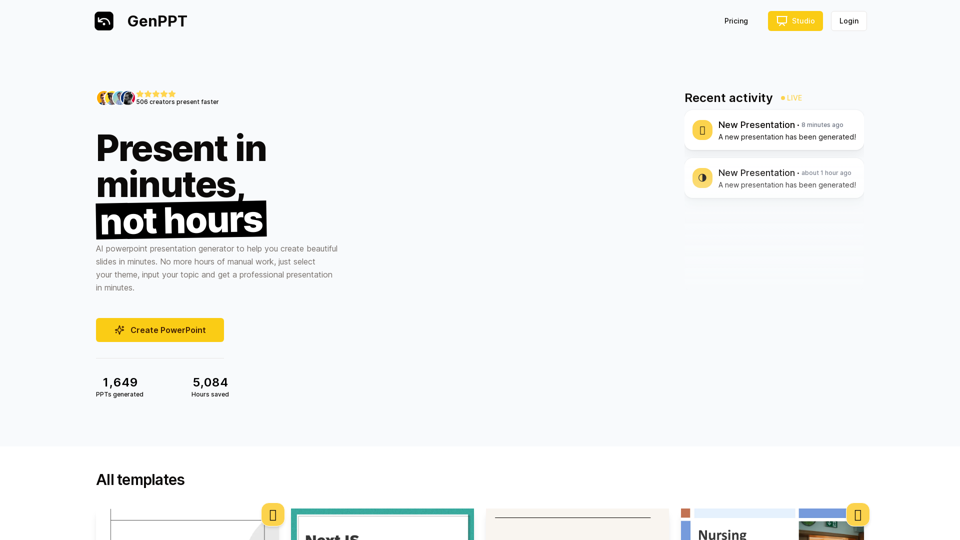
Hocoos AI Website Builder is an innovative platform that leverages artificial intelligence to create custom business websites quickly and easily. It enables users to launch professional websites without coding skills, design experience, or technical knowledge. The platform offers a range of features including AI-powered website creation, customizable editing, content generation, image editing, logo design, and free hosting.
Hocoos AI Website Builder - Create Your Website in 5 Minutes
Create professional websites in seconds with Hocoos AI website builder. Get all the sales and marketing tools to start & grow your online business now.

Introduction
Feature
AI-Powered Website Creation
Hocoos uses AI technology to generate unique website designs based on answers to 8 simple questions about your business needs.
User-Friendly Website Editor
Make changes to your website using an intuitive editor, no coding skills required.
AI Content Generator
Create compelling blog posts, product descriptions, and other content in minutes with AI assistance.
Smart Image Editor
Remove unwanted objects, extend photos, and create professional-quality images without expensive software or design skills.
AI Logo Generator
Design a professional logo in seconds using artificial intelligence.
Free Website Hosting
Save time, money, and effort with complimentary hosting services.
Dedicated Customer Support
Access help and support through live chat, email, or social media channels.
Responsive Design
All websites are mobile-friendly by default, ensuring they look great on any device or screen size.
eCommerce Capabilities
Set up an online store quickly with specialized tools and features for selling products and services.
Security Features
Benefit from robust security measures, advanced encryption protocols, and regular updates to protect against potential threats.
FAQ
How does Hocoos AI Website Builder work?
- Answer 8 simple questions about your business
- AI generates a custom website design
- Customize your website using the user-friendly editor
What are the pricing plans?
| Plan | Price | Features |
|---|---|---|
| Free | $0 | Create and host a website with limited access to premium features |
| Premium | $15/month | Access all premium features including AI-generated content, smart image completion, and logo generator |
How long does it take to create a website?
It takes less than 5 minutes to answer the 8 questions, and the AI builds your website in seconds.
Are Hocoos websites secure?
Yes, they feature robust security measures, advanced encryption protocols, and regular security updates.
Can I sell products on a Hocoos website?
Yes, Hocoos offers specialized tools and features for setting up an eCommerce store quickly and easily.
Related Websites
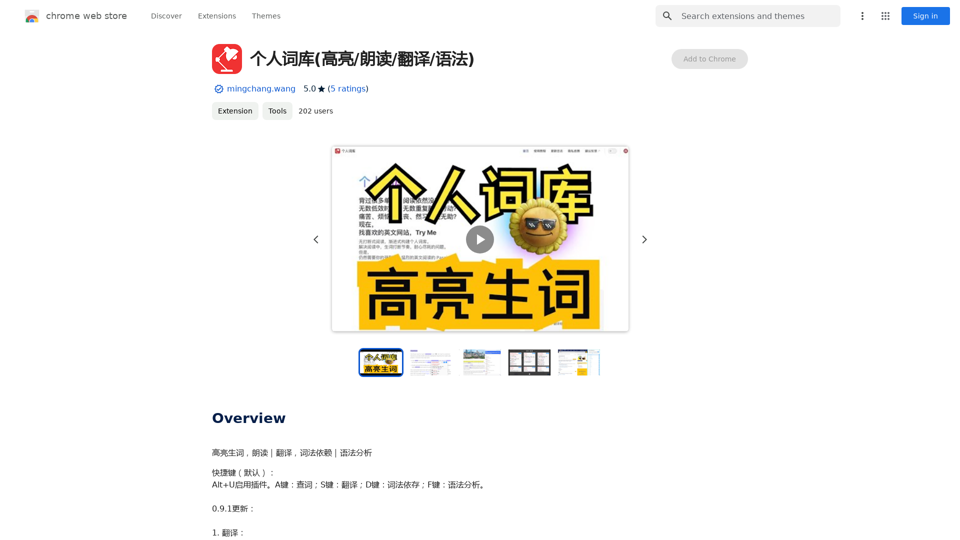
Personal Vocabulary (Highlight/Read Aloud/Translate/Grammar)
Personal Vocabulary (Highlight/Read Aloud/Translate/Grammar)Highlight new words, read aloud | Translate, lexical dependency | Syntax analysis
193.90 M
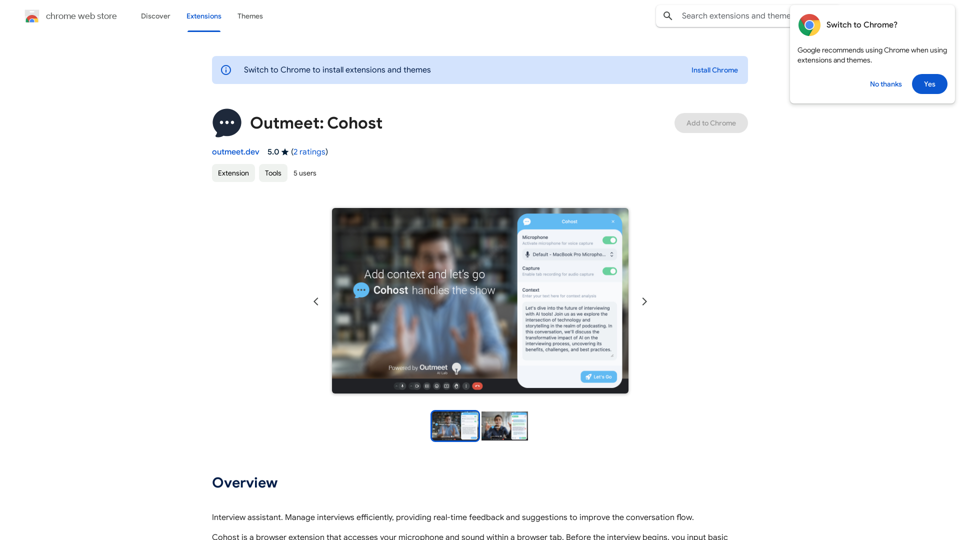
Interview assistant. Manage interviews efficiently, providing real-time feedback and suggestions to improve the conversation flow.
193.90 M

SEOAIBOT is an AI-powered content creation platform designed to automate the process of researching, writing, and indexing high-quality articles for SEO purposes
3.87 K
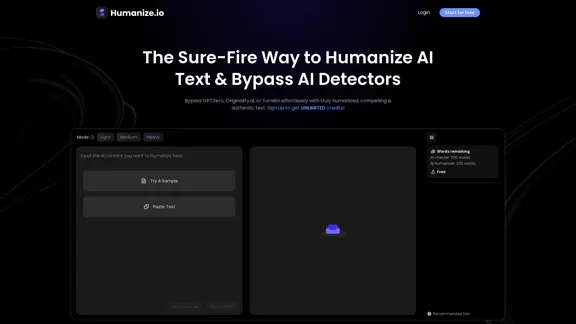
Meet Humanize.io, the best AI tool to make your AI content sound more human. Try our AI humanizer for free now!
164.25 K
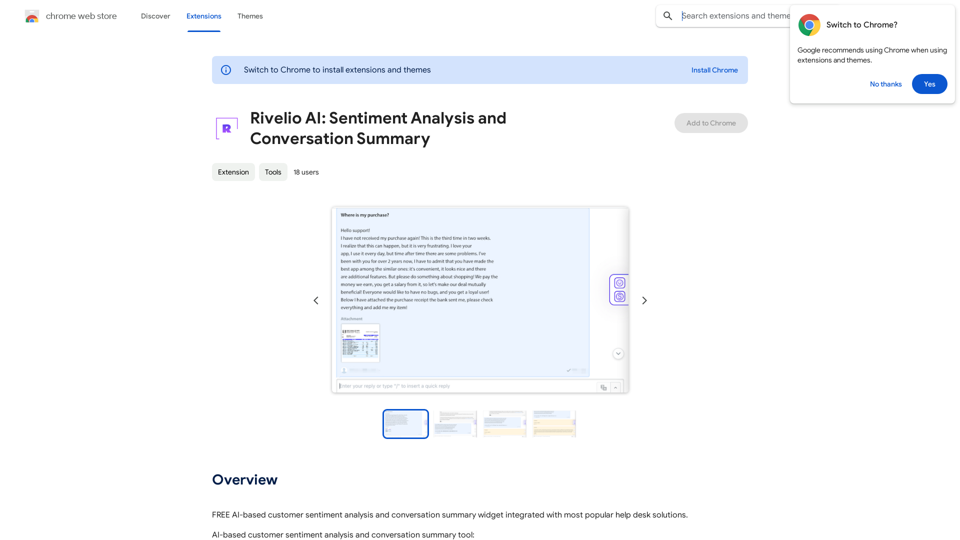
Rivelio AI: Sentiment Analysis and Conversation Summary
Rivelio AI: Sentiment Analysis and Conversation SummaryFREE AI-powered tool that analyzes customer feelings and summarizes conversations. It works with most popular customer service platforms.
193.90 M
ChatGPT Keyboard Shortcuts #Navigation * Ctrl + →: Move to the next message * Ctrl + ←: Move to the previous message * Home: Move to the beginning of the conversation * End: Move to the end of the conversation #Editing * Ctrl + A: Select all text * Ctrl + C: Copy selected text * Ctrl + X: Cut selected text * Ctrl + V: Paste copied or cut text * Ctrl + Z: Undo * Ctrl + Y: Redo * Ctrl + Shift + F: Format text as code #Actions * Enter: Send the message * Shift + Enter: Insert a new line * Ctrl + Shift + Enter: Send the message and insert a new line * Esc: Cancel editing and close the message input field * Ctrl + Shift + Space: Open the emoji picker * Ctrl + Shift + /: Open the help menu #Accessibility * Ctrl + +: Increase font size * Ctrl + -: Decrease font size * Ctrl + 0: Reset font size to default
ChatGPT Keyboard Shortcuts #Navigation * Ctrl + →: Move to the next message * Ctrl + ←: Move to the previous message * Home: Move to the beginning of the conversation * End: Move to the end of the conversation #Editing * Ctrl + A: Select all text * Ctrl + C: Copy selected text * Ctrl + X: Cut selected text * Ctrl + V: Paste copied or cut text * Ctrl + Z: Undo * Ctrl + Y: Redo * Ctrl + Shift + F: Format text as code #Actions * Enter: Send the message * Shift + Enter: Insert a new line * Ctrl + Shift + Enter: Send the message and insert a new line * Esc: Cancel editing and close the message input field * Ctrl + Shift + Space: Open the emoji picker * Ctrl + Shift + /: Open the help menu #Accessibility * Ctrl + +: Increase font size * Ctrl + -: Decrease font size * Ctrl + 0: Reset font size to defaultEnhance your ChatGPT experience with easy-to-use keyboard shortcuts.
193.90 M
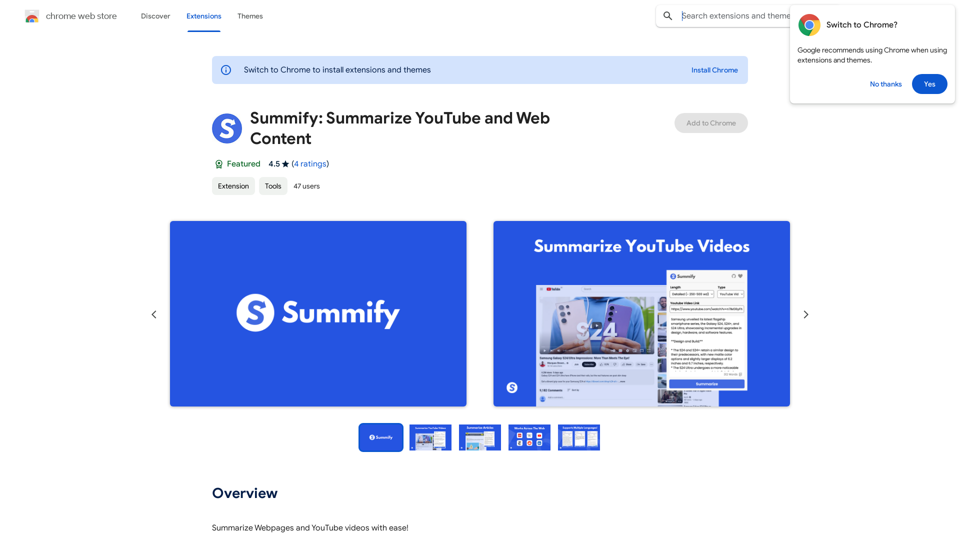
Summify: Summarize YouTube and Web Content This is a tool that can summarize videos from YouTube and web pages.
Summify: Summarize YouTube and Web Content This is a tool that can summarize videos from YouTube and web pages.Quickly get the main points of websites and YouTube videos.
193.90 M