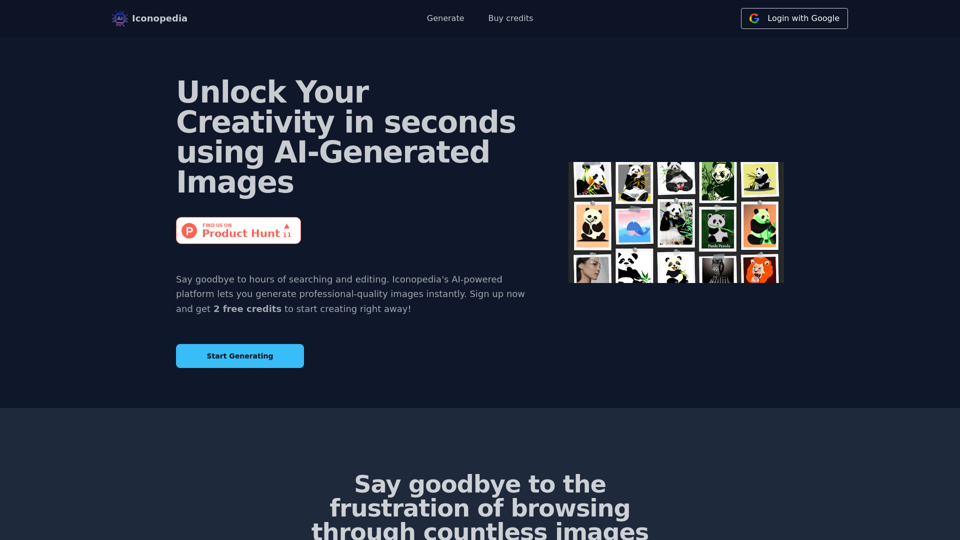
Iconopedia is an AI-powered platform that revolutionizes image creation. It allows users to generate professional-quality images instantly, eliminating the need for extensive searching and editing. This innovative tool caters to designers, marketers, and content creators, offering a streamlined solution for visual content needs.
Iconopedia
Generate Stunning Images with AI
Let's explore the world of AI-powered image generation and unleash your creativity!
What is AI Image Generation?
AI image generation uses artificial intelligence algorithms to create images from text descriptions, known as "prompts."
How Does it Work?
These powerful models, trained on massive datasets of images and text, learn the relationships between words and visual concepts. When you provide a prompt, the AI interprets it and generates a corresponding image.
Benefits of AI Image Generation:
* Effortless Creativity: Bring your ideas to life without needing artistic skills.
* Endless Possibilities: Explore unique concepts and styles with ease.
* Rapid Prototyping: Quickly visualize designs and concepts.
* Personalized Content: Create custom images tailored to your needs.
Popular AI Image Generators:
* DALL-E 2: Known for its photorealistic and imaginative results.
* Midjourney: Creates artistic and dreamlike images.
* Stable Diffusion: Open-source and highly customizable.
* Craiyon (formerly DALL-E mini): A free and accessible option.
Tips for Generating Stunning Images:
* Be Specific: Provide clear and detailed prompts.
* Use Descriptive Language: Include adjectives, nouns, and verbs to guide the AI.
* Experiment with Styles: Explore different artistic styles and aesthetics.
* Iterate and Refine: Adjust your prompts and settings to achieve your desired outcome.
Let your imagination run wild and discover the incredible potential of AI image generation!
Introduction
Feature
AI-Generated Images
Iconopedia utilizes advanced machine learning algorithms to produce high-quality images tailored to specific user requirements. This feature significantly enhances workflow efficiency for various professionals.
Unlimited Image Generation
Users can create an unlimited number of images, provided they have available credits. This flexibility allows for extensive creative exploration without restrictions.
Free Credits for New Users
New users receive 2 complimentary credits, enabling them to test the platform's capabilities before committing to a subscription.
Easy Sign-In Process
Getting started with Iconopedia is straightforward. Users can sign in using their Google account and begin generating images immediately.
Flexible Pricing Plans
Iconopedia offers three pricing tiers to accommodate different usage levels:
| Plan | Price per Image | Credits | Best For |
|---|---|---|---|
| Starter | $0.08 | 50 + 10 bonus (free) | Occasional use |
| Popular | $0.07 | 100 + 20 bonus (free) | Frequent use |
| Advanced | $0.06 | 250 + 50 bonus (free) | Heavy use |
Commercial Usage Rights
Users own the rights to the images they generate, allowing for both personal and commercial use without restrictions.
FAQ
How do I get started with Iconopedia?
Sign in with your Google account and begin generating images. New users receive 2 free credits to explore the platform.
Is there a limit to the number of images I can generate?
No, there's no limit. You can generate as many images as you want, as long as you have available credits.
Can I get a refund for unused credits?
Unfortunately, refunds are not available due to the AI costs associated with image generation.
How can I use the images generated by Iconopedia?
You can use the images for both personal and commercial purposes. As the creator, you own the rights to the images you generate.
What if I have additional questions?
For any other inquiries, you can contact Iconopedia's support team via email at [email protected].
Related Websites
AI Product Shot - Create Beautiful Product Images with AI
AI Product Shot - Create Beautiful Product Images with AIAI Product Shot - Create stunning and professional AI-generated product images that boost your sales. Achieve expert-level product photos using AI technology. Begin your journey for free.
1.69 K
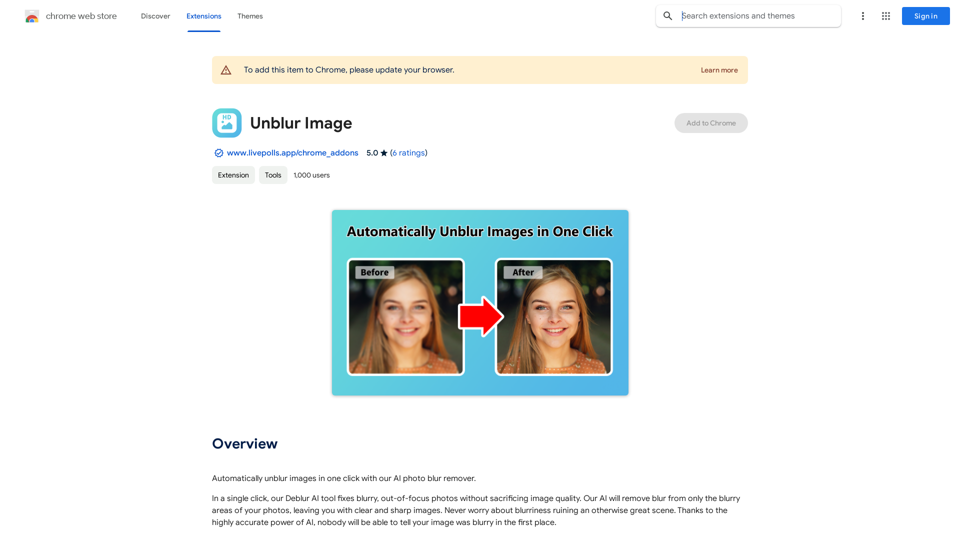
Unblur Image Unblur image refers to the process of removing blur or haze from an image to make it sharper and clearer. This technique is often used to enhance the quality of images that have been affected by camera shake, motion blur, or other factors that cause blur.
Unblur Image Unblur image refers to the process of removing blur or haze from an image to make it sharper and clearer. This technique is often used to enhance the quality of images that have been affected by camera shake, motion blur, or other factors that cause blur.Automatically unblur images in one click with our AI photo blur remover.
193.90 M
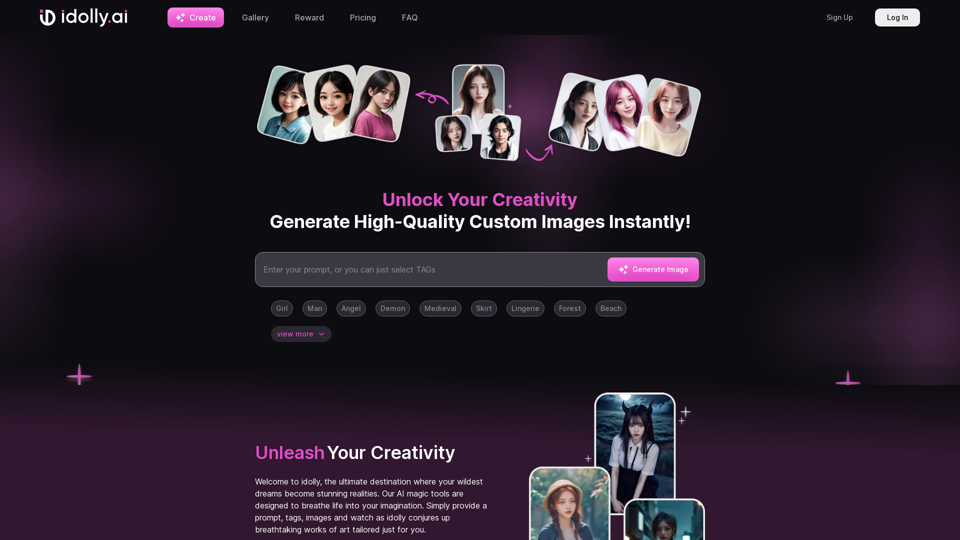
Explore idolly.ai, where imagination meets AI image creation and BlockChain. Create stunning visuals with ease using our Face Transfer and Mood Fusion technology.
9.70 K
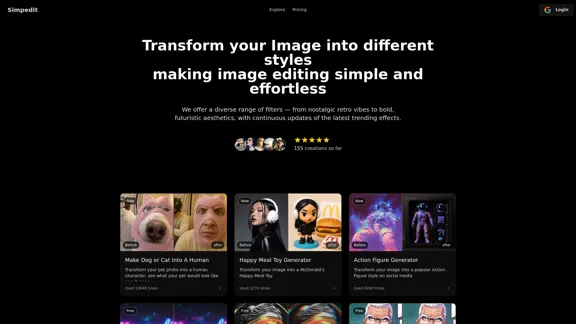
Simpedit One Click to Change Your Image with a Stylish Trend
Simpedit One Click to Change Your Image with a Stylish TrendWe've curated a rich library of effects. Transform your image into something beautiful and unique with just one click on Simpedit.
21.33 K
The Hentai AI generator enables you to customize personalized Hentai content, while NSFW Chat provides you with a platform to interact with others and jointly discuss various topics in the adult field.
579
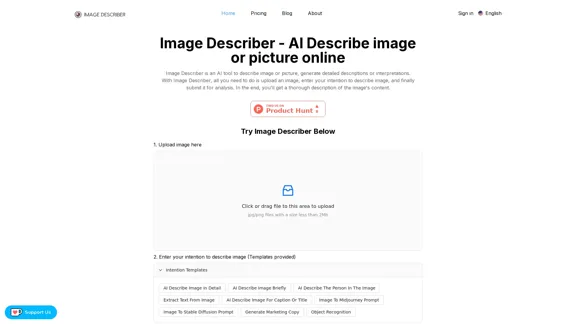
Image Describer - AI Describe Image or Picture Online With the advancement of Artificial Intelligence (AI), it is now possible to describe images or pictures online using an Image Describer. This innovative tool uses computer vision and machine learning algorithms to analyze and identify the contents of an image, generating a descriptive text of what it sees. How it Works The process is quite simple: 1. Upload an Image: You can upload an image or enter the URL of an online image to the Image Describer tool. 2. AI Analysis: The AI algorithm analyzes the image, detecting objects, people, animals, and other elements within the picture. 3. Generate Description: The AI generates a descriptive text based on the analysis, providing a clear and concise description of the image. Applications of Image Describer The Image Describer has numerous applications, including: * Accessibility: Helping visually impaired individuals to understand the content of an image. * E-commerce: Providing product descriptions for online shopping platforms. * Search Engine Optimization (SEO): Generating alt tags and descriptions for images to improve search engine rankings. * Content Creation: Assisting writers and content creators with image descriptions. Benefits of Image Describer The Image Describer offers several benefits, including: * Time-Saving: Automating the process of image description, saving time and effort. * Accuracy: Providing accurate and objective descriptions of images. * Efficiency: Enabling individuals to focus on other tasks while the AI handles image description. Try it Out Experience the power of AI-driven image description today! Upload an image or enter a URL to see the Image Describer in action.
Image Describer - AI Describe Image or Picture Online With the advancement of Artificial Intelligence (AI), it is now possible to describe images or pictures online using an Image Describer. This innovative tool uses computer vision and machine learning algorithms to analyze and identify the contents of an image, generating a descriptive text of what it sees. How it Works The process is quite simple: 1. Upload an Image: You can upload an image or enter the URL of an online image to the Image Describer tool. 2. AI Analysis: The AI algorithm analyzes the image, detecting objects, people, animals, and other elements within the picture. 3. Generate Description: The AI generates a descriptive text based on the analysis, providing a clear and concise description of the image. Applications of Image Describer The Image Describer has numerous applications, including: * Accessibility: Helping visually impaired individuals to understand the content of an image. * E-commerce: Providing product descriptions for online shopping platforms. * Search Engine Optimization (SEO): Generating alt tags and descriptions for images to improve search engine rankings. * Content Creation: Assisting writers and content creators with image descriptions. Benefits of Image Describer The Image Describer offers several benefits, including: * Time-Saving: Automating the process of image description, saving time and effort. * Accuracy: Providing accurate and objective descriptions of images. * Efficiency: Enabling individuals to focus on other tasks while the AI handles image description. Try it Out Experience the power of AI-driven image description today! Upload an image or enter a URL to see the Image Describer in action.AI Image Describer is a tool to describe images or pictures online. It can be used as an image description and caption generator. Additionally, it supports image-to-prompt and text extraction from photos.
5.16 K
