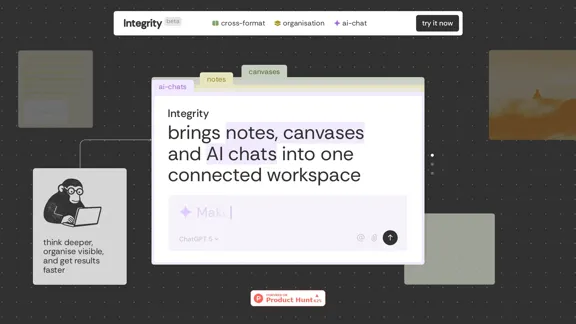
Integrity combines notes, canvases, and AI chats into a single, connected workspace. This platform enables users to think deeper, organize visually, and achieve results faster by seamlessly integrating various formats. It is designed for individuals and teams looking to streamline their project management and enhance collaboration.
Integrity — Notes, Canvases, and AI all in one workspace
Stop jumping between Notion, Miro, and ChatGPT. Integrity unifies structure, visual thinking, and AI so you can turn ideas into results faster.
Introduction
Feature
-
Universal Blocks
All content types, including text, images, tables, notes, and AI chats, coexist on every surface. Users can easily drag and drop elements to facilitate smooth transitions and workflows.
-
One Tree, Infinite Branches
The project tree structure allows notes, canvases, and AI chats to grow from a single source, ensuring visibility and easy navigation throughout the workspace.
-
Sidebar Transparency
Users can view the contents of any page or canvas without needing to open it, maintaining a clear and navigable project structure at all times.
-
AI That Reads the Room
AI conversations are contextually aware, inheriting the full workspace context to provide relevant insights and suggestions.
-
Multiple Minds, One Conversation
Users can engage with various AI models, such as ChatGPT, Claude, and Gemini, within a single conversation, allowing for flexibility and continuity without starting over.
-
Unified Task Manager
A consolidated dashboard displays all tasks from different pages, canvases, and AI chats, providing a comprehensive overview of what needs to be accomplished.
How to Use?
- Explore the features of Integrity by signing up for an account.
- Start by creating a new project and familiarize yourself with the project tree structure.
- Utilize universal blocks to integrate various content types into your workspace.
- Leverage the sidebar transparency feature to keep track of your project without losing focus.
- Experiment with different AI models in conversations to find the best fit for your needs.
FAQ
What is Integrity?
Integrity is a workspace tool that integrates notes, canvases, and AI chats, designed to enhance project management and collaboration.
How does Integrity work?
Integrity allows users to combine different content formats seamlessly, enabling efficient organization and communication within projects.
Who can benefit from using Integrity?
Integrity is ideal for founders, project managers, researchers, creatives, and anyone looking to streamline their workflow and reduce manual content movement between different platforms.
What features are coming soon?
Upcoming features include AI Threads on Canvas for collaborative AI chats and a unified task manager for better task visibility.
Price
Currently, the pricing details are not specified on the website. Users are encouraged to try the platform for free during the beta phase.
The price is for reference only, please refer to the latest official data for actual information.
Evaluation
- Integrity effectively integrates multiple formats into a cohesive workspace, enhancing productivity and collaboration.
- The universal blocks and project tree structure provide a user-friendly experience, making it easy to manage complex projects.
- However, the platform is still in beta, and some features are yet to be fully developed, which may limit functionality for some users.
- The reliance on AI for context-aware conversations is promising but may require further refinement to ensure accuracy and relevance.
- Overall, Integrity shows great potential for improving project management, but users should be aware of its beta status and evolving features.
Latest Traffic Insights
Monthly Visits
0
Bounce Rate
0.00%
Pages Per Visit
0.00
Time on Site(s)
0.00
Global Rank
-
Country Rank
-
Recent Visits
Traffic Sources
- Social Media:0.00%
- Paid Referrals:0.00%
- Email:0.00%
- Referrals:0.00%
- Search Engines:0.00%
- Direct:0.00%
Related Websites
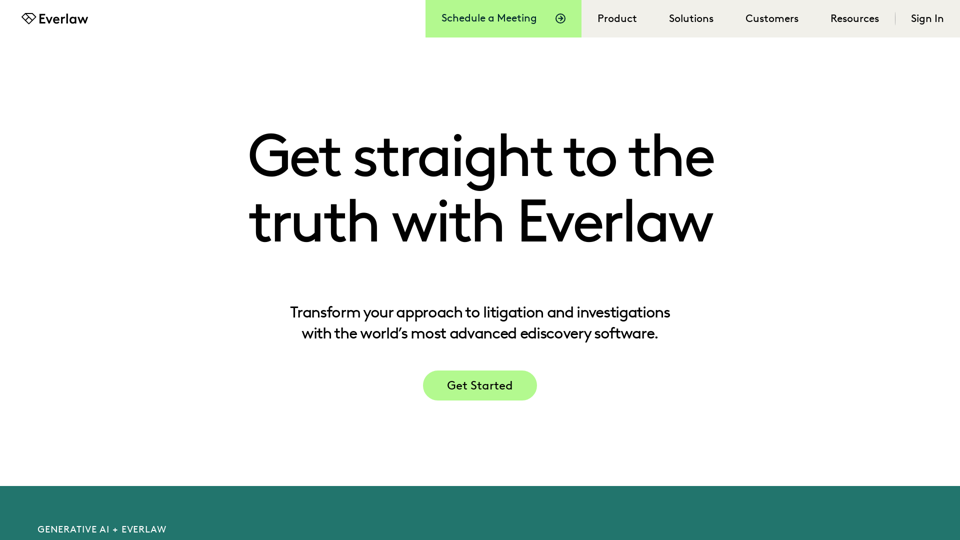
Everlaw Cloud-Native Ediscovery Software | Electronic Discovery | Cloud-Native Ediscovery Software | Everlaw
Everlaw Cloud-Native Ediscovery Software | Electronic Discovery | Cloud-Native Ediscovery Software | EverlawTransform your approach to litigation and investigations with the world's most advanced e-discovery software.
139.03 K
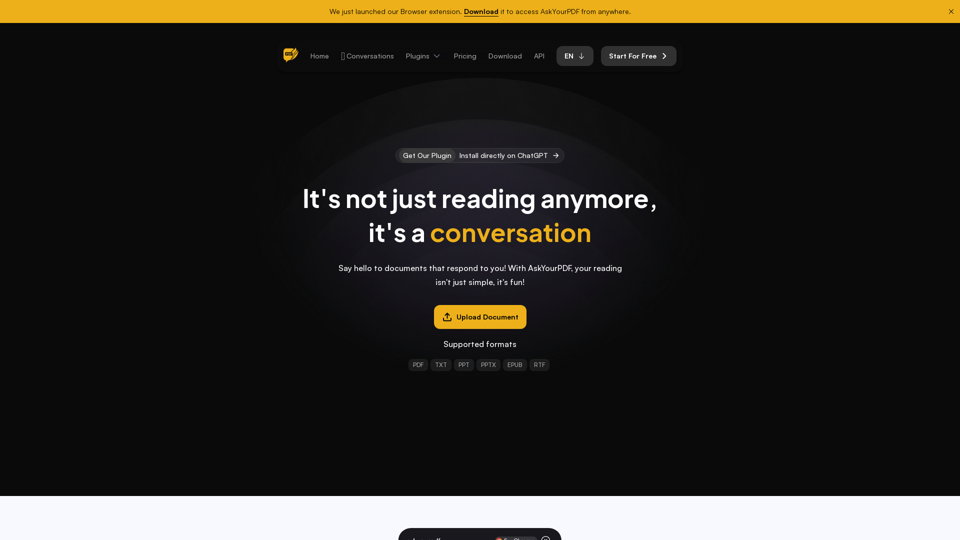
We created AskYourPDF as the ultimate ChatPDF AI App for all your needs. Simply upload your PDF files and interact with our smart chat AI to extract valuable information from your documents.
355.38 K
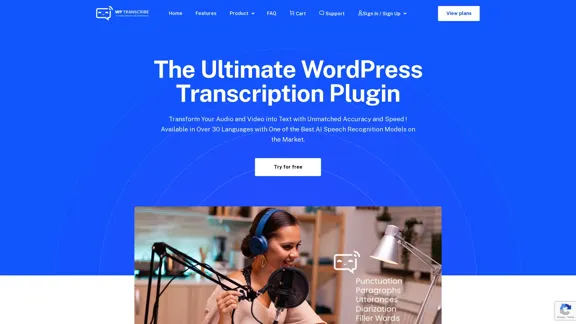
WordPress Transcribe AI - The Ultimate Audio Transcription Plugin
WordPress Transcribe AI - The Ultimate Audio Transcription PluginBoost your WordPress site's content creation with WordPress Transcribe AI, the advanced audio transcription plugin. Convert audio files and YouTube links into precise, readable text, enhancing your website's SEO and user engagement.
0
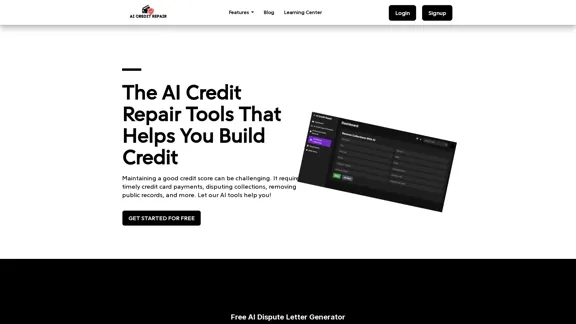
Our technology identifies and assists you in removing accounts that are negatively impacting your credit. We utilize AI to help you achieve an optimal credit score.
1.26 K
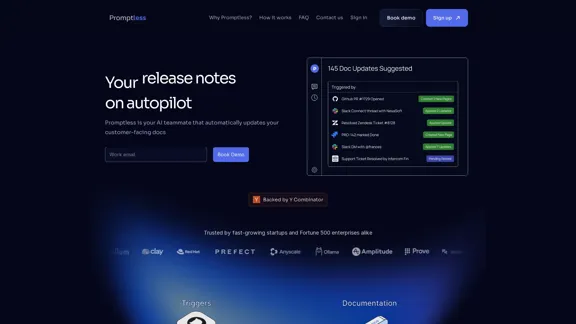
Promptless keeps your technical documents up to date by automatically drafting document updates from GitHub pull requests, enhancing customer satisfaction and increasing free user conversions while reducing implementation time and support requests.
2.23 K
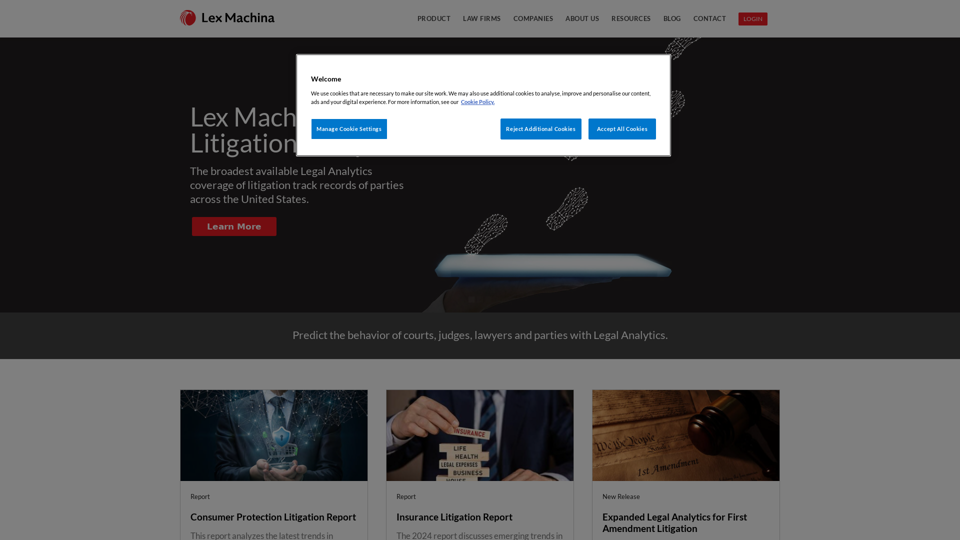
Lex Machina provides Legal Analytics to law firms and companies, enabling them to craft successful strategies, win cases, and close business.
21.45 K
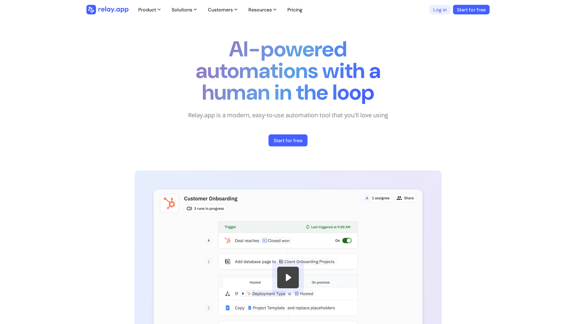
Relay.app: AI-powered automations with a human in the loop
Relay.app: AI-powered automations with a human in the loopAn automation platform you'll love. Relay.app provides deep integrations, AI-powered automations, and human-in-the-loop control.
257.86 K
Receipt OCR API: Precise Data Extraction Tool | ReceiptUp
Receipt OCR API: Precise Data Extraction Tool | ReceiptUpTransform your receipt management with our advanced OCR API. Experience fast, accurate data extraction for streamlined workflow and improved efficiency.
0