Open-source RightAI Tools Directory
  • Discover AI
  • Submit
  • Startup
  • Blog
Open-source RightAI Tools Directory
Discover the best AI tools of 2025 with the RightAI Tools Directory!

Friend Links

AI Anime GeneratorToolsApp AI

Support

Tap4
Privacy policyTerms & ConditionsContact Us
Loading...
loading...

Octane AI | Intelligent Quizzes That Boost Sales for Shopify Stores

You can't afford to have leaks in your customer journey. Plug the leak with product quizzes that sell like crazy. No coding required (unless you want to!).

Visit Website
Octane AI | Intelligent Quizzes That Boost Sales for Shopify Stores
Visit Website

Introduction

Octane AI is a sophisticated quiz platform tailored for Shopify stores, empowering ecommerce marketers to create engaging quizzes that gather customer insights, expand marketing lists, and provide personalized product recommendations. This AI-driven tool helps solve customer problems, boost conversions, and increase revenue for online businesses.

Feature

AI-Powered Quiz Creation

Octane AI utilizes artificial intelligence to generate personalized quiz experiences for customers, enhancing engagement and improving conversion rates.

Advanced Conditional Logic

Create complex, dynamic quizzes that adapt to customer responses, showing or hiding questions based on previous answers for a truly personalized experience.

Customizable Design

Utilize the WYSIWYG editor to tailor the look and feel of your quizzes, ensuring they align with your brand identity and aesthetic preferences.

Comprehensive Analytics

Track and measure quiz performance with detailed engagement analytics, allowing for data-driven optimization and decision-making.

Seamless Integrations

Connect Octane AI with popular platforms such as Shopify, Klaviyo, Attentive, Google Analytics, Zapier, and Alloy to streamline your marketing efforts.

Customer Insight Collection

Gather valuable data on customer preferences, concerns, and goals through strategically designed quizzes.

Product Recommendation Engine

Leverage quiz responses to provide personalized product recommendations, enhancing the shopping experience and increasing sales.

Marketing List Growth

Expand your email and SMS marketing lists through engaging quizzes, leading to increased email revenue and customer engagement.

Personalized Email Experiences

Use quiz data to create tailored email campaigns, improving open rates, click-through rates, and overall conversions.

Return Rate Reduction

Minimize product returns by ensuring customers receive personalized recommendations that match their needs and preferences.

FAQ

What are the key benefits of using Octane AI?

Octane AI offers several significant benefits:

  1. Up to 30% increase in conversions
  2. Up to 258% boost in email revenue
  3. Up to 95% reduction in return rates
  4. Improved customer experiences through personalized recommendations
  5. Increased customer loyalty due to tailored interactions

How can I get started with Octane AI?

To begin using Octane AI:

  1. Sign up for a free trial
  2. Select a plan that suits your business needs
  3. Create a quiz using the WYSIWYG editor and conditional logic
  4. Integrate with your Shopify store
  5. Monitor and analyze quiz performance using the provided analytics tools

What do customers say about Octane AI?

Customers have reported positive experiences with Octane AI:

  1. "Octane AI's quiz has single handedly been one of the biggest drivers for data acquisition at our company." - Jason Wong, Doe Baby
  2. "This app will unlock doors for your business. I will proudly recommend this app to anyone who wants to offer customization to their customers in a DTC e-commerce world" - Zach Niemiec, Bariatric Fusion
  3. "The Octane team is a true partner, integrating with the rest of our marketing plans and helping to drive increased revenue." - Gwen Jimmere, Naturalicious

Latest Traffic Insights

  • Monthly Visits

    136.30 K

  • Bounce Rate

    46.21%

  • Pages Per Visit

    1.64

  • Time on Site(s)

    23.19

  • Global Rank

    311675

  • Country Rank

    Israel 9964

Recent Visits

Traffic Sources

  • Social Media:
    4.72%
  • Paid Referrals:
    1.00%
  • Email:
    0.14%
  • Referrals:
    8.84%
  • Search Engines:
    42.62%
  • Direct:
    42.45%
More Data

Related Websites

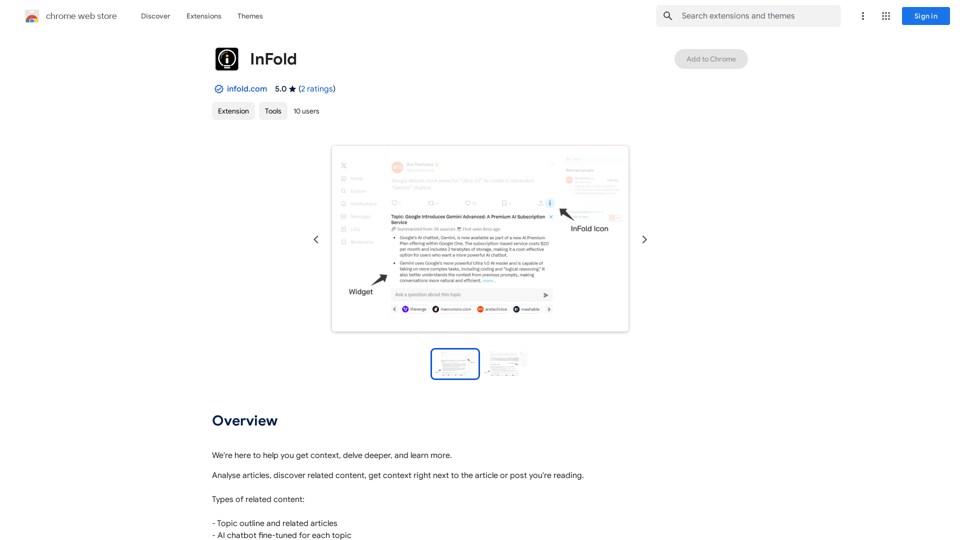
Track Changes GPT
View Detail

Track Changes GPT

Track Changes GPT

Add track change function and text edit mode to ChatGPT

193.90 M
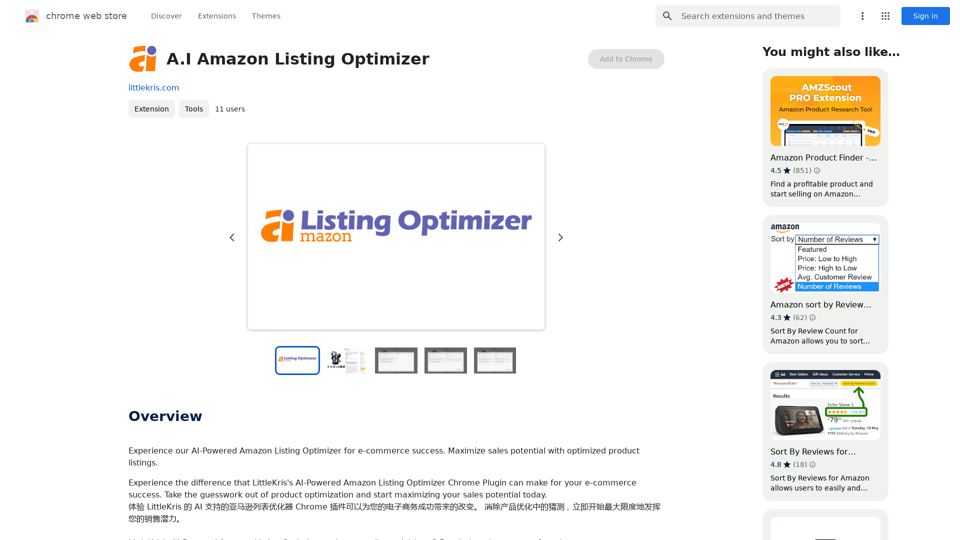
Link to lingo
View Detail

Link to lingo

Link to lingo

Translate words as you read, with support for multiple AI assistants. Save words, add notes, and improve your language skills while you read.

193.90 M
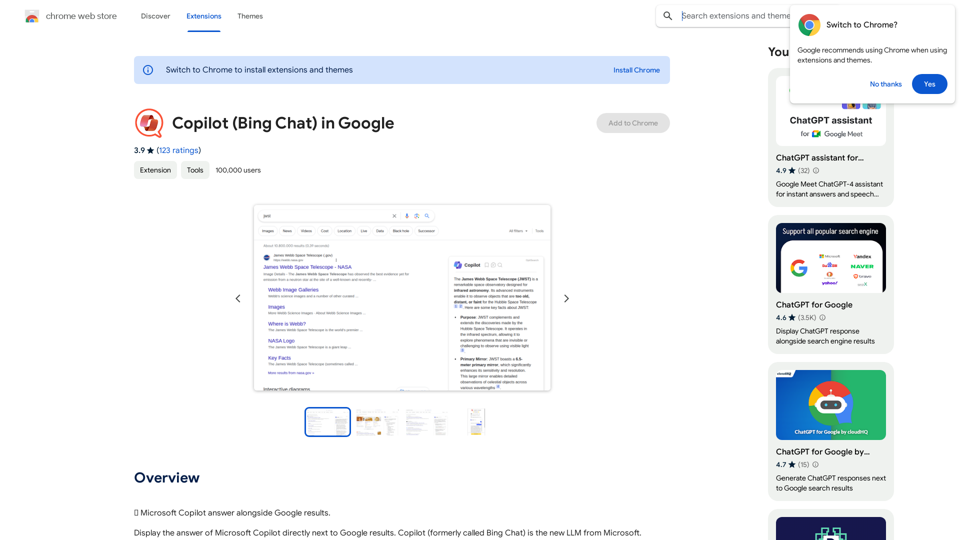
Optical Character Recognition
View Detail

Optical Character Recognition

Optical Character Recognition

Optical Character Recognition (OCR) tool to recognize the text within an image.

193.90 M
Article Summary with ChatGPT and Take Notes

This is a guide on how to use ChatGPT to summarize articles and take notes effectively. 

Step 1:  Provide ChatGPT with the Article

Copy and paste the full text of the article into the ChatGPT interface. 

Step 2:  Craft Your Prompt

Tell ChatGPT what you want it to do. Here are some examples:

* Summarize: "Please summarize this article in 200 words."
* Key Points: "What are the main points of this article?"
* Bullet Points: "Summarize the key findings of this article in bullet points."
* Notes: "Take notes on this article, focusing on the author's arguments and supporting evidence."

Step 3:  Review and Refine

ChatGPT will generate a summary, key points, bullet points, or notes based on your prompt. 

* Read carefully: Make sure the output accurately reflects the article's content.
* Edit as needed:  You can ask ChatGPT to rephrase sections or provide more detail.
* Add your own insights:  Don't just copy ChatGPT's output. Use it as a starting point and add your own thoughts, questions, and connections.

Tips for Effective Use:

* Be specific: The more specific your prompt, the better the output will be.
* Experiment with different prompts: Try various phrasing to see what works best.
* Use ChatGPT as a tool:  It's a powerful aid, but it's not a replacement for critical reading and thinking.
View Detail

Article Summary with ChatGPT and Take Notes This is a guide on how to use ChatGPT to summarize articles and take notes effectively. Step 1: Provide ChatGPT with the Article Copy and paste the full text of the article into the ChatGPT interface. Step 2: Craft Your Prompt Tell ChatGPT what you want it to do. Here are some examples: * Summarize: "Please summarize this article in 200 words." * Key Points: "What are the main points of this article?" * Bullet Points: "Summarize the key findings of this article in bullet points." * Notes: "Take notes on this article, focusing on the author's arguments and supporting evidence." Step 3: Review and Refine ChatGPT will generate a summary, key points, bullet points, or notes based on your prompt. * Read carefully: Make sure the output accurately reflects the article's content. * Edit as needed: You can ask ChatGPT to rephrase sections or provide more detail. * Add your own insights: Don't just copy ChatGPT's output. Use it as a starting point and add your own thoughts, questions, and connections. Tips for Effective Use: * Be specific: The more specific your prompt, the better the output will be. * Experiment with different prompts: Try various phrasing to see what works best. * Use ChatGPT as a tool: It's a powerful aid, but it's not a replacement for critical reading and thinking.

Article Summary with ChatGPT and Take Notes This is a guide on how to use ChatGPT to summarize articles and take notes effectively. Step 1: Provide ChatGPT with the Article Copy and paste the full text of the article into the ChatGPT interface. Step 2: Craft Your Prompt Tell ChatGPT what you want it to do. Here are some examples: * Summarize: "Please summarize this article in 200 words." * Key Points: "What are the main points of this article?" * Bullet Points: "Summarize the key findings of this article in bullet points." * Notes: "Take notes on this article, focusing on the author's arguments and supporting evidence." Step 3: Review and Refine ChatGPT will generate a summary, key points, bullet points, or notes based on your prompt. * Read carefully: Make sure the output accurately reflects the article's content. * Edit as needed: You can ask ChatGPT to rephrase sections or provide more detail. * Add your own insights: Don't just copy ChatGPT's output. Use it as a starting point and add your own thoughts, questions, and connections. Tips for Effective Use: * Be specific: The more specific your prompt, the better the output will be. * Experiment with different prompts: Try various phrasing to see what works best. * Use ChatGPT as a tool: It's a powerful aid, but it's not a replacement for critical reading and thinking.

I can do that! Please provide me with the URL of the webpage or article you'd like me to summarize. I'll do my best to create a concise and easy-to-understand summary for you.

193.90 M
OpenGPTs
View Detail

OpenGPTs

OpenGPTs

OpenGPTs - Powerful GPTs Manager | Powerful GPT Manager

193.90 M
Volcano Translation - Screenshot and Webpage Translation
View Detail

Volcano Translation - Screenshot and Webpage Translation

Volcano Translation - Screenshot and Webpage Translation

ByteDance production, out of the box, no configuration required, completely free and ad-free.

193.90 M
Leisure
View Detail

Leisure

Leisure

Your personal librarian for the internet

193.90 M
DecentralizedAI 

This is a general term referring to artificial intelligence (AI) systems that are not controlled by a single, centralized entity. 

Instead of relying on a large corporation or government to manage and govern AI, decentralized AI aims to distribute these capabilities across a network of independent nodes. 

Think of it like a blockchain for AI:

* Transparency:  The decision-making processes of decentralized AI are open and visible to everyone.
* Security:  Since there's no single point of failure, it's harder for malicious actors to take control or manipulate the system.
* Resilience:  Even if some nodes go offline, the network can continue to function.
* Accessibility:  Decentralized AI can make AI technology more accessible to individuals and smaller organizations.


There are many potential applications for decentralized AI, including:

* Data privacy:  Decentralized AI can help protect user data by distributing it across multiple nodes.
* Fairness and bias mitigation:  By involving a wider range of participants in the training process, decentralized AI can help reduce bias in AI systems.
* Autonomous organizations:  Decentralized AI can be used to create self-governing organizations that operate without human intervention.


Decentralized AI is still a relatively new field, but it has the potential to revolutionize the way we develop and use AI.
View Detail

DecentralizedAI This is a general term referring to artificial intelligence (AI) systems that are not controlled by a single, centralized entity. Instead of relying on a large corporation or government to manage and govern AI, decentralized AI aims to distribute these capabilities across a network of independent nodes. Think of it like a blockchain for AI: * Transparency: The decision-making processes of decentralized AI are open and visible to everyone. * Security: Since there's no single point of failure, it's harder for malicious actors to take control or manipulate the system. * Resilience: Even if some nodes go offline, the network can continue to function. * Accessibility: Decentralized AI can make AI technology more accessible to individuals and smaller organizations. There are many potential applications for decentralized AI, including: * Data privacy: Decentralized AI can help protect user data by distributing it across multiple nodes. * Fairness and bias mitigation: By involving a wider range of participants in the training process, decentralized AI can help reduce bias in AI systems. * Autonomous organizations: Decentralized AI can be used to create self-governing organizations that operate without human intervention. Decentralized AI is still a relatively new field, but it has the potential to revolutionize the way we develop and use AI.

DecentralizedAI This is a general term referring to artificial intelligence (AI) systems that are not controlled by a single, centralized entity. Instead of relying on a large corporation or government to manage and govern AI, decentralized AI aims to distribute these capabilities across a network of independent nodes. Think of it like a blockchain for AI: * Transparency: The decision-making processes of decentralized AI are open and visible to everyone. * Security: Since there's no single point of failure, it's harder for malicious actors to take control or manipulate the system. * Resilience: Even if some nodes go offline, the network can continue to function. * Accessibility: Decentralized AI can make AI technology more accessible to individuals and smaller organizations. There are many potential applications for decentralized AI, including: * Data privacy: Decentralized AI can help protect user data by distributing it across multiple nodes. * Fairness and bias mitigation: By involving a wider range of participants in the training process, decentralized AI can help reduce bias in AI systems. * Autonomous organizations: Decentralized AI can be used to create self-governing organizations that operate without human intervention. Decentralized AI is still a relatively new field, but it has the potential to revolutionize the way we develop and use AI.

The AI Layer2 Extension for Google Chrome.

193.90 M