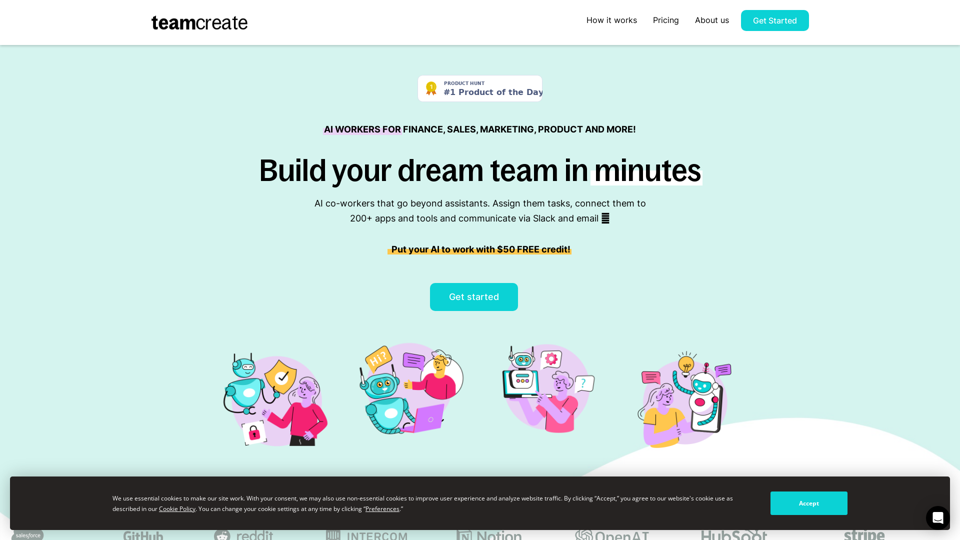
TeamCreate AI is an innovative platform that revolutionizes team building for businesses. It offers a wide range of AI workers that can be assigned tasks, connected to numerous apps and tools, and communicated with via Slack and email. This platform enables companies to rapidly scale their workforce without the constraints of traditional recruitment processes.
TeamCreate AI: Build Your AI Dream Team in Minutes!
What if you could grow your team and boost productivity without the usual financial or hiring constraints? Teamcreate enables companies of all sizes to create AI workers for hundreds of roles in Sales, Finance, Product and more.
Introduction
Feature
No-code and Customizable AI Workers
- Tailor AI workers to specific needs
- Assign tasks and connect to 200+ apps and tools
- Communicate via Slack and email
One-click Talent Acquisition
- Scale rapidly without financial constraints
- Bypass time-intensive recruitment and onboarding
- Assign AI workers to various roles (Sales, Marketing, Finance, etc.)
Multilingual Capabilities
- AI workers proficient in English, Mandarin, and Spanish
- Ensures seamless team integration across language barriers
Simple Setup Process
- Add TeamCreate to Slack
- Create new AI workers through @teamcreate
- Assign tasks and permissions
- Treat AI workers as fast-learning junior hires
Flexible Pricing Model
- Pay-as-you-go system
- $50 FREE credit to start
- Customizable AI workers with live or ticket-based support
Wide Range of Applications
- Suitable for roles in Sales, Marketing, Finance, Product, Support, Operations, and more
- Connect AI workers to 200+ apps and tools
FAQ
How do I create an AI worker for my team?
Add @teamcreate to Slack and authorize the addition of AI workers with a one-time link.
How can AI workers perform recurring tasks?
Use your task app to assign tasks to AI workers, including recurring tasks, just like you would with human co-workers.
What if I don't use Slack?
Support for Microsoft Teams, Discord, and WhatsApp will be added soon.
How do I give my AI worker access to apps and tools?
When an AI worker needs access, they'll request it and share a link with their manager, who can then provide access and set permissions.
Related Websites
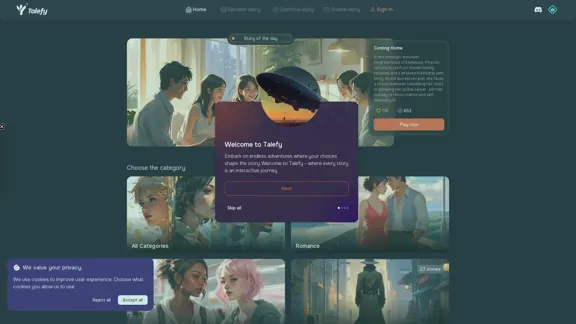
Unleash your imagination with Talefy, the AI-powered story generator. Explore interactive tales across various genres, unbounded by choices.
209.20 K
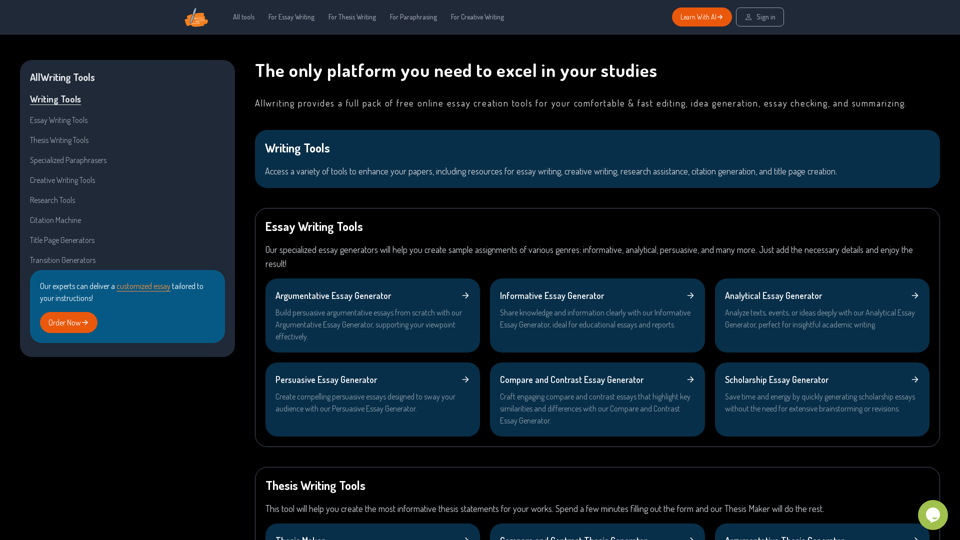
The Only Platform You Need to Excel in Your Studies | AllWriting
The Only Platform You Need to Excel in Your Studies | AllWritingAllwriting provides a full pack of free online essay creation tools for your comfortable & fast editing, idea generation, essay checking, and summarizing.
638
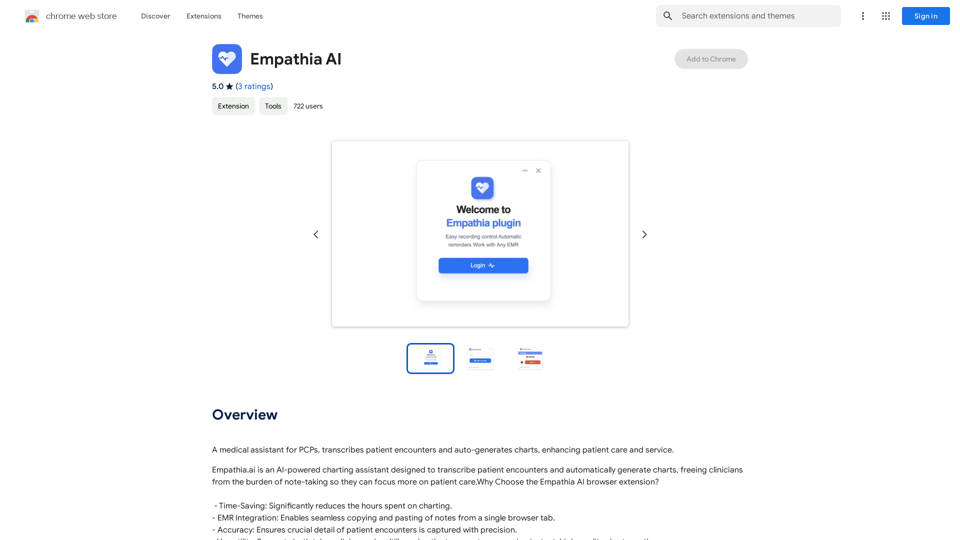
A medical assistant for primary care physicians, transcribes patient visits and automatically creates medical records, improving patient care and service.
193.90 M
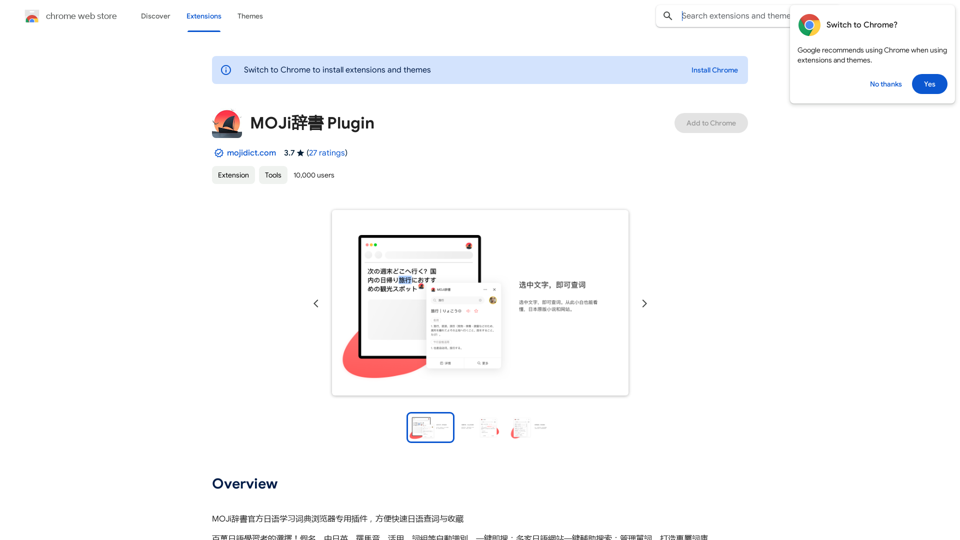
MOJi Dictionary is an official Japanese learning dictionary browser extension that makes it easy and fast to look up and save Japanese words.
193.90 M