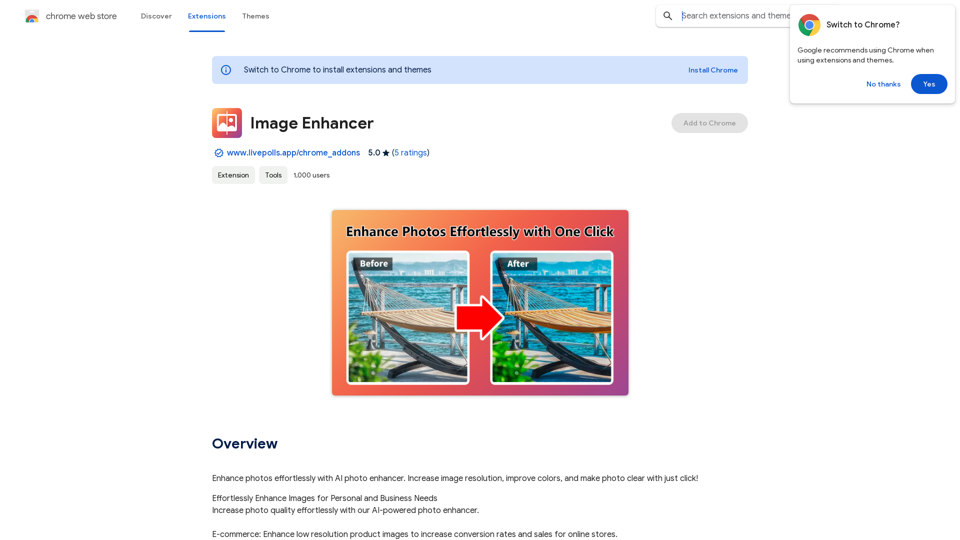
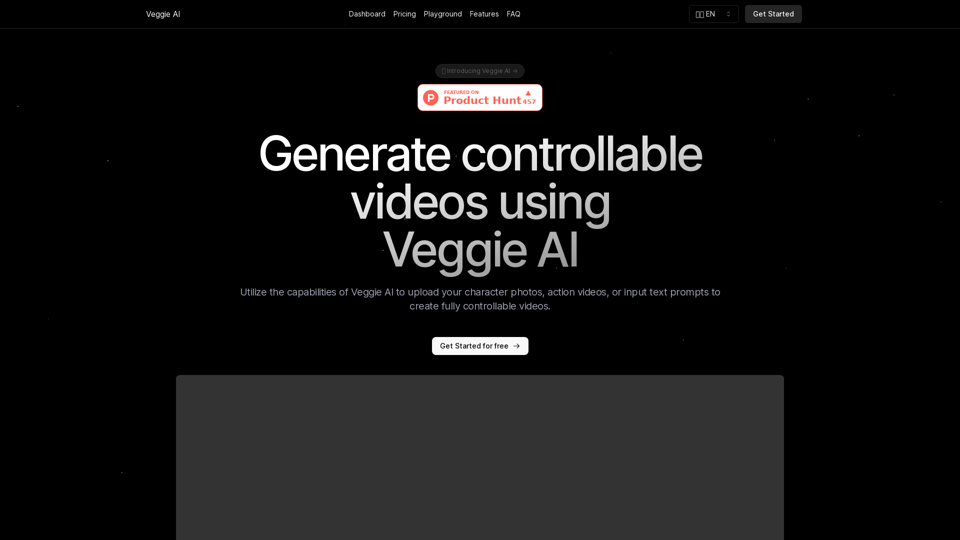
Veggie AI is an innovative online tool that harnesses AI technology to create controllable videos. Users can input images, videos, or text prompts to generate short, dynamic videos that align with specified actions and character descriptions. This user-friendly platform is accessible to anyone, regardless of their AI expertise.
Veggie AI: Generate Controllable Videos Using AI
Create fully controllable videos using Veggie AI by simply uploading your character photos, action videos, or inputting text prompts.
Introduction
Feature
Four Versatile Creation Modes
Veggie AI offers four distinct modes for creating controllable videos:
- Mix Mode
- Animate Mode
- Ideate Mode
- Stylize Mode
Each mode allows users to upload custom character photos, action videos, or text prompts to generate dynamic videos.
User-Friendly Interface
The platform is designed for ease of use, requiring no prior AI knowledge. Users can create fully controllable and engaging videos in just a few simple steps.
Quick Generation Process
Video creation typically takes only a few minutes, making it an efficient tool for various applications.
Flexible Input Options
Veggie AI supports a range of input materials:
- Common image formats (JPEG, PNG)
- Standard video formats (MP4)
- Text prompts for style customization
Versatile Output Usage
Generated videos can be used for both personal and commercial purposes, including:
- Social media content
- Marketing materials
- Advertisements
Affordable Pricing
Veggie AI offers simple, budget-friendly pricing plans packed with features to engage audiences, build customer loyalty, and drive sales.
FAQ
What is Veggie AI?
Veggie AI is an online tool that uses AI technology to generate controllable videos based on user inputs such as images, videos, or text prompts.
How do I use Veggie AI?
Using Veggie AI is straightforward:
- Choose your creation method
- Upload your materials
- Wait for the AI to generate your video (usually takes a few minutes)
What input formats does Veggie AI support?
Veggie AI supports:
- Common image formats (JPEG, PNG)
- Standard video formats (MP4)
Can I customize the style of the generated video?
Yes, you can input simple prompt words to choose the style of the generated video.
Is Veggie AI free to use?
No, Veggie AI does not offer a free trial. To use the service, you need to purchase credits.
Does Veggie AI support batch processing?
Currently, Veggie AI primarily focuses on single video generation.
Related Websites

Baby Generator | AI Future Baby Prediction | Free Trial
Baby Generator | AI Future Baby Prediction | Free TrialCreate realistic AI predictions of your future baby with Baby Generator. Free trial for new users! Advanced technology transforms parents' photos into lifelike baby images.
0
ScreenRedact on the Mac App Store #Description ScreenRedact is a powerful and easy-to-use screenshot editing tool that allows you to quickly and easily remove sensitive information from your screenshots. With its intuitive interface and advanced features, ScreenRedact is the perfect solution for anyone who needs to share screenshots online or with others. #Features * Easy to use: ScreenRedact's intuitive interface makes it easy to get started, even if you're not tech-savvy. * Advanced editing tools: ScreenRedact offers a range of advanced editing tools, including blur, pixelate, and redact, to help you remove sensitive information from your screenshots. * Customizable: ScreenRedact allows you to customize the appearance of your redactions, including the color, opacity, and style. * Support for multiple file formats: ScreenRedact supports a range of file formats, including JPEG, PNG, and TIFF. * Share easily: ScreenRedact makes it easy to share your edited screenshots with others, either by saving them to your computer or sharing them directly to social media or email. #What's New * Improved performance: ScreenRedact is now faster and more efficient, making it easier to edit your screenshots. * New editing tools: ScreenRedact now includes new editing tools, including a magic wand and a lasso tool, to make it even easier to remove sensitive information from your screenshots. * Enhanced customization options: ScreenRedact now offers even more customization options, including the ability to change the color and opacity of your redactions. #Ratings and Reviews * 4.5/5 stars: ScreenRedact has an average rating of 4.5 out of 5 stars on the Mac App Store. * "Easy to use and effective": One reviewer praised ScreenRedact's ease of use and effectiveness, saying "I was able to quickly and easily remove sensitive information from my screenshots." * "A must-have for anyone who shares screenshots online": Another reviewer called ScreenRedact "a must-have for anyone who shares screenshots online," citing its ease of use and advanced features.
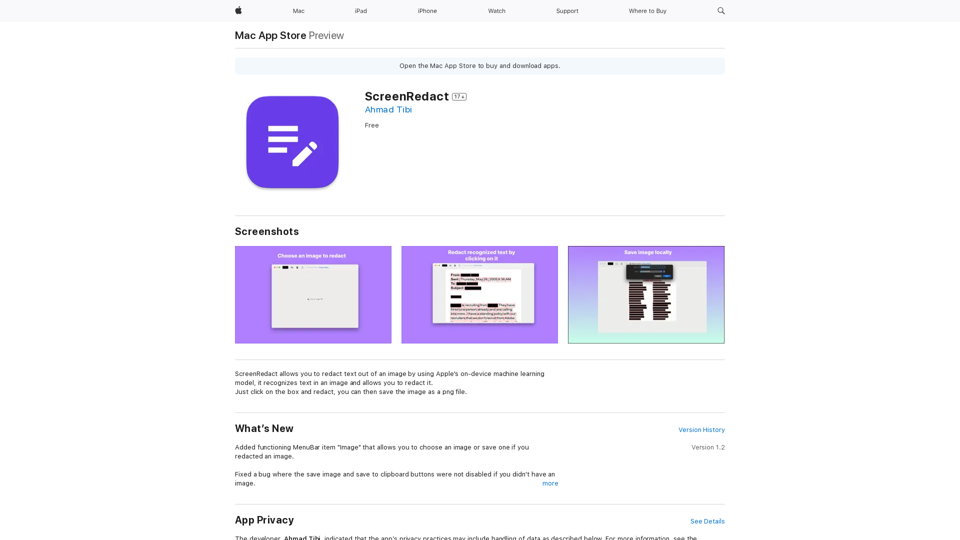
ScreenRedact on the Mac App Store #Description ScreenRedact is a powerful and easy-to-use screenshot editing tool that allows you to quickly and easily remove sensitive information from your screenshots. With its intuitive interface and advanced features, ScreenRedact is the perfect solution for anyone who needs to share screenshots online or with others. #Features * Easy to use: ScreenRedact's intuitive interface makes it easy to get started, even if you're not tech-savvy. * Advanced editing tools: ScreenRedact offers a range of advanced editing tools, including blur, pixelate, and redact, to help you remove sensitive information from your screenshots. * Customizable: ScreenRedact allows you to customize the appearance of your redactions, including the color, opacity, and style. * Support for multiple file formats: ScreenRedact supports a range of file formats, including JPEG, PNG, and TIFF. * Share easily: ScreenRedact makes it easy to share your edited screenshots with others, either by saving them to your computer or sharing them directly to social media or email. #What's New * Improved performance: ScreenRedact is now faster and more efficient, making it easier to edit your screenshots. * New editing tools: ScreenRedact now includes new editing tools, including a magic wand and a lasso tool, to make it even easier to remove sensitive information from your screenshots. * Enhanced customization options: ScreenRedact now offers even more customization options, including the ability to change the color and opacity of your redactions. #Ratings and Reviews * 4.5/5 stars: ScreenRedact has an average rating of 4.5 out of 5 stars on the Mac App Store. * "Easy to use and effective": One reviewer praised ScreenRedact's ease of use and effectiveness, saying "I was able to quickly and easily remove sensitive information from my screenshots." * "A must-have for anyone who shares screenshots online": Another reviewer called ScreenRedact "a must-have for anyone who shares screenshots online," citing its ease of use and advanced features.ScreenRedact allows you to remove sensitive text from an image by utilizing Apple's on-device machine learning model, which identifies text within an image and enables you to redact it with ease.
124.77 M
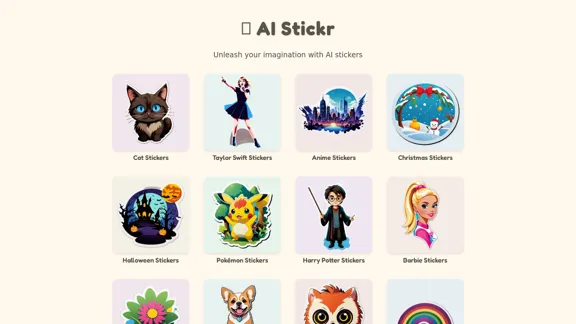
Unleash your imagination with AI stickers. Captivating visuals brought to life by cutting-edge generative AI.
0
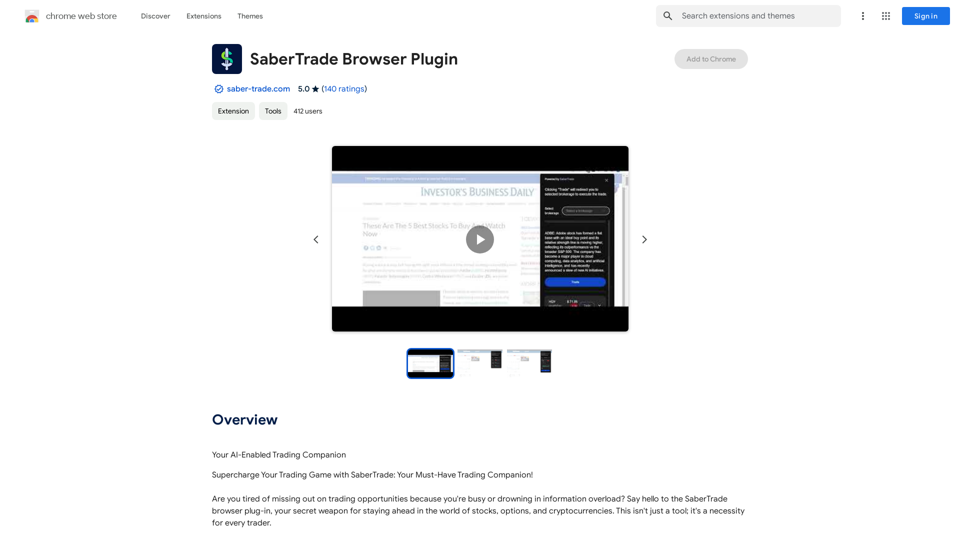
Your AI-Enabled Trading Companion Let's explore how AI can revolutionize your trading experience. Harness the Power of AI * Automated Trading: Execute trades with precision and speed, powered by AI algorithms that analyze market data in real-time. * Smart Order Routing: Optimize your order execution by intelligently routing trades to the best available market for maximum efficiency. * Risk Management: Minimize potential losses with AI-driven risk assessment and management tools that adapt to changing market conditions. * Personalized Insights: Receive tailored market analysis and trading recommendations based on your individual investment goals and risk tolerance. Stay Ahead of the Curve * Predictive Analytics: Gain an edge with AI-powered predictions on market trends and price movements. * Sentiment Analysis: Understand market sentiment and investor psychology through AI-driven analysis of news, social media, and other data sources. * Backtesting and Optimization: Test and refine your trading strategies using historical data and AI algorithms for improved performance. Empower Your Trading Journey * User-Friendly Interface: Navigate the world of AI trading with ease through our intuitive and accessible platform. * 24/7 Support: Get assistance whenever you need it with our dedicated team of experts available around the clock. * Continuous Learning: Benefit from ongoing AI advancements and algorithm improvements that enhance your trading capabilities. Let AI be your trusted partner in navigating the dynamic world of trading.
193.90 M
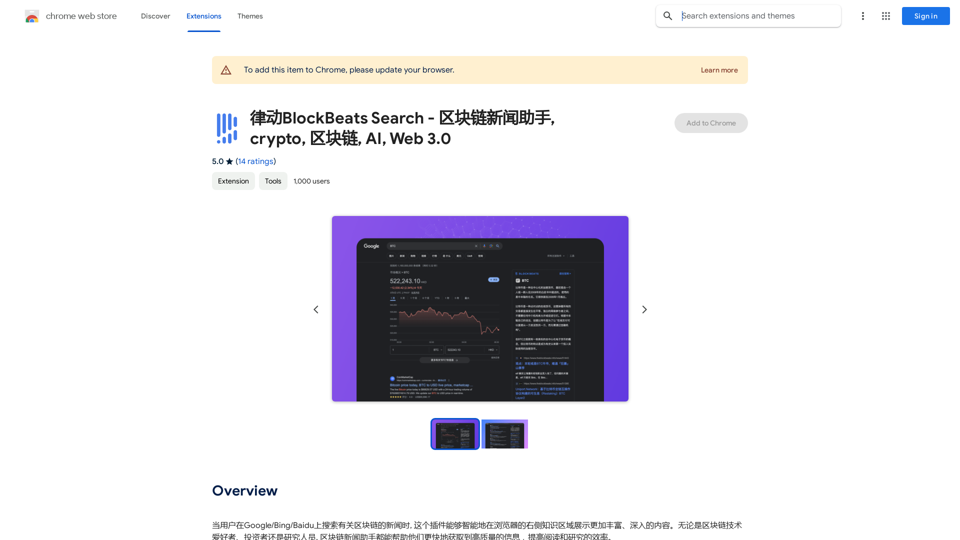
BlockBeats Search - Your Blockchain News Assistant, covering crypto, blockchain, AI, and Web 3.0.
BlockBeats Search - Your Blockchain News Assistant, covering crypto, blockchain, AI, and Web 3.0.When users search for blockchain news on Google/Bing/Baidu, this plugin can intelligently display more comprehensive and in-depth content in the browser's right-side knowledge area. Whether you are a blockchain technology enthusiast, investor, or researcher, the Blockchain News Assistant can help you quickly access high-quality information and improve your reading and research efficiency.
193.90 M
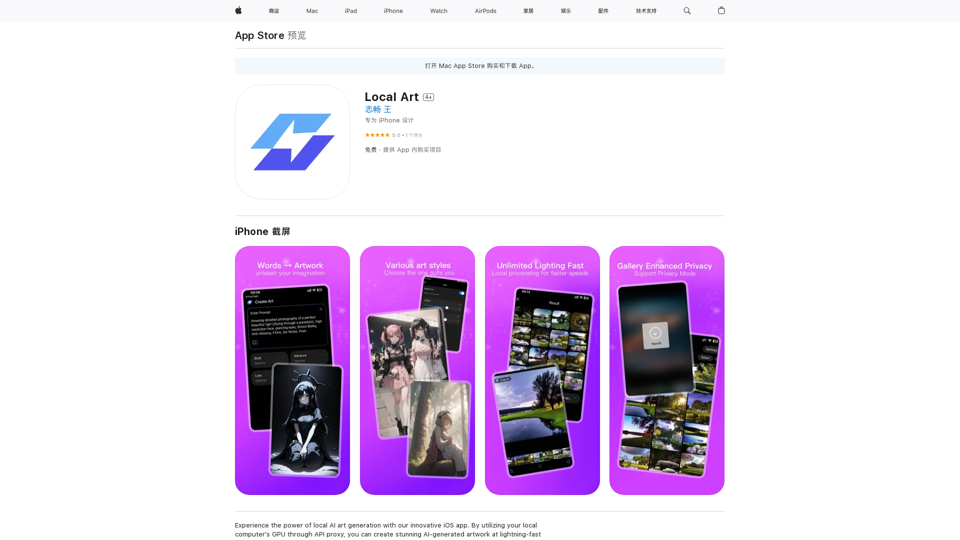
Experience the power of local AI art generation with our innovative iOS app. By utilizing your local computer's GPU through API proxy, you can create stunning AI-generated artwork without relying on cloud services, ensuring faster processing speeds and greater control over your creative vision.
124.77 M