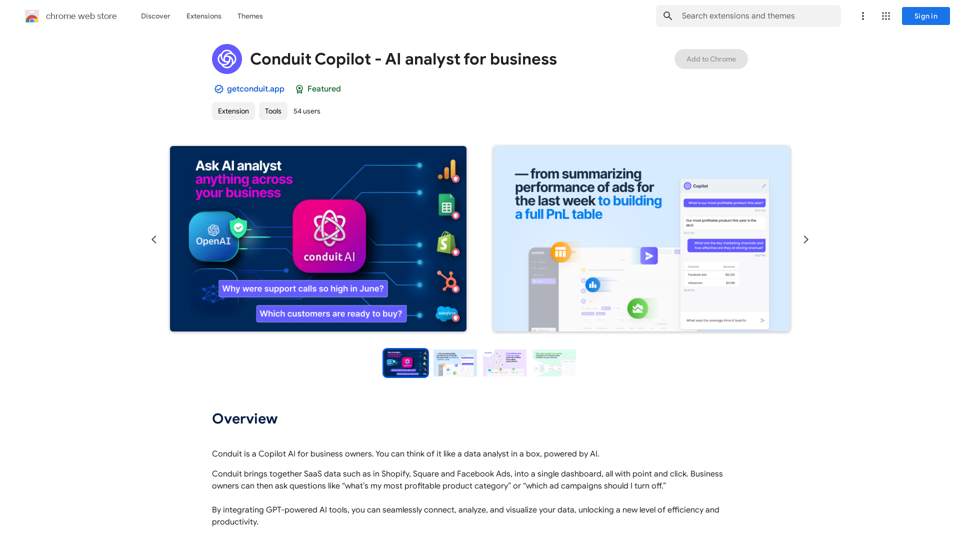
Conduit Copilot es una herramienta de negocios impulsada por IA diseñada para emprendedores y propietarios de empresas. Simplifica el análisis y la visualización de datos mediante la integración de herramientas de IA impulsadas por GPT. La plataforma conecta, analiza y visualiza datos de diversas fuentes como Shopify, Square y Facebook Ads, facilitando a los usuarios obtener información de sus datos empresariales.
Conduit Copilot - Analista de IA para empresas
Conduit es una IA Copilot para propietarios de negocios. Puedes pensar en ello como un analista de datos en una caja, impulsado por la IA.
Introducción
Funcionalidad
Integración de datos
Conecta e integra sin problemas datos empresariales en vivo de varias fuentes, incluyendo:
- Salesforce
- Shopify
- Tableau
- Snowflake
Análisis de IA impulsado por GPT
Utiliza herramientas avanzadas de IA para:
- Analizar datos
- Visualizar información
- Crear informes y paneles con facilidad
Generación automática de fórmulas
Crea automáticamente:
- Fórmulas potentes
- Tablas dinámicas
- Visualizaciones
Todo con simples comandos de texto
Limpieza y formateo de datos
Fórmulas robustas para:
- Limpieza de datos
- Formateo
- Consulta
- Enriquecimiento
- Análisis
Información empresarial instantánea
Obtén información inmediata sobre tus datos empresariales utilizando herramientas de IA impulsadas por GPT
Interfaz fácil de usar
- Regístrate en el sitio web
- Conecta fuentes de datos (por ejemplo, Shopify, Square)
- Haz preguntas sobre tus datos
- Recibe información y respuestas instantáneas
Precios flexibles
- Plan gratuito disponible
- Planes de pago desde $29/mes
- Varias opciones basadas en características y necesidades de almacenamiento de datos
Preguntas Frecuentes
¿Qué es Conduit Copilot?
Conduit Copilot es una herramienta de negocios impulsada por IA que ayuda a emprendedores y propietarios de empresas a analizar y visualizar sus datos con facilidad. Integra herramientas de IA impulsadas por GPT para conectar, analizar y visualizar datos de diversas fuentes.
¿Cómo funciona Conduit Copilot?
Conduit Copilot funciona integrando herramientas de IA impulsadas por GPT para conectar, analizar y visualizar datos de diversas fuentes. Los usuarios pueden conectar sus fuentes de datos empresariales, hacer preguntas sobre sus datos y recibir información y respuestas instantáneas.
¿Cuáles son los beneficios de usar Conduit Copilot?
Los beneficios incluyen:
- Información de datos sin igual
- Generación automática de fórmulas
- Capacidades avanzadas de limpieza y formateo de datos
- Interfaz fácil de usar
- Integración con múltiples fuentes de datos
- Análisis de IA impulsado por GPT
¿Algún consejo para usar Conduit Copilot de manera efectiva?
- Comienza con conjuntos de datos pequeños y aumenta gradualmente
- Experimenta con diferentes fórmulas y visualizaciones
- Aprovecha las herramientas de IA impulsadas por GPT para obtener información y respuestas instantáneas
Sitios web relacionados
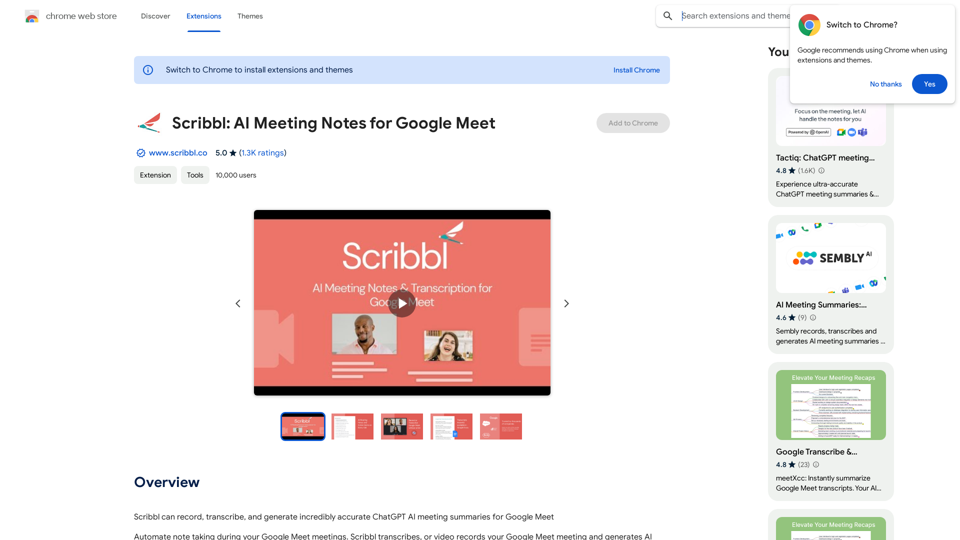
Scribbl puede grabar, transcribir y generar resúmenes de reuniones de ChatGPT AI increíblemente precisos para Google Meet
193.90 M
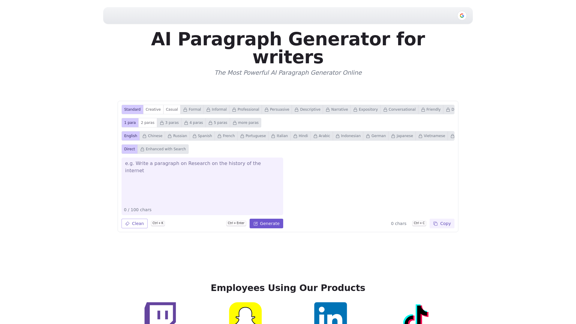
El Generador de Párrafos con IA es una poderosa herramienta que transforma tus ideas en párrafos bien estructurados y atractivos. El Generador de Párrafos con Inteligencia Artificial satisface todas tus necesidades de contenido, desde blogs hasta trabajos académicos, asegurando originalidad, relevancia y profesionalismo en cada caso de uso con nuestra herramienta.
0
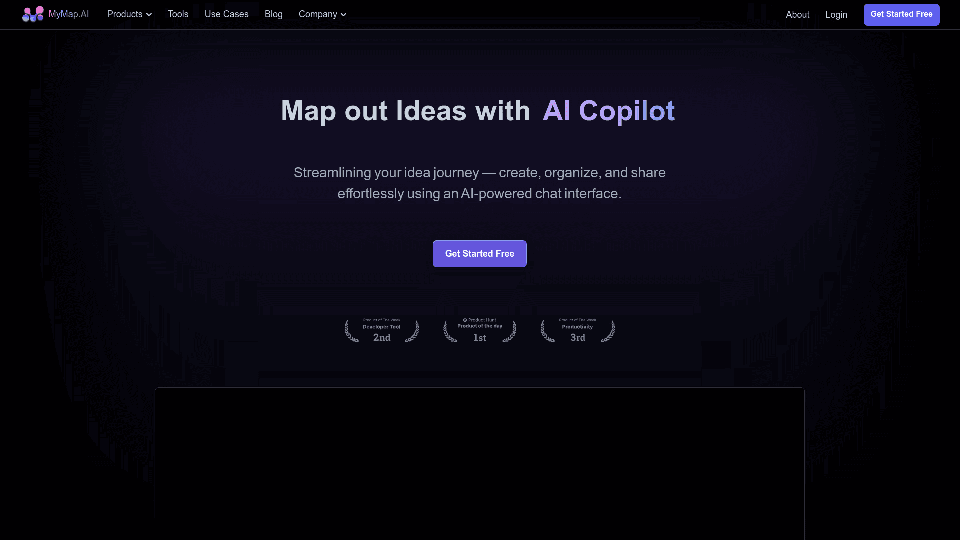
MyMap convierte tus ideas de texto en elementos visuales como mapas mentales y presentaciones a través de una sencilla interfaz de chat. Ideal para estudiantes, profesores y profesionales sin necesidad de habilidades de diseño. Es tu herramienta para ahorrar tiempo en la creación visual fácil y colaborativa.
1.04 M
¿Te frustra la falta de respuesta a tus solicitudes de empleo? El secreto puede estar dentro de tu currículum. Deja de ser rechazado…
193.90 M
Navega por la web de forma más inteligente con Insyncai Co-Pilot: Tu compañero de IA para resúmenes rápidos y búsqueda de información en cualquier página.
193.90 M
Herramienta de IA que aumenta tu productividad: obtén información clave de cualquier video largo en 10 segundos. Resumidor de YouTube con IA y ChatGPT.
193.90 M
SafeGPT SafeGPT es un modelo de lenguaje avanzado que utiliza técnicas de procesamiento de lenguaje natural para generar respuestas seguras y responsables.
SafeGPT SafeGPT es un modelo de lenguaje avanzado que utiliza técnicas de procesamiento de lenguaje natural para generar respuestas seguras y responsables.Copiloto Web Seguro.
193.90 M