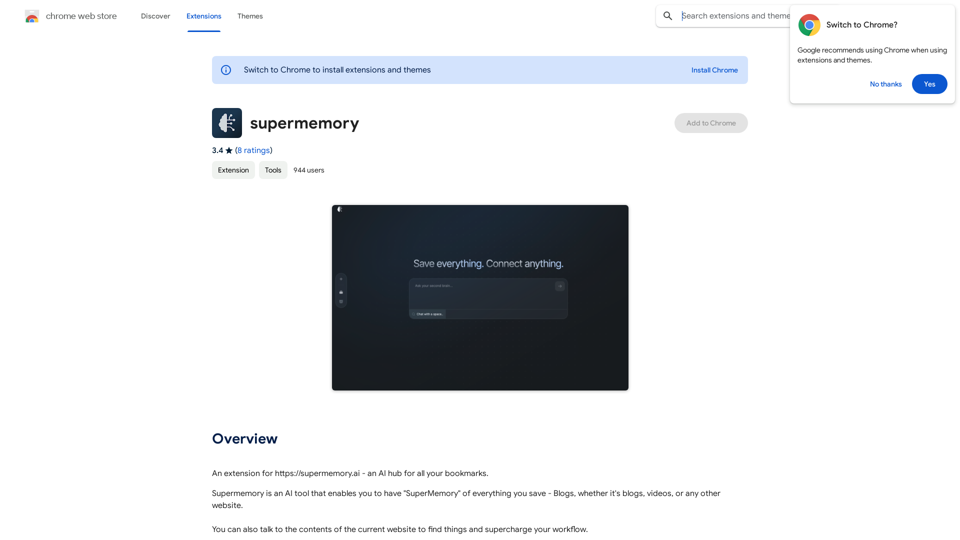
Supermemory 是一個由人工智能驅動的平台,可增強用戶記憶和與來自各種來源(包括博客、視頻和網站)的保存內容互動的能力。它提供了一個智能書籤系統,讓用戶可以輕鬆找到並與他們保存的信息互動,有效地提升他們的工作流程。
Supermemory 利用人工智能對書籤進行分類和搜索,使用戶在需要時輕鬆找到特定信息。
該平台的人工智能驅動搜索引擎可協助用戶找到所需內容,即使無法記住確切細節,也能提高信息檢索效率。
Supermemory 提供免費的 Chrome 擴展程序,具有無限書籤保存功能,使其可供廣泛的用戶使用。
用戶可以直接與保存的網站內容互動,實現更動態和高效的存儲信息訪問和利用方式。
該擴展程序可以從 Chrome 網上應用店快速安裝,然後通過簡單的登錄過程訪問個人書籤和設置。
雖然基本擴展程序是免費的,但 Supermemory 為需要額外功能或增加存儲容量的用戶提供付費計劃。
Supermemory 提供人工智能驅動的書籤功能、智能搜索功能以及與保存內容互動的能力,所有這些都可以提高信息管理和檢索效率。
要開始使用 Supermemory:
不,使用免費的 Supermemory 擴展程序可以保存的書籤數量沒有限制。

193.90 M
56.27%
2.71
115.91
-
-
```markdown ChatGPT Chat History You: Export chat history from ChatGPT website to normal format as Markdown, which can be opened via typora exactly. ChatGPT: ```markdown ChatGPT Chat History You: Export chat history from ChatGPT website to normal format as Markdown, which can be opened via typora exactly. ChatGPT: I can help you with that! Unfortunately, there's no direct way to export your chat history from the ChatGPT website in a format that's perfectly compatible with Typora. The website doesn't offer a dedicated download feature for chat logs. However, you can manually copy and paste your conversation into a Markdown file. Here's how: 1. Go to the ChatGPT website and log in to your account. 2. Navigate to the conversation you want to export. 3. Select all the text in the conversation window. 4. Copy the selected text (Ctrl+C or Cmd+C). 5. Open a new Markdown file in Typora. 6. Paste the copied text into the Typora file (Ctrl+V or Cmd+V). Keep in mind that this method might not preserve all formatting elements perfectly, especially if your conversation includes special characters or code blocks. ```