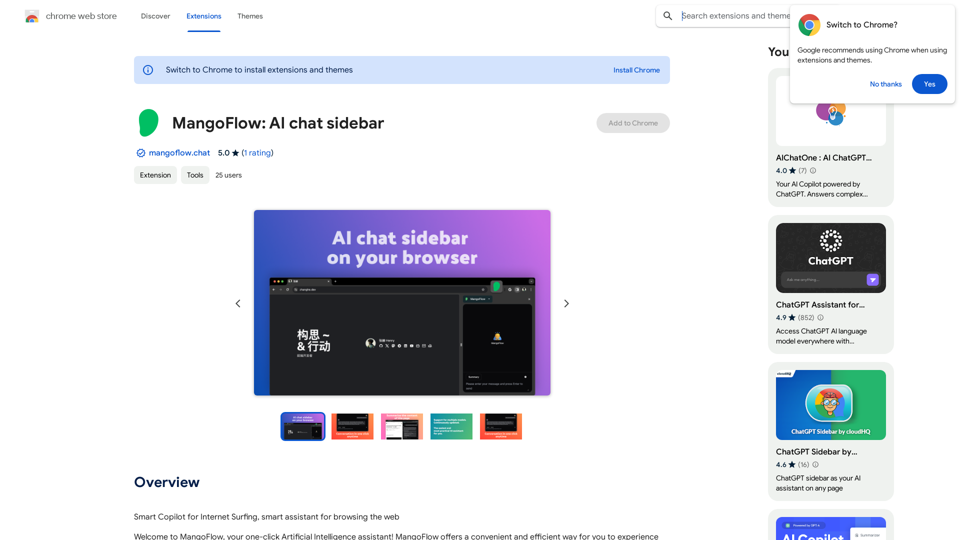
Invertigo is a Chrome extension designed to enhance online reading experiences. By analyzing and optimizing webpage fonts, it reduces eye strain and improves reading speed and comprehension. This innovative tool is suitable for students, professionals, and anyone who reads extensively online, offering a seamless and efficient way to consume digital content.
⚡️ Invertigo: Read More, Read Faster
Read smarter, retain more. Go beyond skimming: Supercharge your web reading.

Introduction
Feature
Font Analysis and Optimization
Invertigo automatically analyzes and adjusts fonts on any webpage, ensuring optimal reading speed and focus. This feature helps users read more efficiently without straining their eyes.
Customizable Settings
Users can personalize their reading experience by adjusting font settings to match their preferences. This flexibility allows for a tailored approach to digital reading.
Cross-Device Compatibility
Invertigo can be installed on multiple devices, providing a consistent reading experience across different platforms that support Chrome.
Free to Use
As a free Chrome extension, Invertigo offers its benefits without any subscription fees or payments, making it accessible to all users.
Improved Comprehension
By optimizing font display, Invertigo enhances information retention and understanding, making it an valuable tool for learning and professional development.
Seamless Integration
The extension works automatically upon installation, requiring no additional effort from the user to enjoy its benefits on any webpage.
FAQ
How does Invertigo improve reading efficiency?
Invertigo analyzes and optimizes webpage fonts, reducing eye fatigue and improving reading speed. This allows users to consume information more quickly and efficiently, enhancing overall productivity.
Can Invertigo be used with other reading tools?
Yes, Invertigo can be combined with other reading tools and extensions to further enhance the user's reading experience, providing a comprehensive approach to digital content consumption.
Is Invertigo suitable for all types of readers?
Invertigo is beneficial for a wide range of users, including students, professionals, and anyone who reads extensively online. Its customizable features make it adaptable to various reading preferences and needs.
Related Websites
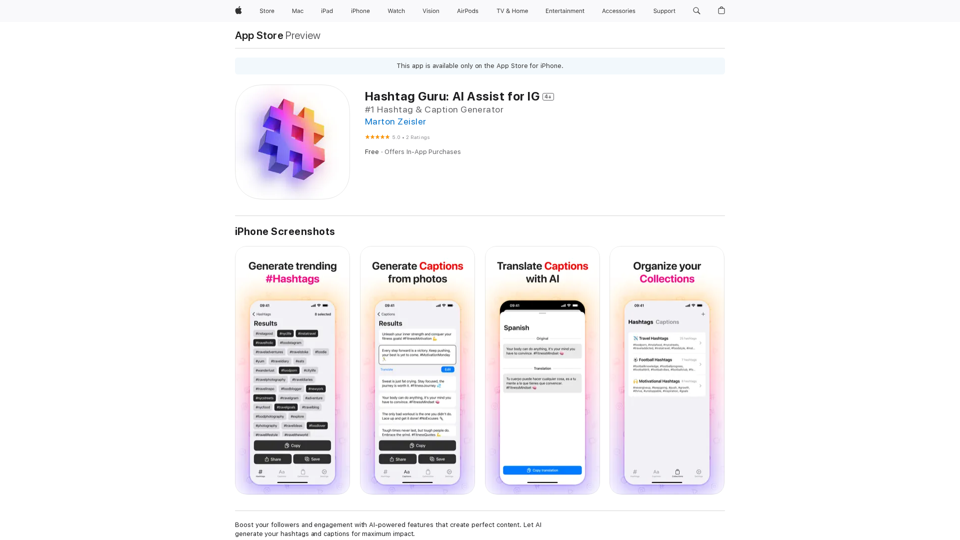
Hashtag Guru: AI Assistant for Instagram on the App Store
Hashtag Guru: AI Assistant for Instagram on the App StoreYour Ultimate AI-Powered Hashtag and Caption Generator! Unlock the secret to social media success with Hashtag Guru, the ultimate AI-driven hashtag generator and caption creator that helps you increase your online visibility, boost engagement, and grow your followers!
124.77 M
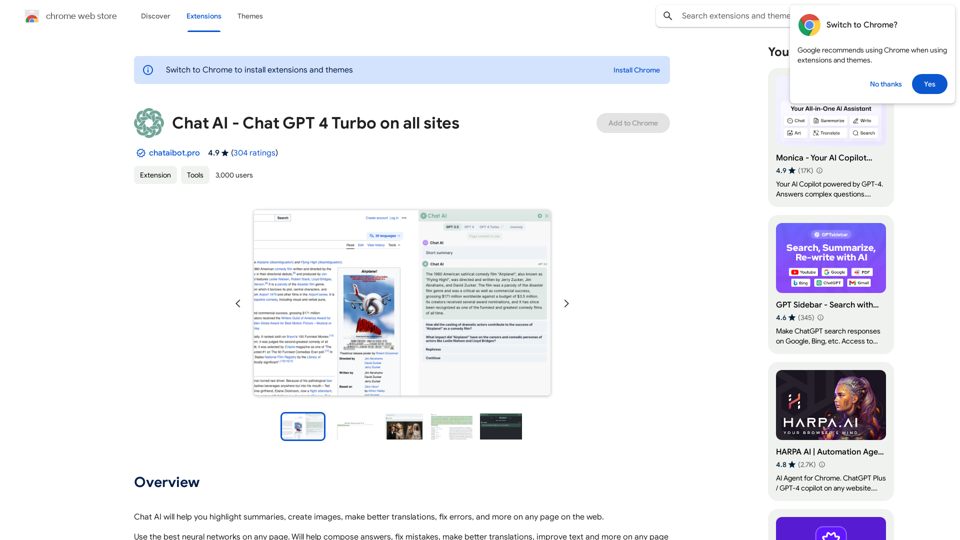
Universal Chat AI - Chat GPT 4 Turbo Accessible Across All Websites With the advent of advanced language models, we are proud to introduce the Chat AI - Chat GPT 4 Turbo, a revolutionary AI-powered chatbot designed to provide seamless and intelligent conversations across all websites. This innovative technology enables users to engage with a highly advanced language model, offering unparalleled conversational experiences. Key Features: * Omnipresent Accessibility: Chat GPT 4 Turbo is accessible across all websites, allowing users to interact with the AI chatbot from anywhere, at any time. * Enhanced Conversational Capabilities: Powered by cutting-edge language models, Chat GPT 4 Turbo understands and responds to user queries with unprecedented accuracy and context. * Seamless Integration: Effortlessly integrate Chat GPT 4 Turbo into any website, ensuring a unified and engaging user experience. Unlock the Power of Conversational AI: Experience the future of chatbots today with Chat AI - Chat GPT 4 Turbo. Discover how this groundbreaking technology can transform the way you interact with websites, providing unparalleled convenience, efficiency, and personalized experiences.
Universal Chat AI - Chat GPT 4 Turbo Accessible Across All Websites With the advent of advanced language models, we are proud to introduce the Chat AI - Chat GPT 4 Turbo, a revolutionary AI-powered chatbot designed to provide seamless and intelligent conversations across all websites. This innovative technology enables users to engage with a highly advanced language model, offering unparalleled conversational experiences. Key Features: * Omnipresent Accessibility: Chat GPT 4 Turbo is accessible across all websites, allowing users to interact with the AI chatbot from anywhere, at any time. * Enhanced Conversational Capabilities: Powered by cutting-edge language models, Chat GPT 4 Turbo understands and responds to user queries with unprecedented accuracy and context. * Seamless Integration: Effortlessly integrate Chat GPT 4 Turbo into any website, ensuring a unified and engaging user experience. Unlock the Power of Conversational AI: Experience the future of chatbots today with Chat AI - Chat GPT 4 Turbo. Discover how this groundbreaking technology can transform the way you interact with websites, providing unparalleled convenience, efficiency, and personalized experiences.Chat AI will help you highlight summaries, create images, make better translations, fix errors, and more on any page on the web.
193.90 M
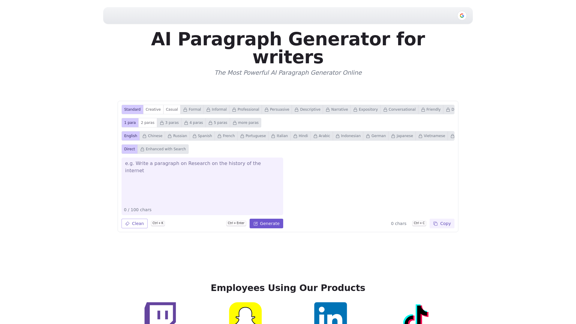
AI Paragraph Generator is a powerful tool that transforms your ideas into well-structured and engaging paragraphs. Artificial Intelligence Paragraph Generator meets all your content needs, from blogs to academic papers, with our tool ensuring originality, relevance and professionalism in every use case.
0
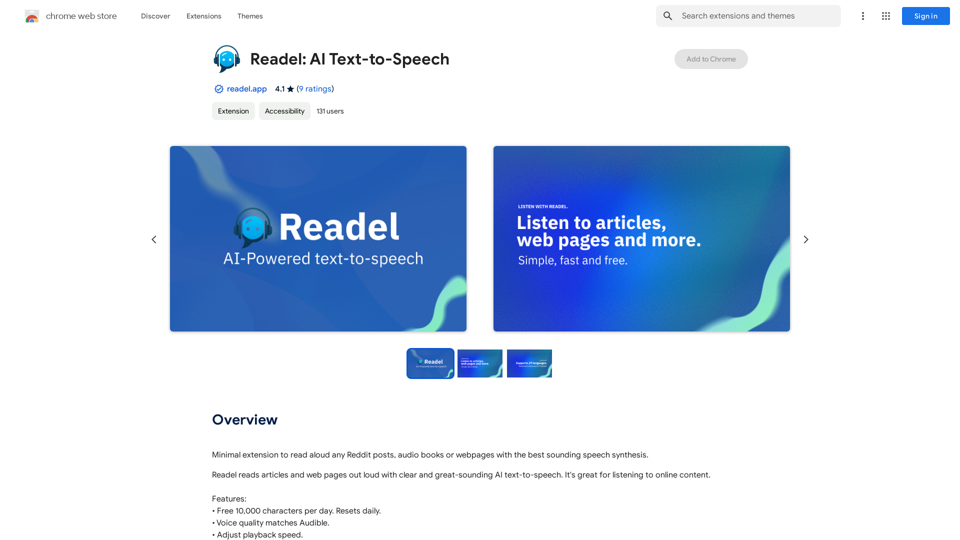
A small program that can read aloud any Reddit posts, audiobooks, or webpages using the highest quality text-to-speech technology.
193.90 M

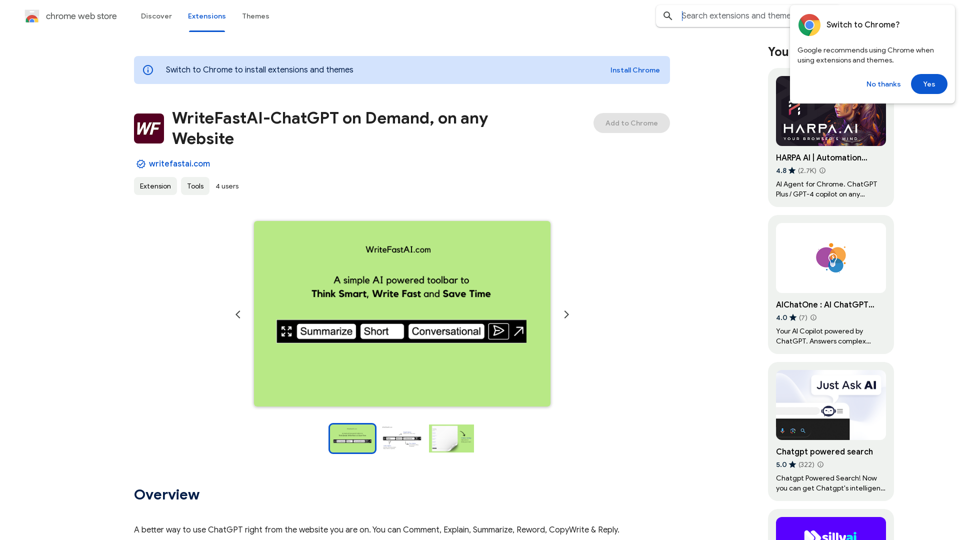
WriteFastAI-ChatGPT on Demand, on Any Website This is a powerful idea! Imagine being able to seamlessly integrate the capabilities of both FastAI and ChatGPT directly into any website. Here's a breakdown of what this could mean: * On-Demand AI Assistance: Users could access powerful AI tools like text generation, summarization, question answering, and more, right from the website they're already using. * Personalized Experiences: Websites could leverage AI to tailor content and interactions to individual user preferences, creating a more engaging and relevant experience. * Increased Efficiency: Businesses could automate tasks, generate reports, and analyze data faster and more accurately with the help of AI. Making it a Reality: This vision requires a combination of: * API Integration: FastAI and ChatGPT both offer APIs that allow developers to integrate their functionalities into applications. * Web Development Expertise: Developers would need to build the necessary infrastructure to connect the APIs to the website and handle user interactions. * Data Management: Websites would need to manage and secure the data used by the AI models. Potential Applications: The possibilities are endless! Here are just a few examples: * E-commerce: AI-powered chatbots could provide personalized product recommendations and customer support. * Education: Websites could offer interactive learning experiences with AI-powered tutors and personalized feedback. * News and Media: AI could be used to generate summaries of articles, create personalized news feeds, and even write original content. Let me know if you'd like to explore any of these applications in more detail!
WriteFastAI-ChatGPT on Demand, on Any Website This is a powerful idea! Imagine being able to seamlessly integrate the capabilities of both FastAI and ChatGPT directly into any website. Here's a breakdown of what this could mean: * On-Demand AI Assistance: Users could access powerful AI tools like text generation, summarization, question answering, and more, right from the website they're already using. * Personalized Experiences: Websites could leverage AI to tailor content and interactions to individual user preferences, creating a more engaging and relevant experience. * Increased Efficiency: Businesses could automate tasks, generate reports, and analyze data faster and more accurately with the help of AI. Making it a Reality: This vision requires a combination of: * API Integration: FastAI and ChatGPT both offer APIs that allow developers to integrate their functionalities into applications. * Web Development Expertise: Developers would need to build the necessary infrastructure to connect the APIs to the website and handle user interactions. * Data Management: Websites would need to manage and secure the data used by the AI models. Potential Applications: The possibilities are endless! Here are just a few examples: * E-commerce: AI-powered chatbots could provide personalized product recommendations and customer support. * Education: Websites could offer interactive learning experiences with AI-powered tutors and personalized feedback. * News and Media: AI could be used to generate summaries of articles, create personalized news feeds, and even write original content. Let me know if you'd like to explore any of these applications in more detail!A better way to use ChatGPT right from the website you are on. You can comment, explain, summarize, reword, copywrite, and reply.
193.90 M
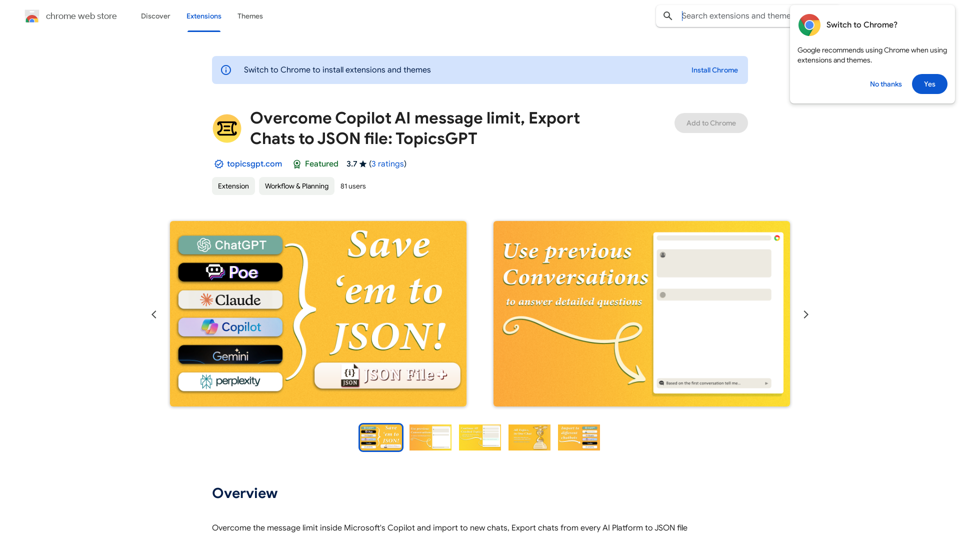
Overcome Copilot AI Message Limit, Export Chats to JSON File: TopicsGPT This is a tool to help you work around the message limit in Copilot AI and export your conversations to a JSON file. Here's how it works: * Extend Your Conversations: TopicsGPT allows you to continue your conversations with Copilot AI beyond the usual message limit. * Save Your History: Export your entire chat history with Copilot AI as a structured JSON file. This makes it easy to review past interactions, analyze your conversations, or even use the data for other purposes. Benefits: * No More Interruptions: Keep your creative flow going without worrying about hitting the message limit. * Organized Data: Have a clear and organized record of your conversations with Copilot AI. * Flexibility: Use the exported JSON data for your own projects or analysis. Let me know if you have any questions!
Overcome Copilot AI Message Limit, Export Chats to JSON File: TopicsGPT This is a tool to help you work around the message limit in Copilot AI and export your conversations to a JSON file. Here's how it works: * Extend Your Conversations: TopicsGPT allows you to continue your conversations with Copilot AI beyond the usual message limit. * Save Your History: Export your entire chat history with Copilot AI as a structured JSON file. This makes it easy to review past interactions, analyze your conversations, or even use the data for other purposes. Benefits: * No More Interruptions: Keep your creative flow going without worrying about hitting the message limit. * Organized Data: Have a clear and organized record of your conversations with Copilot AI. * Flexibility: Use the exported JSON data for your own projects or analysis. Let me know if you have any questions!Bypass Copilot's Message Limit and Move Conversations * Get around the message limit in Microsoft's Copilot: Find ways to exceed the character or message count restrictions within Copilot. * Transfer conversations to new chats: Move existing conversations from one chat space to another. Export AI Chat Histories * Download chat history from any AI platform: Save your conversations with various AI systems as JSON files.
193.90 M