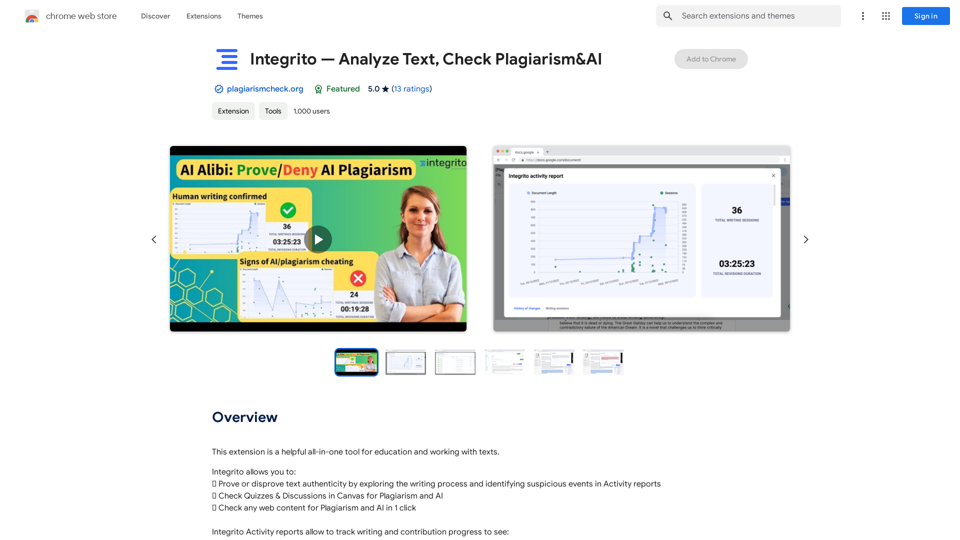
Integrito is a comprehensive text analysis tool designed to verify text authenticity, detect plagiarism, and identify AI-generated content. It offers a range of features for educational institutions and professionals working with texts, including plagiarism checking, AI detection, and integration with learning management systems like Canvas and Brightspace. Integrito's user-friendly interface and powerful algorithms make it an essential tool for maintaining academic integrity and improving writing quality.
Integrito — Analyze Text, Check Plagiarism & AI
This extension is a helpful all-in-one tool for education and working with texts.
Introduction
Feature
Plagiarism Detection
Integrito utilizes sophisticated algorithms and regularly updated databases to swiftly and accurately check for plagiarism in various types of content.
AI Content Detection
With a 97% accuracy rate, Integrito's AI detector can distinguish between human and machine-written content, including popular AI generators like Google Bard and ChatGPT.
LMS Integration
Integrito seamlessly integrates with learning management systems such as Canvas and Brightspace, allowing users to check quizzes, discussions, and assignments directly within their LMS.
Writing Assistant
The Writing Assistant feature helps users maintain error-free content by identifying mistakes and typos in their writing.
Comprehensive Reports
Users can access detailed reports that analyze similarity sources and download PDF versions for sharing with others.
Chrome Extension
Integrito offers a convenient Chrome extension for easy access to its features while browsing the web.
24/7 Customer Support
Responsive customer support is available round the clock to address user questions and resolve issues promptly.
Free Faculty Training
The Integrito team provides free unlimited training for faculty members to ensure optimal use of the tool.
FAQ
How does Integrito detect plagiarism?
Integrito employs sophisticated algorithms and constantly updated databases to perform deep Internet searches along with specific databases, some of which are not available on the web.
What is the accuracy of Integrito's AI detector?
Integrito's AI detector boasts a 97% accuracy rate in distinguishing between human and machine-written content, including the ability to detect content from popular AI generators like Google Bard and ChatGPT.
Is Integrito free to use?
Integrito offers a free version with limited features. To access all features, users need to subscribe to the platform.
How can I get support from Integrito?
Integrito provides responsive customer support available 24/7 to address user problems and answer questions. Additionally, they offer free unlimited training for faculty members.
How do I set up the Integrito Chrome extension?
To set up the Integrito Chrome extension:
- Click "Add to Chrome"
- Click on the extension's icon in the extension bar
- Click "pin" near the Plagiarism and AI Checker
- Register or log in with your email or Gmail account
- Start using the tool
Related Websites
ChatGPT Context Menu * Copy: Copies the selected text. * Paste: Pastes the copied text. * Delete: Deletes the selected text. * Edit: Opens a text editor to modify the selected text. * Generate: Uses ChatGPT to generate new text based on the selected context. * Summarize: Creates a concise summary of the selected text. * Translate: Translates the selected text into another language. * Translate to English: Translates the selected text into English. * Code: Attempts to identify and format the selected text as code. * Help: Provides information about the context menu options.
ChatGPT Context Menu * Copy: Copies the selected text. * Paste: Pastes the copied text. * Delete: Deletes the selected text. * Edit: Opens a text editor to modify the selected text. * Generate: Uses ChatGPT to generate new text based on the selected context. * Summarize: Creates a concise summary of the selected text. * Translate: Translates the selected text into another language. * Translate to English: Translates the selected text into English. * Code: Attempts to identify and format the selected text as code. * Help: Provides information about the context menu options.Please provide the text you would like to send to ChatGPT.
193.90 M
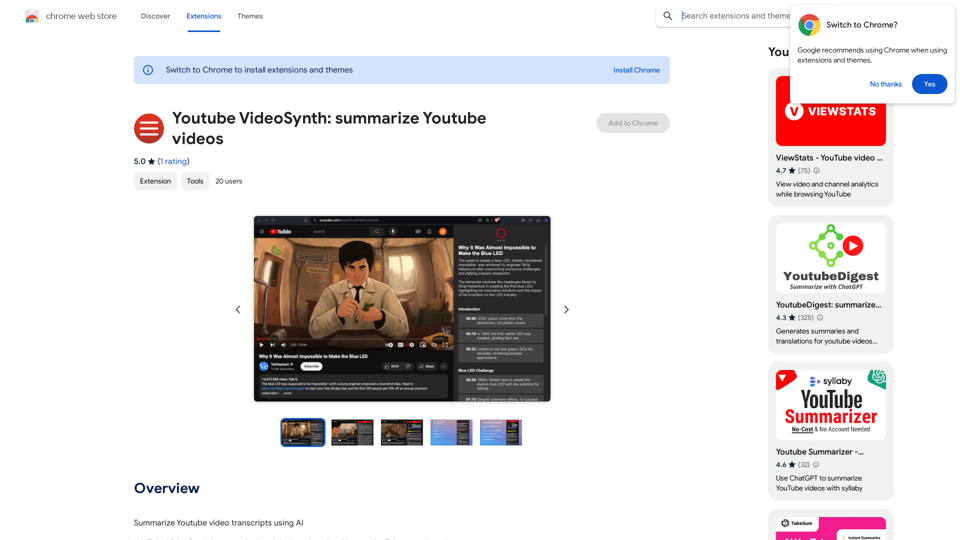
Youtube VideoSynth: Summarize Youtube Videos This tool uses artificial intelligence to create short summaries of YouTube videos. Simply paste the YouTube video URL into the input field, and VideoSynth will generate a concise summary of the video's content.
Youtube VideoSynth: Summarize Youtube Videos This tool uses artificial intelligence to create short summaries of YouTube videos. Simply paste the YouTube video URL into the input field, and VideoSynth will generate a concise summary of the video's content.Summarize YouTube Video Transcripts Using AI This is a powerful tool for quickly understanding the main points of long videos. Here's how it works: 1. Get the Transcript: You'll need a text transcript of the YouTube video. Many videos have automatic captions, or you can use a transcription service. 2. Choose an AI Summarizer: There are many free and paid AI summarization tools available online. Some popular options include: * OpenAI's GPT-3: A powerful language model that can generate high-quality summaries. * Google Cloud AI Platform: Offers a variety of AI services, including text summarization. * Hugging Face Transformers: An open-source library with pre-trained summarization models. 3. Input the Transcript: Paste the transcript into the AI summarizer. 4. Generate the Summary: The AI will analyze the text and generate a concise summary of the video's main points. 5. Review and Edit: Read through the AI-generated summary and make any necessary edits to ensure accuracy and clarity. Let me know if you'd like more details on any of these steps!
193.90 M
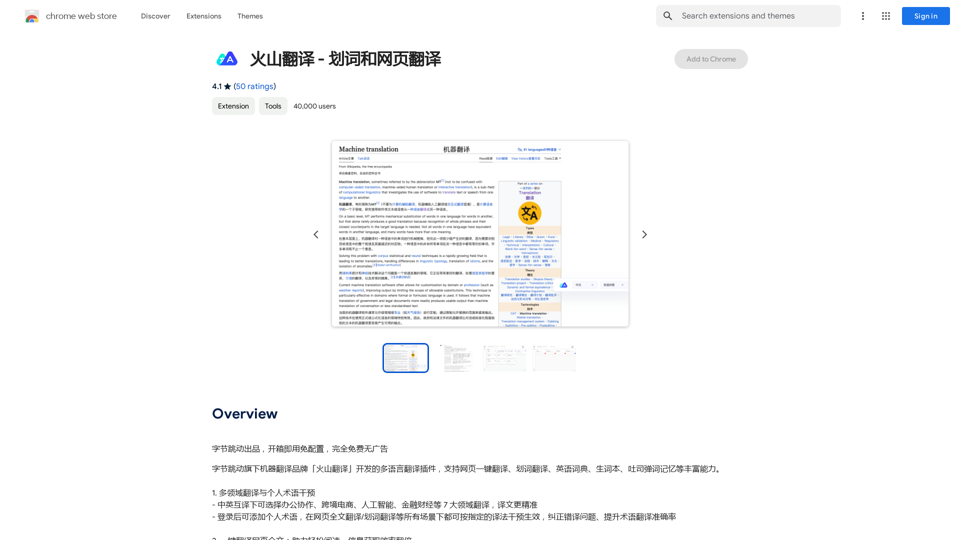
Volcano Translation - Screenshot and Webpage Translation
Volcano Translation - Screenshot and Webpage TranslationByteDance production, out of the box, no configuration required, completely free and ad-free.
193.90 M
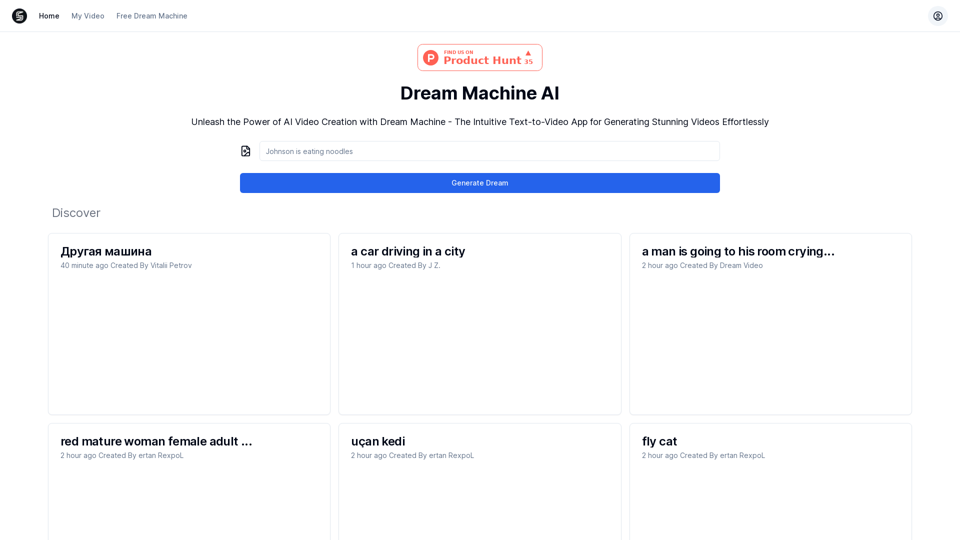
Explore Dream Machine AI for the revolutionary AI video generator. Create unique, high-quality videos instantly from text and images. Free to use. Download and enjoy innovative video content now!
7.28 K
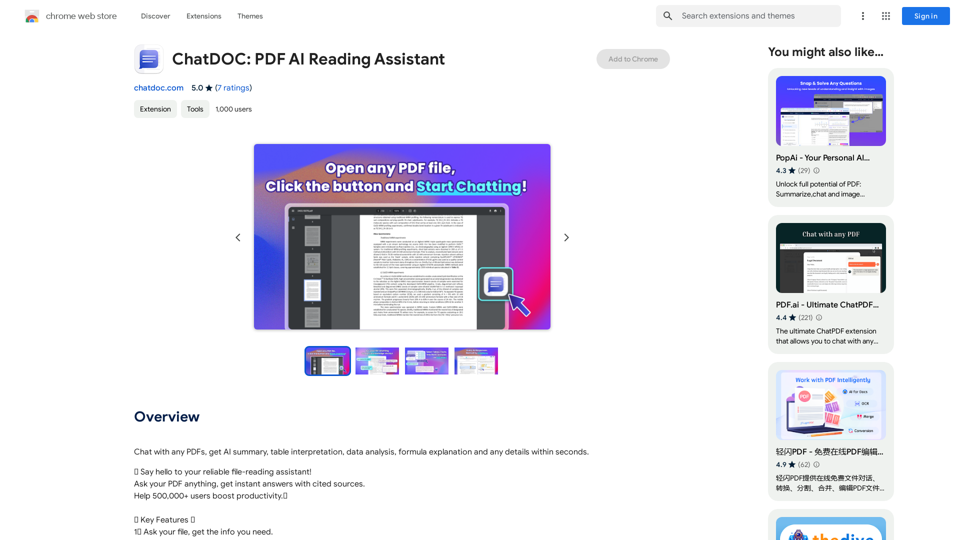
Chat with any PDFs, get an AI-generated summary, table interpretation, data analysis, formula explanation, and any details within seconds.
193.90 M