Speech to Text by cantonese.ai is a Chrome extension designed to convert WhatsApp audio messages into text. This tool aims to save time and increase productivity for users by providing an easy-to-use solution for transcribing voice messages. Created by a reputable developer with no history of violations, this extension seamlessly integrates with users' workflows, offering a convenient way to manage audio communications on WhatsApp.
Speech to Text using cantonese.ai
The extension lets you turn WhatsApp audio messages into text, saving you time and boosting your productivity!
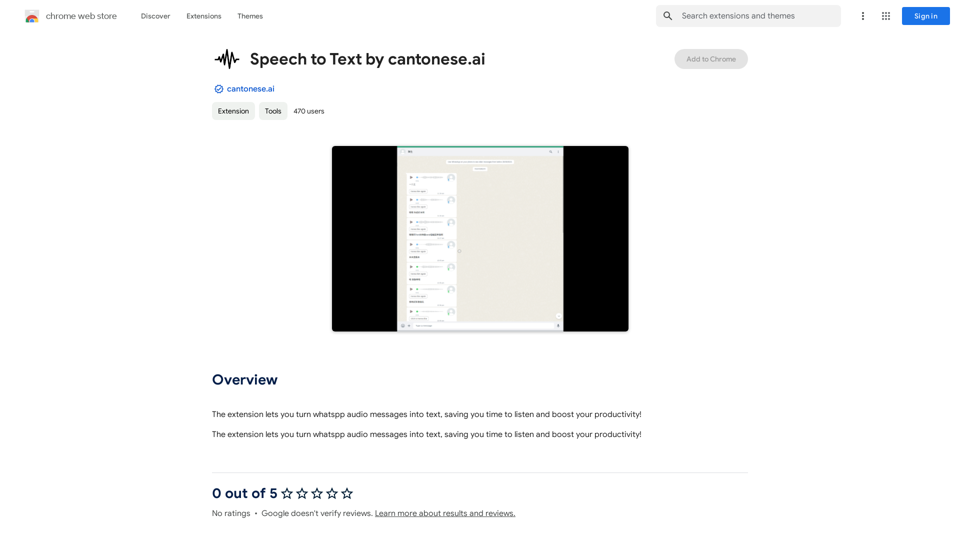
Introduction
Feature
Convert WhatsApp Audio to Text
The primary function of this extension is to transform WhatsApp voice messages into readable text, making communication more efficient and accessible.
Time-Saving and Productivity Boost
By automating the transcription process, users can save valuable time and focus on more important tasks, enhancing overall productivity.
User-Friendly Integration
The extension is designed for easy installation and setup, allowing users to quickly incorporate it into their daily WhatsApp usage.
Free to Use
Currently, the extension is offered at no cost, with no subscription or payment required for its core features.
Privacy-Focused
The developer has stated that they do not collect or use user data, prioritizing privacy and security for all users.
Chrome Web Store Availability
Users can easily install the authentic extension directly from the Chrome Web Store, ensuring a safe and reliable installation process.
FAQ
Is Speech to Text by cantonese.ai free to use?
Yes, the extension is currently free to use, with no subscription or payment required for its core features.
How do I install and set up the extension?
To install, visit the Chrome Web Store and add the extension to your browser. Follow the provided prompts to complete the setup process and configure your settings.
Can this extension be used with messaging apps other than WhatsApp?
Currently, the extension only supports WhatsApp audio messages. However, support for other messaging platforms may be added in future updates.
Is my data safe when using this extension?
Yes, the developer has explicitly stated that they do not collect or use user data, prioritizing user privacy and security.
Are there any premium features planned for the future?
While the extension is currently free, the developer may introduce premium features or services in the future. The core functionality remains free of charge.
Related Websites
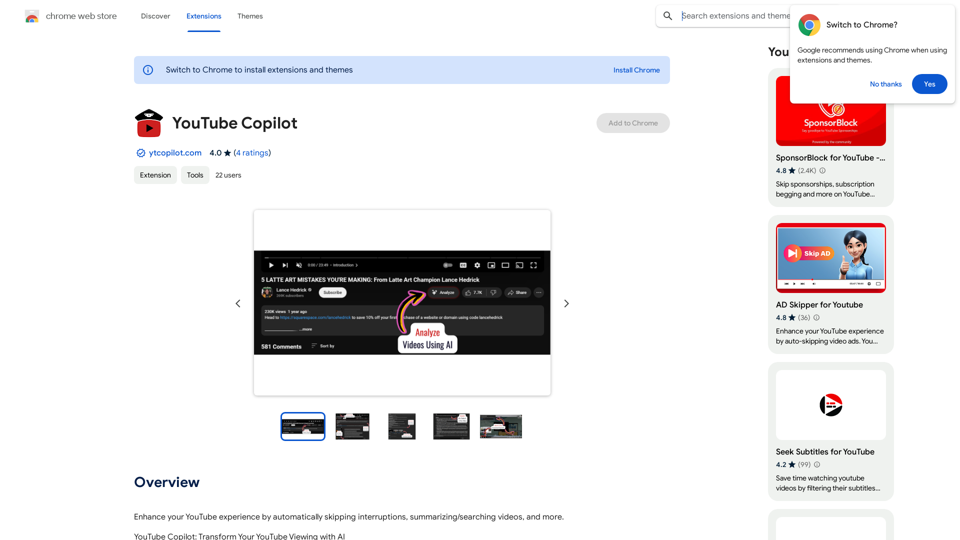
Improve your YouTube viewing by automatically skipping ads, summarizing videos, and searching within them.
193.90 M
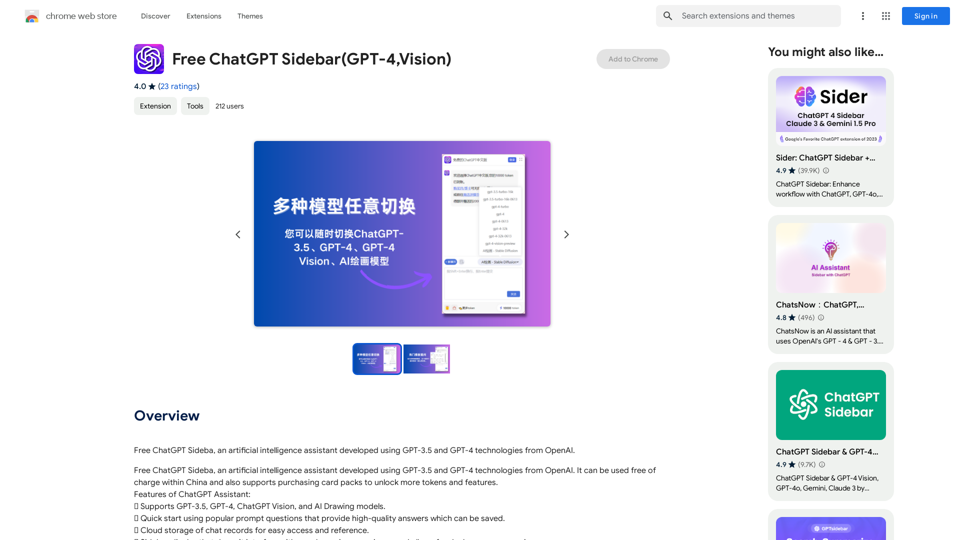
Free ChatGPT Sideba, an artificial intelligence assistant developed using GPT-3.5 and GPT-4 technologies from OpenAI.
193.90 M
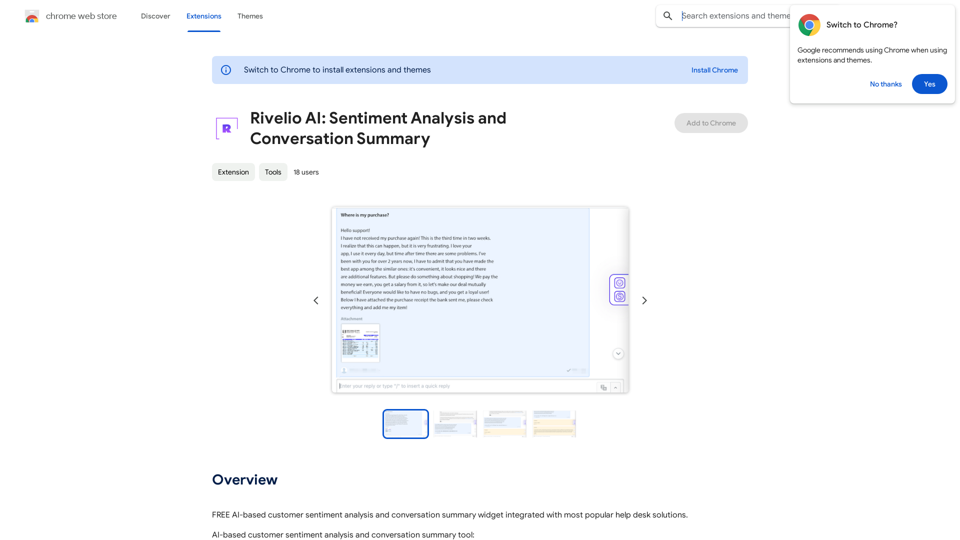
Rivelio AI: Sentiment Analysis and Conversation Summary
Rivelio AI: Sentiment Analysis and Conversation SummaryFREE AI-powered tool that analyzes customer feelings and summarizes conversations. It works with most popular customer service platforms.
193.90 M
AI Journey: Explore the Leading AI Tools Software - Expert Reviews & Insights
AI Journey: Explore the Leading AI Tools Software - Expert Reviews & InsightsFind the best AI tools and software with AIJourney. Our daily updates and expert reviews help you enhance your productivity and efficiency.
56.90 K
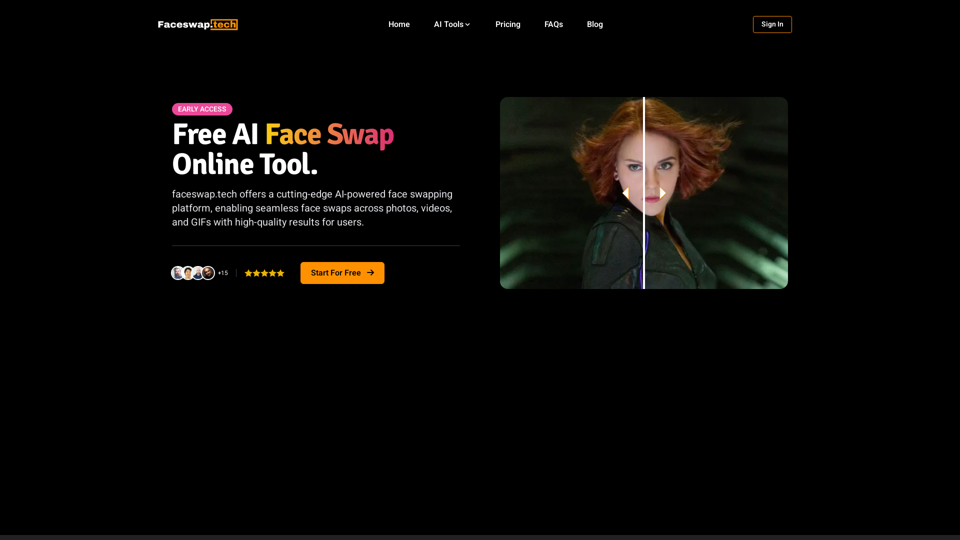
Free AI Face Swap Online Tool for Videos, GIFs and Photos | Faceswap.tech
Free AI Face Swap Online Tool for Videos, GIFs and Photos | Faceswap.techTry our free online face swap tool to swap faces in photos, videos, and GIFs. Easy, fast, and powered by AI for amazing results. Swap faces now!
1.81 K
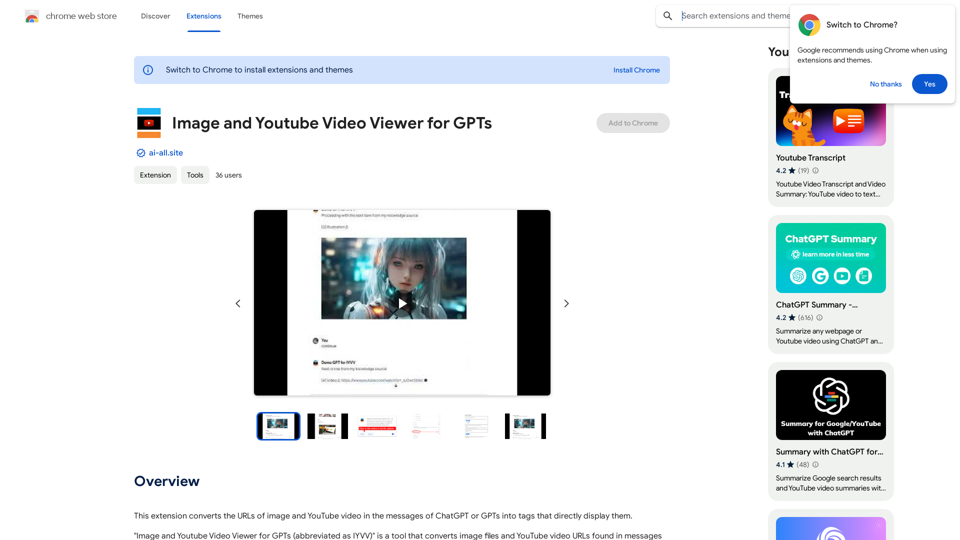
This extension changes the links for images and YouTube videos in ChatGPT or GPT messages into tags that show the images and videos directly.
193.90 M
Please provide the text you want to translate into English.
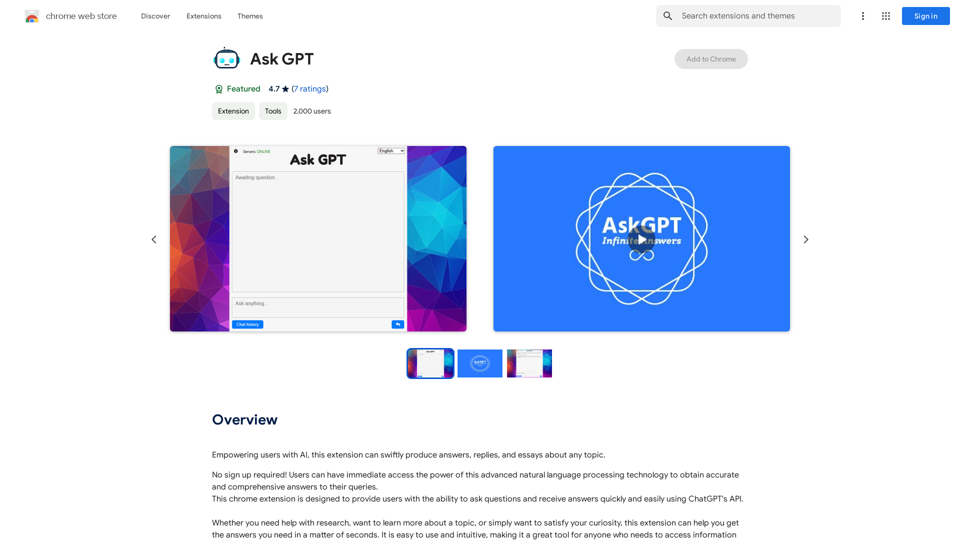
Please provide the text you want to translate into English.This extension empowers users with AI, swiftly producing answers, replies, and essays on any topic.
193.90 M