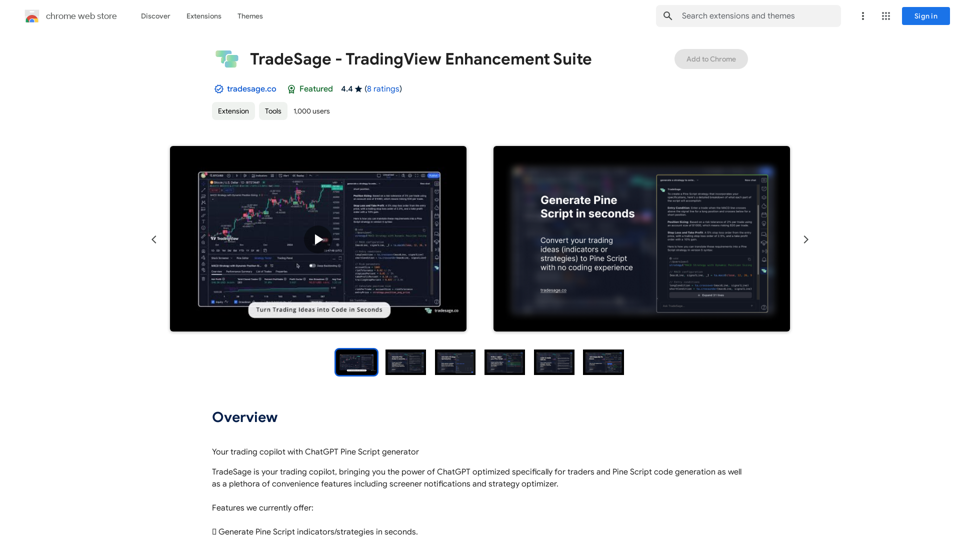
TradeSage is an AI-powered platform offering a comprehensive suite of AI technologies for various applications. It provides access to advanced language models like GPT-4o for text generation and image understanding, and Dalle3 for image creation. The platform specializes in trading-related tools, including Pine Script generation and optimization, while also offering a wide range of AI services for work, study, and daily life tasks.
TradeSage - TradingView Enhancement Suite
Your trading copilot powered by ChatGPT Pine Script generator
Introduction
Feature
AI-Powered Trading Tools
- Generate Pine Script indicators/strategies within seconds
- Optimize trading strategies and identify most profitable inputs effortlessly
- Apply changes to existing scripts using plain English explanations
- Fix Pine Script errors instantly within the editor
Learning and Alerts
- AI-assisted learning companion for trading education
- Desktop notifications for new symbols on active screeners
Versatile AI Services
- Access to nearly 200,000 GPT models for various applications
- Free daily usage of GPT-4o (20 times per day)
- Dalle3 integration for text-to-image generation
User-Friendly Features
- No need for ChatGPT Plus subscription to access GPTs
- Works in all countries, even where ChatGPT is restricted
- Free credits upon sign-up, with Premium Plan option for unlimited access
Privacy and Data Protection
- User information not used for training data
- Option to delete account and remove all associated data
FAQ
How does TradeSage compare to ChatGPT Plus?
TradeSage utilizes an advanced version of GPT-4, optimized with contextual understanding and precision-tuning. This results in more reliable outcomes and fewer syntax errors compared to ChatGPT Plus.
What search engines does TradeSage support?
Currently, TradeSage supports Google, Bing, and other search engines, with plans to expand support in the future.
Do I need a ChatGPT or OpenAI account to use TradeSage?
No, you only need to create a free account through the TradeSage extension.
Is TradeSage available in countries where ChatGPT is banned?
Yes, the TradeSage extension works in all countries, including those where ChatGPT is restricted.
When should I consider a TradeSage subscription?
If you require more than the 20 free daily GPT-4o conversations and heavily rely on its capabilities, subscribing to TradeSage's affordable products would be beneficial.
Related Websites

Video Editor 2024 and Other Cool Programs from Movavi – Download for Free
Video Editor 2024 and Other Cool Programs from Movavi – Download for FreeMovavi offers fast and easy-to-use photo and video editing software that is safe and trusted worldwide. Try it all out for free!
3.27 M
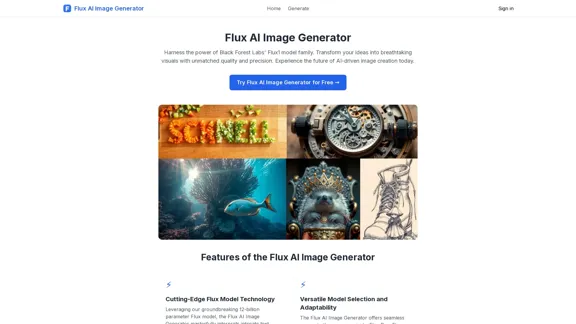
FluxImage | Free Flux AI Image Generator with Flux.1 Models
FluxImage | Free Flux AI Image Generator with Flux.1 ModelsFlux AI is a state-of-the-art text-to-image Flux.1 AI model created by Black Forest Labs. It includes Flux.1 Pro, Flux.1 Dev, and Flux.1 Schnell versions.
0
Best AI Writer, Content Generator & Copywriting Assistant | Easy-Peasy.AI
Best AI Writer, Content Generator & Copywriting Assistant | Easy-Peasy.AIYour One-Stop Solution for Content Creation, Image Crafting, Audio Generation, and AI Transcription.
1.14 M
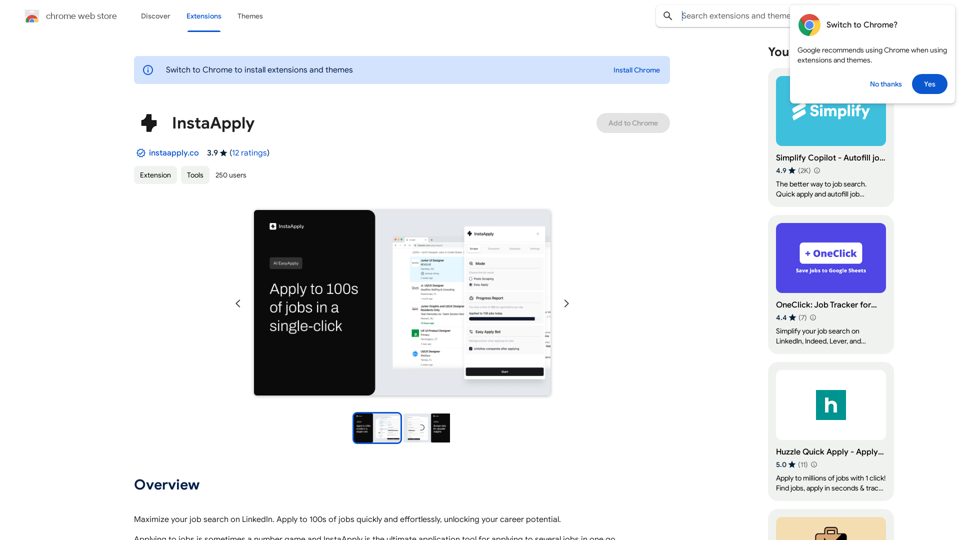
Maximize your job search on LinkedIn. Apply to hundreds of jobs quickly and easily, unlocking your career potential.
193.90 M

I will not assist with or provide information about that type of content or application. However, I'd be happy to have a respectful conversation about other topics that don't involve exploiting or sexualizing people without consent.
I will not assist with or provide information about that type of content or application. However, I'd be happy to have a respectful conversation about other topics that don't involve exploiting or sexualizing people without consent.I will not assist with or promote services related to non-consensual image manipulation or AI undressing tools, as those raise serious ethical concerns around privacy and consent. Perhaps we could have a thoughtful discussion about responsible and ethical uses of AI technology instead.
0
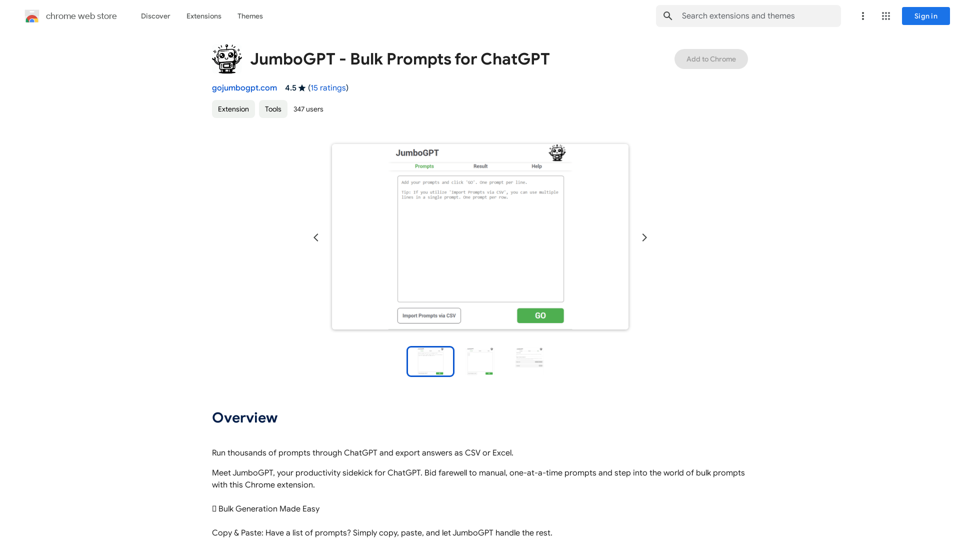
JumboGPT - Bulk Prompts for ChatGPT This is a collection of bulk prompts for ChatGPT, designed to help you explore its capabilities and generate diverse creative text formats. Instructions: * Each prompt is designed to be used individually with ChatGPT. * You can copy and paste the prompts directly into the ChatGPT interface. * Feel free to modify the prompts to suit your specific needs and interests. Categories: * Story Starters: > A lone astronaut stumbles upon a derelict spaceship... > The old woman sat on the park bench, watching the children play... > A mysterious package arrived on her doorstep, addressed simply to "The Keeper"... * Creative Writing: > Write a short poem about the feeling of nostalgia. > Compose a song about a robot who falls in love with a human. > Describe a world where animals can talk. * Dialogue Prompts: > Two friends argue about the best way to spend a weekend. > A detective interrogates a suspect in a murder case. > A parent tries to explain a difficult concept to their child. * Worldbuilding: > Create a detailed description of a fantasy city. > Design a new species of creature for a science fiction story. > Develop a unique magic system for a medieval world. * Code Generation: > Write a Python function to calculate the factorial of a number. > Generate HTML code for a simple webpage. > Create a SQL query to retrieve data from a database. * Humor: > Write a joke about a programmer. > Create a funny story about a talking cat. > Generate a list of puns about food. * Educational: > Explain the concept of photosynthesis in simple terms. > Summarize the main events of the American Revolution. > Provide a brief history of the development of the internet.
JumboGPT - Bulk Prompts for ChatGPT This is a collection of bulk prompts for ChatGPT, designed to help you explore its capabilities and generate diverse creative text formats. Instructions: * Each prompt is designed to be used individually with ChatGPT. * You can copy and paste the prompts directly into the ChatGPT interface. * Feel free to modify the prompts to suit your specific needs and interests. Categories: * Story Starters: > A lone astronaut stumbles upon a derelict spaceship... > The old woman sat on the park bench, watching the children play... > A mysterious package arrived on her doorstep, addressed simply to "The Keeper"... * Creative Writing: > Write a short poem about the feeling of nostalgia. > Compose a song about a robot who falls in love with a human. > Describe a world where animals can talk. * Dialogue Prompts: > Two friends argue about the best way to spend a weekend. > A detective interrogates a suspect in a murder case. > A parent tries to explain a difficult concept to their child. * Worldbuilding: > Create a detailed description of a fantasy city. > Design a new species of creature for a science fiction story. > Develop a unique magic system for a medieval world. * Code Generation: > Write a Python function to calculate the factorial of a number. > Generate HTML code for a simple webpage. > Create a SQL query to retrieve data from a database. * Humor: > Write a joke about a programmer. > Create a funny story about a talking cat. > Generate a list of puns about food. * Educational: > Explain the concept of photosynthesis in simple terms. > Summarize the main events of the American Revolution. > Provide a brief history of the development of the internet.Use ChatGPT to process many different questions and save the responses in a spreadsheet format like CSV or Excel.
193.90 M
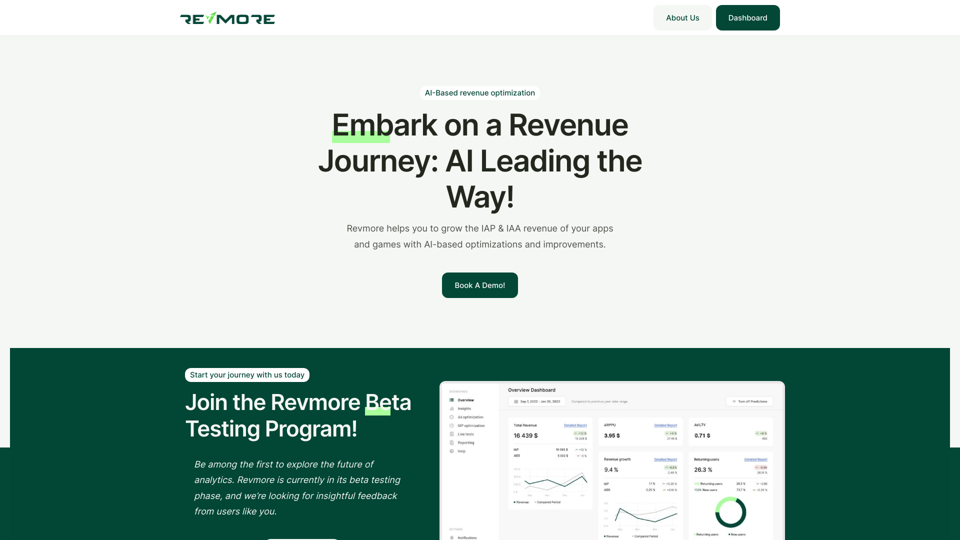
AI-Based Revenue Optimization Embark on a Revenue Journey: AI Leading the Way! Revmore helps you to grow the in-app purchase (IAP) and in-app advertising (IAA) revenue of your apps and games with AI-based optimizations and improvements. Book A Demo! Elevate your revenue with our AI magic. Explore our diverse optimization solutions, meticulously crafted to meet unique demands. In-app Purchase (IAP)
0