WebWise ChatGPT is a browser extension that seamlessly integrates ChatGPT into your browsing experience. It allows users to access ChatGPT with a single click on the browser toolbar or through the navigation bar. The extension offers features like obtaining answers from search result pages, running ChatGPT from the context menu, and maintaining longer ChatGPT sessions.
WebWise ChatGPT English (USA)
ChatGPT's power in Chrome: Seamlessly integrated, engage from the toolbar to search results.
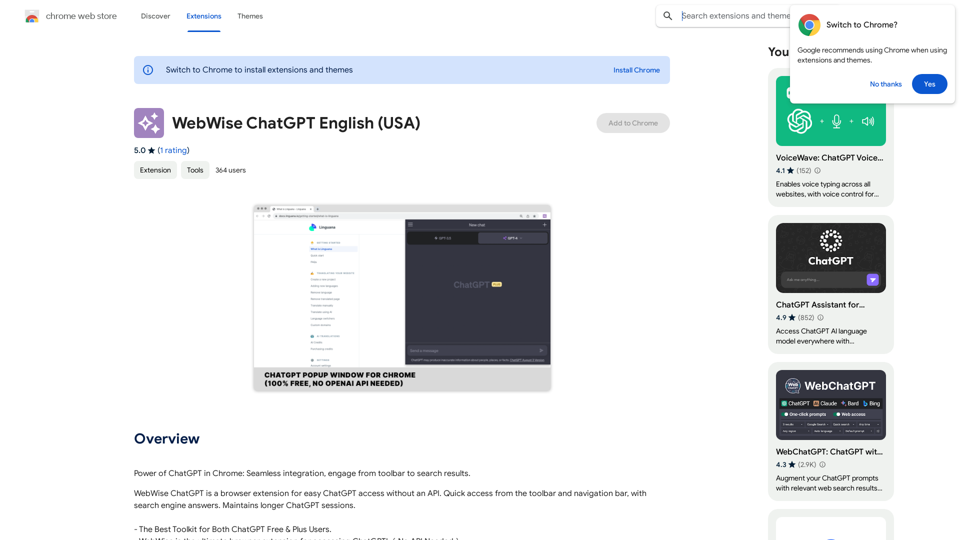
Introduction
Feature
Easy Access to ChatGPT
- One-click access from the browser toolbar
- Quick access via navigation bar by typing 'gpt' and pressing space
- Obtain answers from search result pages on popular search engines
- Run ChatGPT from the context menu
Enhanced User Experience
- Maintains longer ChatGPT sessions through periodic pinging
- Compatible with both free and paid ChatGPT accounts
- Free to use, no subscription or payment required
Versatile Integration
- Works with popular search engines like Google, Yahoo, and Bing
- Context menu integration for running ChatGPT from any webpage
FAQ
How do I access ChatGPT with the extension?
Simply click on the browser toolbar icon or type 'gpt' and press space in the navigation bar.
What should I do if I encounter an error?
Try the following steps:
- Reopen https://chat.openai.com
- Restart your browser
- Clear your browser cache
How can I report a bug or issue with the extension?
Please report any issues in the review section of the extension's page.
Is the extension compatible with ChatGPT Plus subscriptions?
Yes, the extension works with both free and paid ChatGPT accounts.
Related Websites
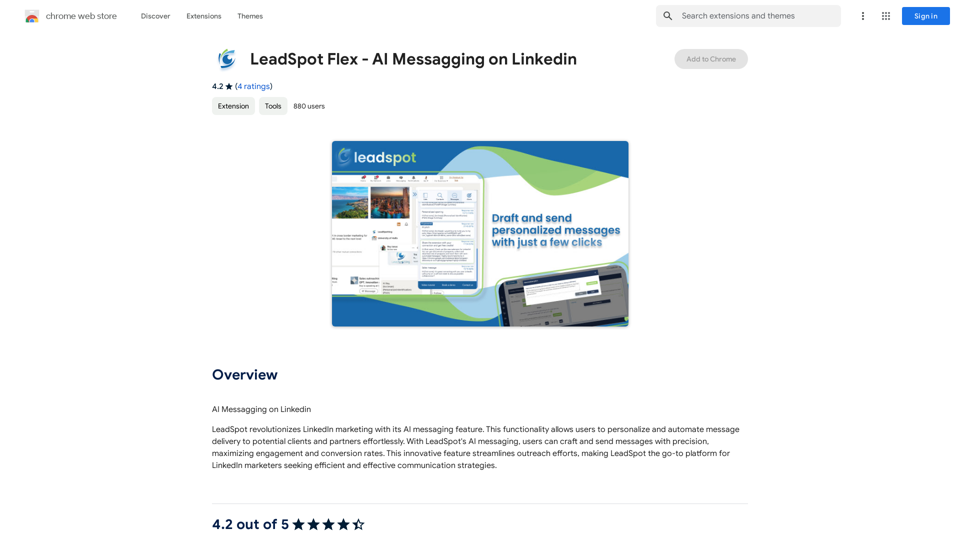
AI Messaging on LinkedIn Let's explore the potential and pitfalls of using AI for messaging on LinkedIn. Potential Benefits: * Increased Efficiency: AI can automate repetitive tasks like sending personalized connection requests or follow-up messages, freeing up your time for more strategic activities. * Improved Targeting: AI algorithms can analyze user profiles and identify potential connections based on shared interests, industry, or other relevant criteria. * Enhanced Personalization: AI can help craft personalized messages that resonate with individual recipients, increasing the likelihood of engagement. * Data-Driven Insights: AI can track message performance and provide insights into which messages are most effective, allowing you to refine your approach. Potential Pitfalls: * Lack of Authenticity: Overly generic or robotic messages can come across as impersonal and insincere, damaging your professional reputation. * Ethical Concerns: Using AI to manipulate or deceive users on LinkedIn raises ethical questions about transparency and consent. * Technical Limitations: Current AI technology may struggle to understand nuanced conversations or respond appropriately to complex queries. * Spam and Abuse: Malicious actors could exploit AI to send spam messages or engage in other harmful activities on LinkedIn. Best Practices: * Use AI as a Tool, Not a Replacement: Leverage AI to enhance your messaging, but always maintain human oversight and authenticity. * Prioritize Quality over Quantity: Focus on sending personalized messages to a targeted audience rather than mass-sending generic content. * Be Transparent: Disclose when you are using AI to assist with your messaging, and respect user preferences for communication. * Stay Informed: Keep up-to-date on the latest developments in AI ethics and best practices for using AI on LinkedIn.
193.90 M
Boost your writing. Get answers to complex questions. Generate any content. Summarize and Paraphrase. Powered by GPT-4, ChatGPT.
193.90 M
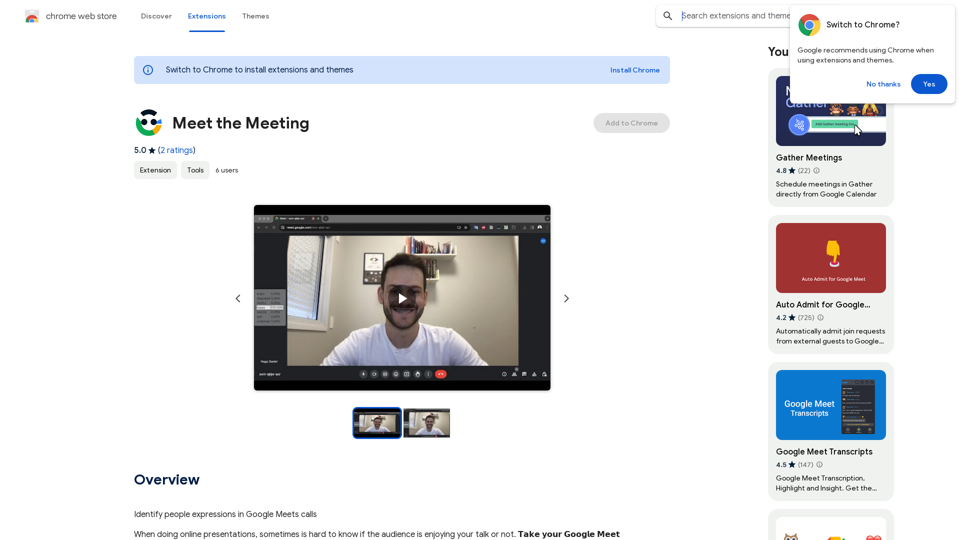
Identifying People Expressions in Google Meets Calls This is a complex task with several challenges: * Technical Limitations: Google Meets doesn't currently offer an API to directly access facial expressions of participants. * Privacy Concerns: Analyzing facial expressions raises significant privacy issues. Users should have control over whether their expressions are being tracked and used. * Accuracy: Even with access to facial data, accurately interpreting expressions can be difficult due to variations in lighting, angles, and individual differences. Possible Approaches (with limitations): * User-Submitted Data: Participants could manually indicate their emotions during the call, which could be collected and analyzed. This relies on user honesty and may not capture subtle expressions. * Third-Party Tools: Some external tools might analyze video feeds and attempt to detect expressions. However, their accuracy and privacy practices should be carefully evaluated. * Future Developments: Google or other companies might develop features that allow for more ethical and accurate expression analysis in the future. It's important to remember that facial expressions are just one aspect of communication, and relying solely on them can be misleading.
193.90 M
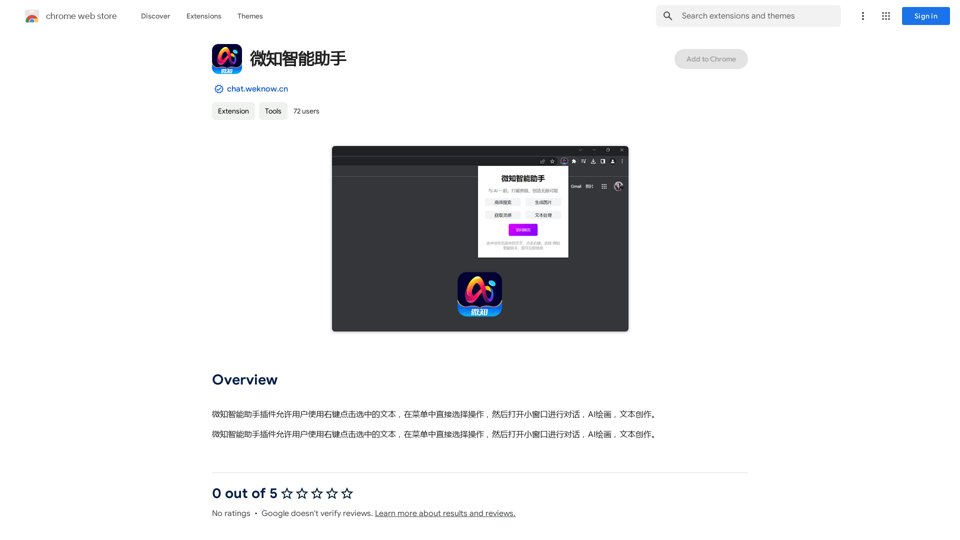
The Wechat Intelligent Assistant plugin allows users to right-click on selected text, choose an operation from the menu, and then open a small window for conversation, AI drawing, and text creation.
193.90 M
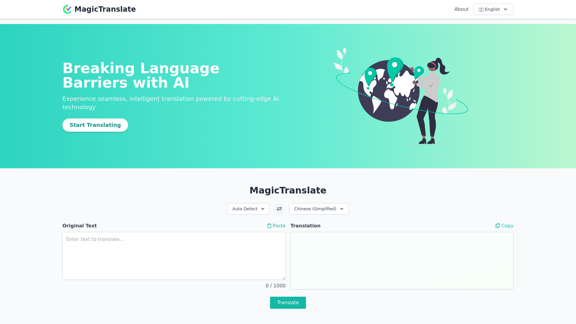
MagicTranslate - AI-Powered Translation - MagicTranslate
MagicTranslate - AI-Powered Translation - MagicTranslateExperience seamless, intelligent translation powered by cutting-edge AI technology with MagicTranslate.
0
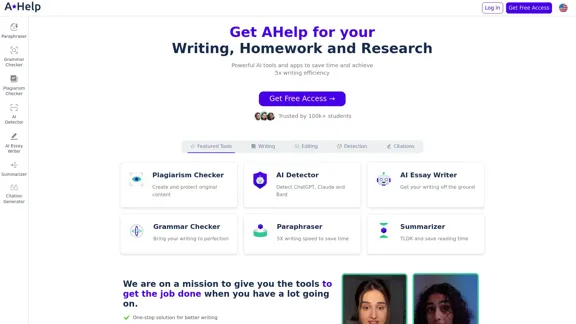
AHelp: Ultimate Hub of Educational and AI Writing Tools
AHelp: Ultimate Hub of Educational and AI Writing ToolsAHelp: Your essential toolkit for study, homework and research. Our platform offers various tools to make homework, assignments and essay writing easier.
99.04 K