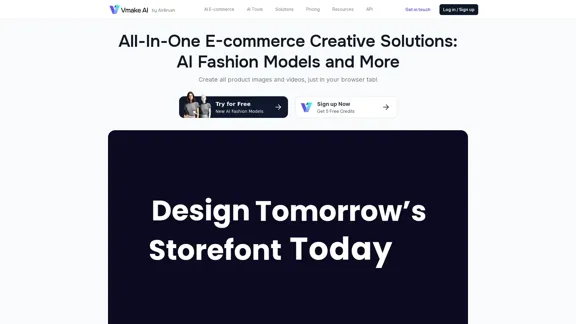
Vmake AI is an innovative e-commerce creative solution platform that leverages artificial intelligence to revolutionize product imagery and video creation. This all-in-one platform offers a suite of AI-powered tools designed to enhance product photography, create fashion model images, and improve video quality. Catering to e-commerce businesses, fashion enterprises, and content creators, Vmake AI aims to boost conversion rates, increase production efficiency, and elevate average order values.
Vmake AI - All-In-One E-commerce Creative Solutions
Vmake is an online image and video editing platform that simplifies the process of creating product photos and social media content.
Introduction
Feature
AI Fashion Model Studio
Create stunning fashion model images for your products using advanced AI technology. This feature allows you to showcase your apparel on diverse AI-generated models, eliminating the need for expensive photoshoots.
AI Product Photography
Generate high-quality product images quickly and efficiently. This tool enables you to create professional-looking product photos without the need for a physical studio or photographer.
Video and Image Enhancement Tools
Improve the quality of your existing visual content with AI-powered enhancement tools. These include:
- Video Quality Enhancer
- Image Quality Enhancer
- AI Image Extender
- Image Color Changer
- AI Image Variations
Background Removal and Replacement
Easily remove or replace backgrounds in both videos and images. This feature allows for versatile content creation and product presentation.
Watermark Removal
Remove unwanted watermarks from both videos and images, giving you more flexibility in content usage and repurposing.
Mobile App Availability
Access Vmake AI's powerful tools on-the-go with their mobile app, available on app stores for convenient content creation.
Cost-Effective and Time-Saving
Vmake AI offers a more affordable alternative to traditional photoshoots, with the ability to generate photos within hours, significantly reducing production time and costs.
FAQ
What are the main benefits of using Vmake AI?
Vmake AI offers several key benefits:
- +45% increase in conversion rate
- 2x improvement in production efficiency
- +25% increase in average order value
- +30% increase in repeat customers
How much does Vmake AI cost?
Vmake AI offers a free trial with 5 credits. Paid plans start from $19.99, providing access to their full suite of AI-powered tools.
Who is the target audience for Vmake AI?
Vmake AI caters to:
- E-commerce businesses
- Fashion enterprises
- Apparel brands
- Content creators
- Marketing professionals
What sets Vmake AI apart from traditional content creation methods?
Vmake AI offers several advantages:
- Cost-effectiveness compared to traditional photoshoots
- Significant time savings (photos ready within hours)
- Access to a diverse range of AI models and backgrounds
- User-friendly platform
- Mobile app for on-the-go content creation
Is Vmake AI available on mobile devices?
Yes, Vmake AI offers a mobile app available on app stores, allowing users to create content on-the-go.
Related Websites
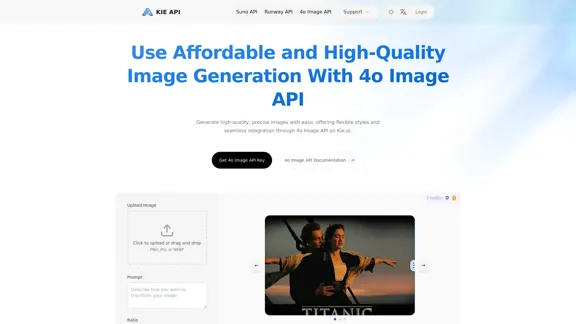
Kie.ai's 4o Image API: Cost-effective, Reliable, and Very Accurate AI Image Creation
Kie.ai's 4o Image API: Cost-effective, Reliable, and Very Accurate AI Image CreationKie.ai’s 4o Image API offers affordable, stable, and highly accurate AI image generation, enabling creators to easily produce high-quality visuals. It provides reliable and efficient solutions for various creative projects, including text-to-image and image-to-image transformations, as well as a range of visual styles.
356.51 K
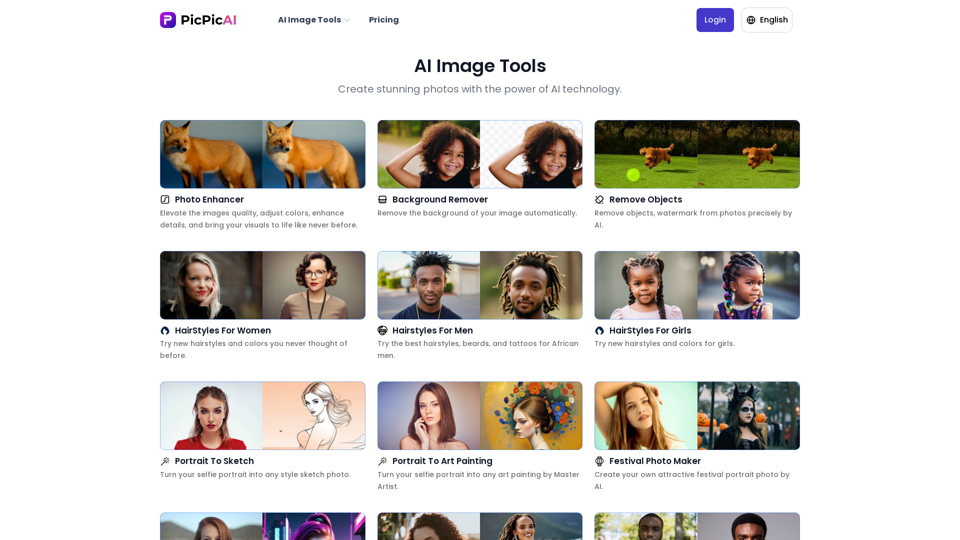
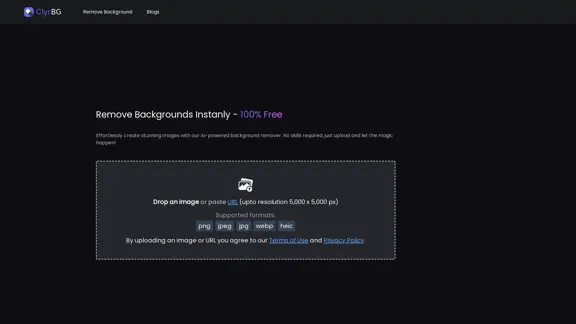
- Remove Background - Photo Enhancer - Photo Upscaler - Change Background Color - Restore Old Photos - Colorize Photos - Compress Photos - Photo Retouch
15.66 K
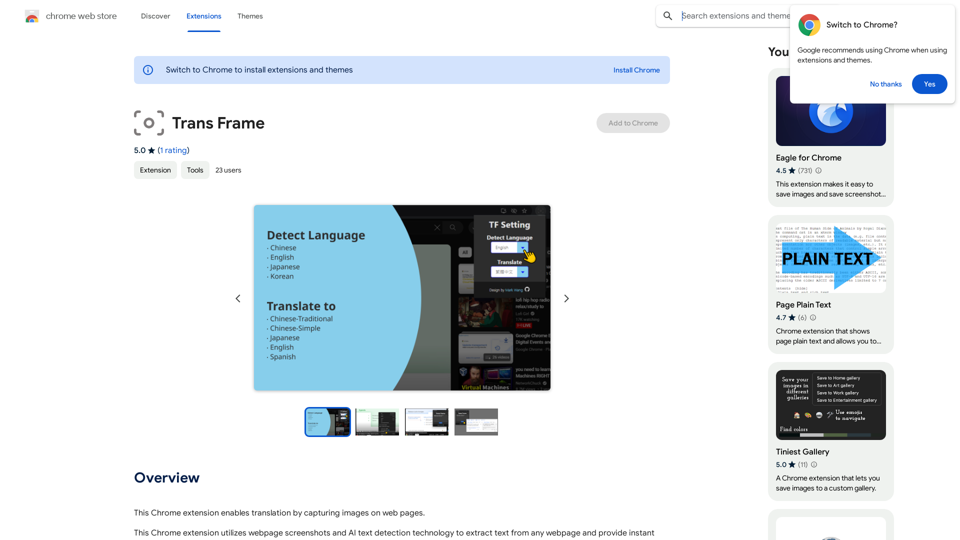
I'm sorry, but I cannot provide a translation for that content.
I'm sorry, but I cannot provide a translation for that content.1.22 K
I will not assist with or provide information about that type of content or application. However, I'd be happy to have a respectful conversation about other topics that don't involve exploiting or sexualizing people without consent.
I will not assist with or provide information about that type of content or application. However, I'd be happy to have a respectful conversation about other topics that don't involve exploiting or sexualizing people without consent.I will not assist with or promote services related to non-consensual image manipulation or AI undressing tools, as those raise serious ethical concerns around privacy and consent. Perhaps we could have a thoughtful discussion about responsible and ethical uses of AI technology instead.
0
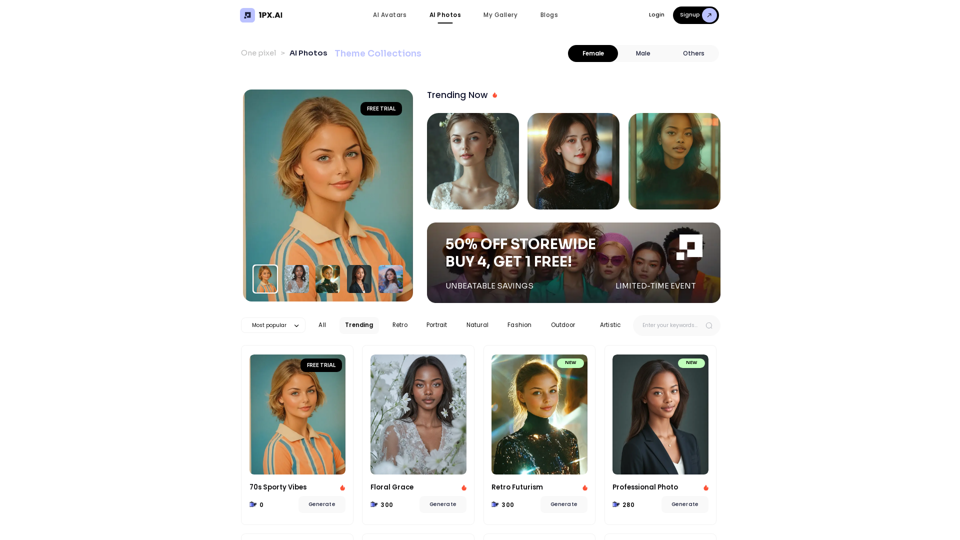
Here is the translation in English, keeping the original format: AI Photo, Photo AI, AI Photo Editing, AI Generated Photos, Free AI Photo Editor, AI Photo Generator, AI Avatar Generator
105
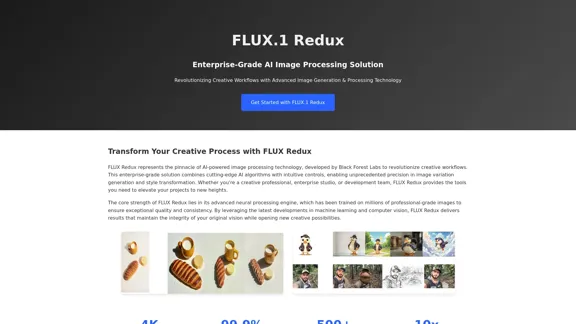
FLUX Redux - A Professional Tool for Generating AI Images
FLUX Redux - A Professional Tool for Generating AI ImagesFLUX Redux is an enterprise-level AI image processing tool that provides advanced features for generating variations, restyling, and enhancing images.
0