Text&Writing
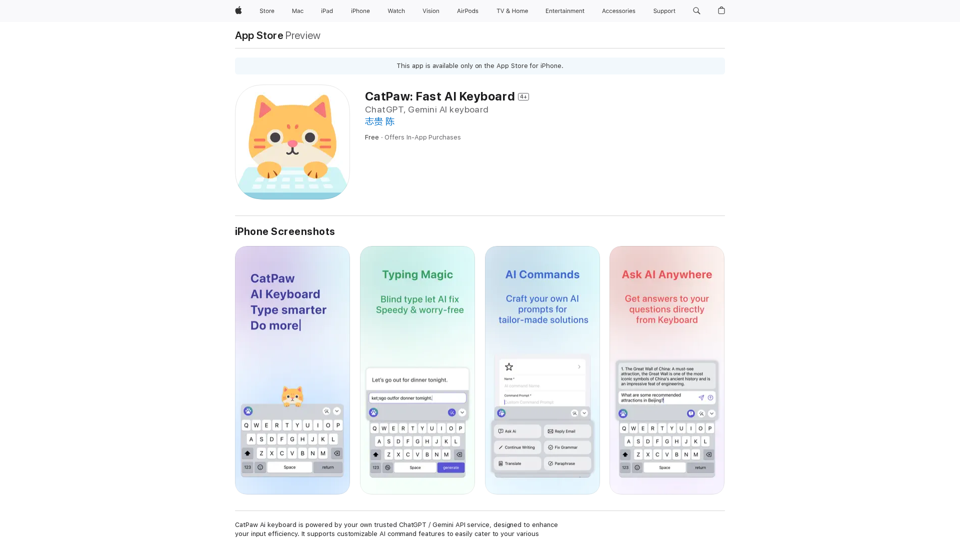
The CatPaw Ai keyboard is powered by your own trusted ChatGPT / Gemini API service, designed to enhance your input efficiency. It supports customizable AI commands for a more personalized experience.
124.77 M
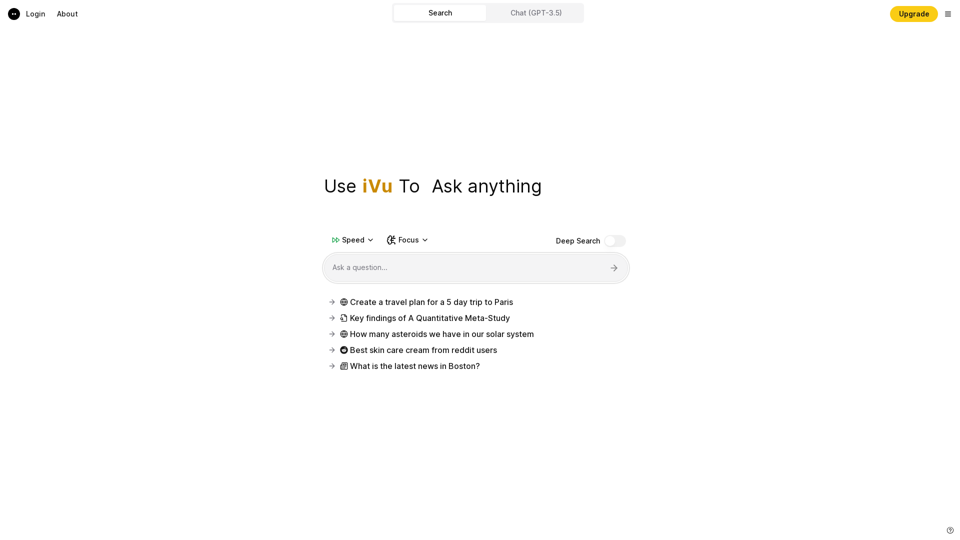
iVu.AI - Intelligent Search Engine Powered by Artificial Intelligence - iVu.AI
iVu.AI - Intelligent Search Engine Powered by Artificial Intelligence - iVu.AIAn AI-powered search engine
0
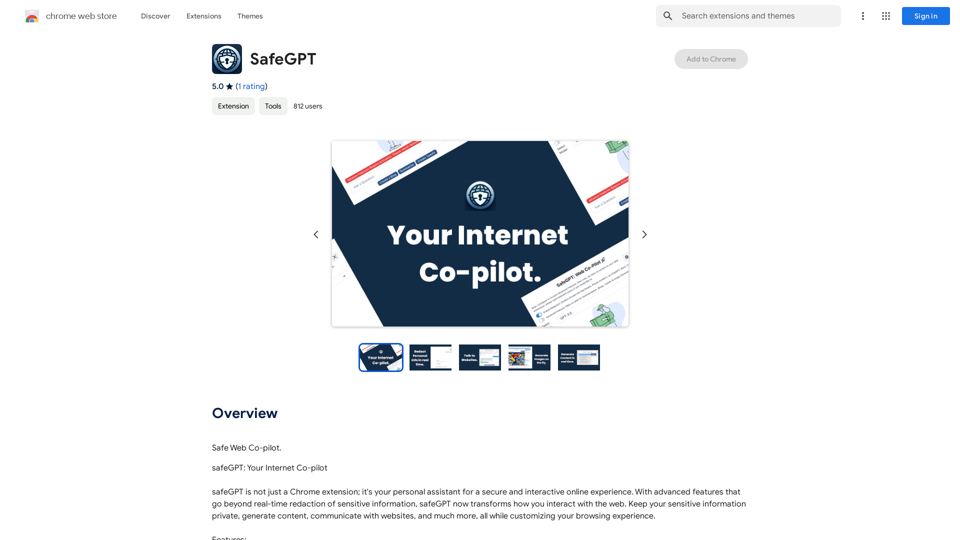
SafeGPT =============== SafeGPT is an AI model designed to generate human-like text while avoiding harmful or toxic content. It is trained on a massive dataset of text from the internet and can understand and respond to user input in a conversational manner. SafeGPT is capable of generating text on a wide range of topics, from simple questions to complex discussions, and can even create stories, dialogues, and more. Key Features: * Harmless responses: SafeGPT is designed to avoid generating harmful or toxic content, making it a safe and reliable tool for users of all ages. * Conversational understanding: SafeGPT can understand and respond to user input in a conversational manner, making it feel more like a human-like interaction. * Creative freedom: SafeGPT can generate text on a wide range of topics, from simple questions to complex discussions, and can even create stories, dialogues, and more. * Continuous learning: SafeGPT is constantly learning and improving its responses based on user feedback, ensuring that it becomes more accurate and helpful over time. Use Cases: * Chatbots and virtual assistants: SafeGPT can be used to power chatbots and virtual assistants, providing users with a safe and reliable way to interact with machines. * Content generation: SafeGPT can be used to generate content for websites, social media, and other platforms, helping to reduce the workload of content creators. * Language learning: SafeGPT can be used to help language learners practice their conversational skills, providing them with a safe and interactive way to improve their language abilities. Benefits: * Improved safety: SafeGPT's ability to avoid generating harmful or toxic content makes it a safer tool for users of all ages. * Increased creativity: SafeGPT's ability to generate text on a wide range of topics and in various styles makes it a valuable tool for content creators and language learners. * Enhanced user experience: SafeGPT's conversational understanding and ability to respond in a human-like manner make it a more enjoyable and interactive tool for users.
SafeGPT =============== SafeGPT is an AI model designed to generate human-like text while avoiding harmful or toxic content. It is trained on a massive dataset of text from the internet and can understand and respond to user input in a conversational manner. SafeGPT is capable of generating text on a wide range of topics, from simple questions to complex discussions, and can even create stories, dialogues, and more. Key Features: * Harmless responses: SafeGPT is designed to avoid generating harmful or toxic content, making it a safe and reliable tool for users of all ages. * Conversational understanding: SafeGPT can understand and respond to user input in a conversational manner, making it feel more like a human-like interaction. * Creative freedom: SafeGPT can generate text on a wide range of topics, from simple questions to complex discussions, and can even create stories, dialogues, and more. * Continuous learning: SafeGPT is constantly learning and improving its responses based on user feedback, ensuring that it becomes more accurate and helpful over time. Use Cases: * Chatbots and virtual assistants: SafeGPT can be used to power chatbots and virtual assistants, providing users with a safe and reliable way to interact with machines. * Content generation: SafeGPT can be used to generate content for websites, social media, and other platforms, helping to reduce the workload of content creators. * Language learning: SafeGPT can be used to help language learners practice their conversational skills, providing them with a safe and interactive way to improve their language abilities. Benefits: * Improved safety: SafeGPT's ability to avoid generating harmful or toxic content makes it a safer tool for users of all ages. * Increased creativity: SafeGPT's ability to generate text on a wide range of topics and in various styles makes it a valuable tool for content creators and language learners. * Enhanced user experience: SafeGPT's conversational understanding and ability to respond in a human-like manner make it a more enjoyable and interactive tool for users.Safe Web Co-pilot
193.90 M
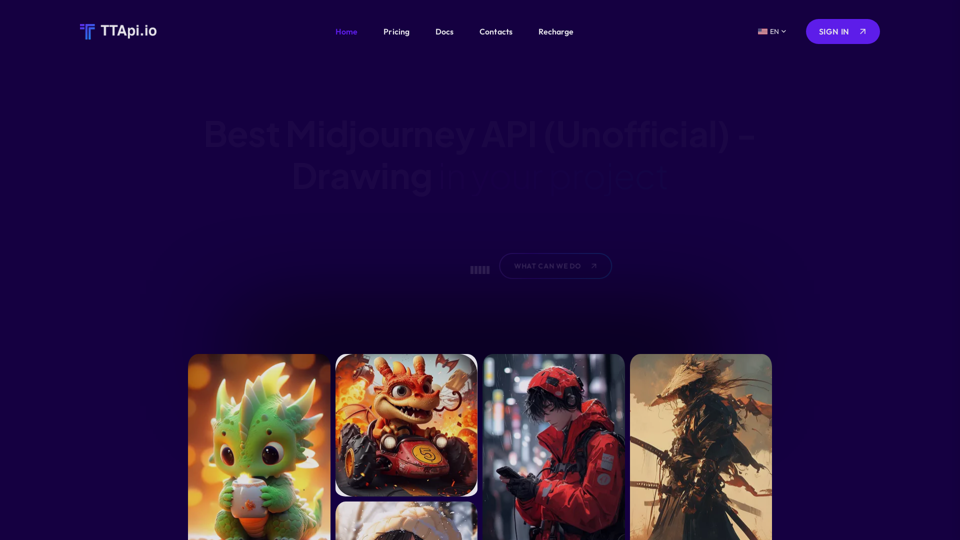
Affordable Midjourney API Integration - Best Deals & Packages | ttapi.io
Affordable Midjourney API Integration - Best Deals & Packages | ttapi.ioDiscover affordable Midjourney API integration, best buy packages, and cheap plans. Get reliable Midjourney API services and solutions at ttapi.io today!
9.78 K

Toolquix: Elevate your social media presence with our comprehensive SMM panel. Access likes, followers, shares, and more for Instagram, Facebook, Twitter, YouTube, TikTok, and Telegram. Trusted by thousands for fast, reliable, and high-quality social media services.
0
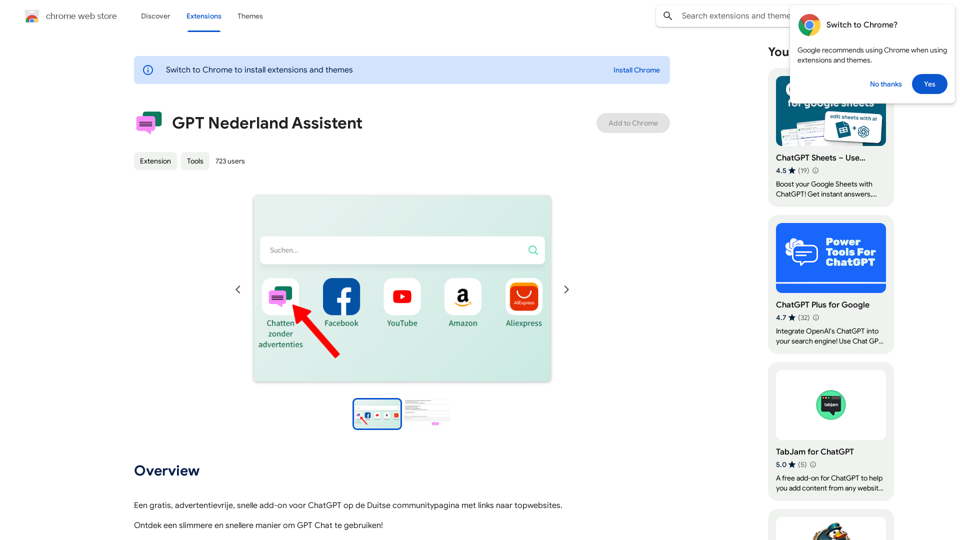
A free, ad-free, fast add-on for ChatGPT on the German community page with links to top websites.
193.90 M
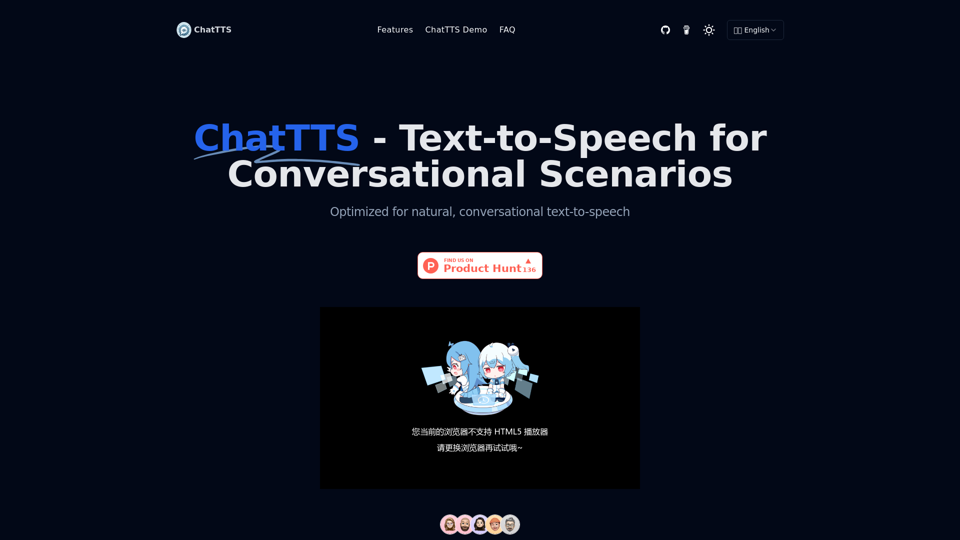
ChatTTS is a voice generation model on GitHub at 2noise/chattts. Chat TTS is specifically designed for conversational scenarios. It is ideal for applications such as dialogue tasks for large language model assistants, as well as conversational audio and video introductions. The model supports both Chinese and English, demonstrating high quality and naturalness in speech synthesis. This level of performance is achieved through training on approximately 100,000 hours of Chinese and English data. Additionally, the project team plans to open-source a basic model trained with 40,000 hours of data, which will aid the academic and developer communities in further research and development.
23.26 K